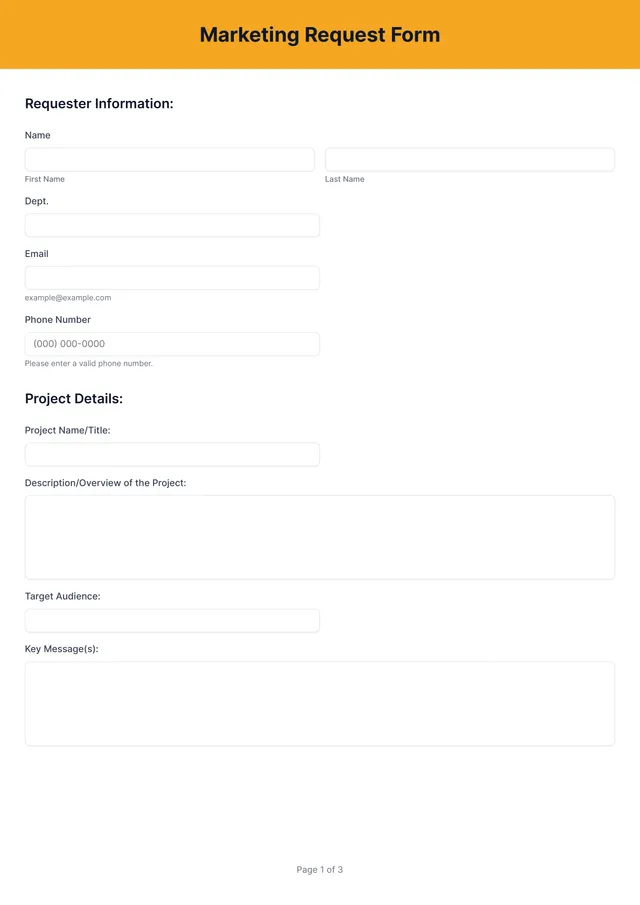
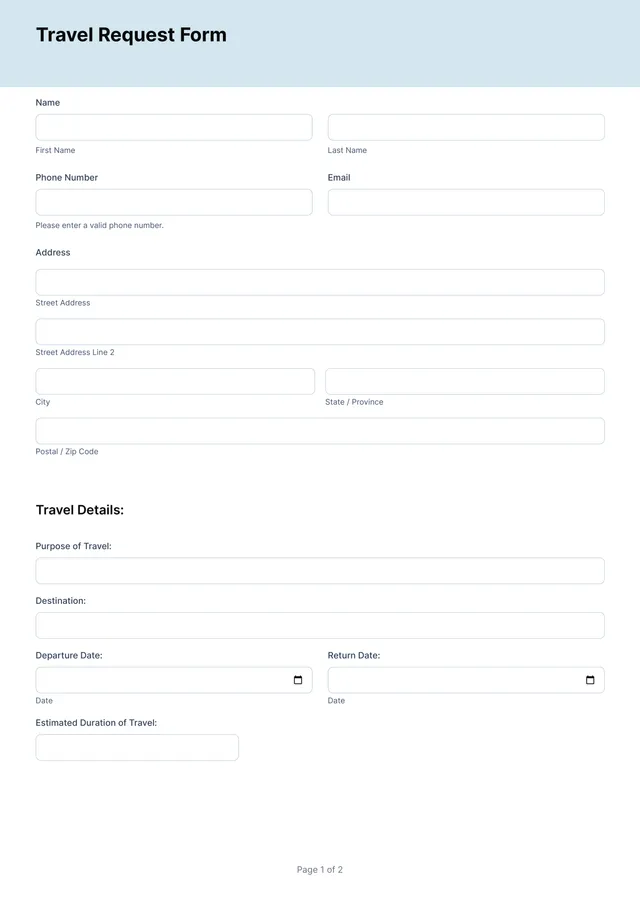
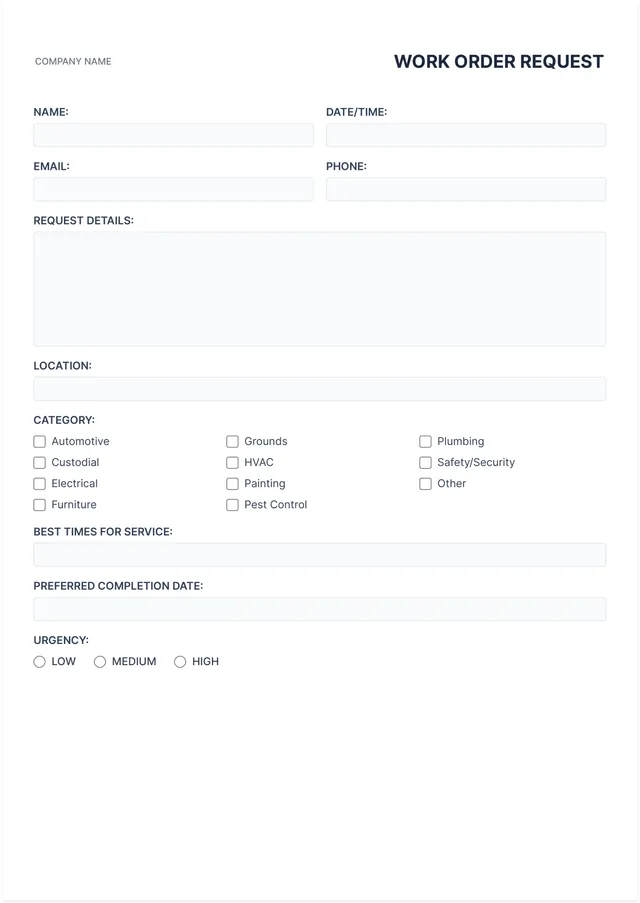
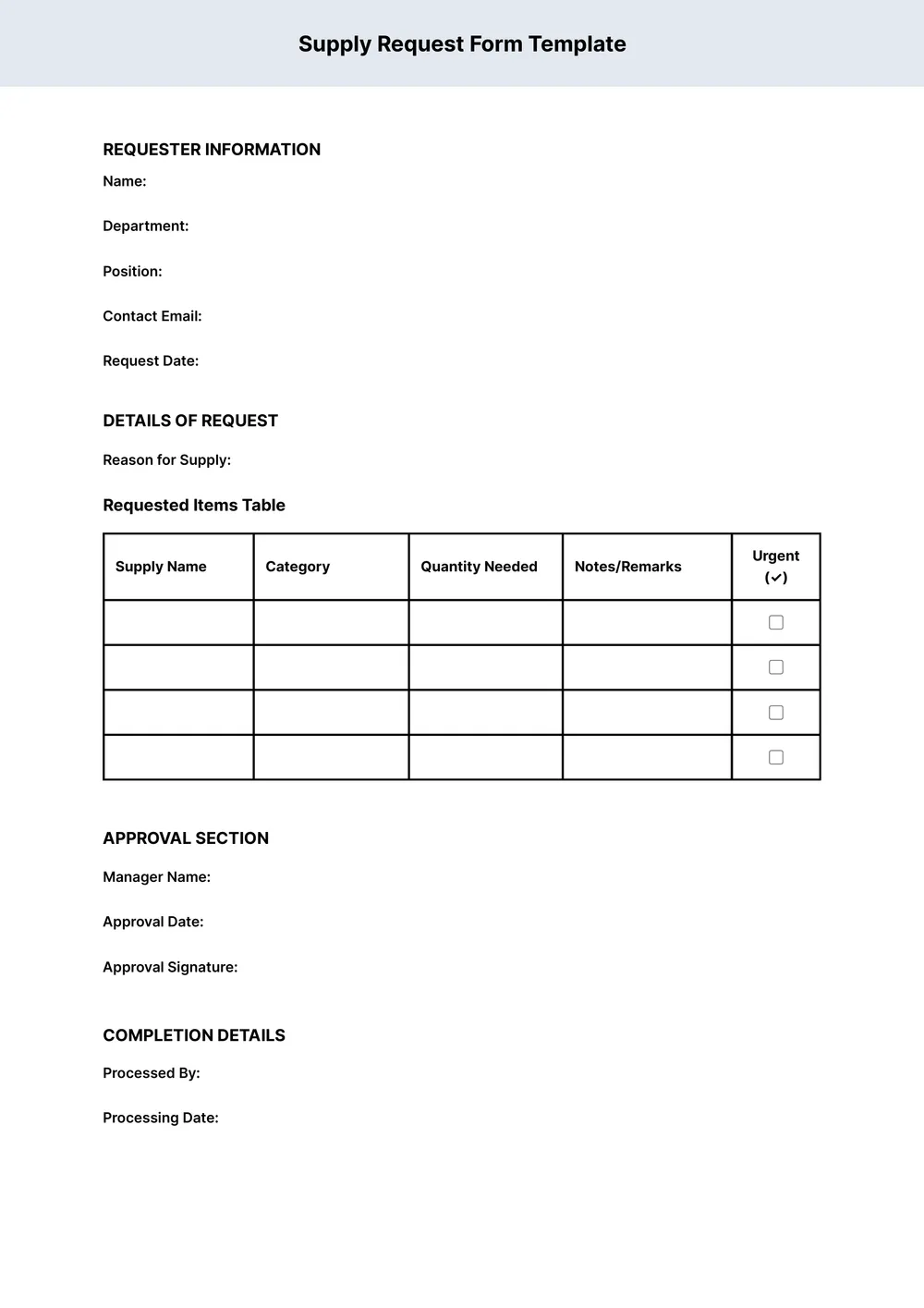
Supply Request Form Template
About supply request form templates
A supply request form can often feel complicated and overwhelming, especially if you need to track multiple requests or ensure everyone has what they need. Our template takes away that hassle; you’ll find a clean layout designed for quick filling and easy edits. One standout feature of our template is the clear labeling of fields, making sure you never miss a crucial detail.
You can start with a blank template and personalize it according to your needs. Plus, having a sample of what a completed form looks like gives you a clear visual guide as you fill out your own. We’ve analyzed the necessary fields and included them in our template to help streamline your process, simplify tracking, and ultimately reduce stress.
Download your first file for free. To continue using PDF Guru, choose one of our subscription plans.
Frequently asked questions
What is a supply request form template?

A supply request form template is a document that helps manage the ordering of materials or items needed in an organization. This template typically includes an outline of key details, such as the item name, quantity, and purpose. By using this type of template, you can ensure accurate and efficient requests, making it easier to track what supplies are needed and enhancing communication among team members.
When should I use a supply request form template?
If you're wondering when to use a supply request form template, here are some situations to consider:
- When starting a new project that requires specific materials;
- At the beginning of a new school term for classroom supplies;
- During a company event to gather necessary items;
- Monthly inventory restocks to keep operations smooth;
- Anytime you need an editable way to organize supply needs.
What information do I need to fill out in a supply request form template?
To fill out a supply request form template, include your name, department, date, item description, quantity needed, and reason for the request. You can edit these fields as required. Providing accurate information helps in timely processing of your request.
How to edit a supply request form template?
- Click on 'Use Template' to open the supply request form.
- The template will load in the PDF editor with placeholder fields.
- Fill in the fields with the required information; modify anything as needed.
- Once you're satisfied, click 'Done' to download your filled form.
- Your edited supply request form will also be saved in your account for future use.
Who can use a supply request form template?
A supply request form template can be beneficial for offices, schools, nonprofits, and businesses of all sizes. Anyone involved in managing supplies or inventory—including managers, administrative staff, and budget coordinators—can use this template to simplify their procurement process and maintain efficient operations.
Can I download the supply request form template as a PDF or in other formats?
Yes, you can download the supply request form template as a PDF or in other formats like Word, Excel, PowerPoint, PNG, or JPG. This means your template will be printable and ready for any of your needs. Choose the format that suits you best and start working!
How can I ensure my supply request form is clear and effective?
To make your supply request form clear and effective, focus on using simple, direct language; label each field clearly; provide examples if necessary; and make sure to include all required information. Testing the form with potential users can also help identify any confusion before finalizing it.
What details do I need to include in my supply request form?
For your supply request form, include key details like the item name, quantity needed, your contact information, and any special instructions. Stay clear and specific to help fulfill your request quickly. Remember, the more precise you are, the easier it will be to get what you need.
How do I cancel PDF Guru?
You can cancel your active plan from your PDF Guru account settings, or contact support and ask them to cancel the subscription for you. Account access stays in place until the billing period you already paid for comes to an end.