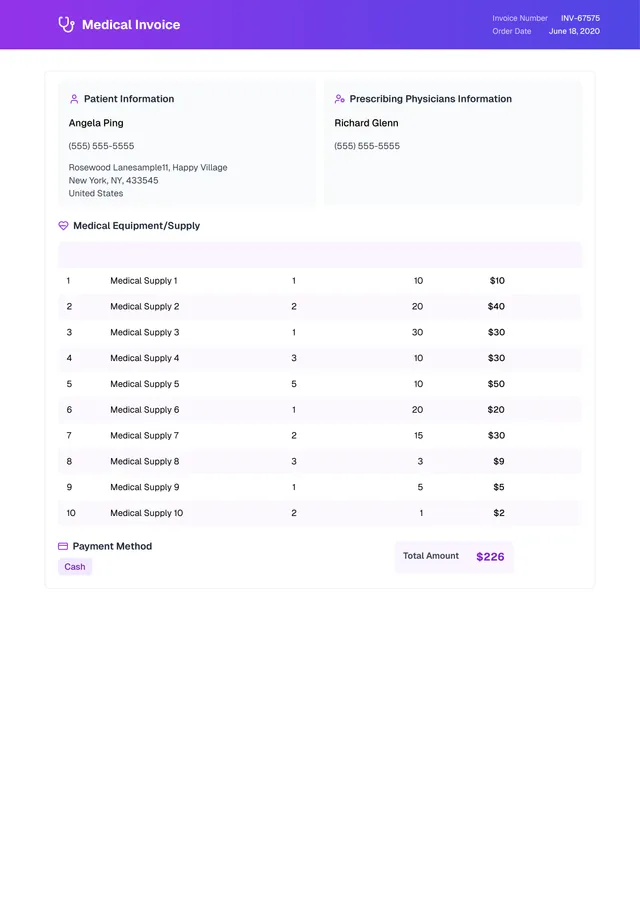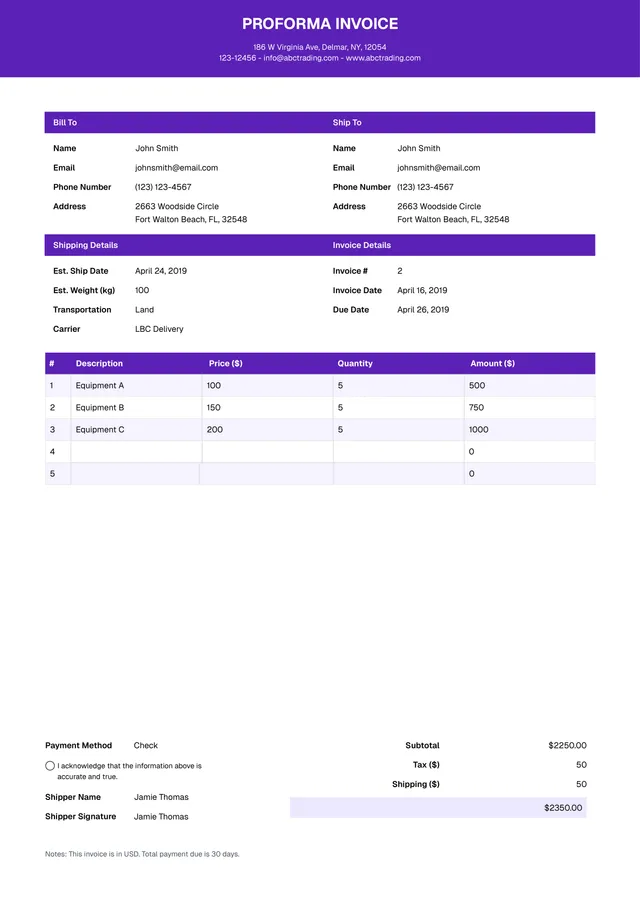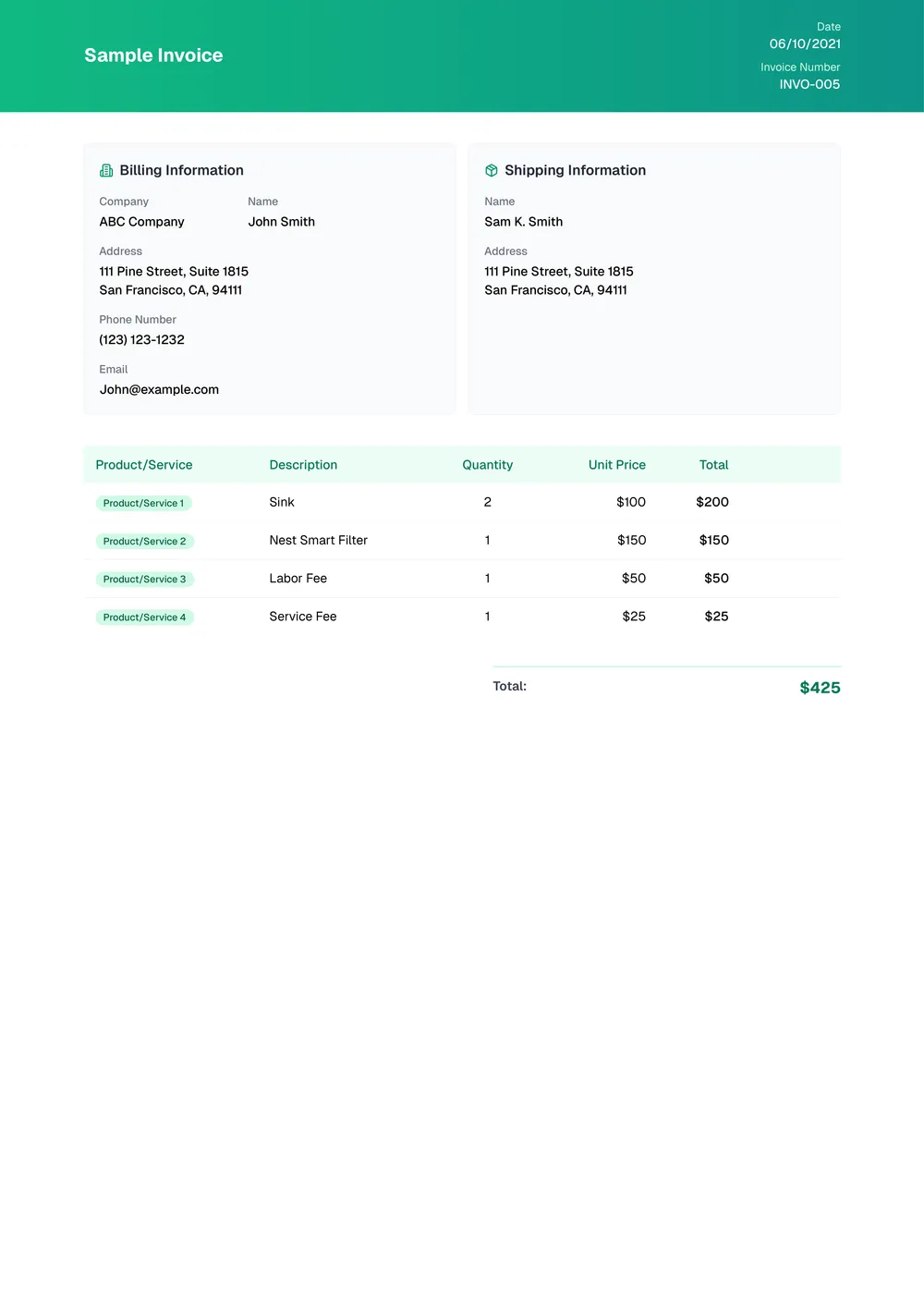
About sample invoice templates
Searching for the right way to create invoices can feel daunting. Time-consuming and confusing, many templates don't give you what you need. With our sample invoice template, you can fill in the necessary fields and have a polished document in minutes. It takes the guesswork out of invoicing, helping you focus on your work instead of paperwork.
What sets our templates apart is the practical layout designed for easy productivity. Every blank invoice gives you space for your business name, client details, and itemized pricing, making it easier to capture essential information quickly. We've carefully analyzed and included useful fields to guide you through each step, all to help you deliver professional-looking invoices without hassle.
Download your first file for free. To continue using PDF Guru, choose one of our subscription plans.
Frequently asked questions
What is a sample invoice template?

A sample invoice template is a document that provides an outline for billing services or products. It typically includes sections for your company information, customer details, items sold, prices, and payment terms. This template helps you organize and present your charges in a clear manner, making it easier to communicate with clients and track payments. It's a useful tool for both small businesses and freelancers.
When should I use a sample invoice template?
When you're managing your billing process, consider using an editable sample invoice template in the following situations:
- When starting a new business and needing initial paperwork
- When providing services or selling products
- At the end of a project to bill clients
- To maintain a record of transactions
- When preparing for tax season and needing organized documents
What information is found in a sample invoice template?
A sample invoice template usually includes the seller’s and buyer’s contact details, invoice number, date, item descriptions, quantities, prices, taxes, and total amount due. You can edit the template to match your business needs and keep it organized for future use.
How to edit the sample invoice template?
- Click on the 'Use Template' button for the sample invoice.
- A blank version will open in the PDF editor.
- Fill in the necessary fields, which might include your information, item details, and pricing.
- Once finished, click 'Done' to download your edited invoice.
- Your completed invoice will also be saved in your account for future use.
Who can use a sample invoice template?
Any business owner, freelancer, or contractor can use a sample invoice template. It’s perfect for anyone needing to bill clients, track payments, or maintain records. Whether you’re a creative professional, service provider, or sell products, this template fits your invoicing needs.
Can I download the sample invoice template as a PDF or in another format?
Yes, you can download the sample invoice template in multiple formats, like PDF, Word, Excel, PowerPoint, PNG, or JPG. This means you can easily choose what works best for you, making it both a downloadable and printable solution for your needs.
Can I print my sample invoice template after filling it out?
Yes, you can print your filled-out sample invoice template. After you complete the necessary fields, just click 'Done' to download the invoice. You can then open the file and print it directly. Your completed invoice will also be saved in your account for future access.
Can I share my sample invoice template with others?
Yes, you can share your sample invoice template with others. Once you create and save it in your account, it's easy to send the template. Just download the template, then share it via email or another method, allowing others to use your prepared format.
How do I cancel PDF Guru?
You can cancel your active plan from your PDF Guru account settings, or contact support and ask them to cancel the subscription for you. Account access stays in place until the billing period you already paid for comes to an end.