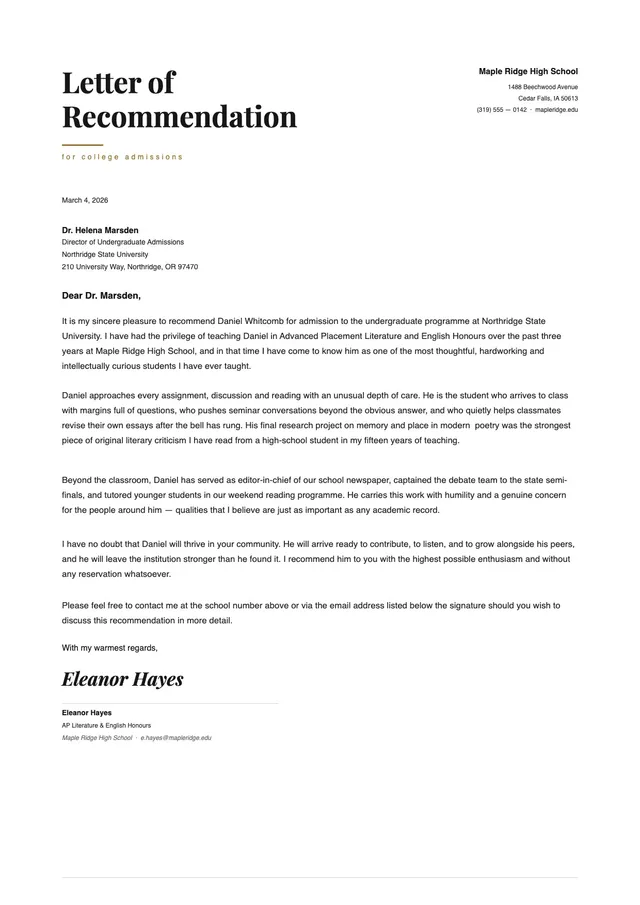
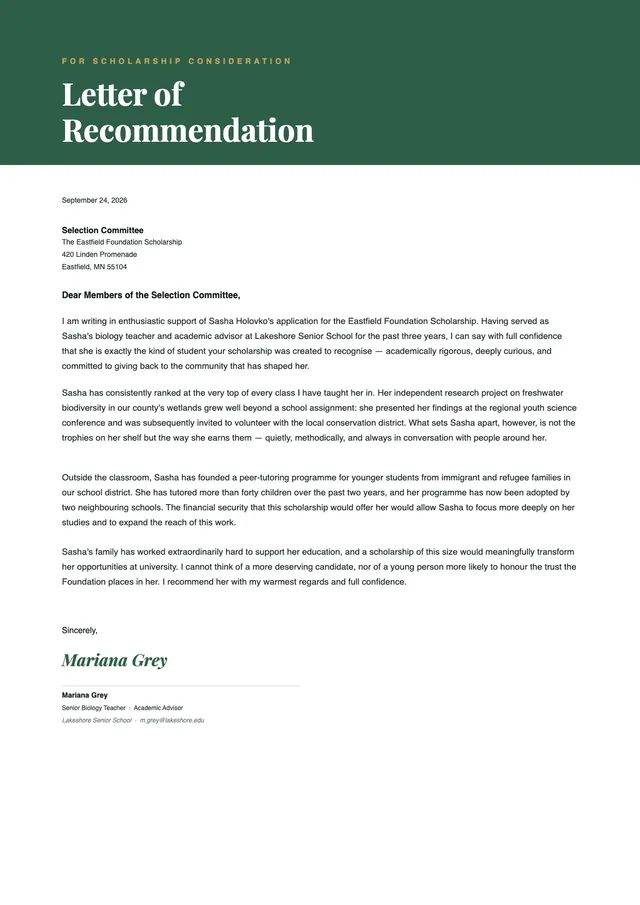
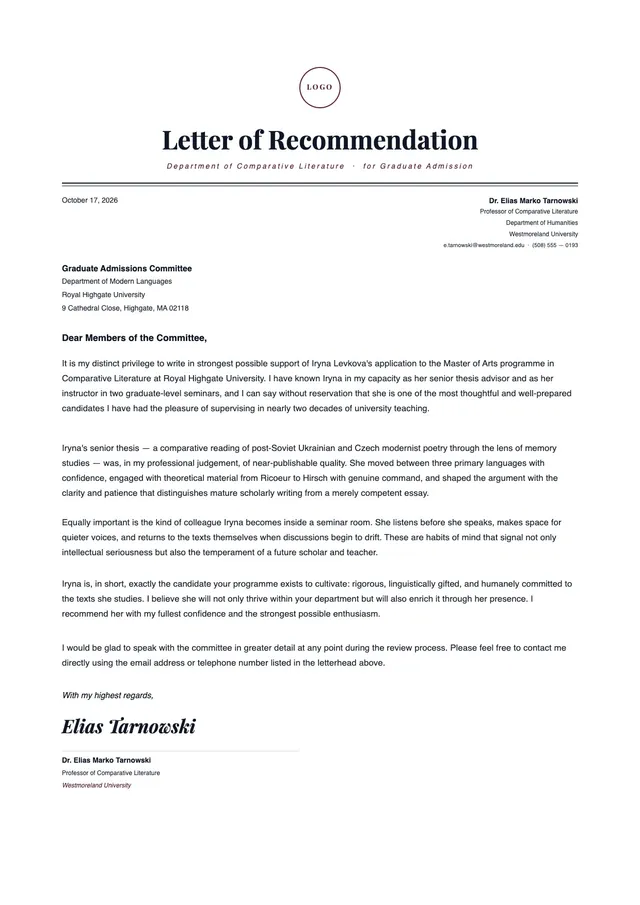
School Excuse Letter from Parents
About the school excuse letter from parents template
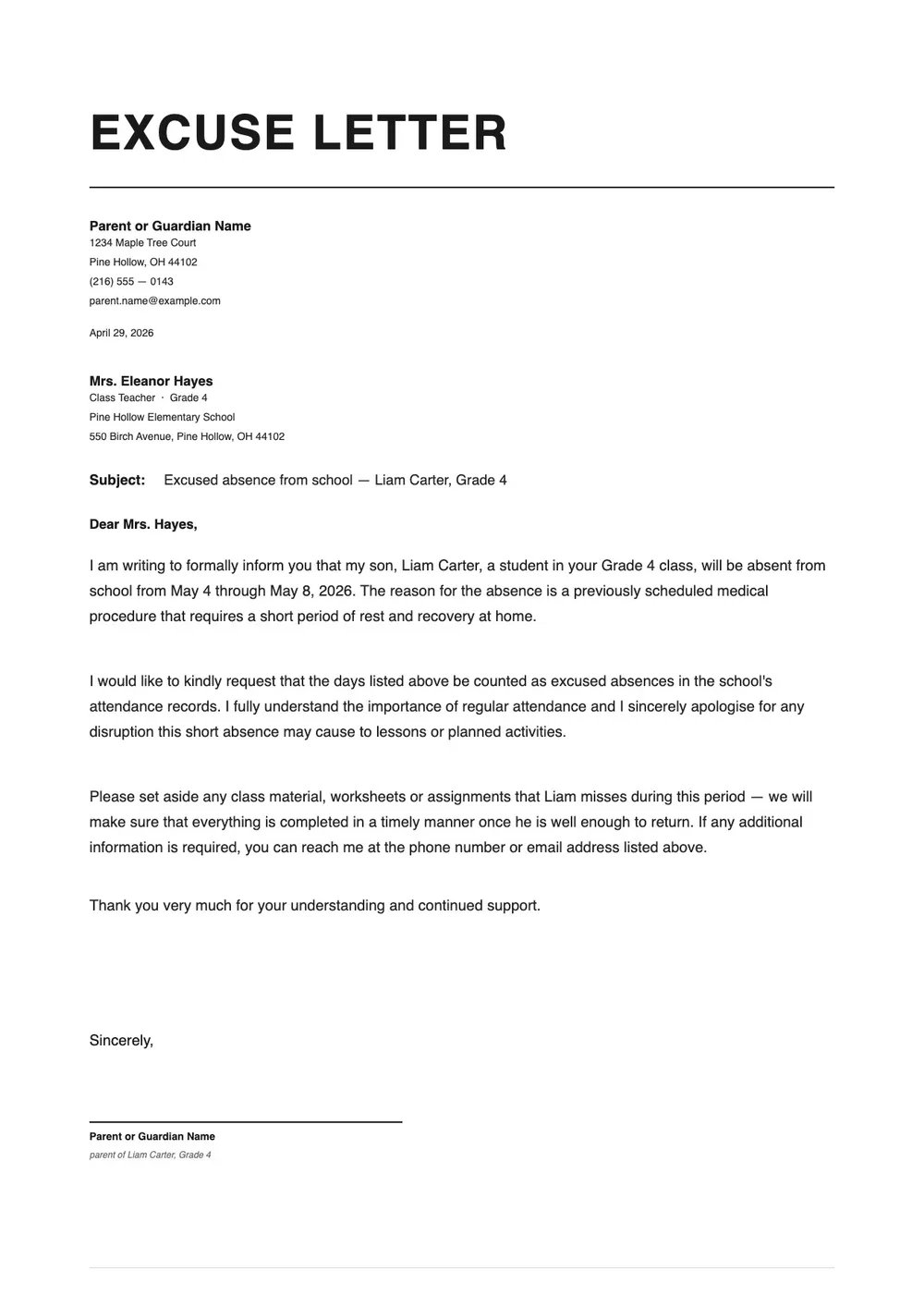
A school excuse letter from parents is a written note submitted to a teacher or school office to explain a student's absence, late arrival, or early dismissal. Schools typically require a written excuse from a parent or guardian after any unplanned absence, and some districts require a note even for planned absences such as family travel, medical appointments, or religious observances.
The letter confirms the student's name, the date or dates of absence, the reason, and the parent or guardian's contact information. Our template is straightforward and covers these standard fields without unnecessary length. All fields are editable in the PDF Guru editor so you can write the note quickly and print or send it before the next school day.
Download your first file for free. To continue using PDF Guru, choose one of our subscription plans.
Frequently asked questions
When should a parent send a school excuse letter?

Send this letter whenever your child misses school or needs to leave early, whether for illness, a medical or dental appointment, a family emergency, or a planned event like a trip or religious observance. Most schools require a written excuse note within a day or two of the absence.
What should a parent include in a school excuse letter?
Include the student's full name and class or grade, the date or dates of absence, a brief reason for the absence, and your name and contact information as the parent or guardian. You do not need to go into extensive detail about medical or personal reasons.
Do I need to include medical details in an absence note?
No. You can state that the absence was due to illness or a medical appointment without listing a diagnosis or medical details. Schools generally accept a general explanation. If the school requires documentation for extended absences, a doctor's note may be requested separately.
What formats can I download for this parent excuse letter?
After editing in PDF Guru, you can export the letter as PDF, DOC, XLSX, PPTX, JPG, or PNG. That lets you print a physical note, attach it to an email to the teacher, or upload it to a school communication platform.
How do I write and print this school excuse letter in PDF Guru?
Open the template in the PDF Guru editor, fill in your child's name, the relevant dates, and the reason for the absence. Add your name and contact details, review the note, and export it in the format you need. The process takes only a few minutes.
How do I cancel PDF Guru?
You can cancel your active plan from your PDF Guru account settings, or contact support and ask them to cancel the subscription for you. Account access stays in place until the billing period you already paid for comes to an end.