About the scope of work template
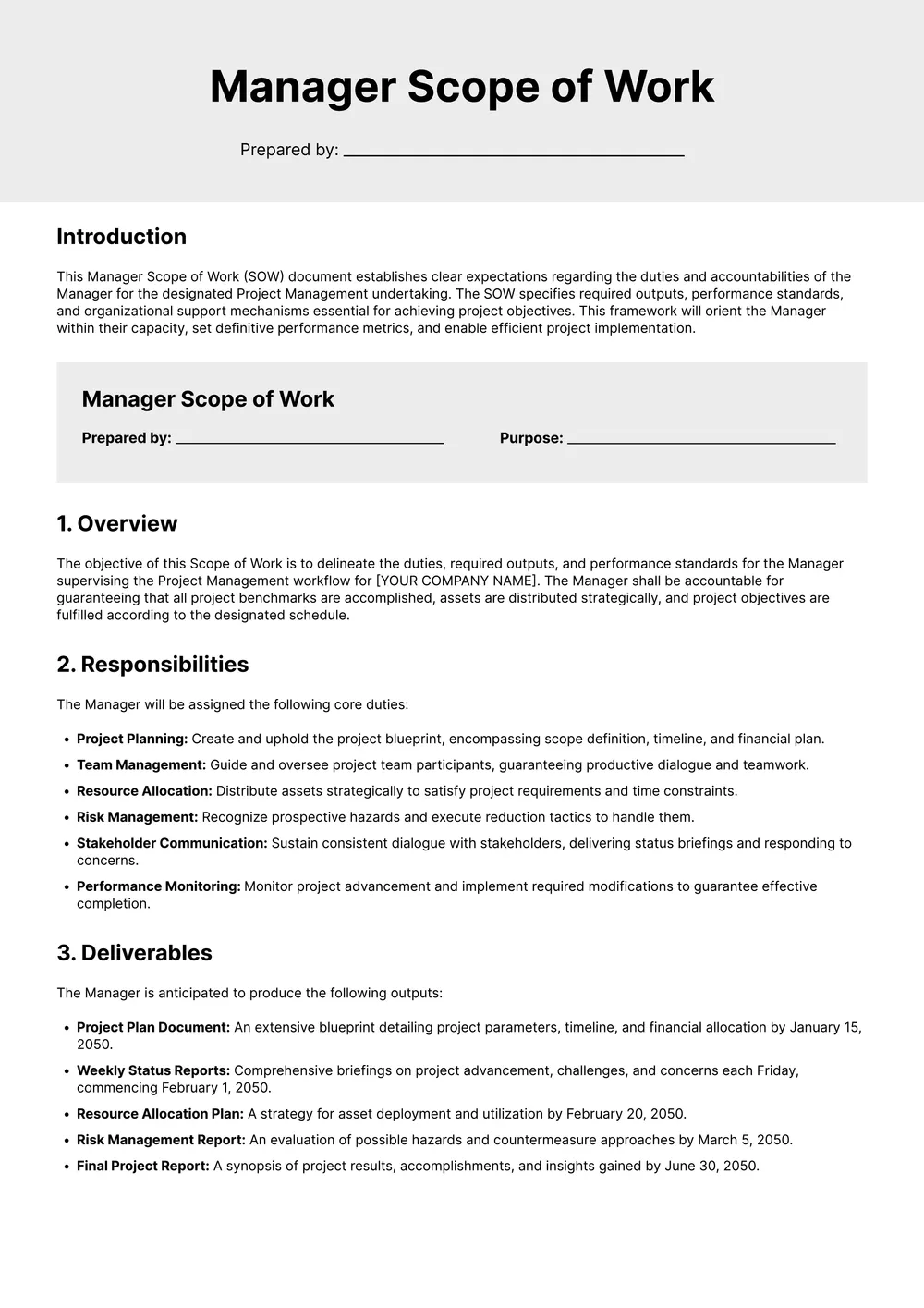
A scope of work (SOW) is a document that defines exactly what a contractor or vendor will deliver for a specific engagement, the timeline, and the payment terms. It is typically attached to a master services agreement (MSA) or a standalone contract and is most commonly used in consulting, IT and software development, construction, and creative services.
Our template includes sections for project background, objectives, deliverables, milestones and acceptance criteria, assumptions, out-of-scope items, schedule, and fees, all editable in the PDF Guru editor so you can tailor it to any engagement.
Download your first file for free. To continue using PDF Guru, choose one of our subscription plans.
Frequently asked questions
What kind of projects is this scope of work template best for?

This template is useful for freelance work, consulting, service agreements, agency projects, contractor jobs, and other engagements where the deliverables and timeline need to be spelled out clearly. It gives both sides one place to review what is included in the work.
Which scope of work sections can I customize?
You can edit the project summary, deliverables, milestones, schedule, fees, responsibilities, and notes. That makes it easy to adapt the template to different project sizes, service types, and approval workflows.
Can I use this scope of work template with a contract or proposal?
Yes. Many people use a scope of work alongside a proposal, service agreement, or contract so the job details stay organized in a separate document. You can shape the wording so it fits how you already present project terms to clients or vendors.
Can I download this scope of work template in different formats?
Yes. Once you finish editing the template in PDF Guru, you can export it as PDF, DOC, XLSX, PPTX, JPG, or PNG. That is helpful if you want one file for approval, another for continued edits, and another for printing or sharing.
How do I edit and sign the scope of work template in PDF Guru?
Open the template in the PDF Guru editor, fill in the work details, timeline, fees, and responsibilities, and adjust any section titles or wording you want to change. You can also add signature fields and review the formatting before saving. When it is ready, export it in the format you need and send it for review or signing.
How do I cancel PDF Guru?
You can cancel your active plan from your PDF Guru account settings, or contact support and ask them to cancel the subscription for you. Account access stays in place until the billing period you already paid for comes to an end.