Simple Painting Estimate Template
About the simple painting estimate template
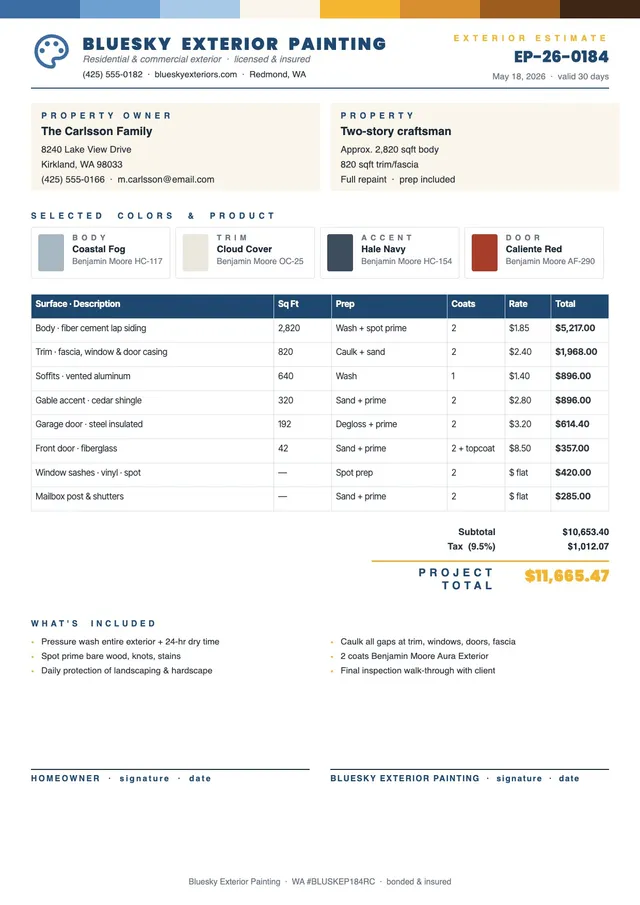
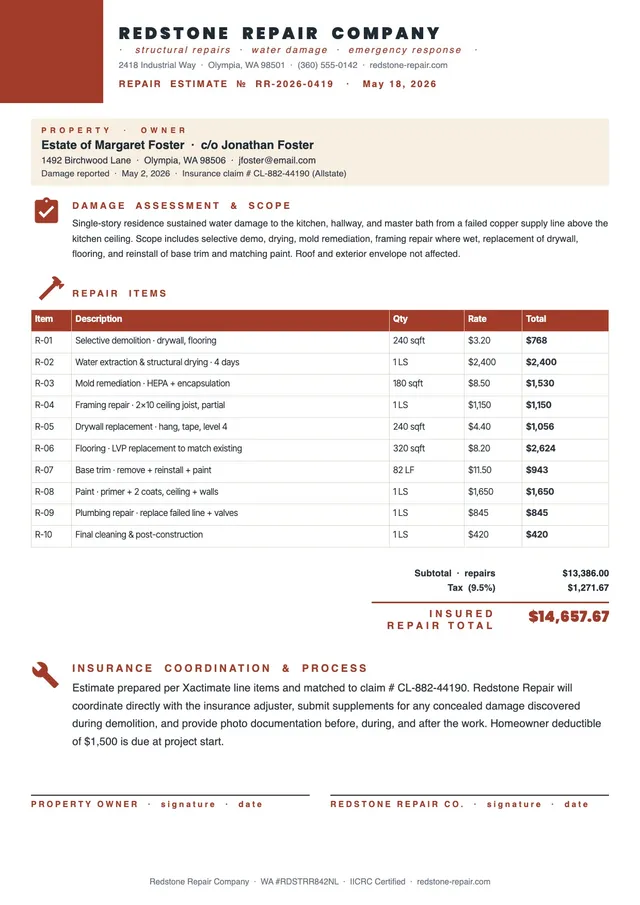
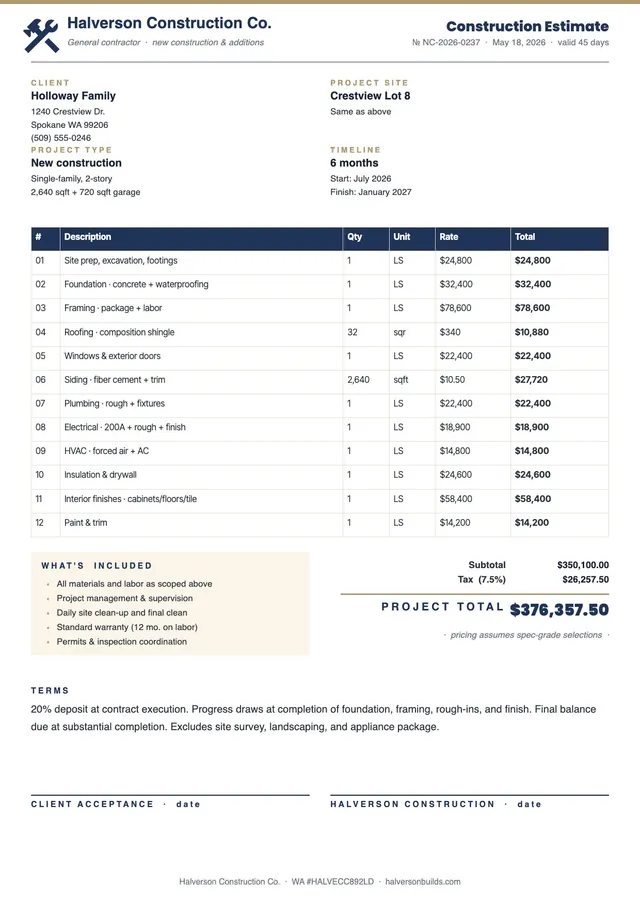
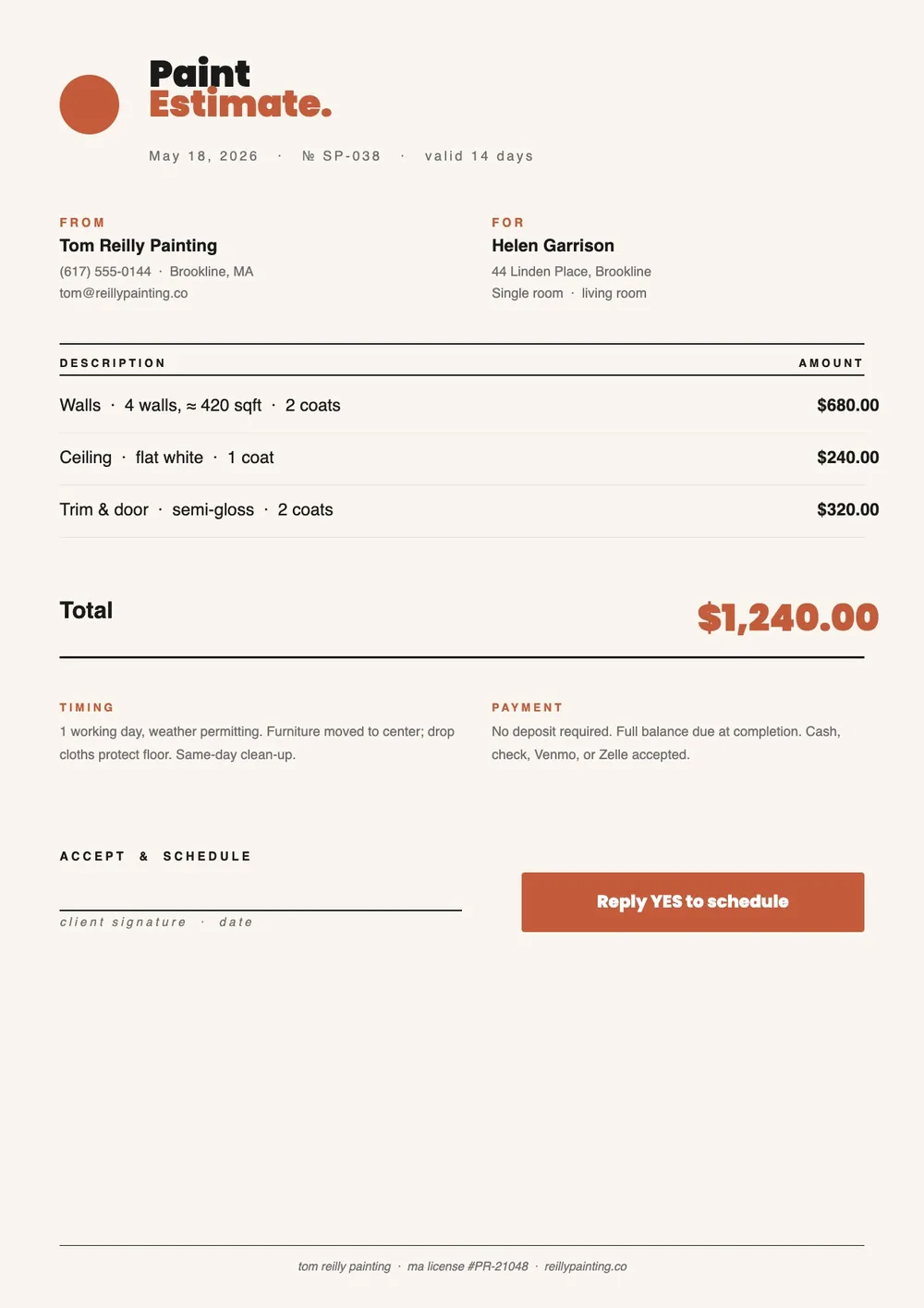
A simple painting estimate is a clean, easy-to-complete cost form that painting contractors use to quickly quote labor and materials for a paint job. It is designed for straightforward projects where a detailed breakdown is not required, such as repainting a single room, painting a fence, or quoting a small exterior job. The simple format makes it fast to prepare and easy for the client to read and understand.
Our template includes space for the project address, a brief scope description, labor costs, paint and materials costs, any preparation charges, and a total. It is compact and professionally formatted. All fields are editable in the PDF Guru editor so you can complete a quote in a few minutes and send it the same day.
Download your first file for free. To continue using PDF Guru, choose one of our subscription plans.
Frequently asked questions
When should I use a simple painting estimate instead of a detailed one?

Use a simple estimate for smaller or straightforward jobs where itemizing every cost component is unnecessary, such as single-room repaints, touch-up work, or minor exterior painting. For larger multi-room or full exterior projects, a more detailed breakdown helps avoid misunderstandings about scope and pricing.
What should a simple painting estimate include?
Include the project address, a brief description of the work to be done, a labor cost line, a materials and paint cost line, any surface preparation charge, and a total. The template covers all of these in a clean, readable format.
Can I use this template for both interior and exterior painting quotes?
Yes. The template is general enough to work for interior rooms, exterior surfaces, cabinets, trim, and other painting jobs. You can update the scope description to specify whether the work is interior, exterior, or both.
What formats can I download for this simple painting estimate?
After editing in PDF Guru, you can export the estimate as PDF, DOC, XLSX, PPTX, JPG, or PNG. That gives you a file to send by email, print and leave with the client, or save for your own records.
How do I complete this simple painting estimate in PDF Guru?
Open the template in the PDF Guru editor, fill in the client and project details, enter the labor and material costs, add the project total, and review before saving. Export it in the format you need and deliver it to the client quickly.
How do I cancel PDF Guru?
You can cancel your active plan from your PDF Guru account settings, or contact support and ask them to cancel the subscription for you. Account access stays in place until the billing period you already paid for comes to an end.