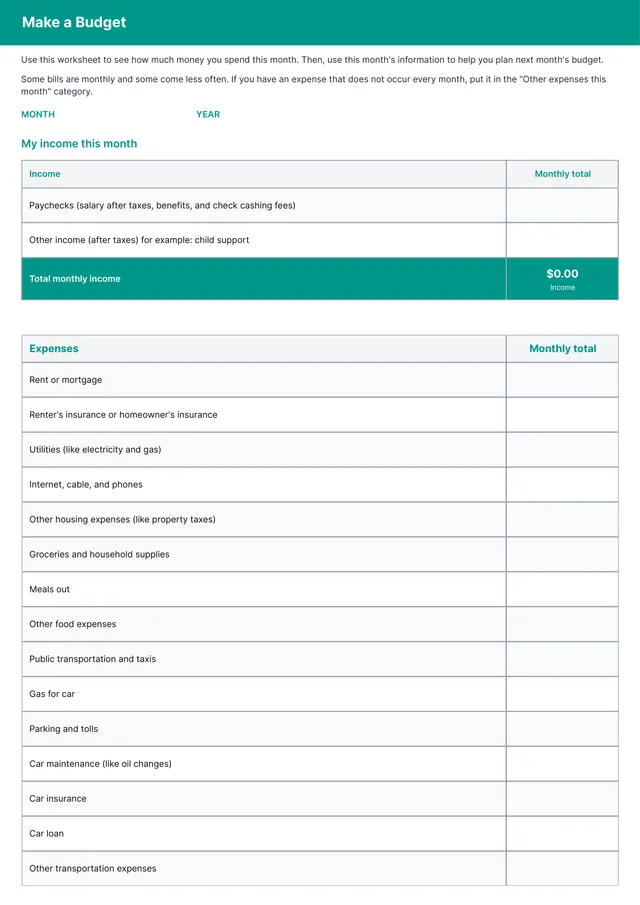
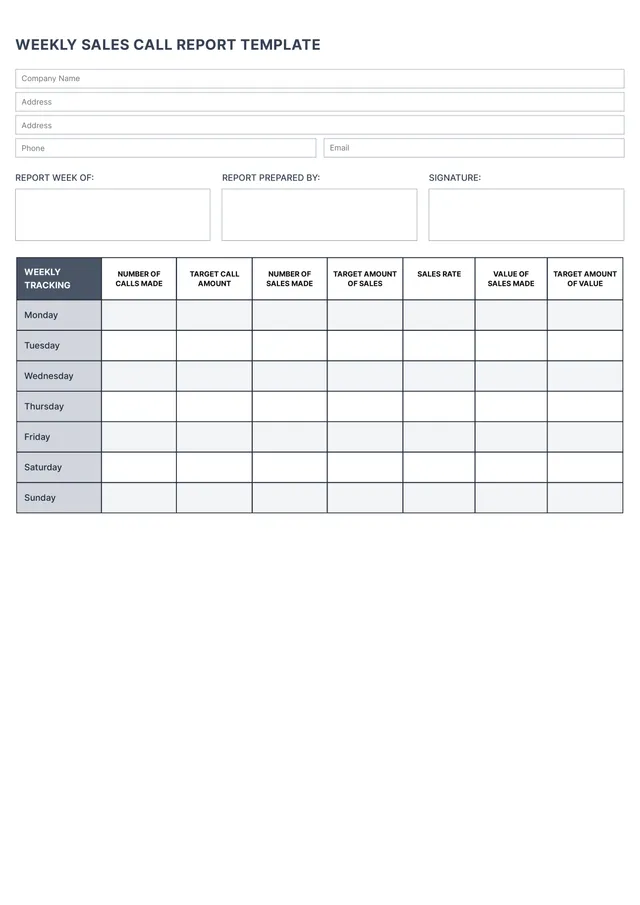
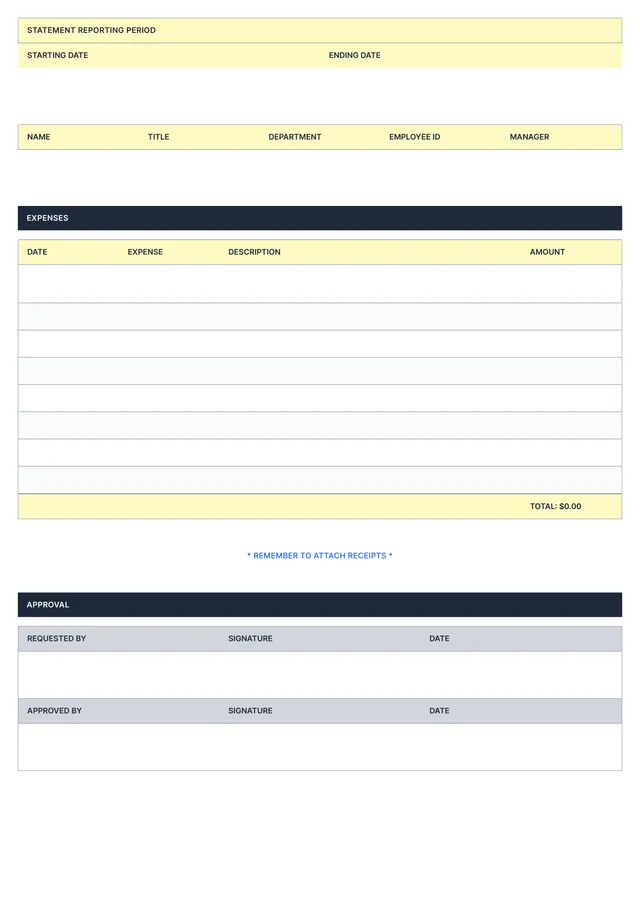
Business Expense Report Template
About business expense report templates
Managing business expenses can feel overwhelming, especially when tracking each receipt and memo. A well-structured business expense report template takes the stress out of this process, allowing you to record your spending efficiently. With our template, you’ll save time on organization and focus on more important tasks, all while keeping accurate records for financial review.
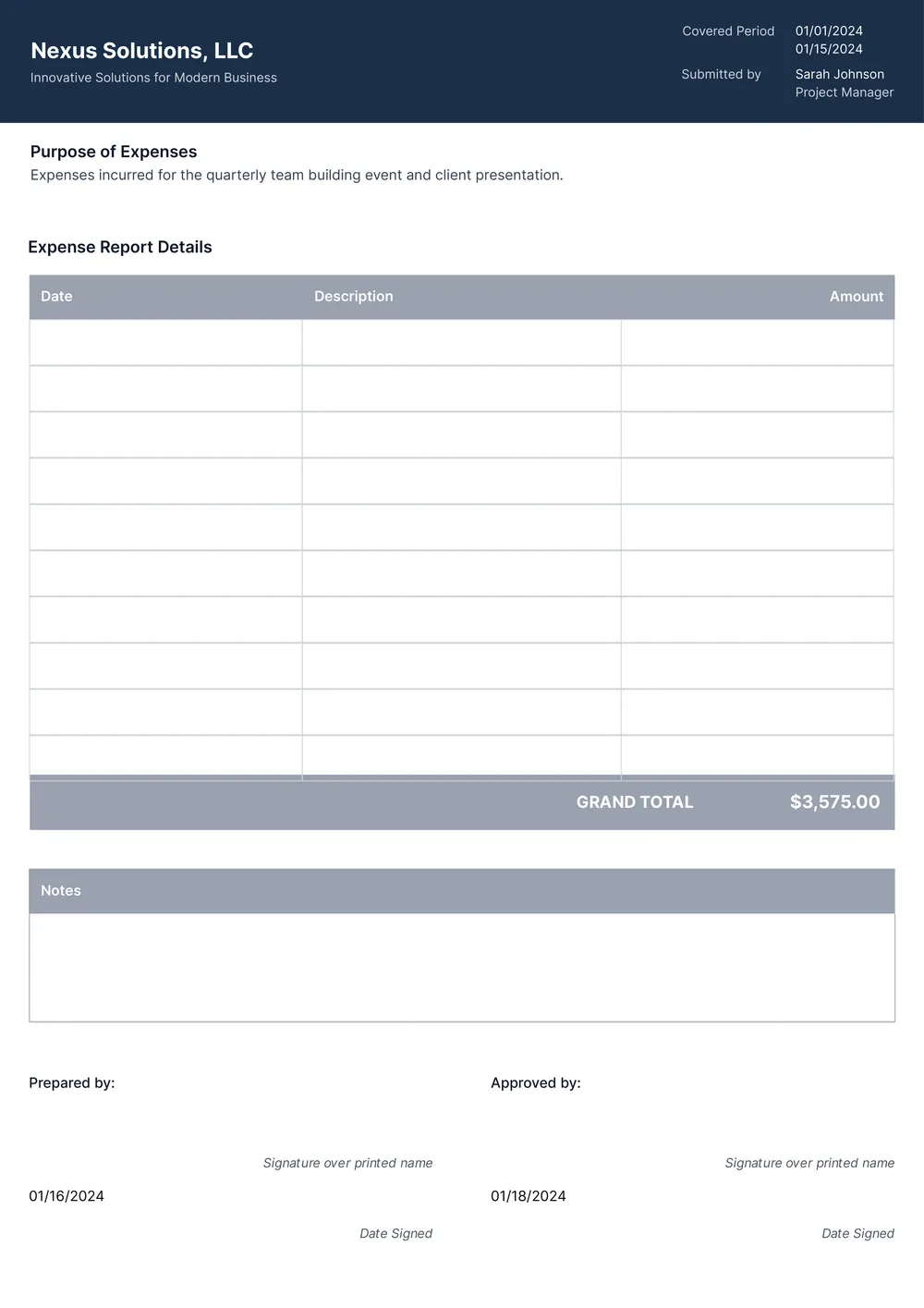
Our template provides a blank slate tailored to your needs, plus a sample for quick reference. You can easily edit the pre-filled fields, making it customized to your specific expenses. We’ve done a thorough analysis of necessary fields, incorporating them into our template, so it’s ready whenever you need to submit a report.
Download your first file for free. To continue using PDF Guru, choose one of our subscription plans.
Frequently asked questions
What is a business expense report template?

A business expense report template is a document used to capture and summarize workplace expenses. This template typically includes an outline for various expense categories such as travel, meals, and supplies. You can fill in details like dates, amounts, and reasons for each expense. Using a template helps you organize your costs for easier tracking and reporting.
When should you use a business expense report template?
Using a business expense report template can help you keep track of costs in various situations. Consider using it when:
- You need to summarize expenses at the end of a month or quarter
- You're preparing for a financial review or audit
- Employees submit expenses for reimbursement
- Tracking costs for a specific project or client
- Updating or comparing historical data, since it's editable, you can adapt it easily.
What information is found in a business expense report template?
A business expense report template typically includes information like dates, descriptions of expenses, amounts, payment methods, and categories. You can edit the template to add any specific details needed for your business, including notes or specific project references to provide clearer financial insight.
How to edit a business expense report template?
- Click on 'Use Template' to open the business expense report in the PDF editor.
- Look for the placeholder fields and fill them in with your details.
- Add any additional information necessary for your report.
- Once done, click 'Done' to download your completed report.
- Your edited template will also be saved in your account for future reference.
Who might need a business expense report template?
Any professional or business owner who wants to track spending can benefit from a business expense report template. This includes freelancers, small business owners, accountants, and project managers. It helps them document expenses, stay organized, and prepare for tax time with ease.
Can I export the business expense report template to PDF or another format?
Yes, you can download the business expense report template in various formats, like PDF, Word, Excel, PowerPoint, PNG, or JPG. Your edited version will be a printable document, ready for your records or reports. Just click ‘Done’ to grab your format of choice.
How can I track my business expenses using this template?
You can track your business expenses by filling out the template with each expense detail, like date, amount, and category. As you save and download the updated version, you create an organized record. This helps you review your spending and prepare for taxes or financial planning.
How can I ensure my business expense report is accurate?
To keep your business expense report accurate, double-check all receipts; enter each expense promptly; categorize expenses correctly; and review your totals. Regularly comparing reports against bank statements can also help catch any mistakes, ensuring everything matches up and all details are clear.
How do I cancel PDF Guru?
You can cancel your active plan from your PDF Guru account settings, or contact support and ask them to cancel the subscription for you. Account access stays in place until the billing period you already paid for comes to an end.