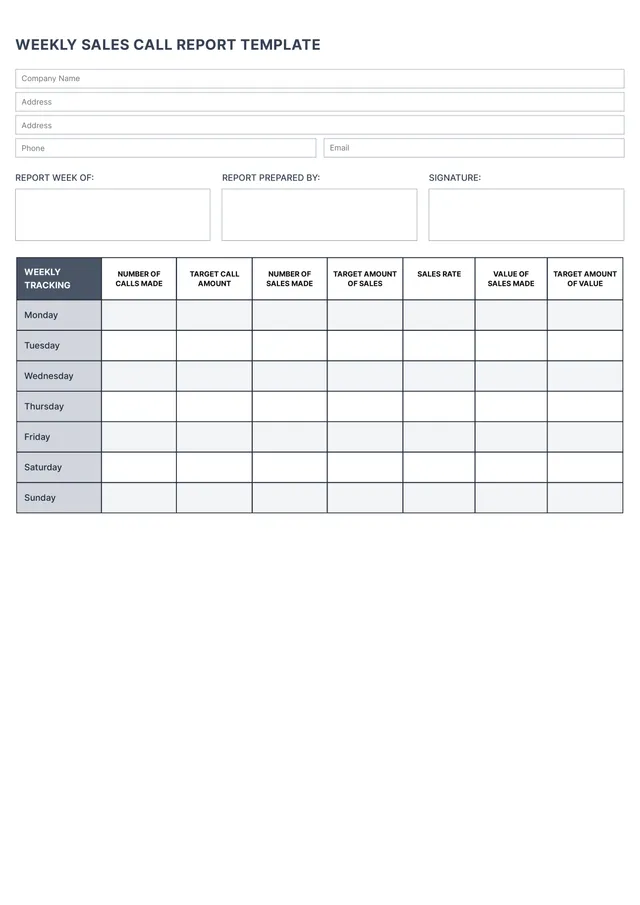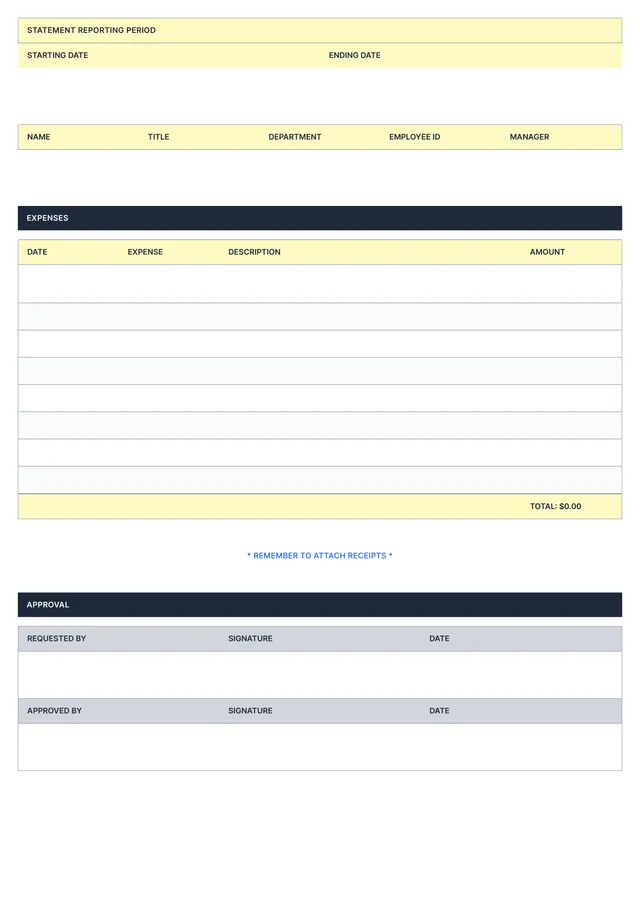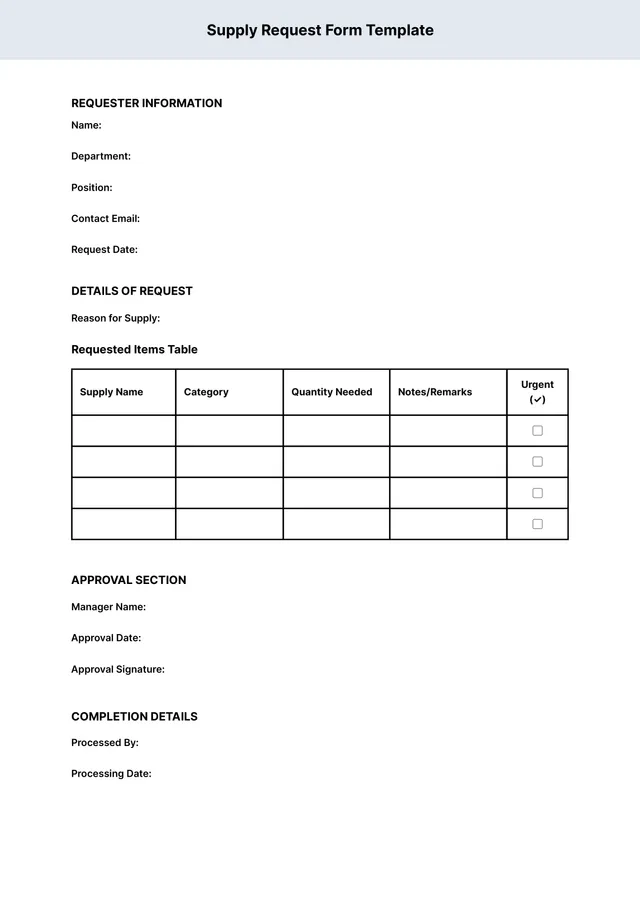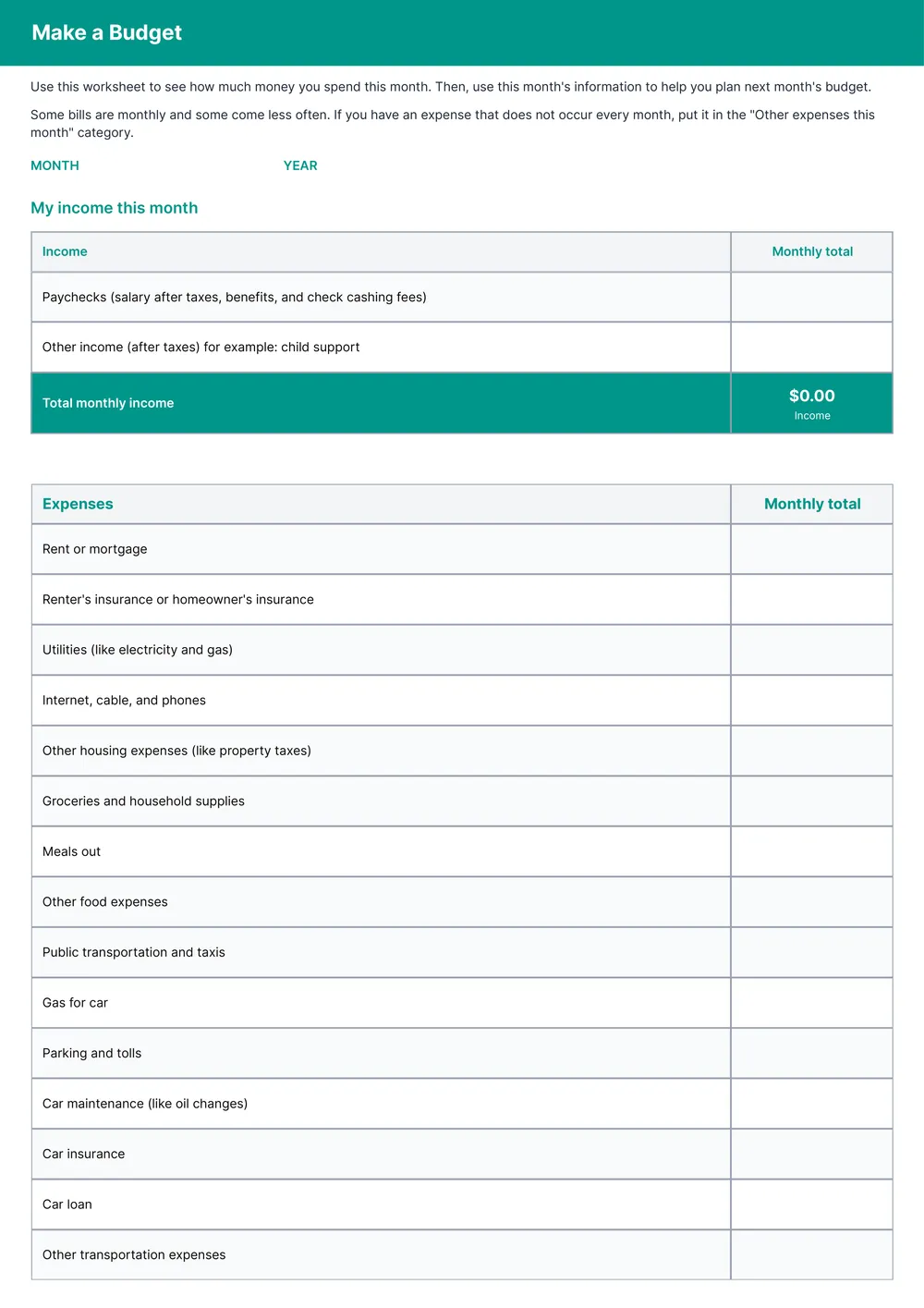
About budget report templates
Budgeting can feel overwhelming, especially when managing household expenses or planning for specific projects. Our budget report template takes the stress out of tracking your finances. With a user-friendly format, you can fill in your figures without confusion, making it simplify and organize your financial goals. Plus, once you complete the template, it's saved in your account for all your future needs.
Understanding where your money goes is key to maintaining control over your spending. Our budgeting template includes thoughtfully designed sections that prompt you to consider all necessary expenses. This way, you won't overlook any important details while drafting your report. We've analyzed the necessary fields and included them in ours, offering both a sample entry and a blank version for your convenience.
Download your first file for free. To continue using PDF Guru, choose one of our subscription plans.
Frequently asked questions
What is a budget report template?

A budget report template is a document that provides an outline for organizing your financial data. It helps you track income, expenses, and savings over time. This template typically includes sections for categories such as housing, transportation, and groceries, allowing you to identify areas where you can cut costs or save more. By using a template, you can create a clear view of your finances and adjust your spending habits accordingly.
When to use a budget report template?
You might find it helpful to use a budget report template in the following situations:
- At the start of each month to track expected expenses
- Before any major purchases, to evaluate your financial situation
- During tax season to organize your income and deductions
- When planning for a financial goal, like a vacation or large investment
The editable template will make updating your budget simple.
What should be included in a budget report template?
A budget report template should include income sources, fixed and variable expenses, savings goals, comparisons to previous budgets, and notes for adjustments. Be sure to edit it with your current figures and any necessary categories to fit your specific financial situation better.
How to edit a budget report template?
- Click on 'Use Template' for the budget report.
- The template will open in the PDF editor; you’ll see several placeholder fields.
- Enter your data in the fields provided; modify any existing information as needed.
- Once you're done, click 'Done' to download your customized report.
- Your edited version is stored in your account for future reference.
Who can use a budget report template?
Anyone needing to track and manage expenses can use a budget report template, including individuals, small business owners, and financial planners. Whether you're planning for personal finances, running a startup, or managing a project, this template will help you organize and analyze your budget effectively.
Can I export the budget report template to PDF or other formats?
Yes, you can download the budget report template in various formats, including PDF; it will be printable as well. You can also choose to export your template as Word, Excel, PowerPoint, PNG, or JPG, depending on your needs. Just pick your preferred format when you're ready!
How can I track my expenses using the budget report template?
You can track your expenses using the budget report template by filling in your income and expenses in the designated fields. As you enter your data, you’ll see an overview of your spending. Review this regularly to spot areas where you can save or adjust your budget accordingly.
How can I share my budget report with others?
You can share your budget report by simply downloading it once you finish editing. After downloading, you can send the file via email, upload it to cloud storage, or print it out. This way, anyone can access or view your budget in no time.
How do I cancel PDF Guru?
You can cancel your active plan from your PDF Guru account settings, or contact support and ask them to cancel the subscription for you. Account access stays in place until the billing period you already paid for comes to an end.