About the two column resume template
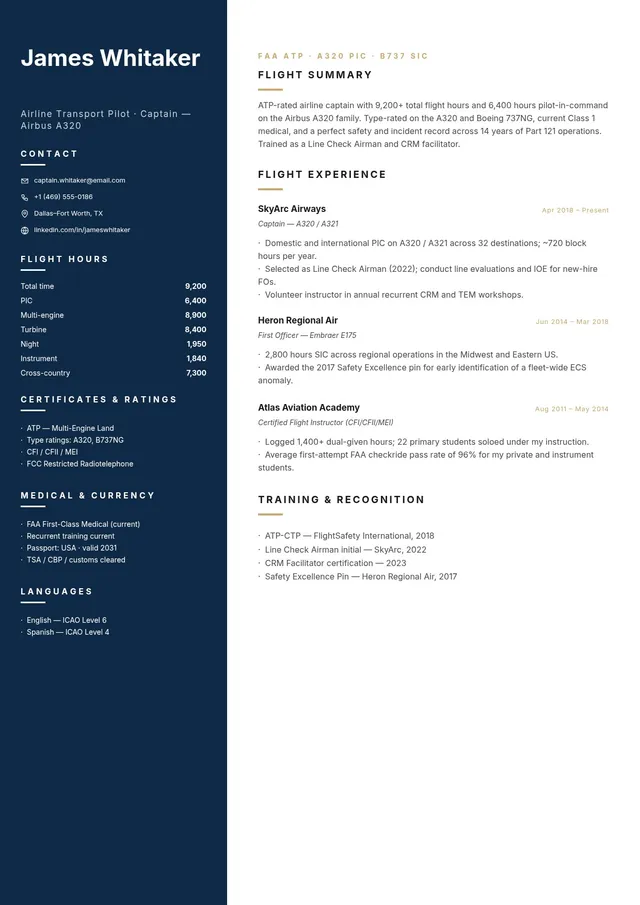
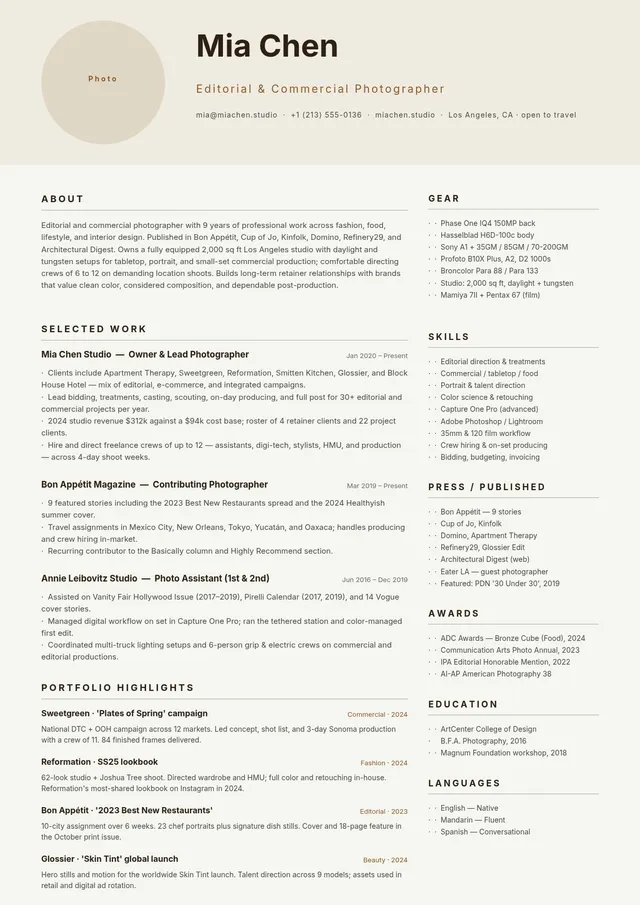
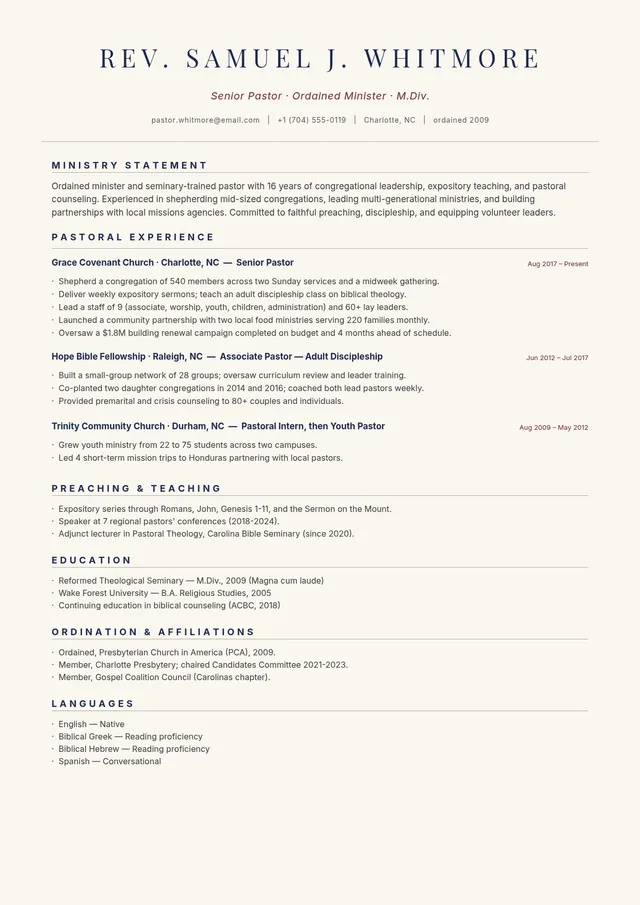
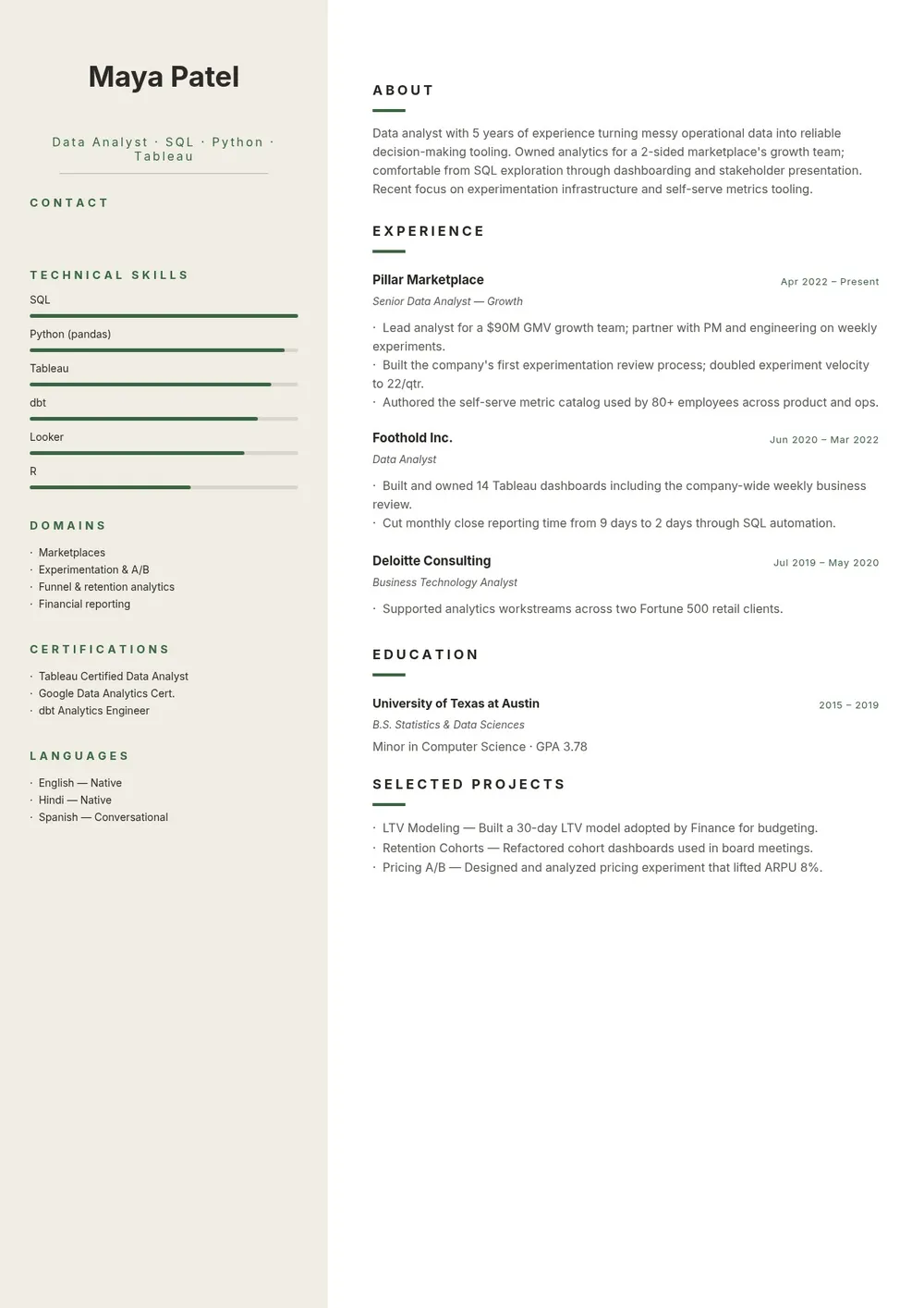
A two column resume template divides the page into two vertical sections, allowing more information to fit on a single page without appearing crowded. It is a popular format for professionals with a solid work history, multiple skills, or certifications they want to present alongside their experience. The left column typically holds contact information, skills, education, and certifications, while the right column is used for the work experience and summary sections.
Our template uses a clean two column layout with clear section labels and balanced spacing. All fields are editable in the PDF Guru editor so you can fill in your details, adjust the column balance, and export a polished one-page resume ready for submission.
Download your first file for free. To continue using PDF Guru, choose one of our subscription plans.
Frequently asked questions
Who benefits from using a two column resume template?

A two column layout works well for professionals with a well-rounded background who want to present skills, certifications, and experience side by side without using two pages. It is especially popular in marketing, design, project management, and technology fields.
Does a two column resume pass applicant tracking systems?
Two column resumes can sometimes cause parsing issues with older ATS software that reads left to right and may mix up content from the two columns. If applying through an online portal with unknown ATS, a single column format is safer. For direct email submissions or in-person applications, a two column layout performs well.
What content goes in each column of a two column resume?
A common arrangement puts the summary and work experience in the wider right or main column, and contact details, skills, education, languages, and certifications in the narrower left sidebar. This lets the most important content take up the most visual space.
What formats can I download for this two column resume?
After editing in PDF Guru, you can export the resume as PDF, DOC, XLSX, PPTX, JPG, or PNG. PDF is strongly recommended for two column layouts as it preserves the column formatting across all devices and operating systems.
How do I edit this two column resume template in PDF Guru?
Open the template in the PDF Guru editor, fill in your contact details and skills in the sidebar column, add your work experience and summary in the main column, and check that the layout remains balanced. Export as PDF when you are ready to submit.
How do I cancel PDF Guru?
You can cancel your active plan from your PDF Guru account settings, or contact support and ask them to cancel the subscription for you. Account access stays in place until the billing period you already paid for comes to an end.