

Resume Templates
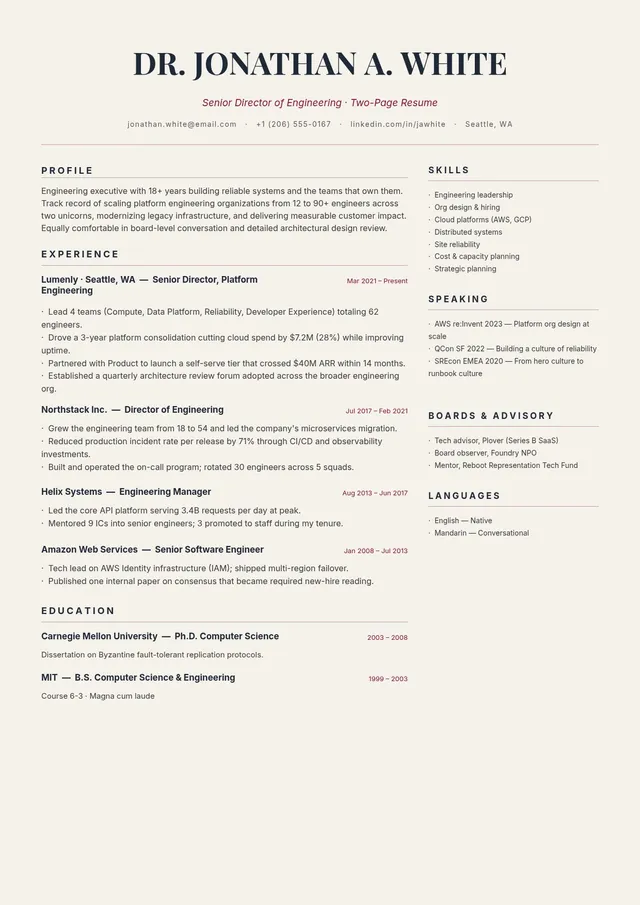
Two Page Resume Template
Use template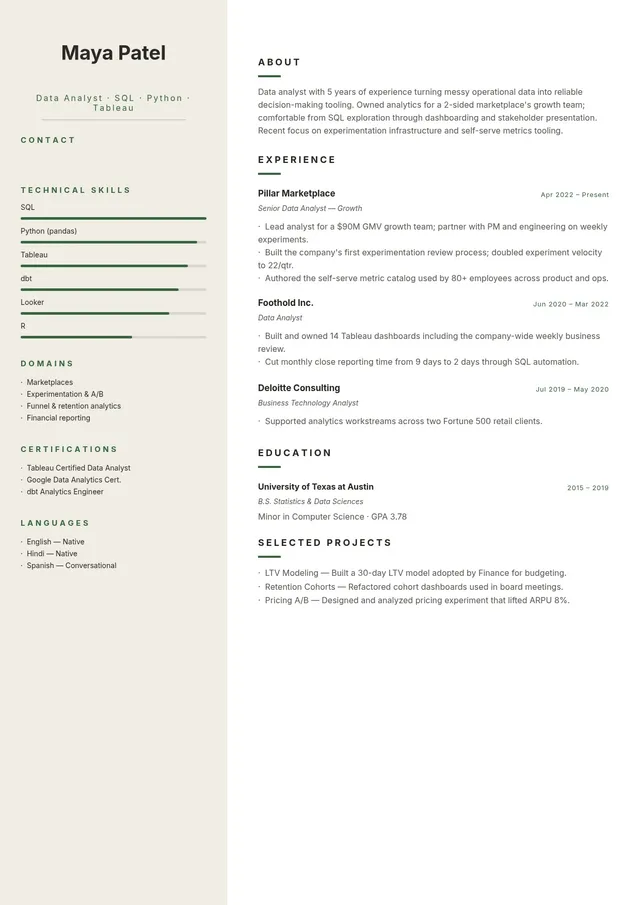
Two Column Resume Template
Use template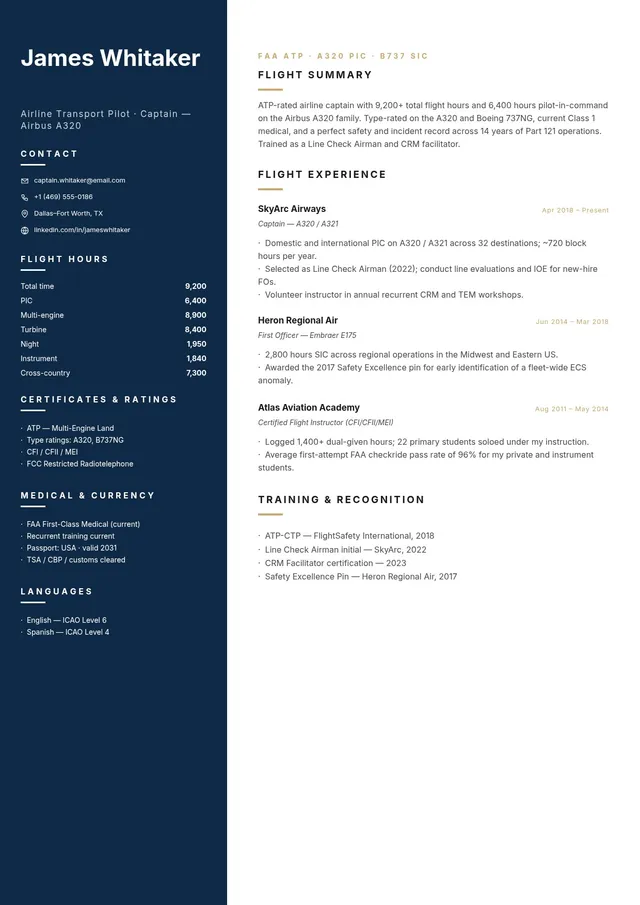
Pilot Resume Template
Use template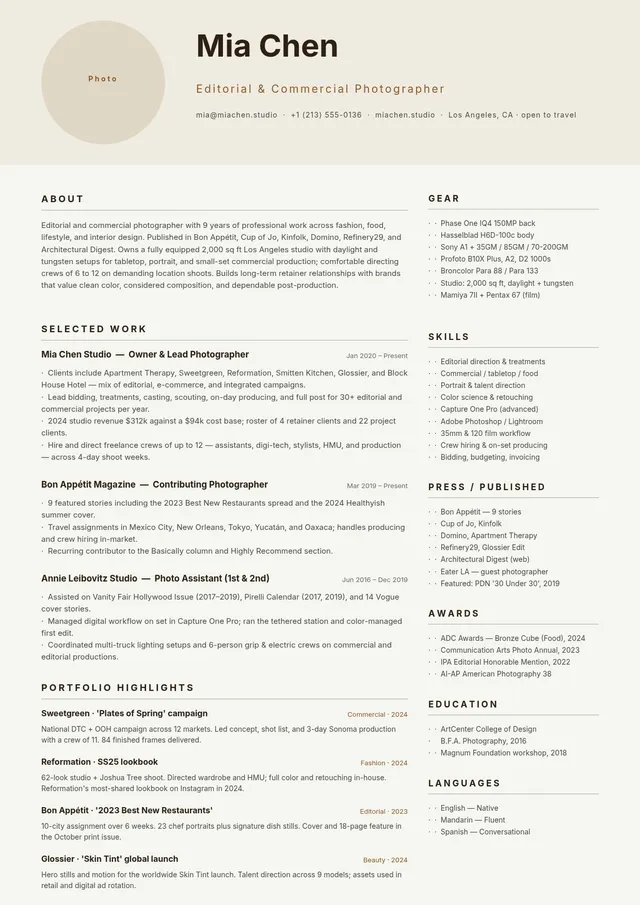
Photographer Resume Template
Use template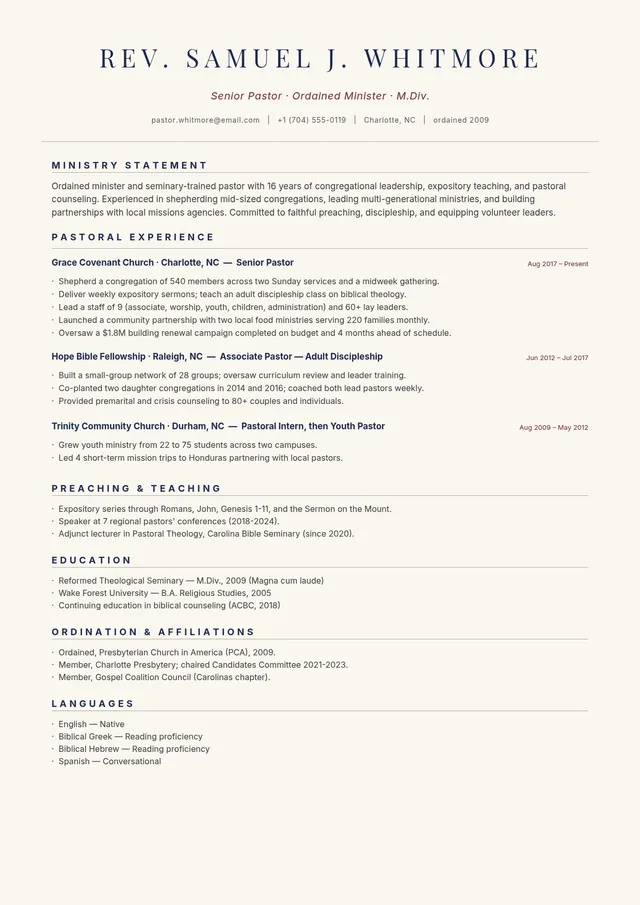
Pastor Resume Template
Use template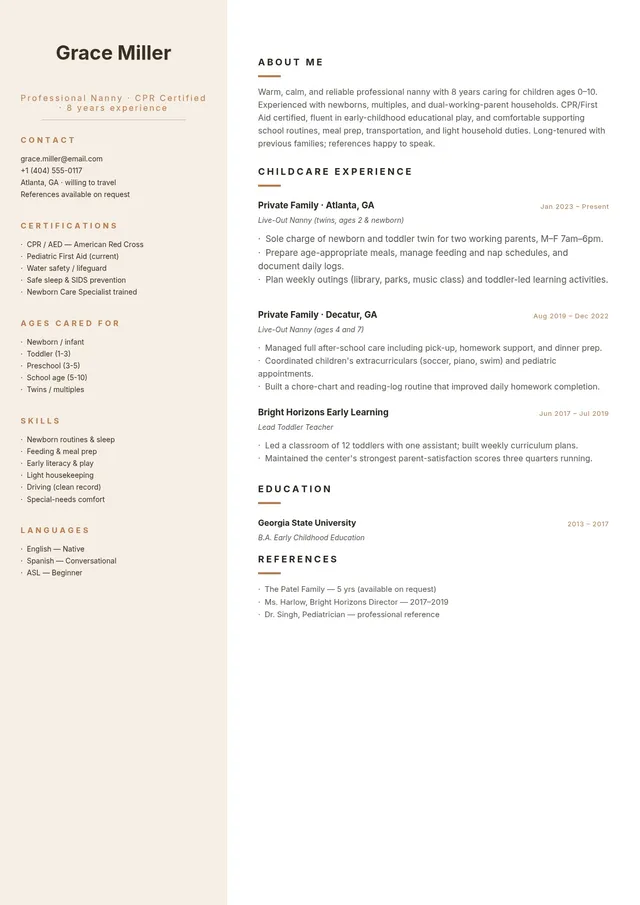
Nanny Resume Template
Use template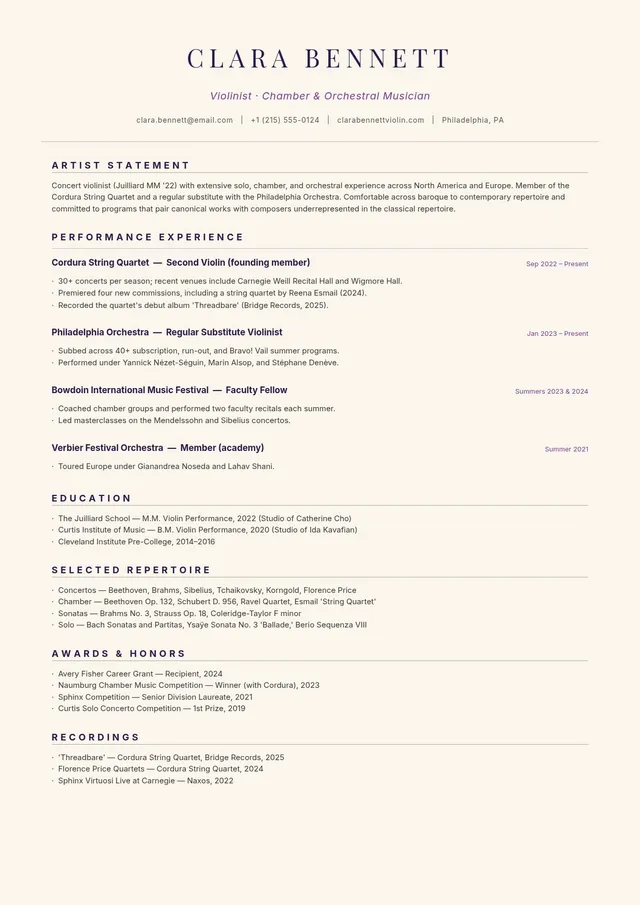
Music Resume Template
Use template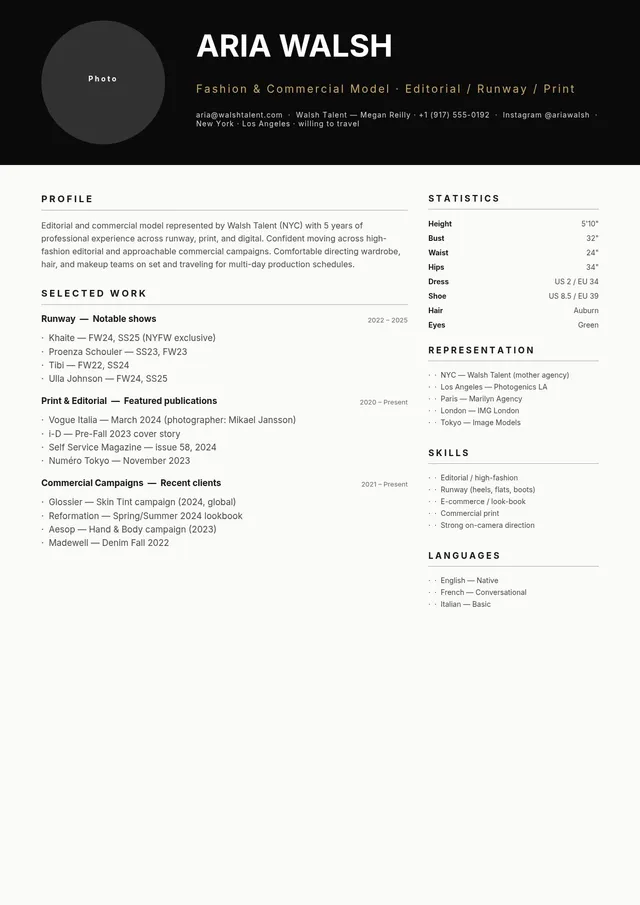
Modeling Resume Template
Use template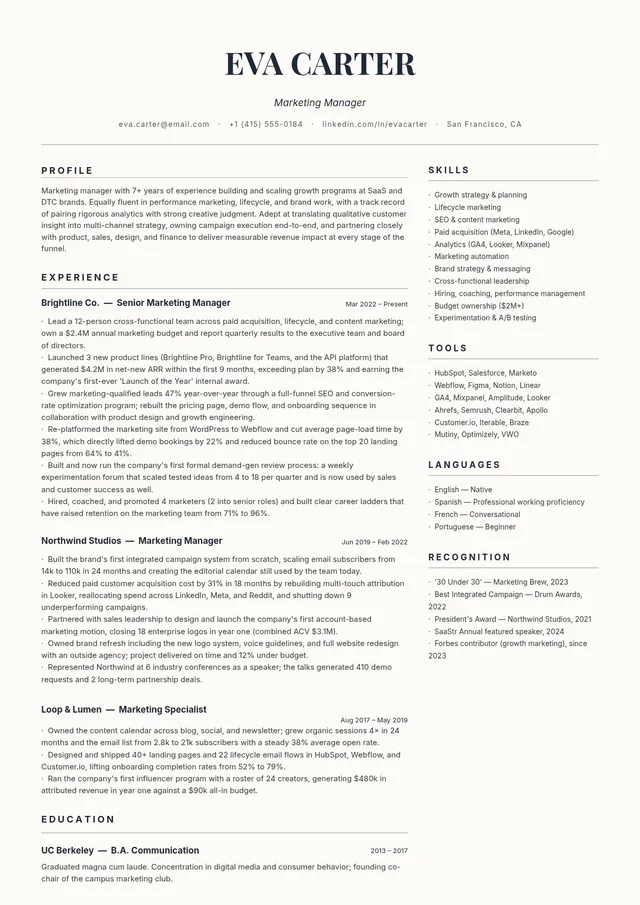
Minimalist Resume Template
Use template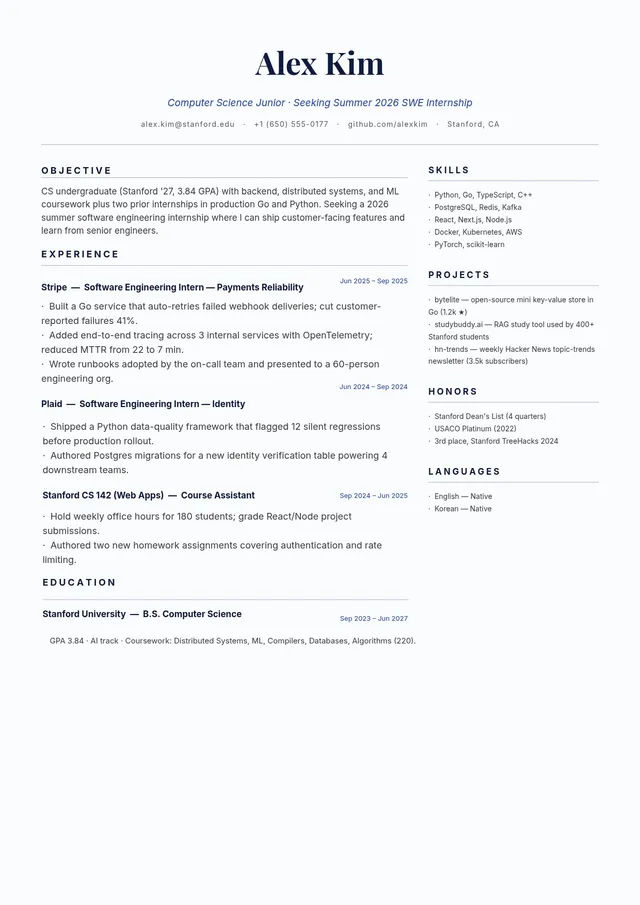
Internship Resume Template
Use template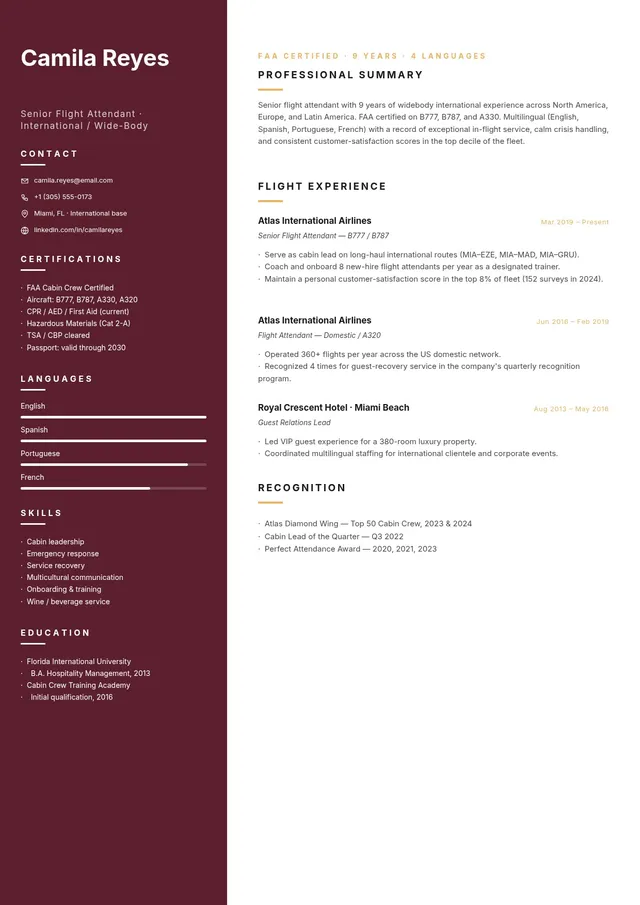
Flight Attendant Resume Template
Use template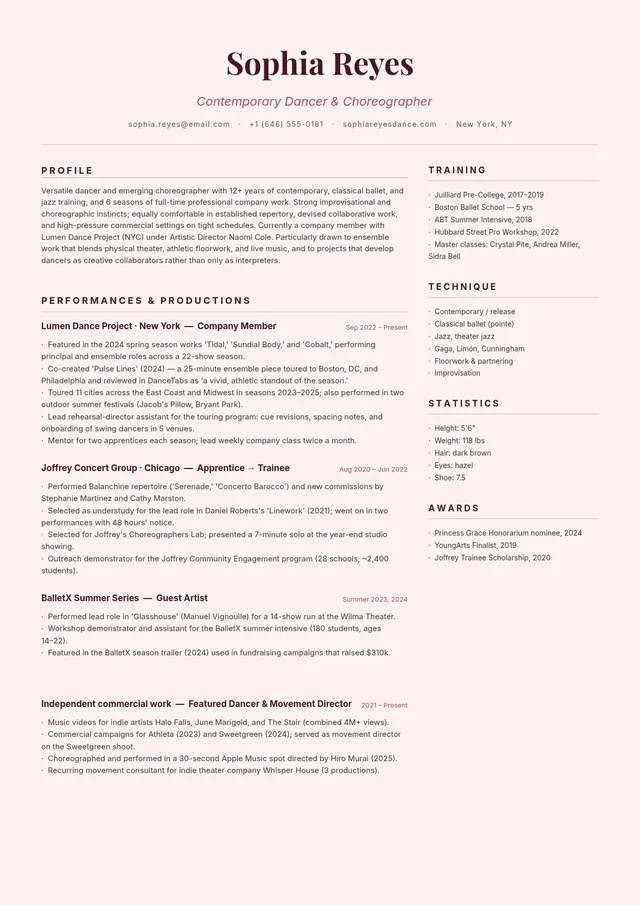
Dance Resume Template
Use template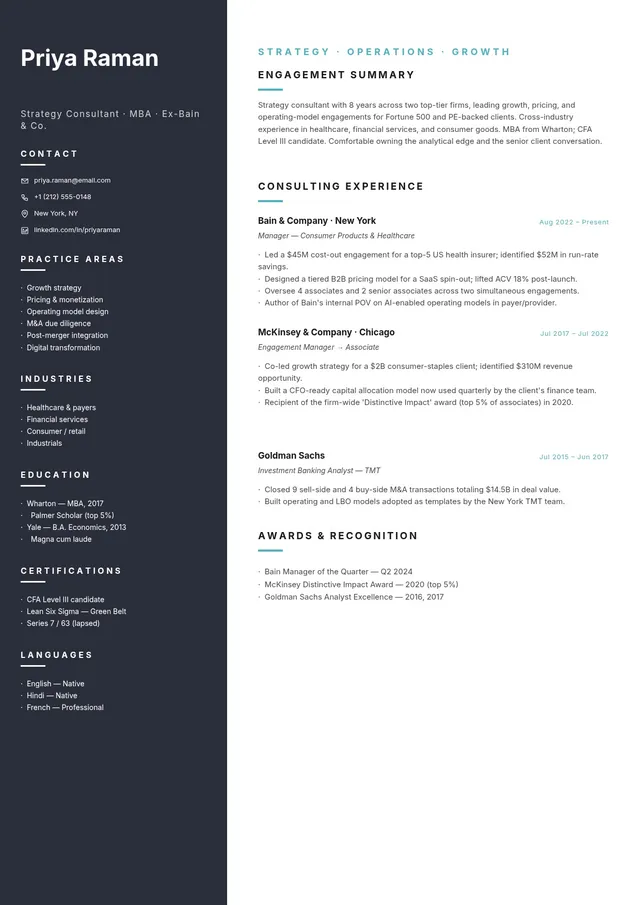
Consulting Resume Template
Use template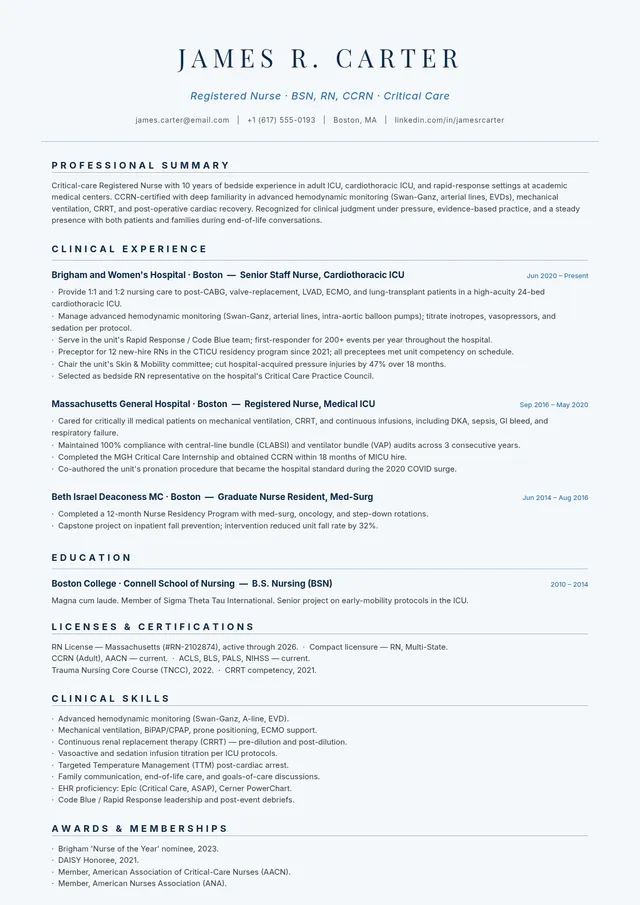
Registered Nurse Resume
Use template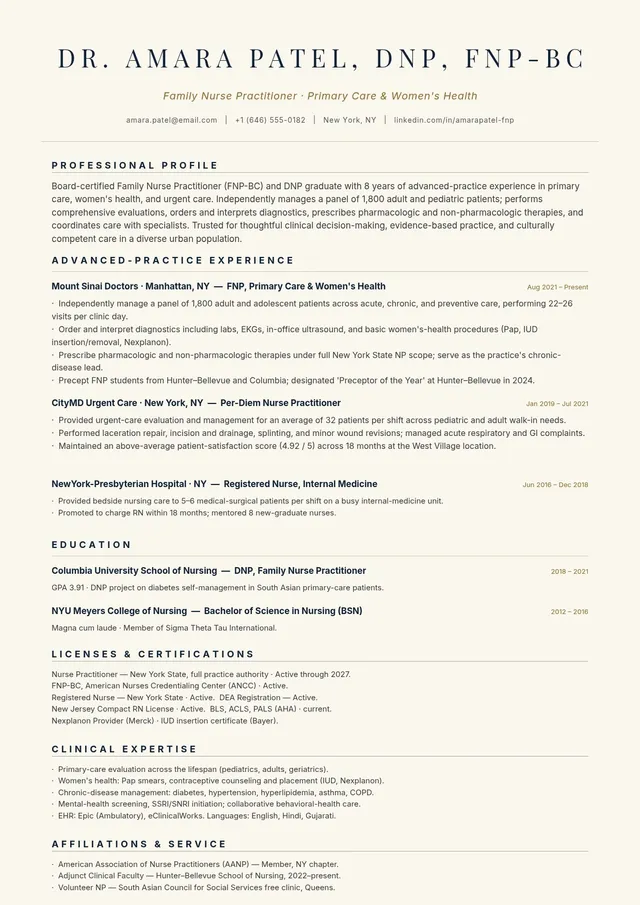
Nurse Practitioner Resume
Use template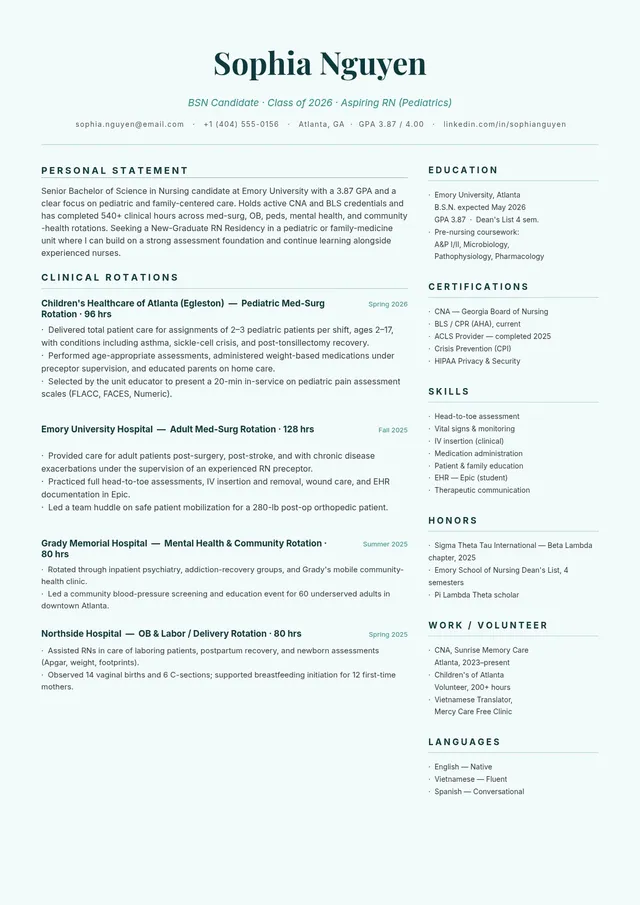
Nursing Student Resume
Use template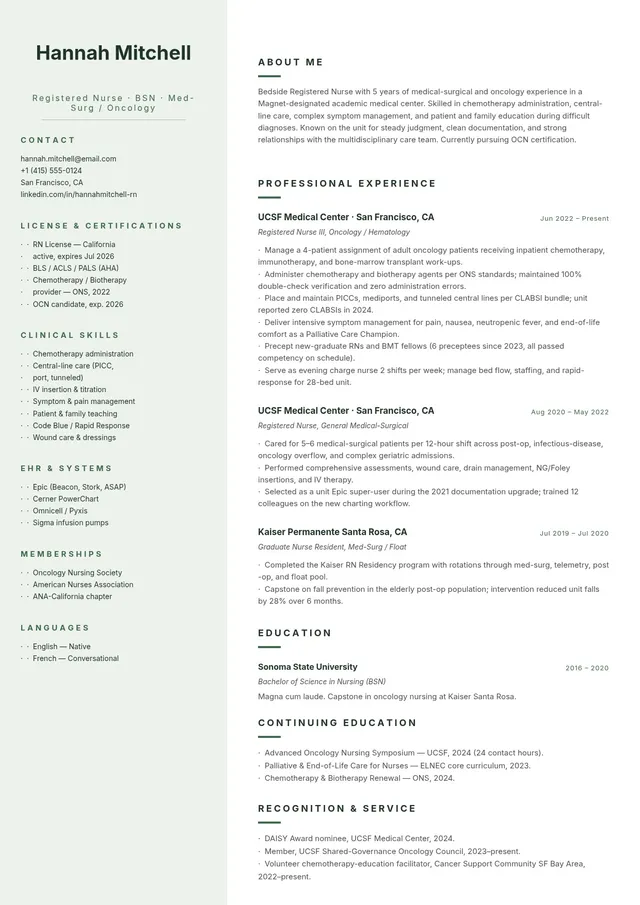
Minimalist Nurse Resume
Use template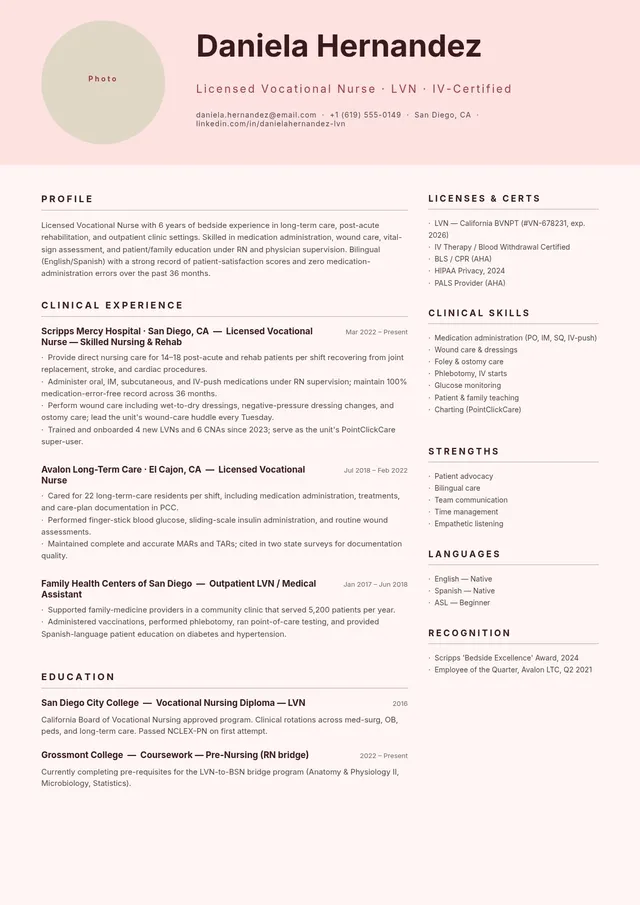
LVN Nurse Resume
Use template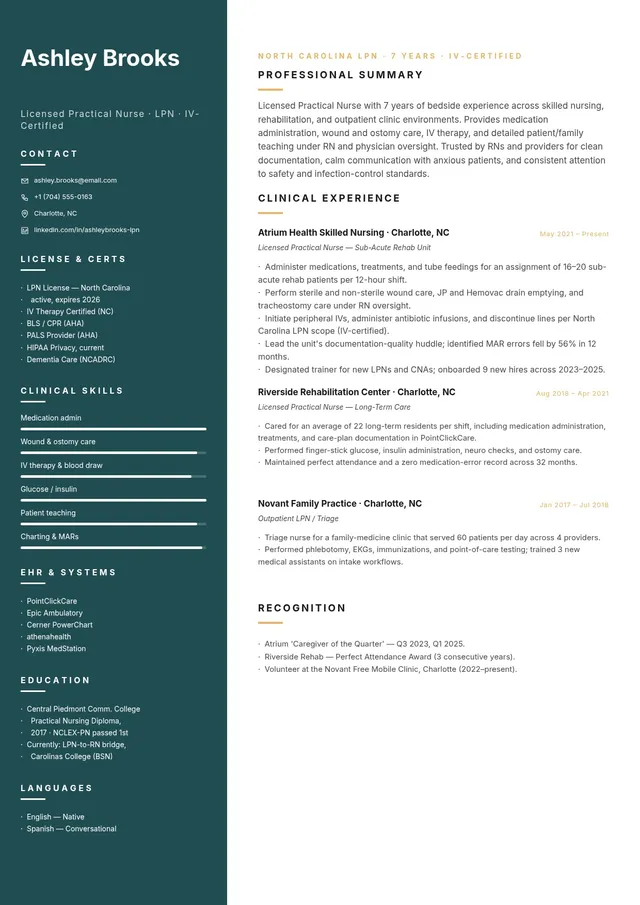
LPN Nurse Resume
Use template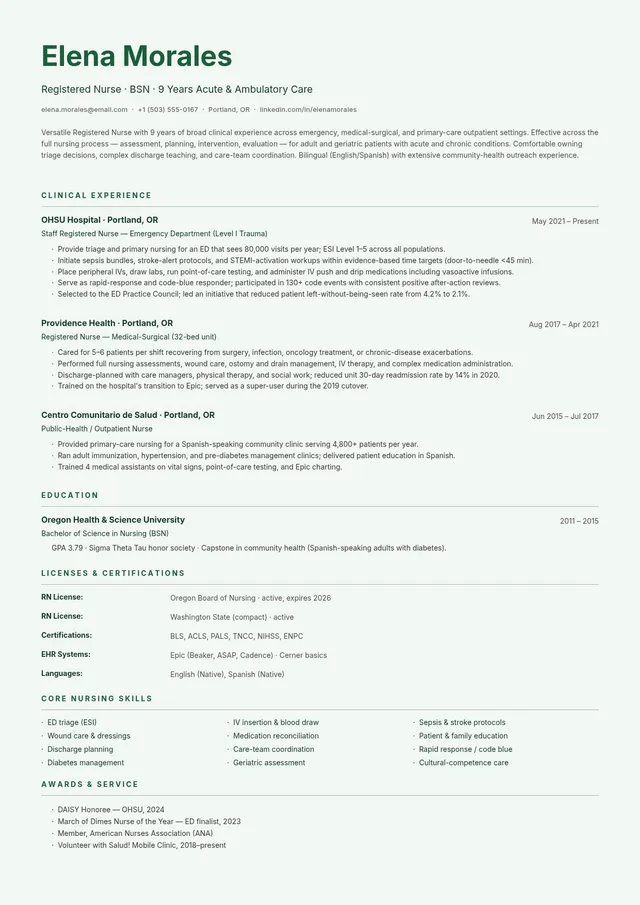
General Nurse Resume
Use template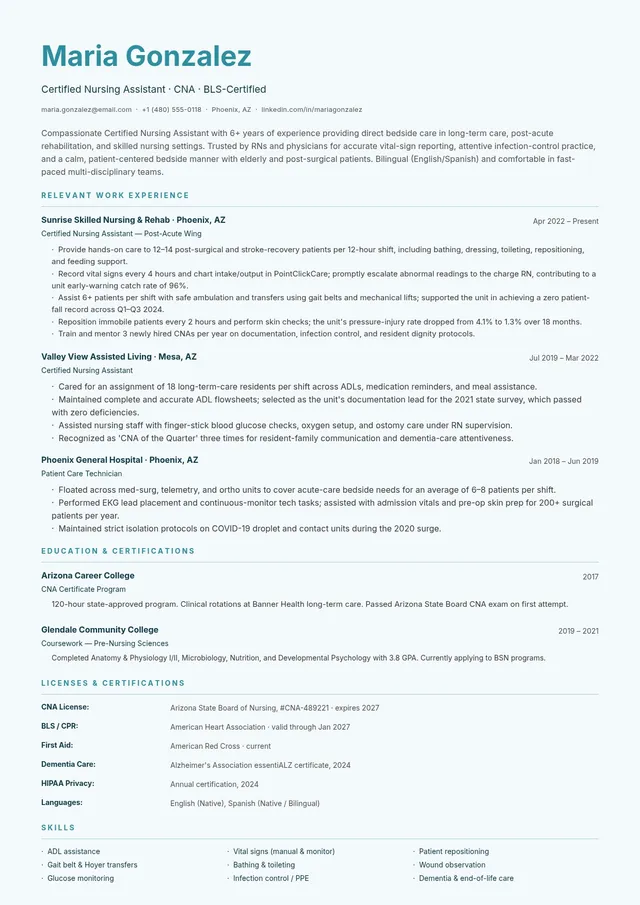
CNA Nursing Resume
Use template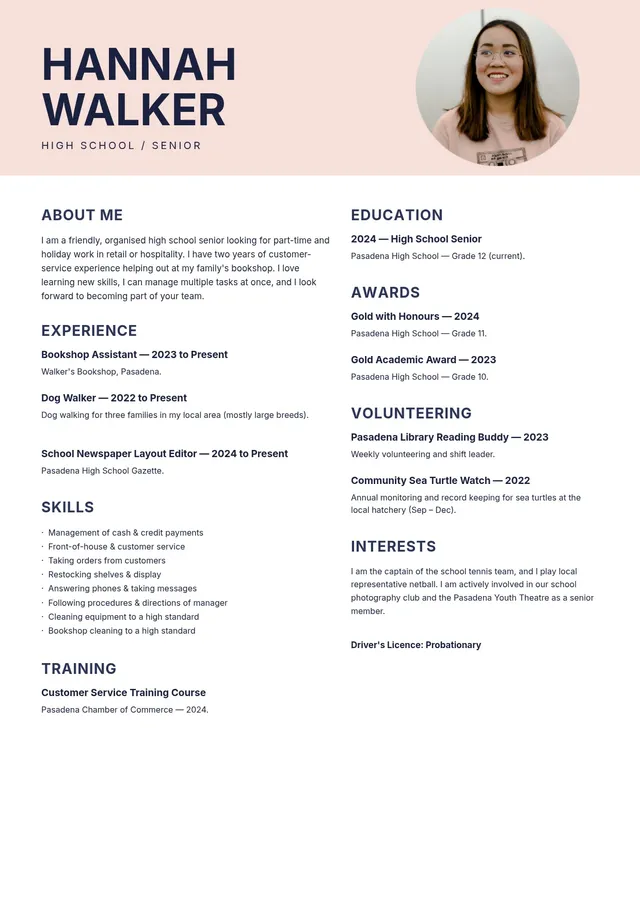
High School Student Resume
Use template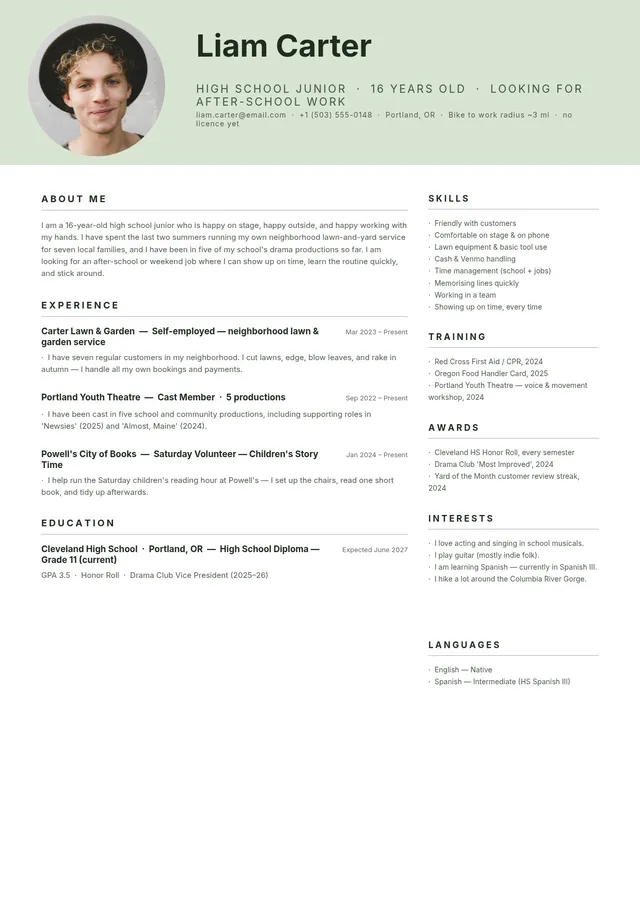
Teenage Resume
Use template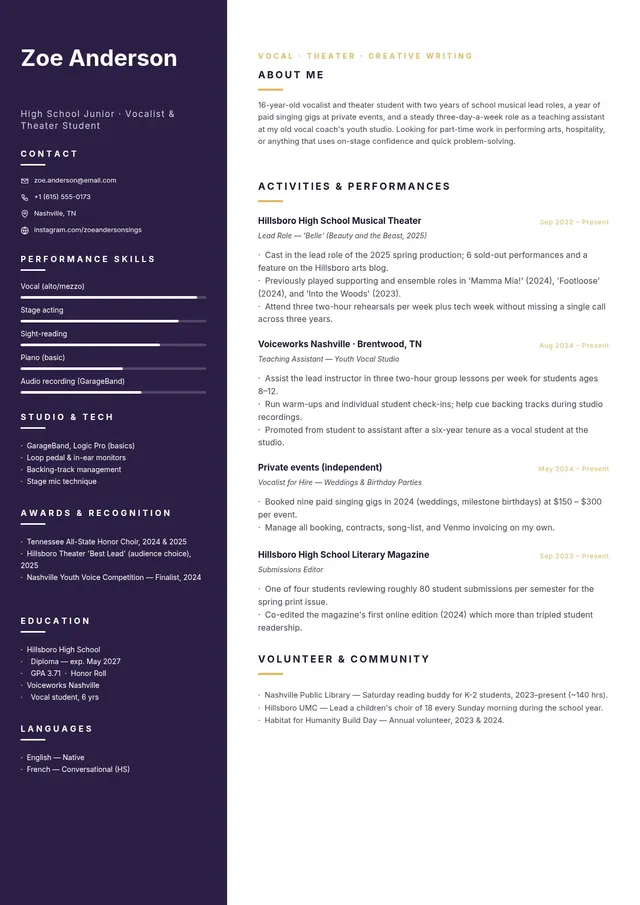
Performing Arts Student Resume
Use template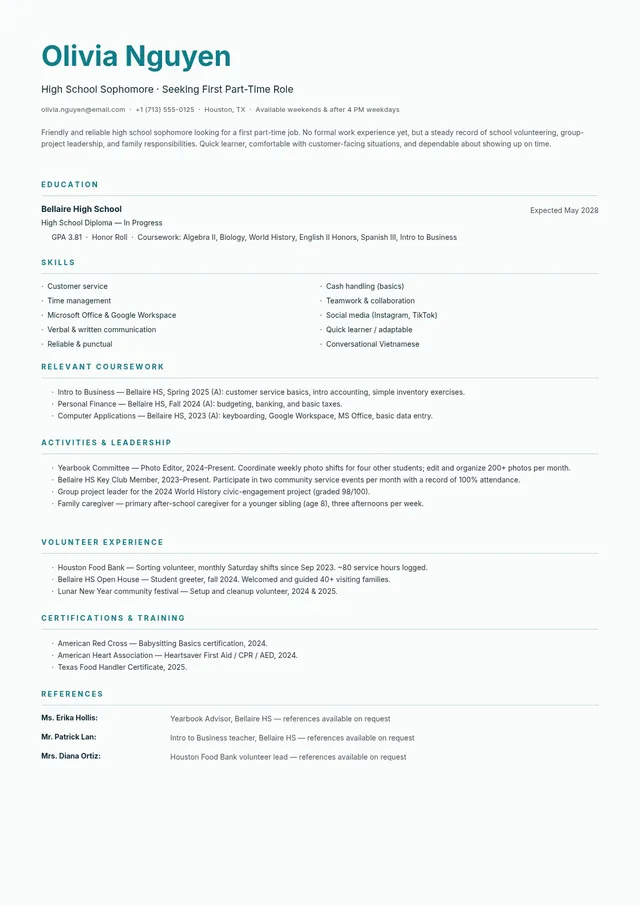
No Experience Resume
Use template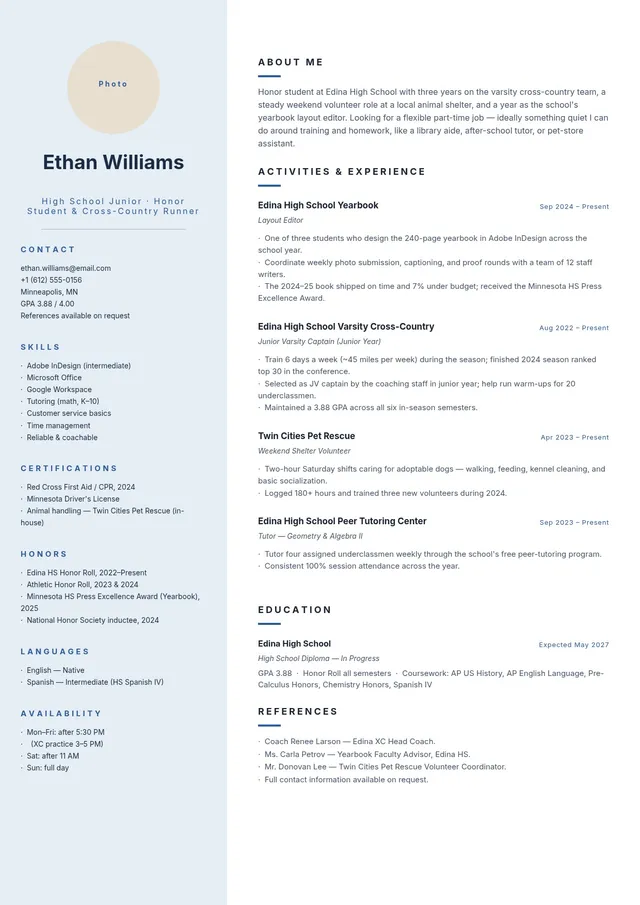
High School Junior Resume
Use template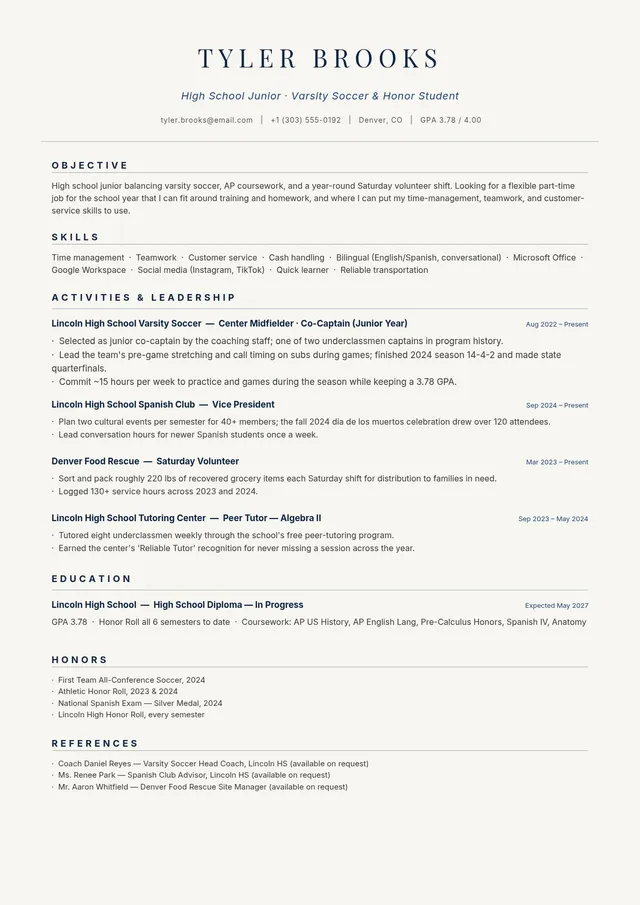
Honor Student Resume
Use template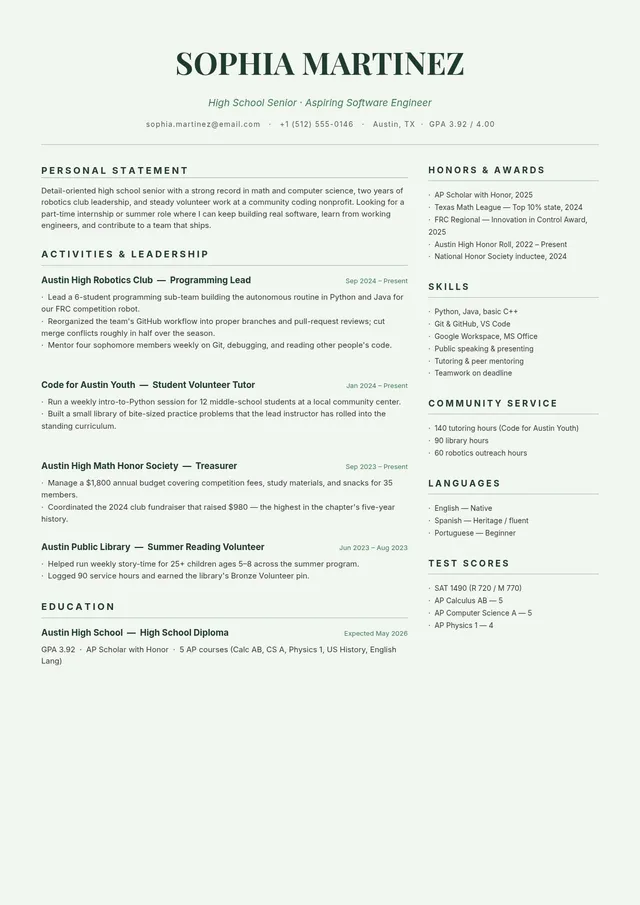
High School Senior Resume
Use template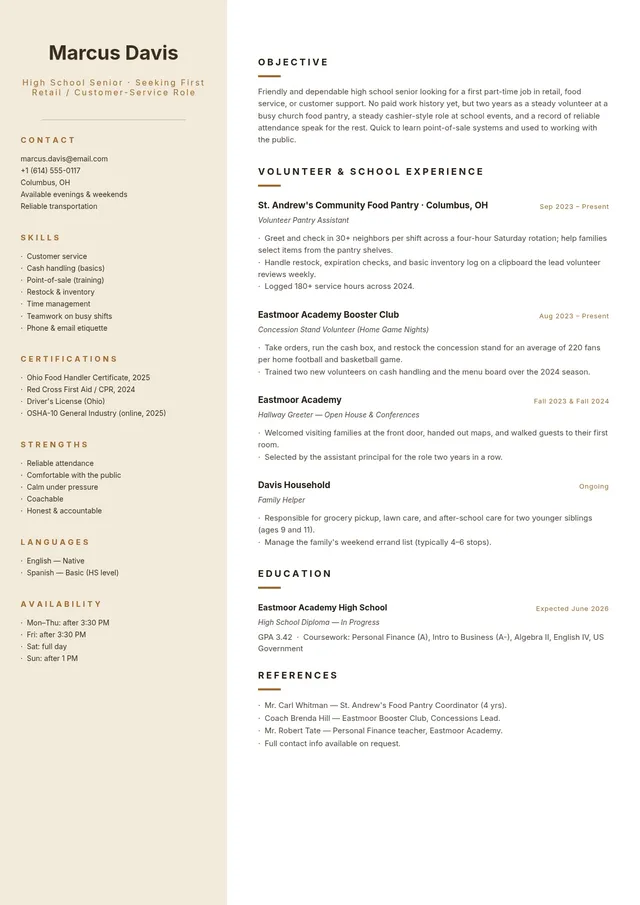
High School Retail Resume
Use template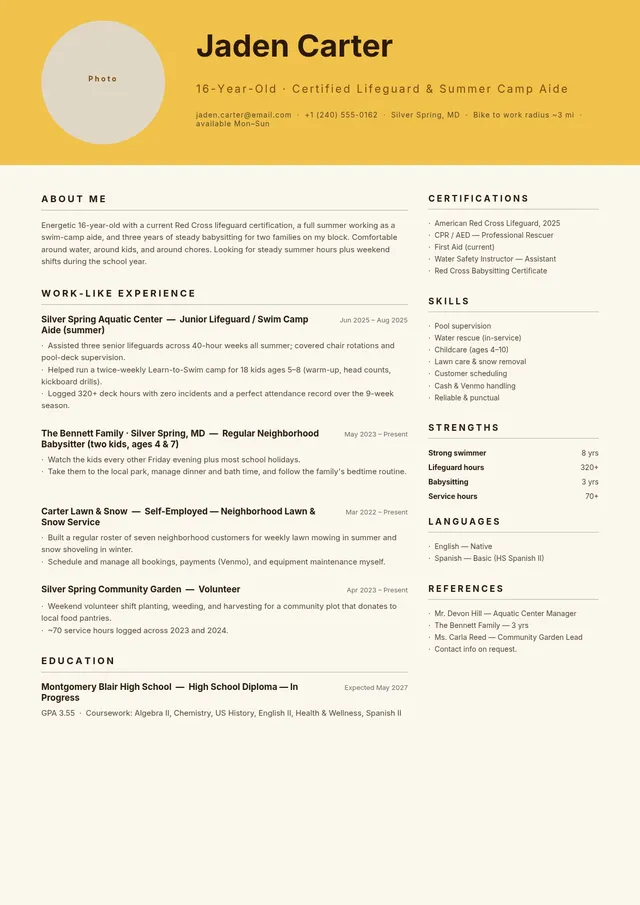
Summer Job Resume
Use template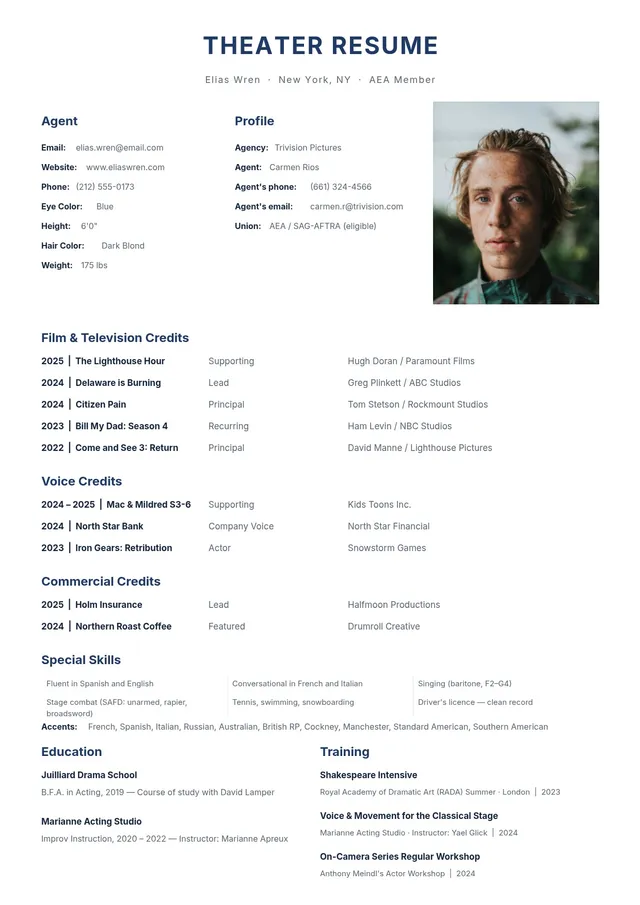
Theater Resume
Use template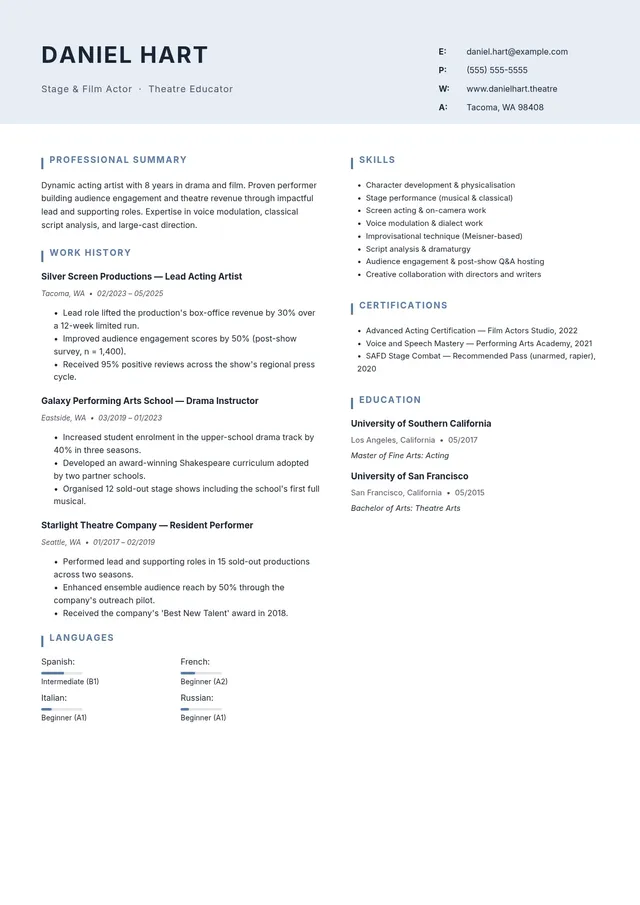
Stage and Film Actor Resume
Use template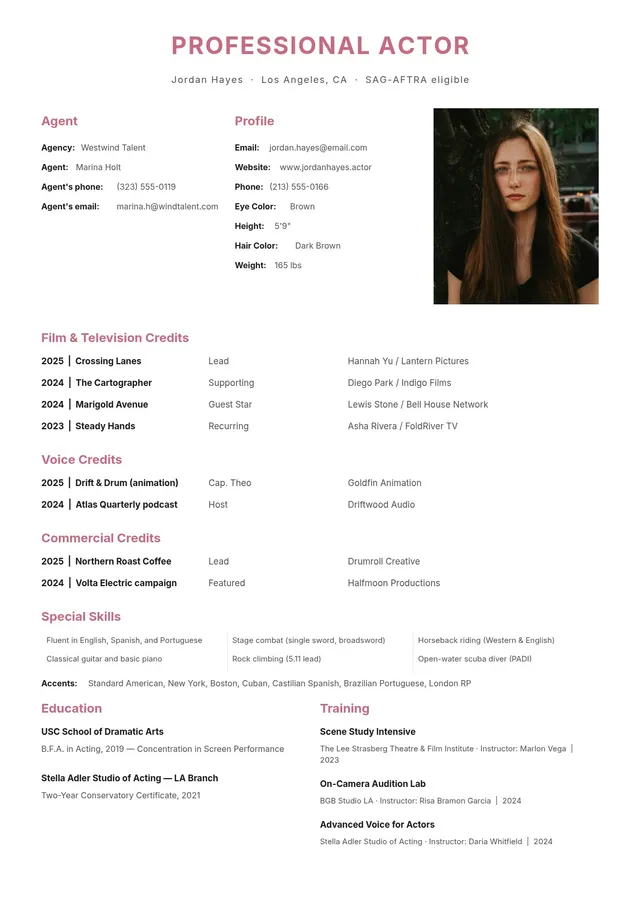
Professional Acting Resume
Use template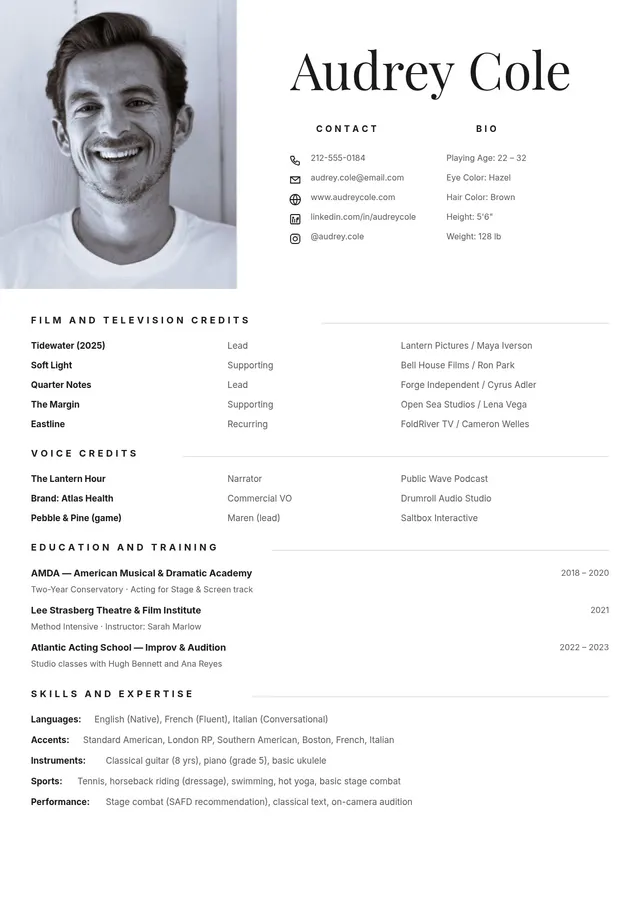
Actor Resume
Use template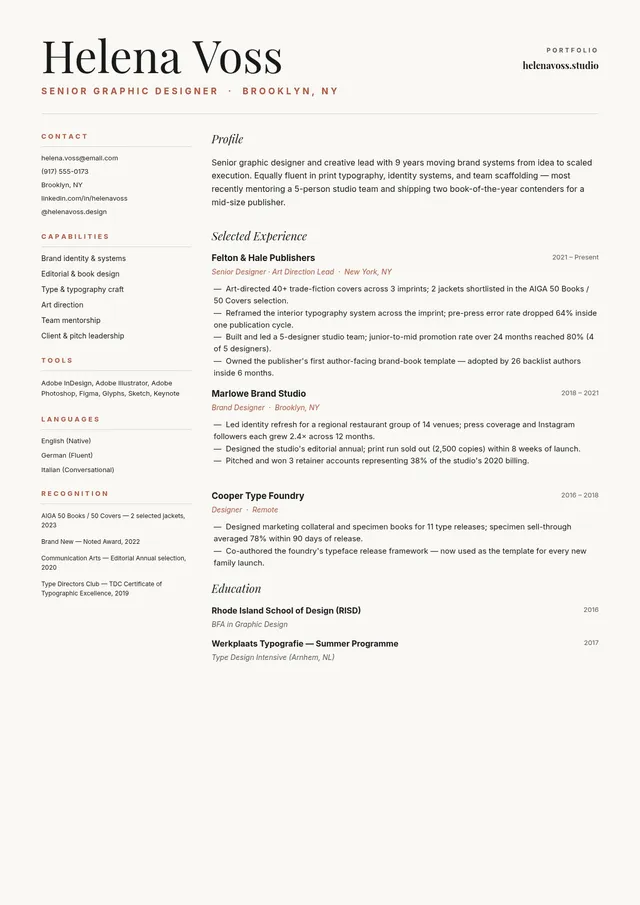
Senior Graphic Designer Resume
Use template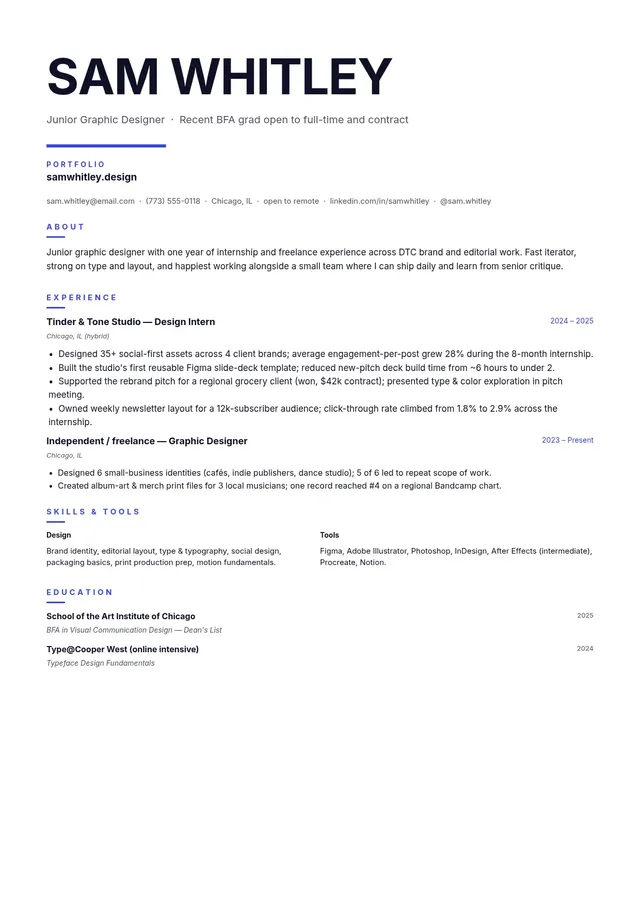
Junior Graphic Designer Resume
Use template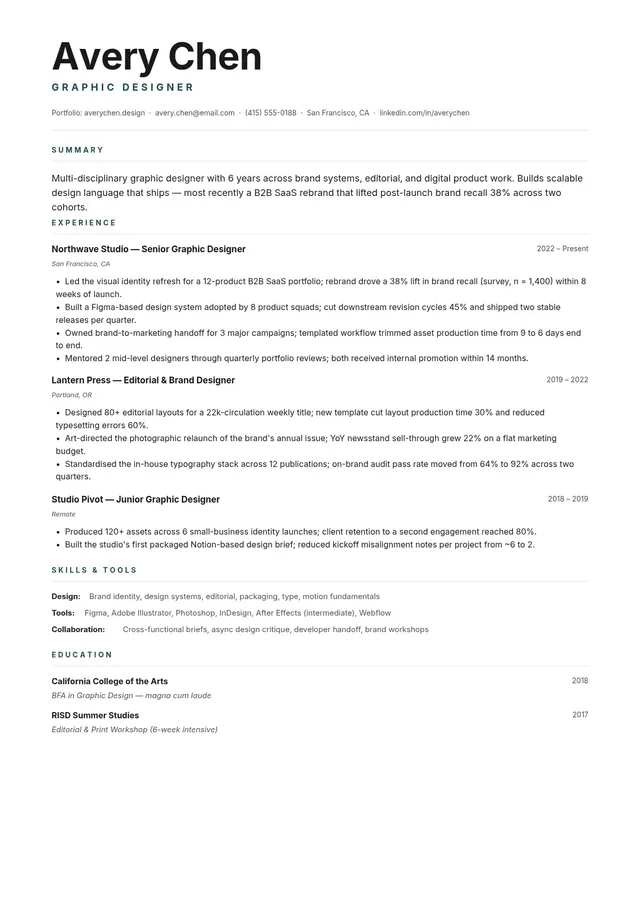
Graphic Designer Resume
Use template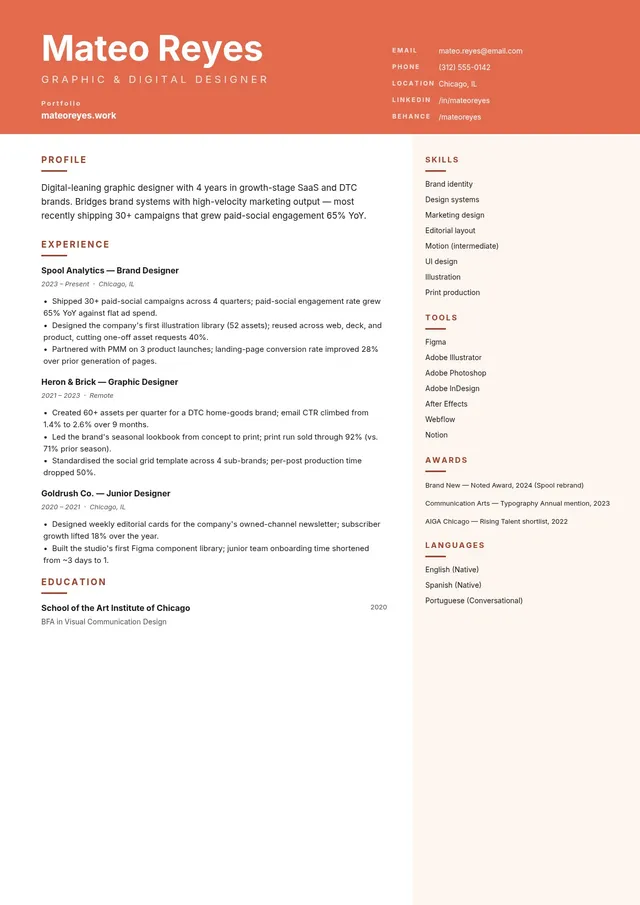
Digital Graphic Designer Resume
Use template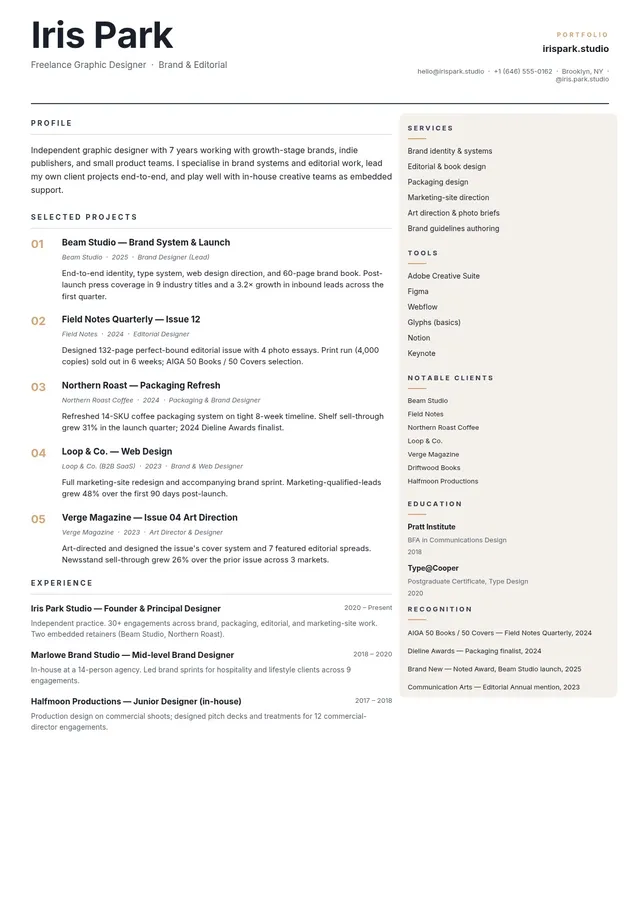
Freelance Graphic Designer Resume
Use template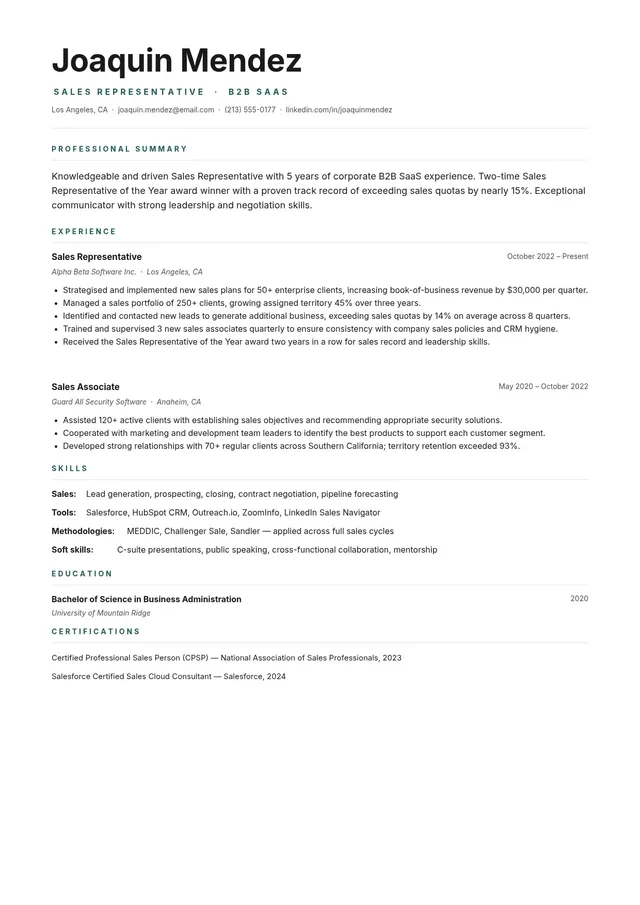
B2B Sales Resume
Use template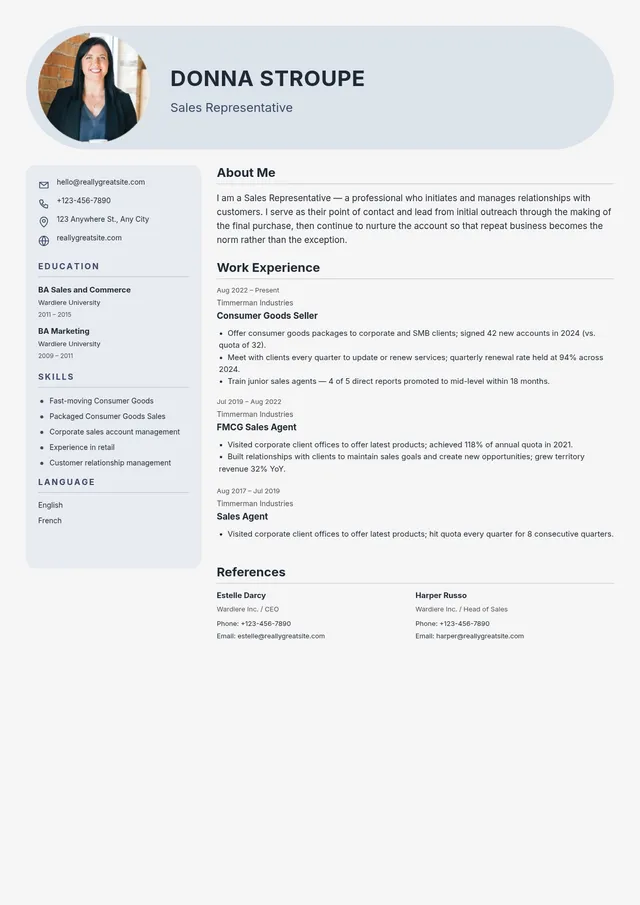
Entry Level Sales Resume
Use template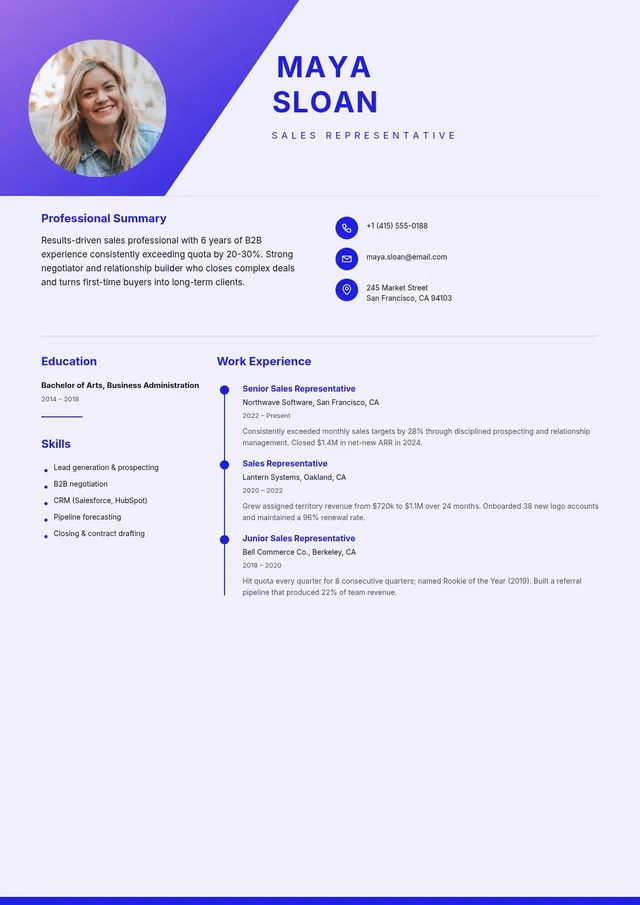
Sales Representative Resume
Use template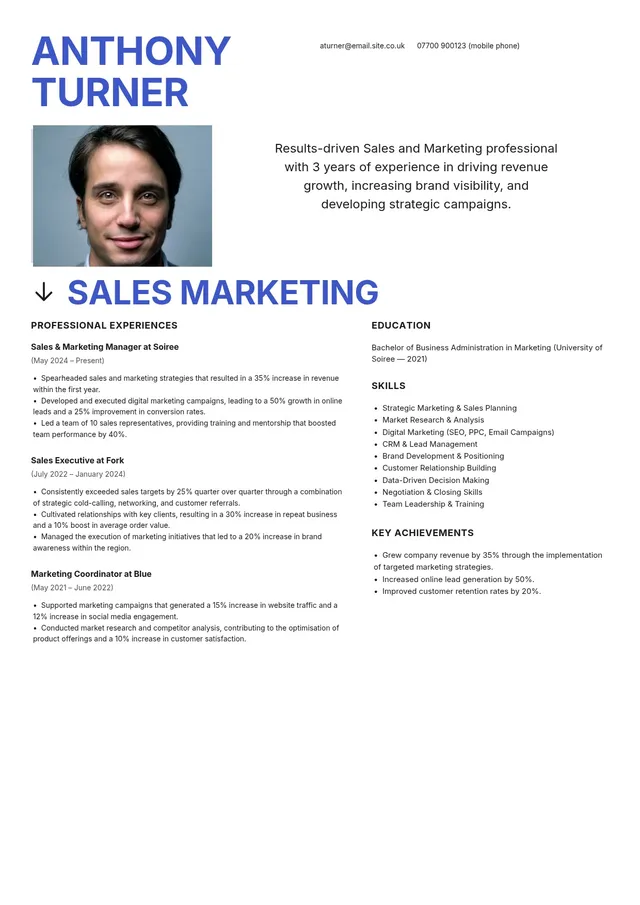
Sales and Marketing Manager Resume
Use template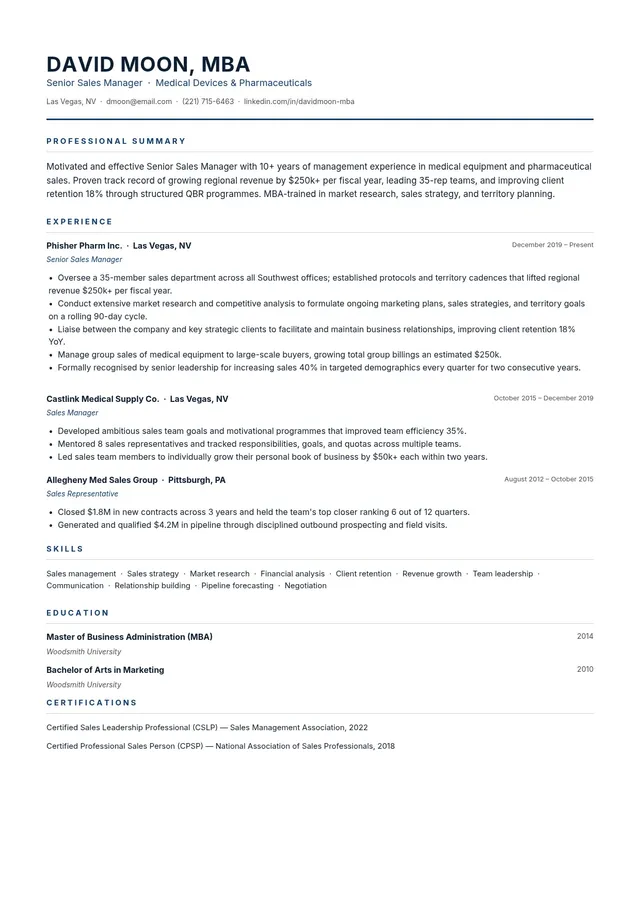
Sales Manager Resume
Use template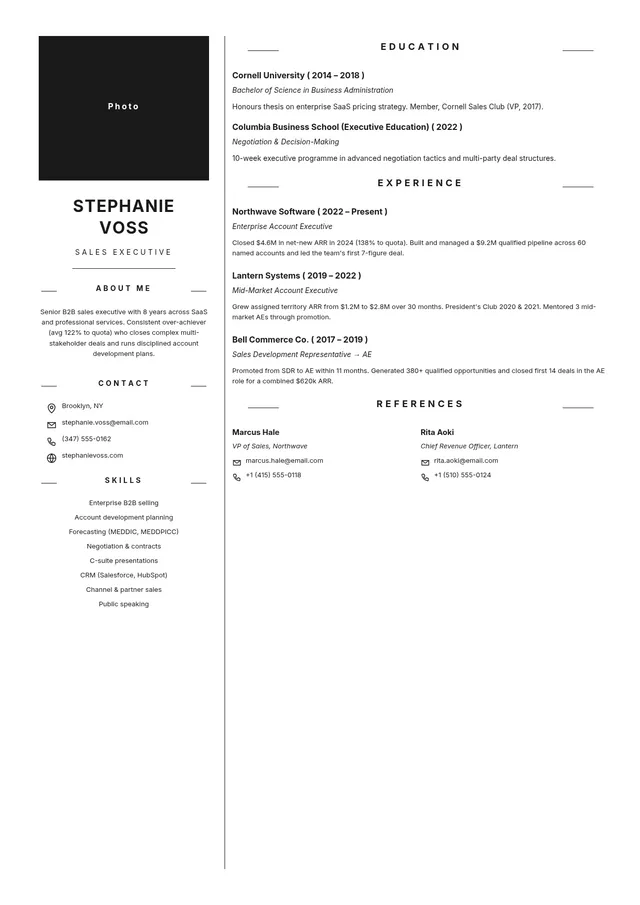
Sales Executive Resume
Use templateProfessional resume templates for every career stage and industry
PDF Guru's resume template library gives you professionally structured, ready-to-fill layouts for a wide range of career stages and industries. Browse the collection, pick the template that fits your role, fill in your details, and download — the structure is already set up so you can focus on your content rather than formatting from scratch.
Choosing the right resume template means matching the design to your industry, career level, and target role. A creative director's resume looks different from a registered nurse's, and both look different from a recent graduate's. The library covers entry-level job seekers, mid-career professionals, and senior executives — all editable directly in your browser and downloadable in multiple formats including PDF, DOC, PNG, and JPG.
Templates organized by role and experience level
Whether you are a high school student applying for a first job, a nurse transitioning between specialties, or a sales professional targeting a management role, the right template anchors your content to what employers in that field expect. PDF Guru offers dedicated resume categories including:
- Acting Resume templates for performers listing headshots, credits, and training
- Graphic Design Resume templates with portfolio-ready layouts
- High School Resume templates built for applicants with limited work experience
- Nurse Resume templates structured around clinical certifications and patient care metrics
- Sales Resume templates that emphasize revenue results and pipeline achievements.
Customization that works with applicant tracking systems
Every resume template is fully customizable — adjust the layout, fonts, color scheme, and section order to match a specific role. AI-assisted formatting tools help build a resume that is both visually polished and ATS-compatible, ensuring your document passes applicant tracking system screening before reaching a human reviewer. Reverse-chronological, functional, and combination formats are all available, so you can choose the structure that best highlights your background.
How to choose the right resume template
The right template depends on your career stage and target industry:
- A minimalist, single-column design works well for corporate and traditional roles
- A two-column layout with visual elements suits creative fields like graphic design or photography
- A functional template that leads with skills rather than job history helps career changers and recent graduates highlight transferable abilities
Browse the full library, select a template, customize it to each application, and download in your preferred format.
Frequently asked questions
What types of resume templates does PDF Guru offer?

PDF Guru provides resume templates across multiple categories, including Acting Resume, Graphic Design Resume, High School Resume, Nurse Resume, and Sales Resume templates. Each category contains several design variations — from minimalist and two-column layouts to executive and creative formats — so you can find a template that matches your industry, career level, and personal style.
What is the best resume format to use?
The best format depends on your career stage and target role. A reverse-chronological format is the most widely accepted and works well for candidates with a steady work history. A functional format organizes content by skills rather than job history, which suits career changers and recent graduates. A combination format blends both approaches. PDF Guru offers templates in all three formats.
What sections should a resume include?
Every resume should include contact information, a professional summary or objective, a work experience section with quantified achievements, an education section, and a skills section. Optional sections such as certifications, languages, awards, volunteer work, and portfolio links can strengthen your application depending on the role. PDF Guru's templates provide all standard sections in the correct order, and you can add or remove sections as needed.
How do I tailor a resume template for a specific job?
Review the job description carefully and identify the key qualifications, skills, and keywords the employer prioritizes. Adjust your professional summary, skills section, and experience bullet points to reflect those requirements. Reorder sections to put the most relevant experience first. PDF Guru's browser editor lets you customize layout, fonts, colors, and section order for each application without starting from scratch.
Are PDF Guru resume templates compatible with applicant tracking systems?
Yes. PDF Guru resume templates use clean formatting, standard section headings, and readable fonts that applicant tracking systems can parse correctly. Avoiding complex graphics, tables, and non-standard fonts is critical for ATS compatibility — PDF Guru's templates are designed with these requirements built in, and AI-assisted formatting tools help flag potential parsing issues before you submit.
How do I make my resume stand out from other applicants?
Focus on quantified achievements rather than generic job descriptions — "increased quarterly sales by 18%" communicates more than "responsible for sales." Use a clean, professional template with consistent formatting, and tailor the content to each specific role. A well-structured template from PDF Guru handles the design, so you can focus on writing compelling bullet points and a strong professional summary.
Can I download my resume in different file formats?
PDF Guru lets you download your completed resume as a PDF, DOC, PNG, or JPG file. PDF is the standard format for most job applications because it preserves formatting across devices and operating systems. DOC format is useful when an employer specifically requests an editable document. PNG and JPG are options for uploading a resume as an image to portfolio sites or social media profiles.
How do I cancel PDF Guru?
You can cancel your active plan from your PDF Guru account settings, or contact support and ask them to cancel the subscription for you. Account access stays in place until the billing period you already paid for comes to an end.