

About the utility bill template
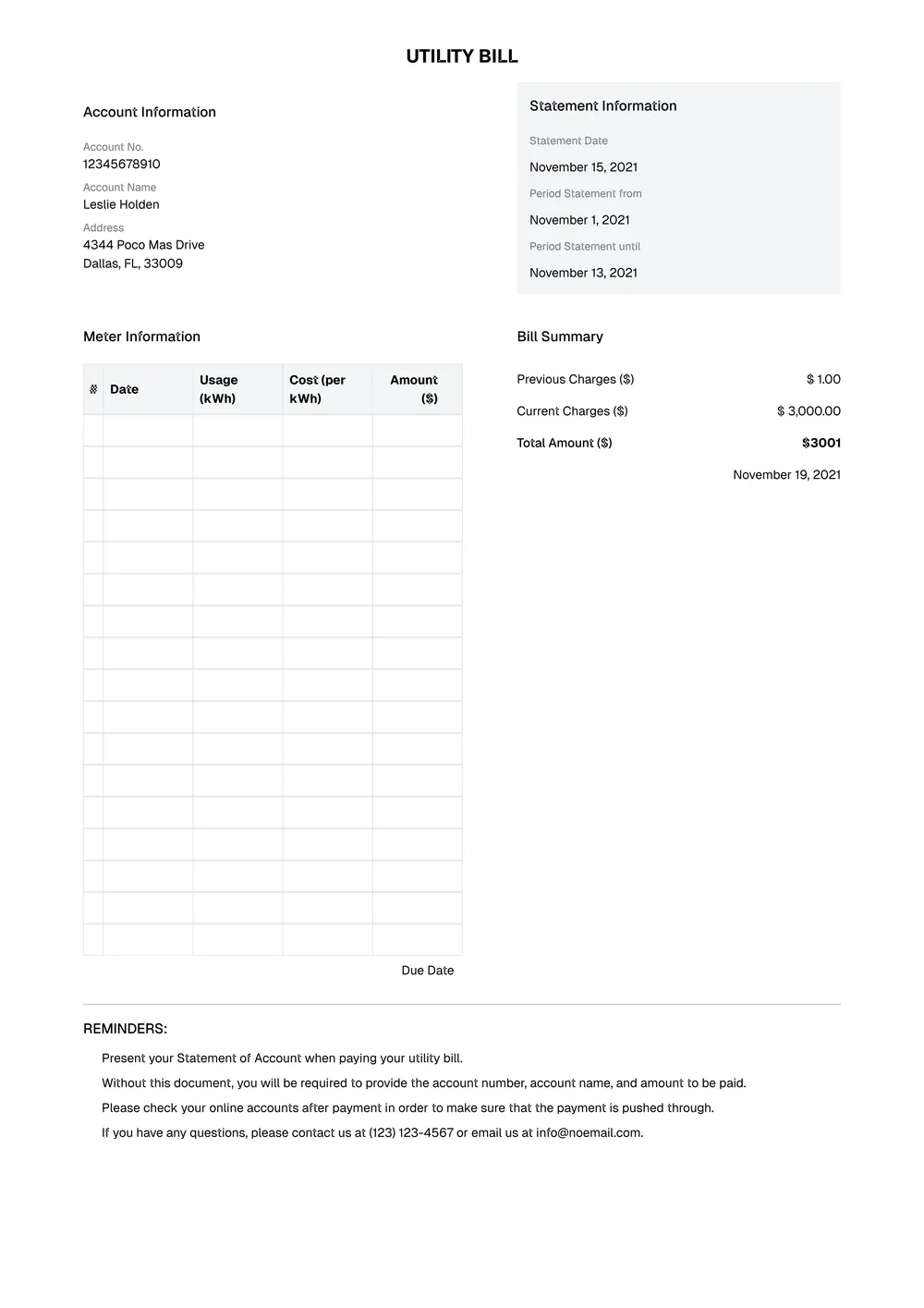
A utility bill template is used to organize account, service, and payment details in a bill-style format. It can be useful for structured documentation, sample billing layouts, business records, or other situations where you need a clean utility-style document with usage and charge information.
Our template includes sections for account details, service period, billing address, usage, charges, totals, and notes. In the PDF Guru editor, you can update the wording, add or remove fields, and tailor the layout to the type of bill-style document you need to prepare.
Download your first file for free. To continue using PDF Guru, choose one of our subscription plans.
Frequently asked questions
What can I use this utility bill template for?

This template is useful when you need a utility-style billing layout with account details, charges, and totals organized in one place. It works well for sample billing documents, structured records, and other document-related use cases that need a familiar bill format.
What information can I add to the utility bill template?
You can include the account name, billing address, service dates, usage information, charges, totals, and notes. You can also add custom fields if your version of the document needs more detail.
Can I customize the utility bill layout in PDF Guru?
Yes. In PDF Guru you can revise the wording, change the section labels, add or remove fields, and shape the layout around the type of utility-style document you want to create. That makes the template more flexible for different billing-style uses.
Can I download this utility bill template in different formats?
Yes. After editing the utility bill in PDF Guru, you can export it as PDF, DOC, XLSX, PPTX, JPG, or PNG. This gives you a printable copy, a digital file for records, and another version for revisions or sharing.
How do I edit the utility bill template in PDF Guru?
Open the template in the PDF Guru editor and fill in the account details, billing period, charges, totals, and notes. You can adjust the layout, revise the labels, and review the final look before saving. When it is ready, export it in the format you need for printing, sharing, or storage.
How do I cancel PDF Guru?
You can cancel your active plan from your PDF Guru account settings, or contact support and ask them to cancel the subscription for you. Account access stays in place until the billing period you already paid for comes to an end.