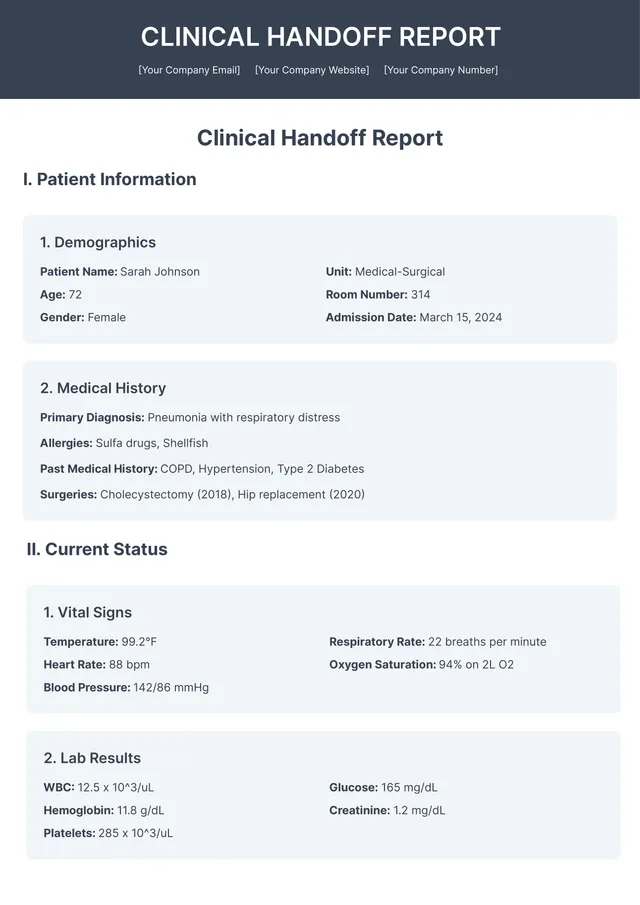
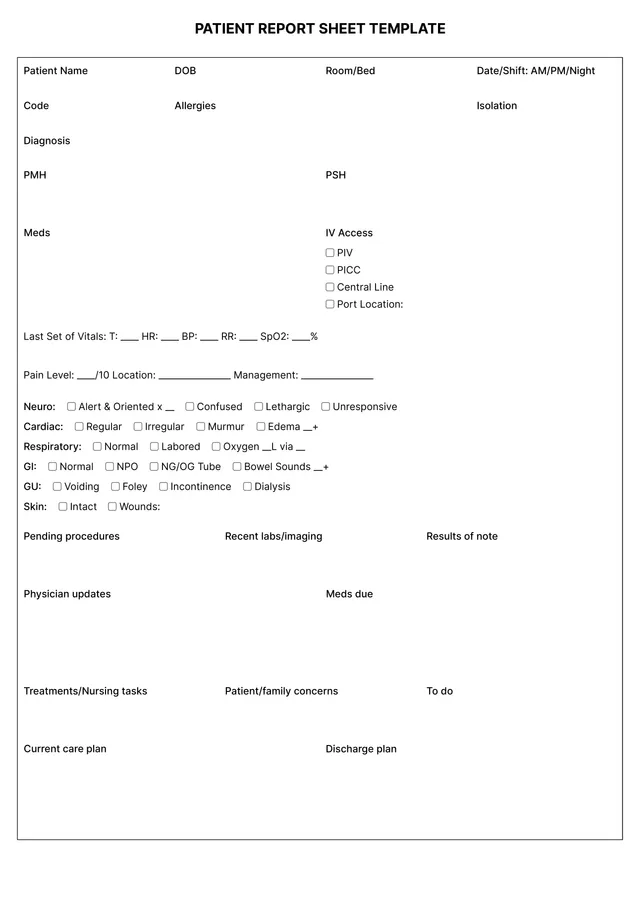
Weekly Project Status Report Template

About weekly project status report templates
Managing project status can be a real hassle. You often need to keep track of tasks, progress, and deadlines, which can lead to confusion and wasted time. Our weekly project status report template helps you organize information efficiently, so you can communicate effectively with your team. A standout feature is the intuitive format that lets you fill in key project details quickly, reducing your stress.
With this template, you can create a clean and professional report that keeps everyone on the same page. You’ll have a sample of what a successful report looks like, along with a blank version to customize for your own needs. We’ve analyzed the necessary fields and included them in ours, giving you a solid foundation to build upon while tackling your project updates with ease.
Download your first file for free. To continue using PDF Guru, choose one of our subscription plans.
Frequently asked questions
What is a weekly project status report template?

A weekly project status report template is a structured document that helps you organize and communicate the progress of a project on a weekly basis. It typically includes sections to outline key updates, tasks completed, upcoming actions, and any issues encountered. This template streamlines project reporting, making it easier to track advancements and challenges, thus keeping everyone informed and aligned on goals.
When should you use a weekly project status report template?
Using a weekly project status report template can help keep your team aligned and updated on progress. Consider this template when:
- You need to track project milestones weekly
- Your team is working on multiple projects at once
- You want to quickly share updates with stakeholders
- You require an editable document for repeated uses
- You face deadlines that demand regular reporting
What information is included in a weekly project status report template?
A weekly project status report template typically includes: project name, date, team members, objectives, progress updates, issues encountered, action items, and next steps. You can edit the template to add specific details that fit your project’s needs and requirements, providing clarity for everyone involved.
How to edit the weekly project status report template?
- Click on 'Use Template' for the weekly project status report.
- The template will open in a PDF editor with placeholder fields.
- Fill in the required information by editing these fields.
- Once you’re done, click on 'Done' to download your report.
- Your edited template will also be saved in your account for future access.
Who can use a weekly project status report template?
Anyone managing a team or a project can benefit from a weekly project status report template. This template is great for team leaders, project managers, and department heads; it helps communicate progress, track updates, and align team efforts effectively throughout the project's lifecycle.
Can I export the weekly project status report template to PDF or other formats?
Yes, you can download the weekly project status report template in various formats, including PDF, Word, Excel, PowerPoint, PNG, or JPG. The finished document will be printable and you can easily choose your preferred format right after editing.
How can I make my project status report more effective?
To make your project status report more effective, focus on clear updates; organize information by progress, challenges, and next steps. Use visuals like charts for better understanding, and keep it concise; consider your audience's needs and provide relevant details to enhance clarity and engagement with your report.
What are the key features of the weekly project status report template?
The weekly project status report template offers editable sections for project updates, team accomplishments, challenges faced, and next steps. You can track project progress over time, provide clear communication to stakeholders, and hold team members accountable. Download your filled report preserving your changes for easy sharing and reference.
How do I cancel PDF Guru?
You can cancel your active plan from your PDF Guru account settings, or contact support and ask them to cancel the subscription for you. Account access stays in place until the billing period you already paid for comes to an end.