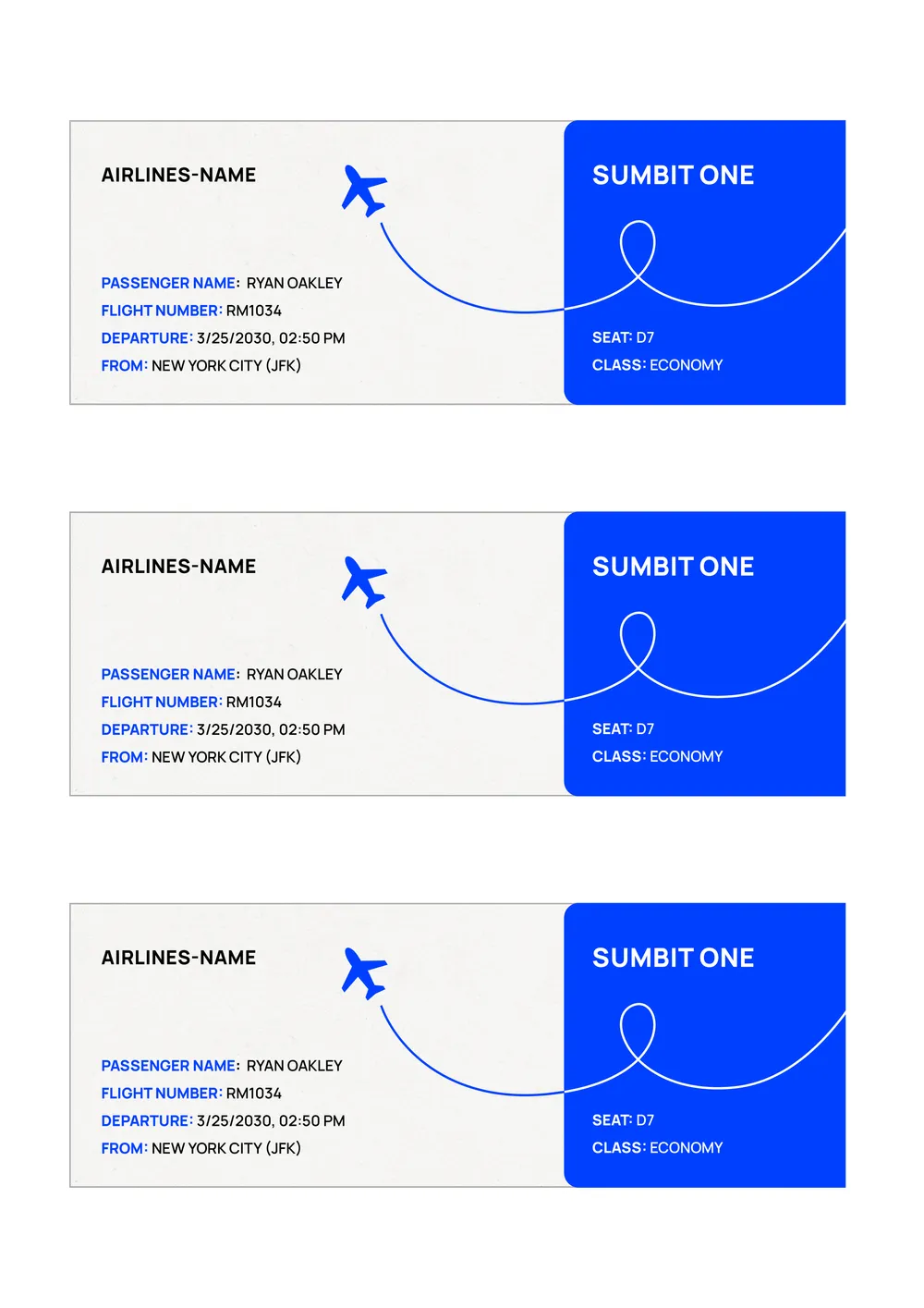
About airline ticket templates
Planning travel can be overwhelming, especially when it comes to booking airline tickets. With our airline ticket templates, you've got a reliable solution at your fingertips. These templates help you capture all essential flight information in one spot, simplifying the entire process of organizing your trip. You can use a sample flight itinerary template to plan out where you'll be and when, making travel more enjoyable and stress-free.
Filling out ticket details can be tedious, but our blank template is designed to make things quicker. You simply click 'Use Template,' fill out the required fields, and download your personalized ticket summary. Consider this a great way to keep vital travel information easily accessible, so you're always prepared for the next flight. We've analyzed the necessary fields and included them in our templates to help you stay on track.
Download your first file for free. To continue using PDF Guru, choose one of our subscription plans.
Frequently asked questions
What is an airline ticket template?

An airline ticket template is a structured document designed to represent flight information. It serves as an outline for details like passenger names, flight numbers, destinations, dates, and prices. You can customize the template to fit your needs, filling in the relevant details before downloading. This helps keep important flight information organized and accessible anytime you need it.
When should I use an airline ticket template?
An airline ticket template can be handy in various situations. Consider using it when:
- You want to create a ticket for a school project or presentation
- Planning an upcoming trip and need an editable reference
- Keeping track of flight information for travel arrangements
- Organizing travel itineraries for family or group travel
What information is found in an airline ticket template?
An airline ticket template typically includes the passenger's name, flight number, departure and arrival locations, date and time of travel, seat assignment, and total fare. You can edit this template to fit specific details for different flights or passengers, ensuring all crucial information is available.
How to edit an airline ticket template?
- Click on the 'Use Template' button for the airline ticket template.
- A draft will load in the PDF editor with placeholder fields.
- Fill in the necessary information in the editable fields.
- Review your changes carefully.
- When you’re done, click 'Done' to download your edited ticket.
- Your edited ticket will also be saved in your account for future use.
Who can benefit from an airline ticket template?
Travel agents, business travelers, tour operators, and anyone planning a trip can benefit from an airline ticket template. It's designed for those who want to organize flight details quickly, keep records, or provide confirmations, making travel planning smoother while ensuring all ticketing information is clearly laid out.
Can I export the airline ticket template to PDF or another format?
Yes, you can download the airline ticket template as a PDF or in other formats like Word, Excel, PowerPoint, PNG, or JPG. This makes it easy to have a printable version right when you need it, tailored to your requirements.
How can I ensure my airline ticket template is accurate and professional?
To make sure your airline ticket template looks professional and accurate, double-check all filled fields for correct details like names, dates, and flight numbers. Use clear formatting, and download a sample copy; this helps spot any errors. Finally, review before saving in your account for future use.
What are the common mistakes to avoid when filling out an airline ticket template?
When filling out an airline ticket template, avoid common mistakes like spelling your name incorrectly, selecting the wrong dates, or entering incorrect flight information. Double-check your details; these errors can cause delays, cancellations, or extra fees. Always review before saving or downloading your completed ticket.
How do I cancel PDF Guru?
You can cancel your active plan from your PDF Guru account settings, or contact support and ask them to cancel the subscription for you. Account access stays in place until the billing period you already paid for comes to an end.