Classroom Sign Out Sheet
About the classroom sign out sheet template
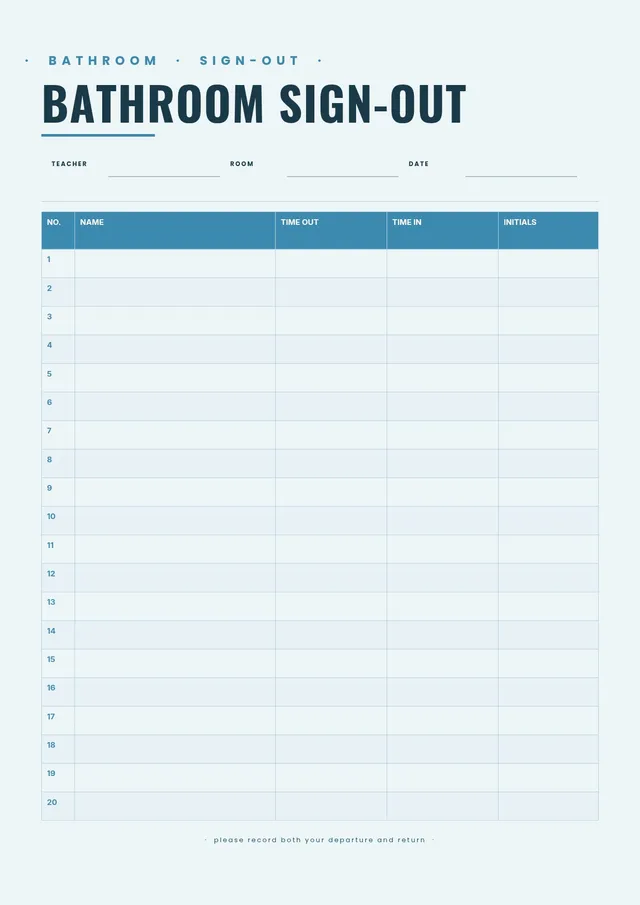
A classroom sign out sheet is a log that teachers use to record when students leave the room and when they return. It is most commonly used to manage hall passes for restroom breaks, nurse visits, library trips, or other approved absences from class. Having a written record helps teachers maintain order, ensure student safety, and track patterns if a student is frequently out of class.
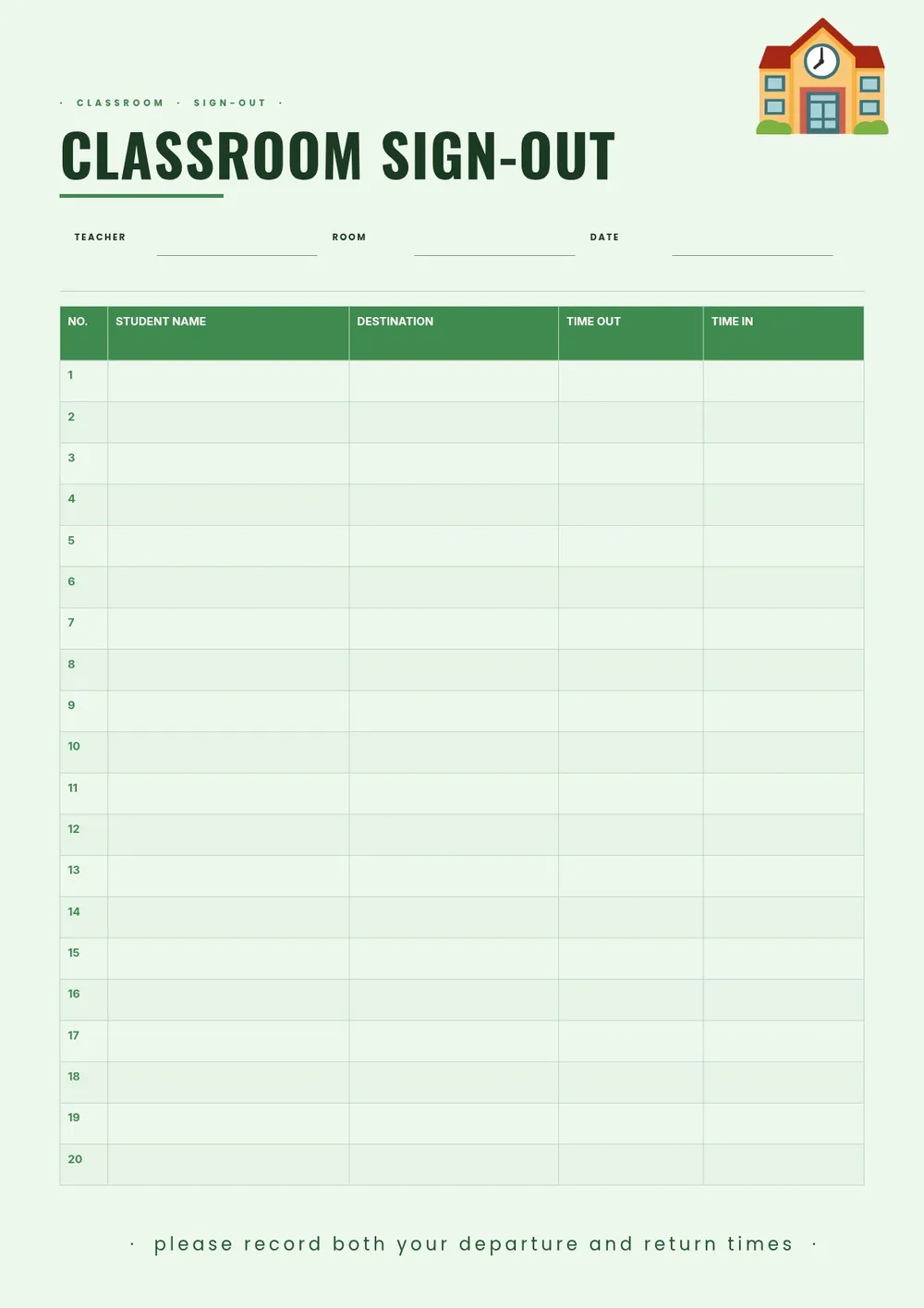
Our template includes columns for student name, date, destination, time out, and time in. All fields are editable in the PDF Guru editor so you can add your class period, grade level, or teacher name, and print a fresh sheet as often as needed.
Download your first file for free. To continue using PDF Guru, choose one of our subscription plans.
Frequently asked questions
What is a classroom sign out sheet used for?

A classroom sign out sheet is used to log when students leave the room during class. It tracks the student's name, destination, and the time they left and returned. Teachers use it to manage hall passes, monitor how long students are out, and maintain a written record of absences from the classroom.
What should a classroom sign out sheet include?
At minimum, it should include the student's name, the date, the time out, and the time in. Many teachers also include a destination column for restroom, nurse, office, or library, and some add a teacher initials or signature column. The template covers all of these fields.
How many students can fit on one sign out sheet?
The default template has enough rows for a full class period or school day. You can add more rows in the PDF Guru editor if needed, or print a new sheet each day or week depending on how frequently students sign out.
What formats can I download for this classroom sign out sheet?
After editing in PDF Guru, you can export the sheet as PDF, DOC, XLSX, PPTX, JPG, or PNG. A PDF is ideal for printing, while an Excel version works well if you want to log entries digitally.
How do I customize this classroom sign out sheet in PDF Guru?
Open the template in the PDF Guru editor, add your class name, grade level, and any other header details, adjust the columns to include the destinations you use most, and set the date at the top. Print a copy for each class period or keep a stack on your desk for the week.
How do I cancel PDF Guru?
You can cancel your active plan from your PDF Guru account settings, or contact support and ask them to cancel the subscription for you. Account access stays in place until the billing period you already paid for comes to an end.