

Contractor Invoice Templates
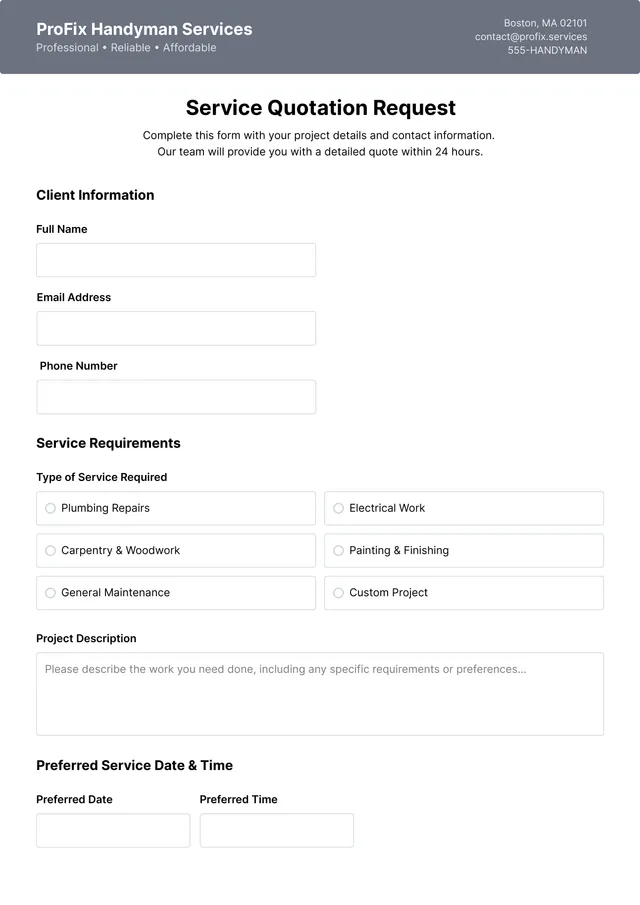
Handyman Quote Template
Use template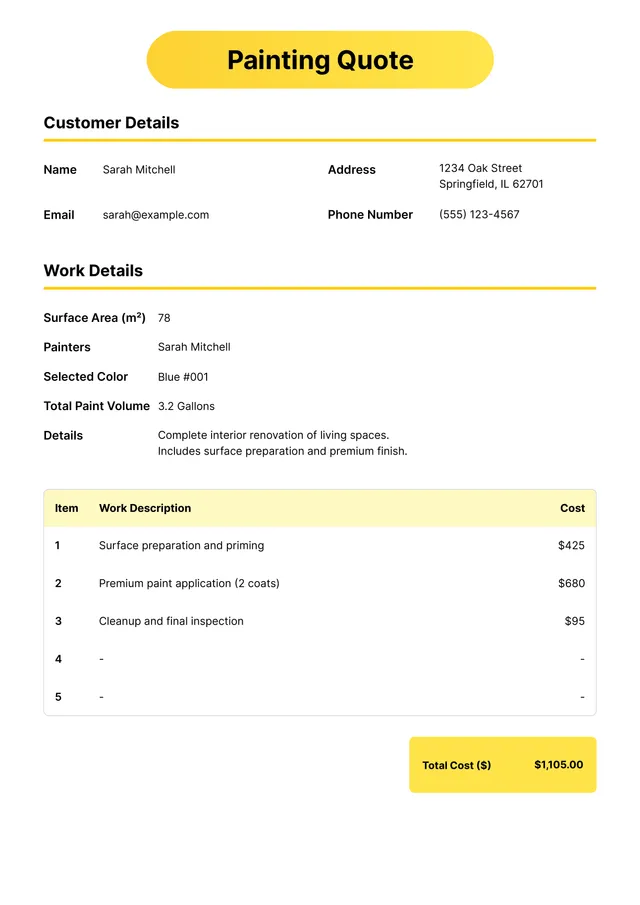
Painting Quote Template
Use template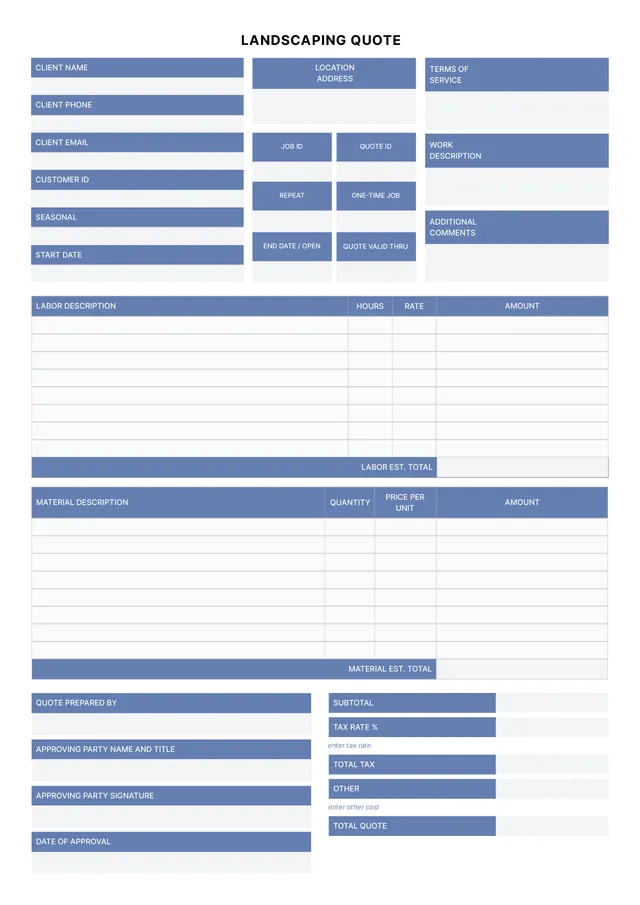
Landscaping Quote Template
Use template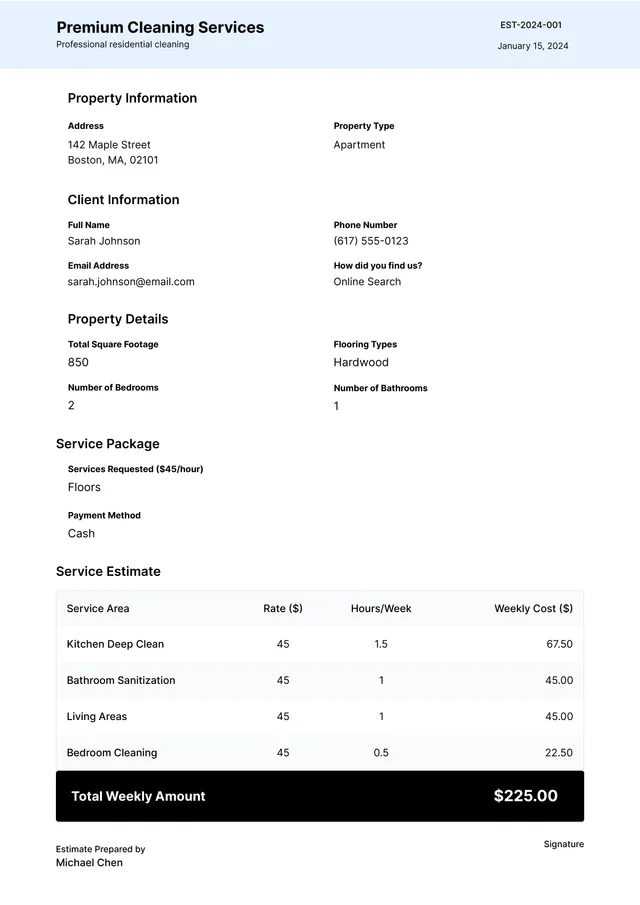
Cleaning Quote Template
Use template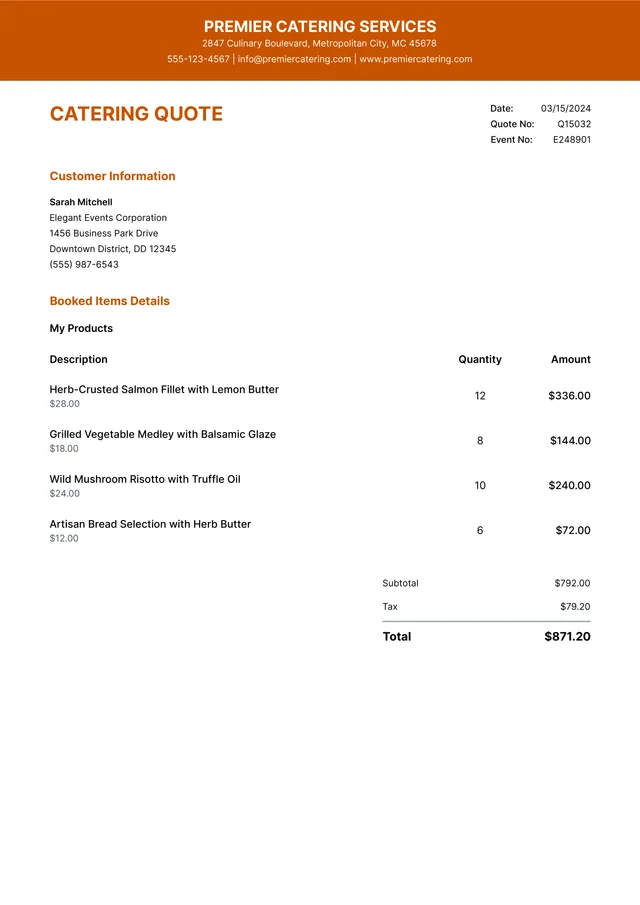
Catering Quote Template
Use template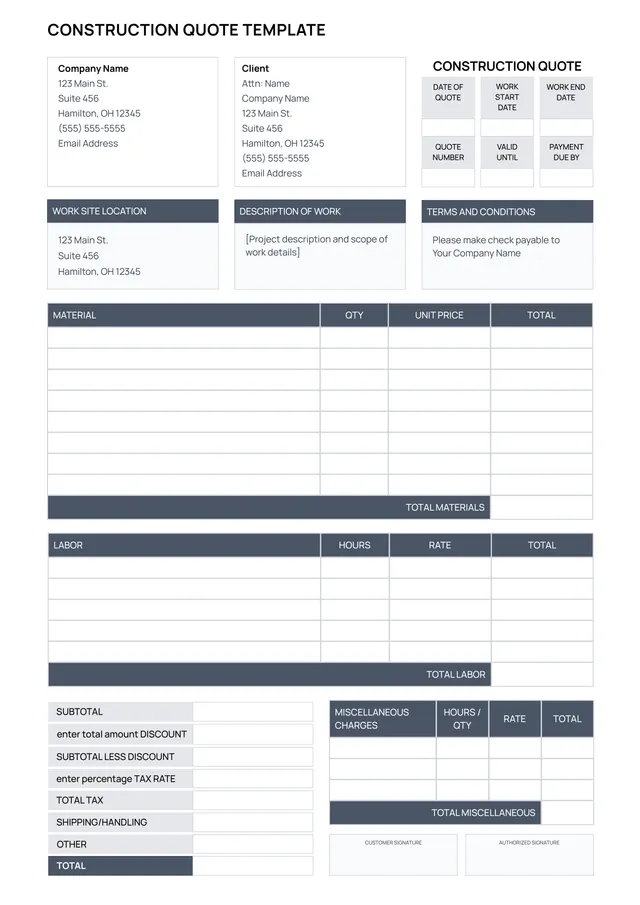
Construction Quote Template
Use template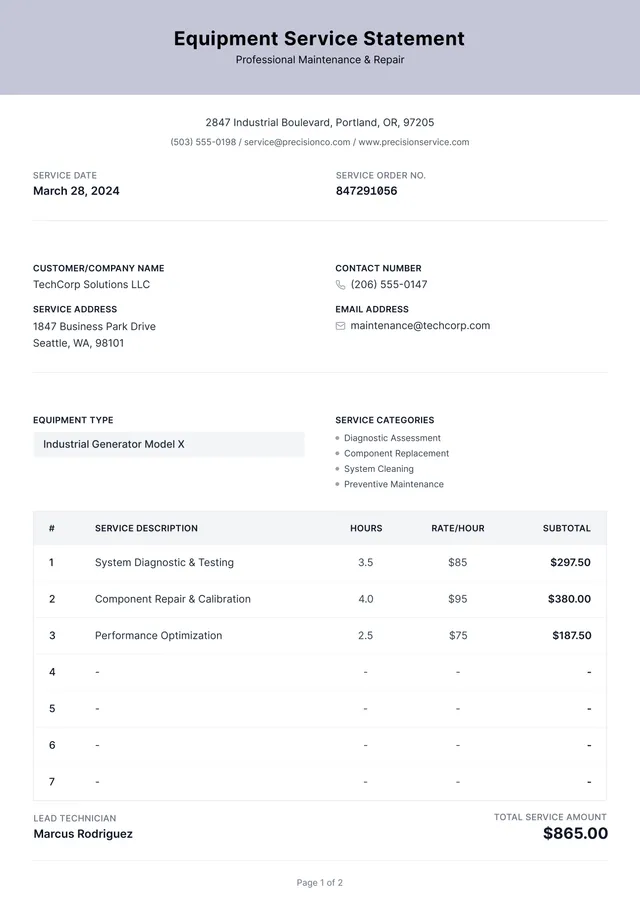
Small Engine Repair Invoice
Use template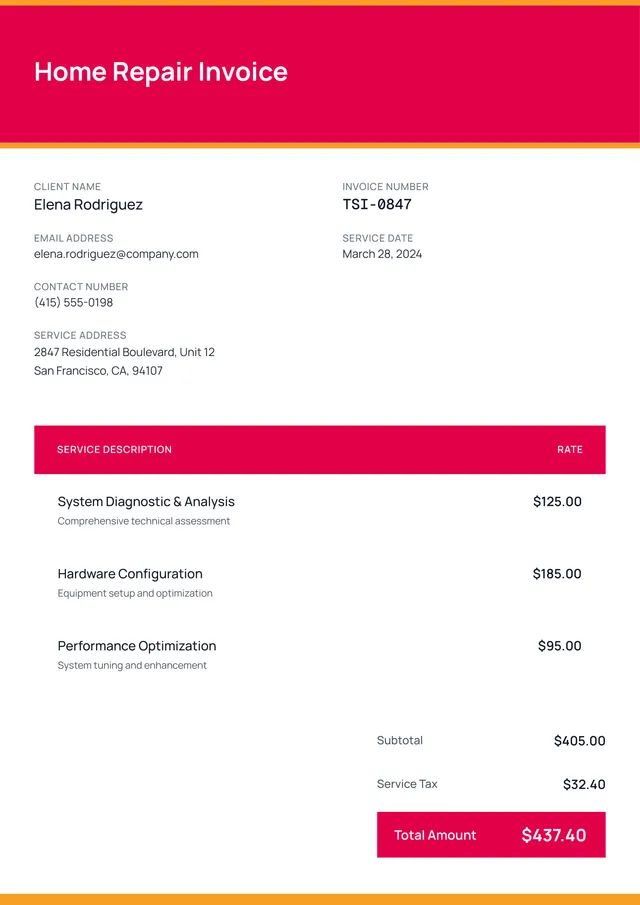
Home Repair Invoice Template
Use template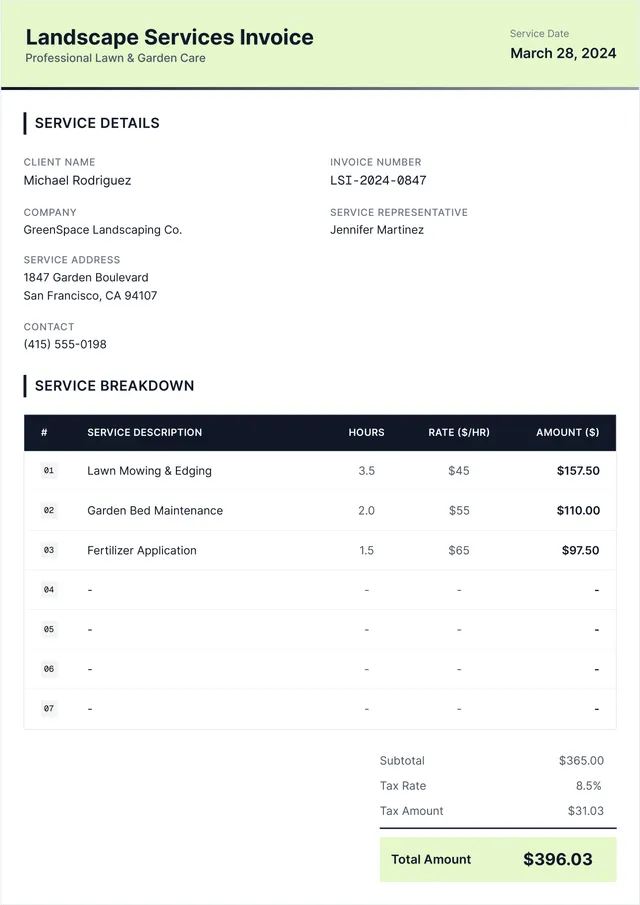
Lawn Care Invoice Template
Use template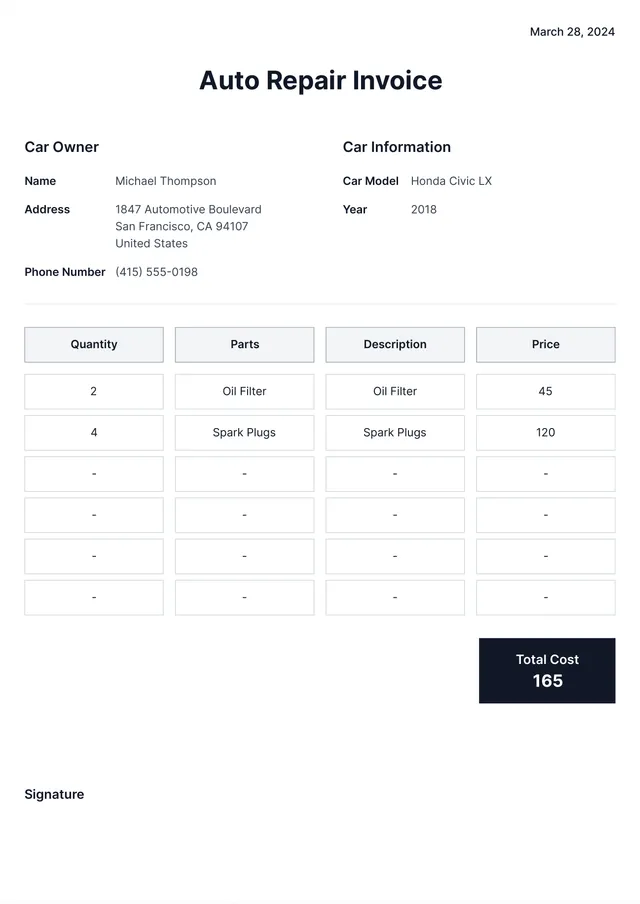
Auto Repair Invoice Template
Use template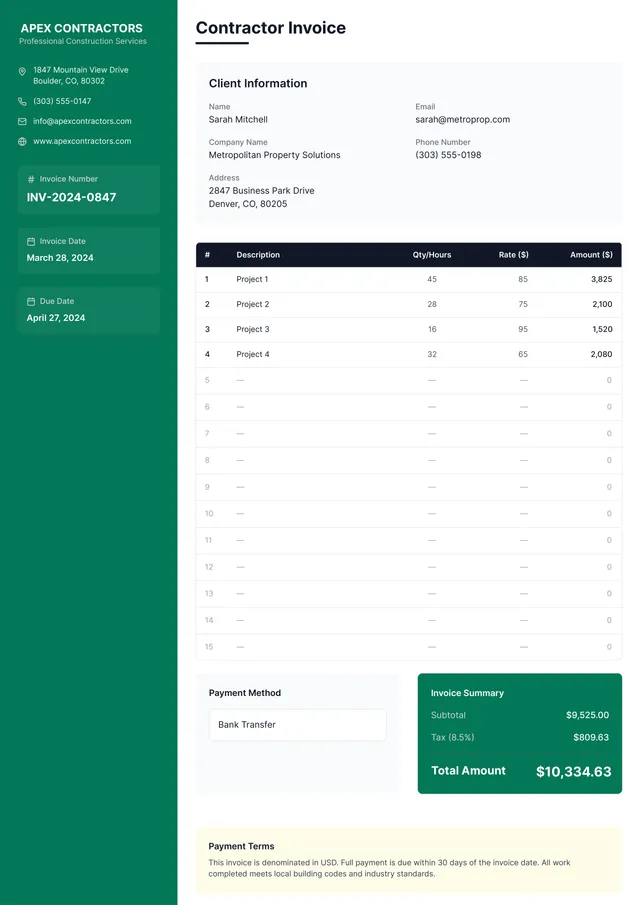
Contractor Invoice Template
Use template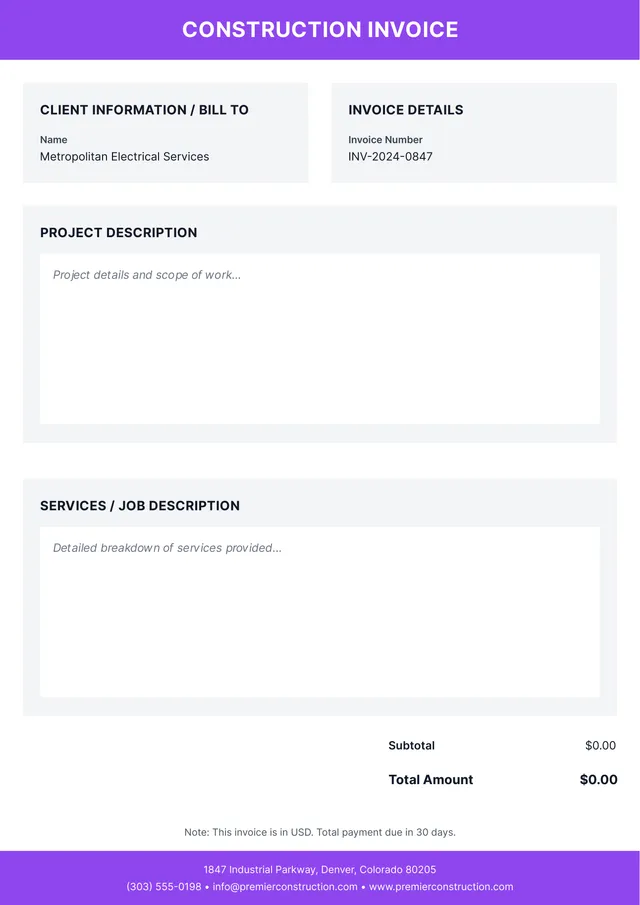
Construction Invoice Template
Use templateBilling templates for independent contractors
PDF Guru provides editable contractor invoice templates designed for independent contractors, subcontractors, freelancers, and self-employed professionals who need to create an invoice quickly and get paid faster. Our templates cover hourly contractor invoices, project-based invoices, progress billing invoices, and general contractor invoices — all with clean, professional layouts ready to customize. Each contractor invoice template includes fields for your business details, client information, invoice number, due date, itemized services with descriptions, hourly rates or flat fees, materials and labor breakdown, tax, accepted payment methods, and total amount due.
Open any template in the PDF Guru editor — edit all text and billing details, insert your company logo for a branded look, adjust the layout, change fonts and colors, and download a printable PDF invoice. Send invoices to your clients via email or print for your records. Works on desktop and mobile.
Frequently asked questions
What should a contractor invoice include?

A contractor invoice should include: your name or business name, client details, invoice number, due date, a description of services performed with itemized line items, hours worked or project milestones, rates, materials costs (if applicable), subtotal, tax, total, accepted payment methods, and payment terms. Clear, detailed invoices reduce disputes and support faster payment — helping you get paid on time.
Can I create hourly and project-based invoices?
Yes. PDF Guru's contractor invoice templates support both hourly billing and flat-rate project billing. Create an invoice by editing the line items to itemize hours and hourly rates, or list project milestones with fixed amounts — whatever fits your independent contractor or freelancer billing style. The customizable layout adapts to any billing format.
How can I streamline my invoicing process?
Using an editable invoice template saves time by giving you a consistent, professional format for every client. Open the template, update the billing details, due date, and itemized services, then download and send invoices as PDFs. A branded, well-structured invoice also helps you track payments and maintain cash flow by reducing payment delays. This is more efficient than building invoices from scratch in Google Docs or an online contractor invoice generator.
What payment methods should I list on my invoice?
Include all payment methods you accept — bank transfer, PayPal, credit card, check, or other online payment options. Making it easy for clients to pay using their preferred method helps you get paid faster. List the payment details clearly on every invoice so there's no confusion about how to submit payment.
Can I print and send these contractor invoices?
Absolutely. Download your customized invoice as a printable PDF, which you can print at any size or send digitally to your clients via email. The PDF format ensures the layout looks professional on any device or printer — a polished invoice that represents your freelancer or contractor business well.
How do I cancel PDF Guru?
You can cancel your active plan from your PDF Guru account settings, or contact support and ask them to cancel the subscription for you. Account access stays in place until the billing period you already paid for comes to an end.