About the excuse letter for school template
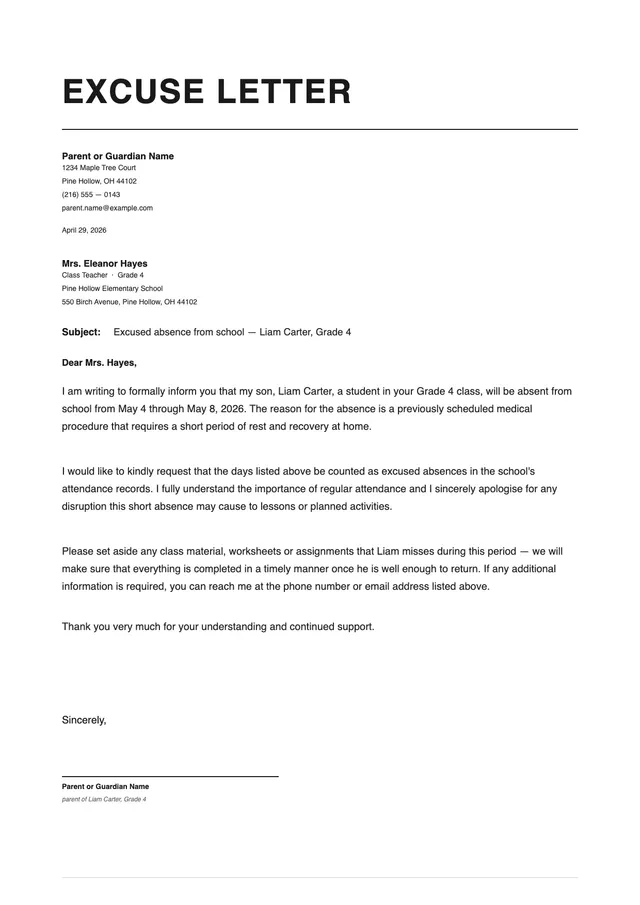
An excuse letter for school is a short written document that explains why a student was absent, late, or needed to leave early. It can be written by a parent, guardian, or in some cases an older student for their own attendance record. Schools use these letters to determine whether an absence is excused or unexcused, which can affect grades, attendance records, and participation in school programs.
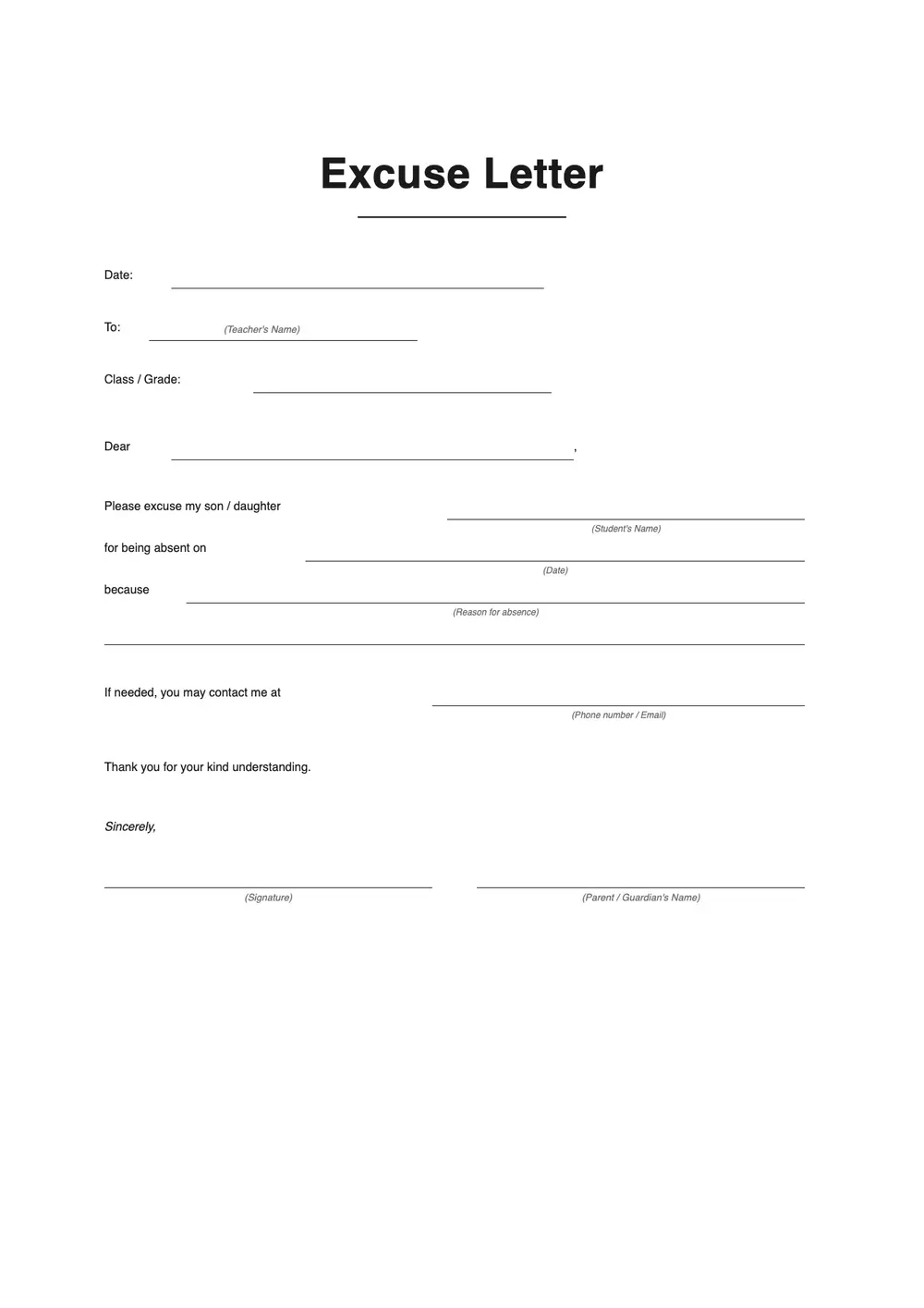
Common reasons covered by this template include illness, medical or dental appointments, family emergencies, travel, and religious observances. Our template provides a clean and concise format that covers the student's name, the absence date, the reason, and a signature line. All fields are editable in the PDF Guru editor so you can complete the note quickly and submit it to the relevant teacher or office.
Download your first file for free. To continue using PDF Guru, choose one of our subscription plans.
Frequently asked questions
Who can write an excuse letter for school?

In most cases, a parent or guardian writes and signs the letter on behalf of the student. Some high schools and colleges allow older students to write their own absence letters. Check the school's policy if you are unsure whether a student-authored note will be accepted.
What information should an excuse letter for school contain?
Include the student's full name, the date or dates of the absence, a brief explanation of the reason, and the parent or guardian's signature with contact details. If the absence was pre-planned, note that in the letter so the school can record it appropriately.
Does the reason for absence need to be detailed?
No. A brief and honest reason is enough in most cases. You do not need to go into medical detail or provide documentation unless the school specifically requests it for extended absences. The letter just needs to give the school enough context to classify the absence correctly.
What formats can I download for this school excuse letter?
After editing in PDF Guru, you can export the letter as PDF, DOC, XLSX, PPTX, JPG, or PNG. That makes it easy to print for a handwritten submission, email to a teacher, or upload to a school attendance system.
How do I complete and send this excuse letter in PDF Guru?
Open the template in the PDF Guru editor, enter the student's name, the dates of absence, and the reason. Add the parent or guardian's name and contact details, review the letter, and export it in the format your school accepts. The process is quick and the result is a clean, legible note.
How do I cancel PDF Guru?
You can cancel your active plan from your PDF Guru account settings, or contact support and ask them to cancel the subscription for you. Account access stays in place until the billing period you already paid for comes to an end.