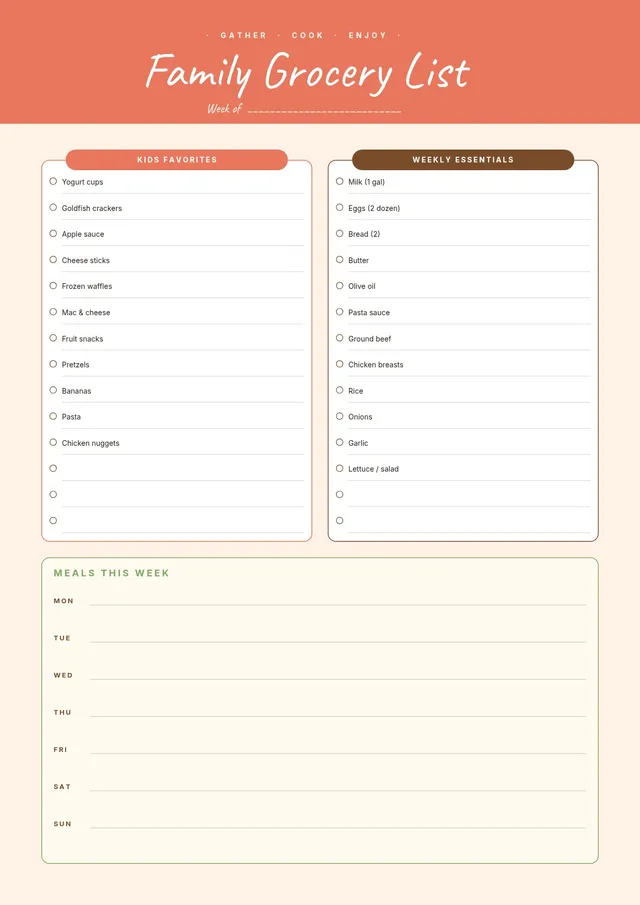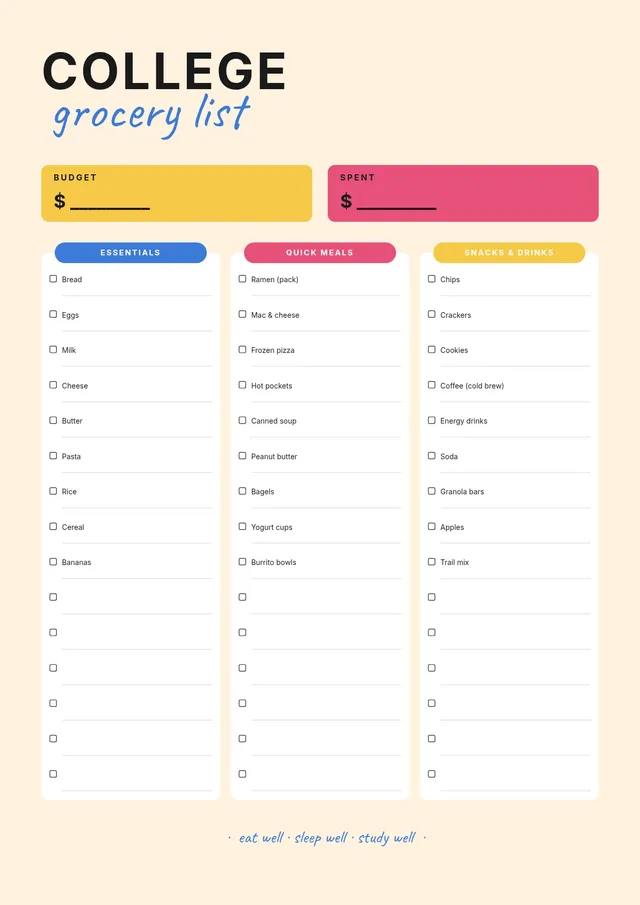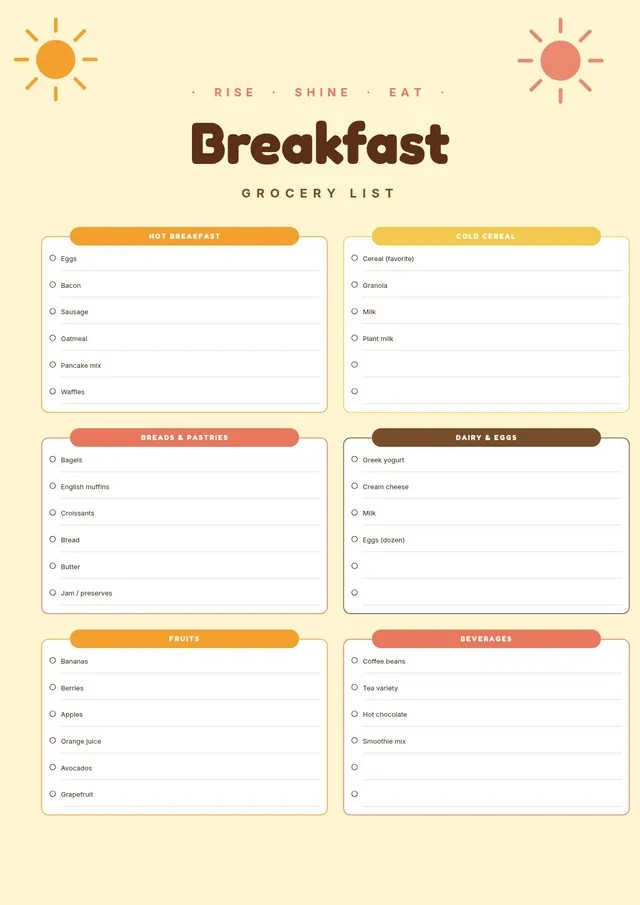
About the general grocery list template
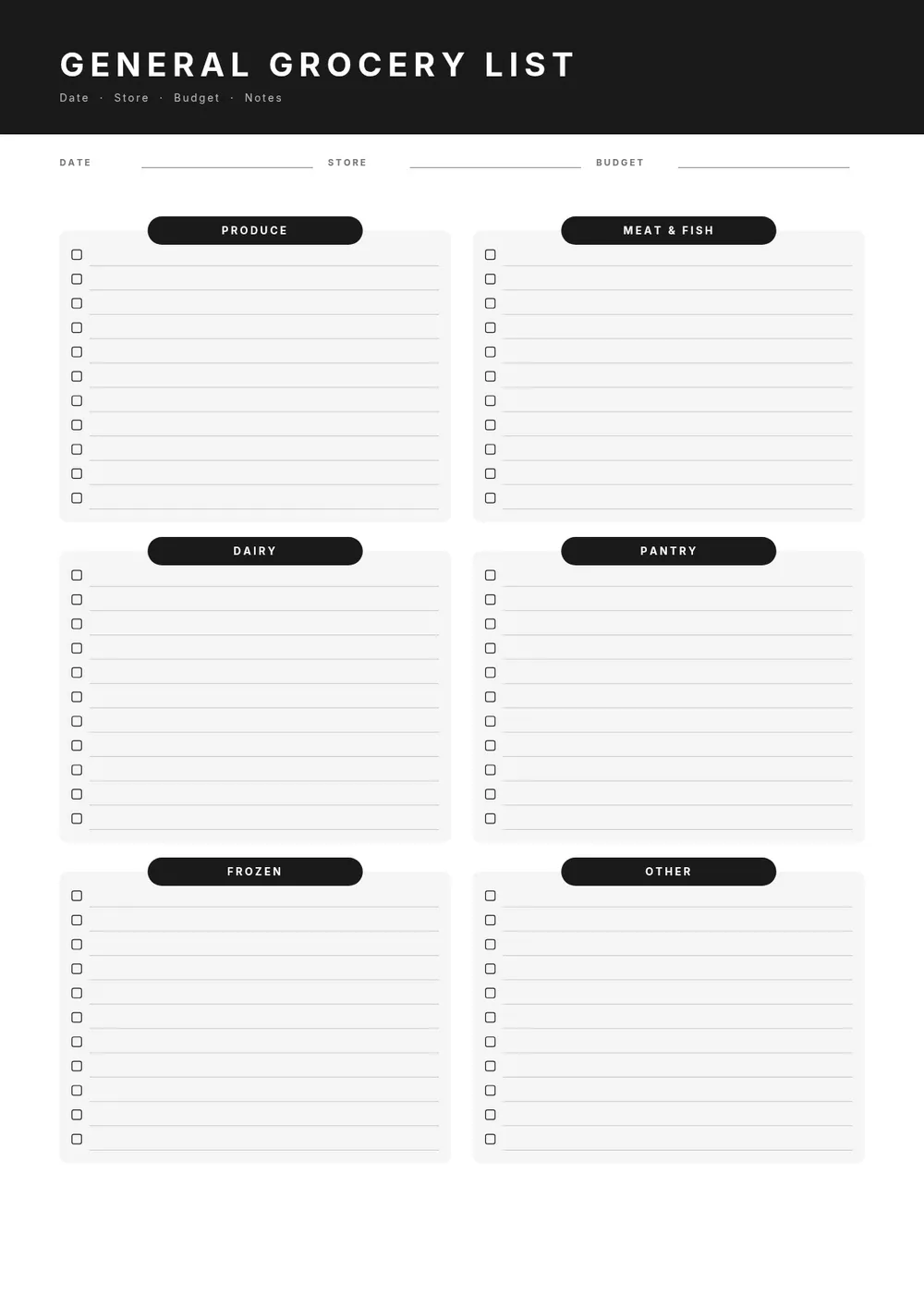
A general grocery list is a flexible, all-purpose shopping checklist that works for any type of shopping trip. Unlike a specialized list focused on a single meal type or occasion, a general list covers everything a household might need in a single visit. It is a practical tool for anyone who wants a clean, organized format to plan and track their purchases.
Our template provides blank rows organized by common store sections, with space to write in item names, quantities, and check-off boxes. All fields are editable in the PDF Guru editor so you can pre-fill your regular items, adjust the section headers to match your store layout, and print a new copy whenever needed.
Download your first file for free. To continue using PDF Guru, choose one of our subscription plans.
Frequently asked questions
What makes a general grocery list different from a specialized one?

A general grocery list covers all household needs in one place without focusing on a specific meal, occasion, or diet. It is a versatile template you can adapt for any shopping trip, whether it is a quick top-up or a full weekly shop.
How should I organize the items on a general grocery list?
Organize items by store section such as produce, dairy, meat, frozen, canned goods, and household supplies. Matching the order of your list to the layout of your regular store can reduce time spent backtracking through aisles.
Can I pre-fill this grocery list with my regular items?
Yes. You can fill in your standard weekly items in each category using the PDF Guru editor, then print multiple copies or save the file as a reusable template. This saves time each week since you only need to check off what you have and add new items.
What formats can I download for this general grocery list?
After editing in PDF Guru, you can export the list as PDF, DOC, XLSX, PPTX, JPG, or PNG. A printed PDF is easy to take to the store, while a digital version on your phone works well for checking off items as you shop.
How do I customize this general grocery list in PDF Guru?
Open the template in the PDF Guru editor, update the section headers to match your store or meal planning style, add your regular items, and adjust the row count. Export and print as many copies as you need.
How do I cancel PDF Guru?
You can cancel your active plan from your PDF Guru account settings, or contact support and ask them to cancel the subscription for you. Account access stays in place until the billing period you already paid for comes to an end.