

To-Do List Templates
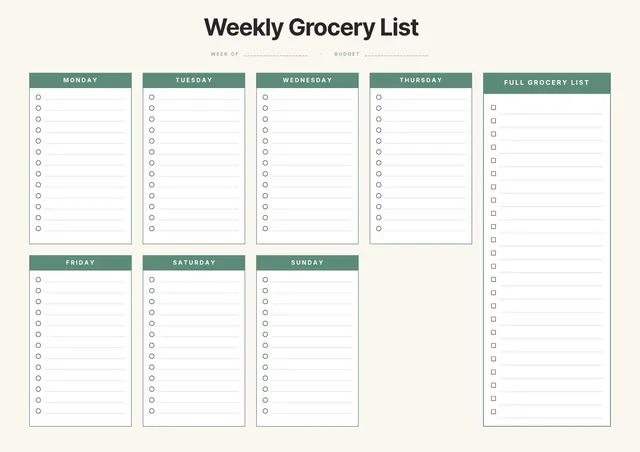
Weekly Grocery List
Use template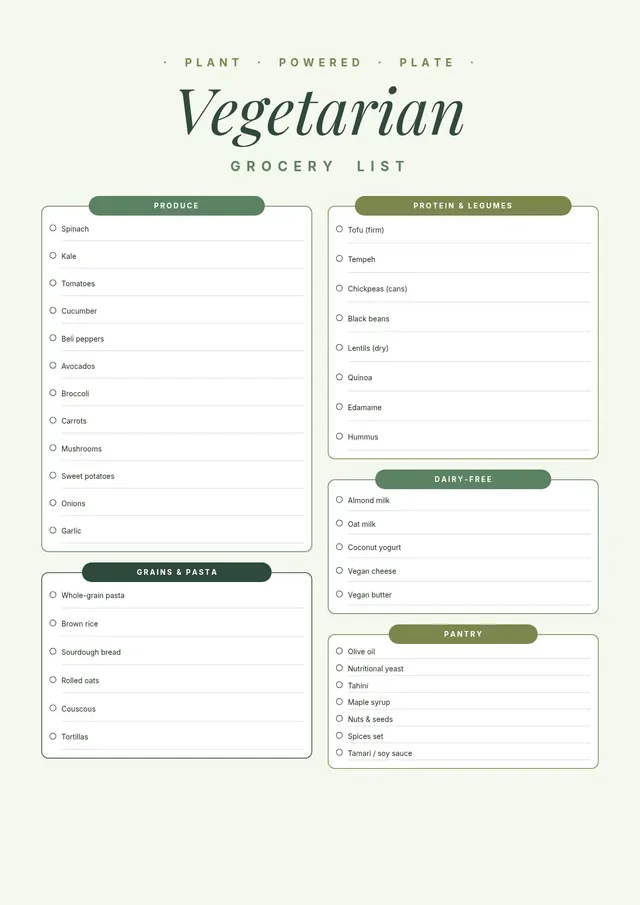
Vegetarian Grocery List
Use template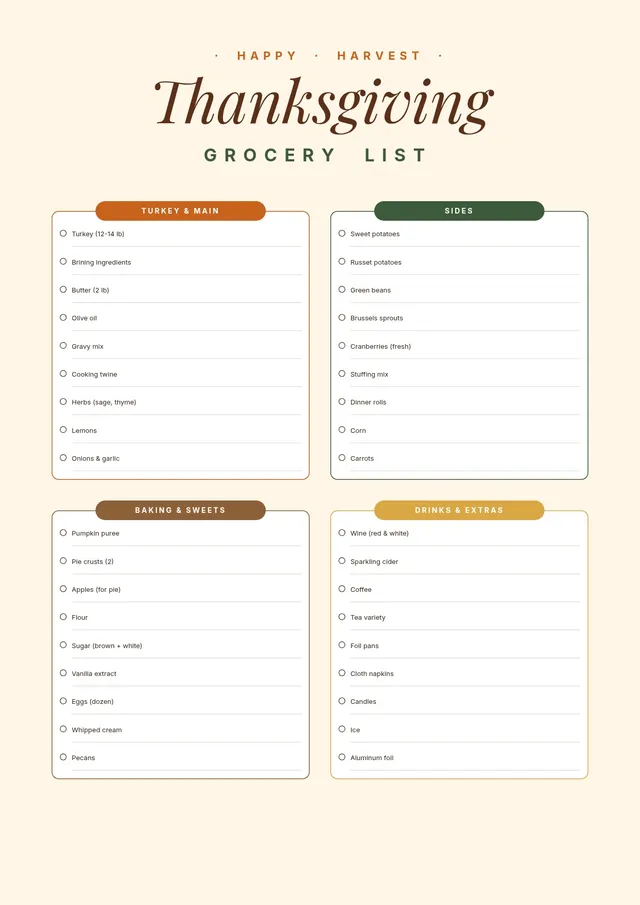
Thanksgiving Grocery List
Use template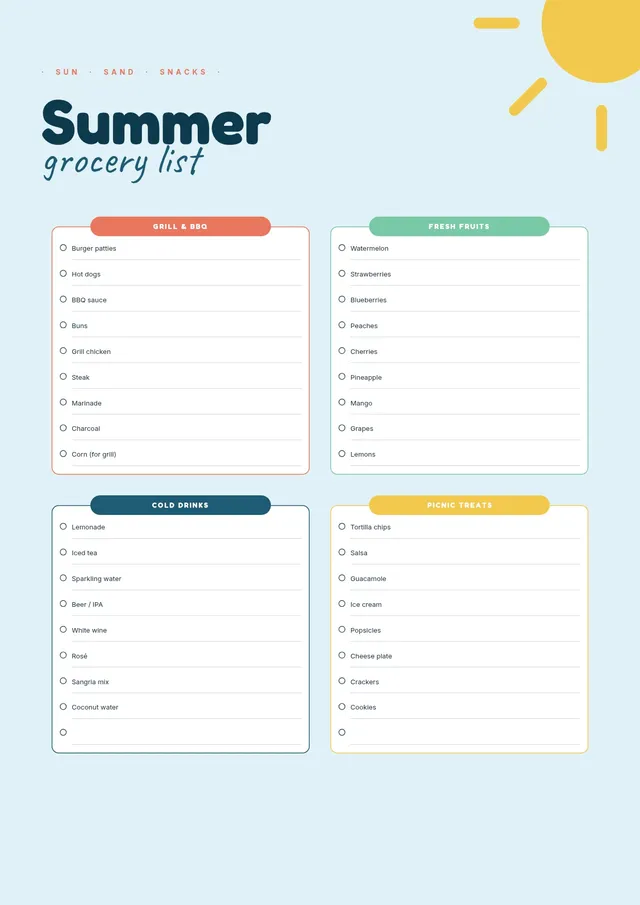
Summer Grocery List
Use template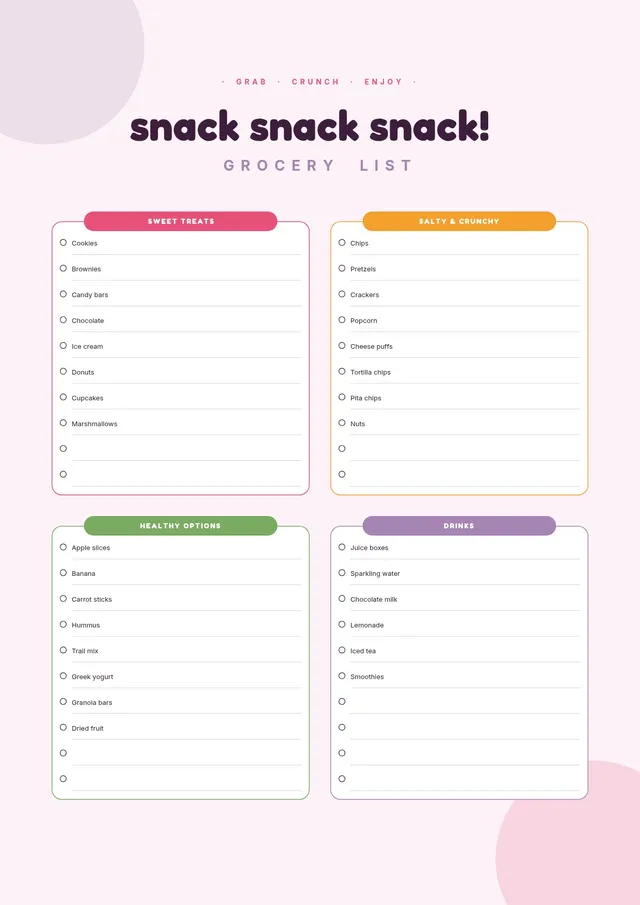
Snack Grocery List
Use template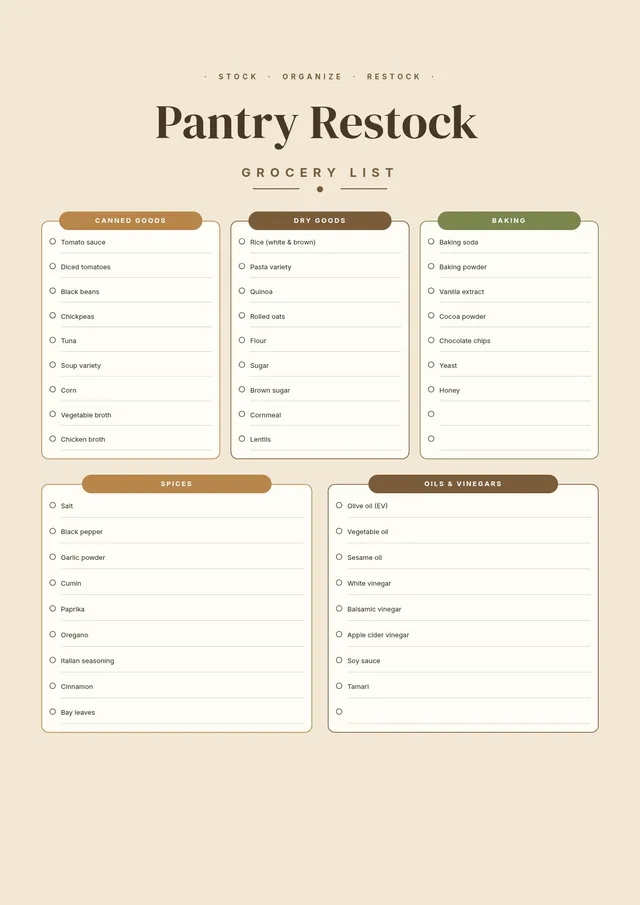
Pantry Grocery List
Use template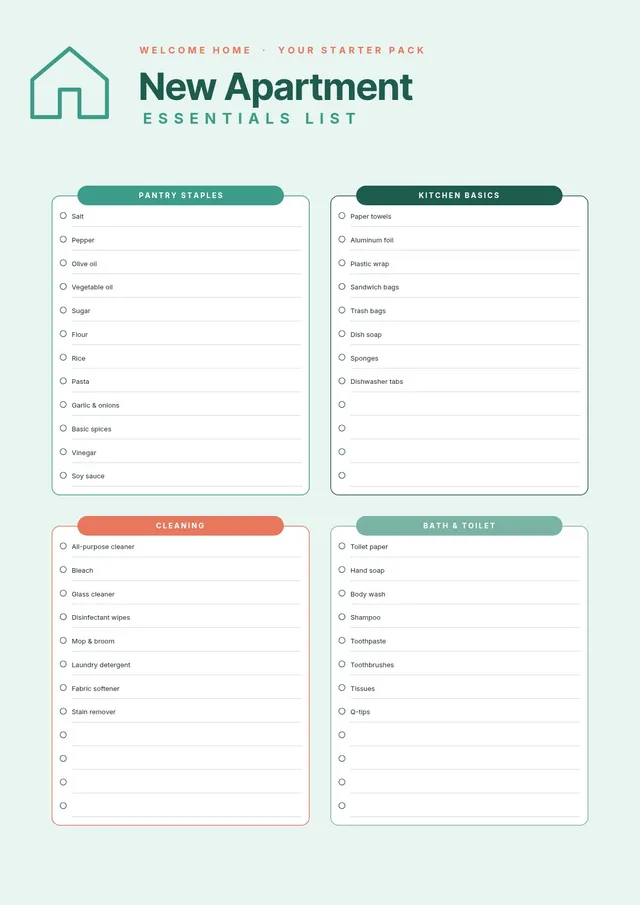
New Apartment Grocery List
Use template
All-Purpose Grocery Shopping List
Use template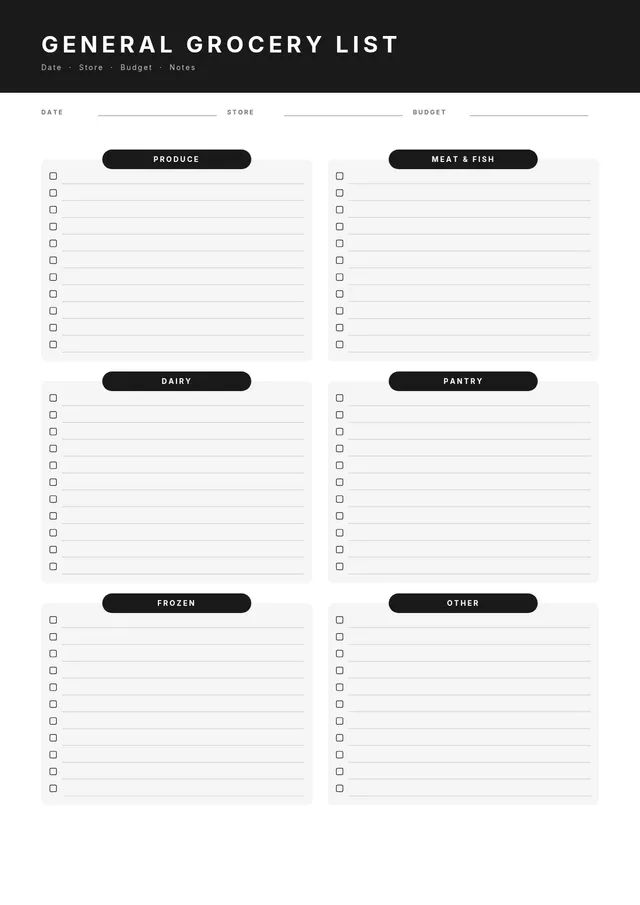
General Grocery List
Use template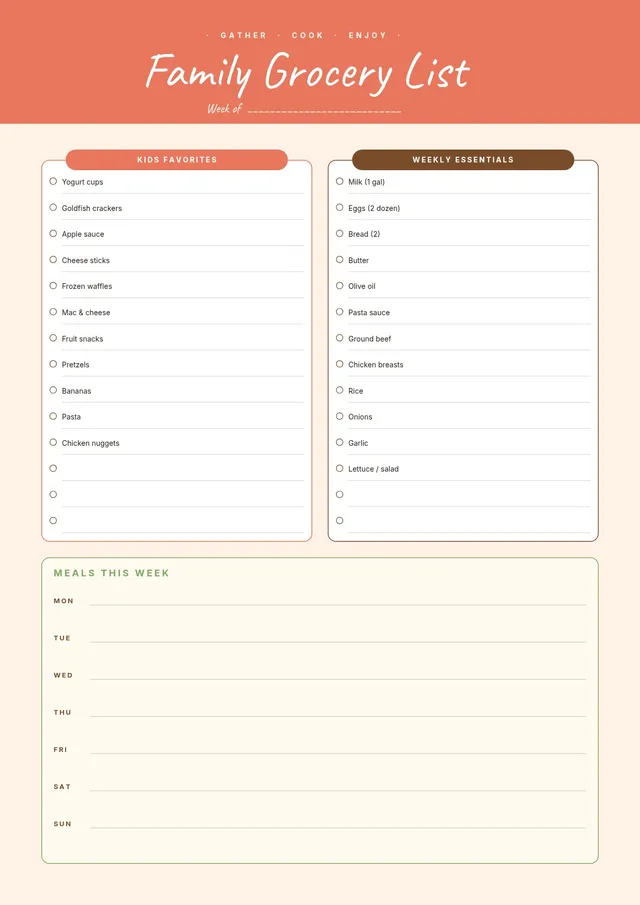
Family Grocery List
Use template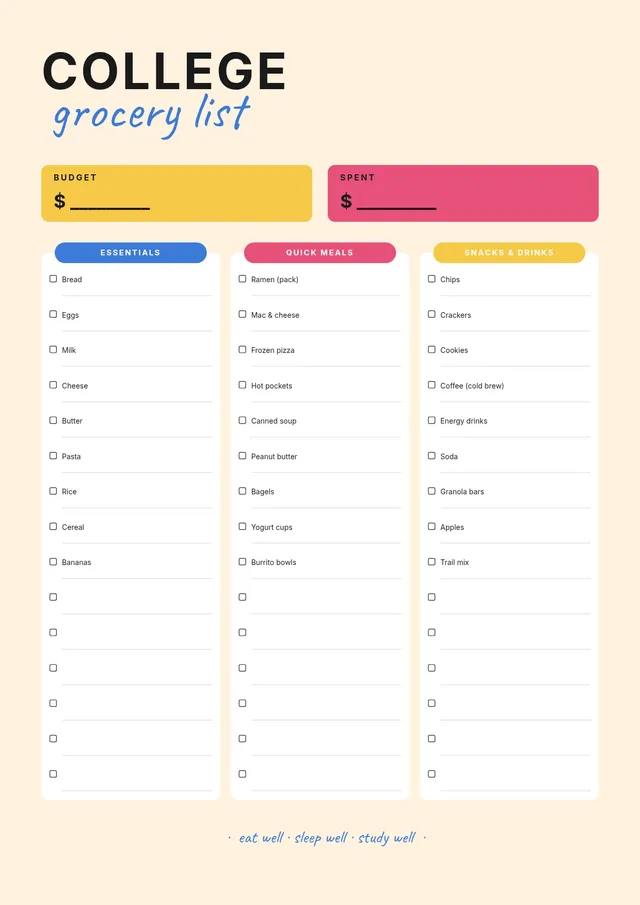
College Student Grocery List
Use template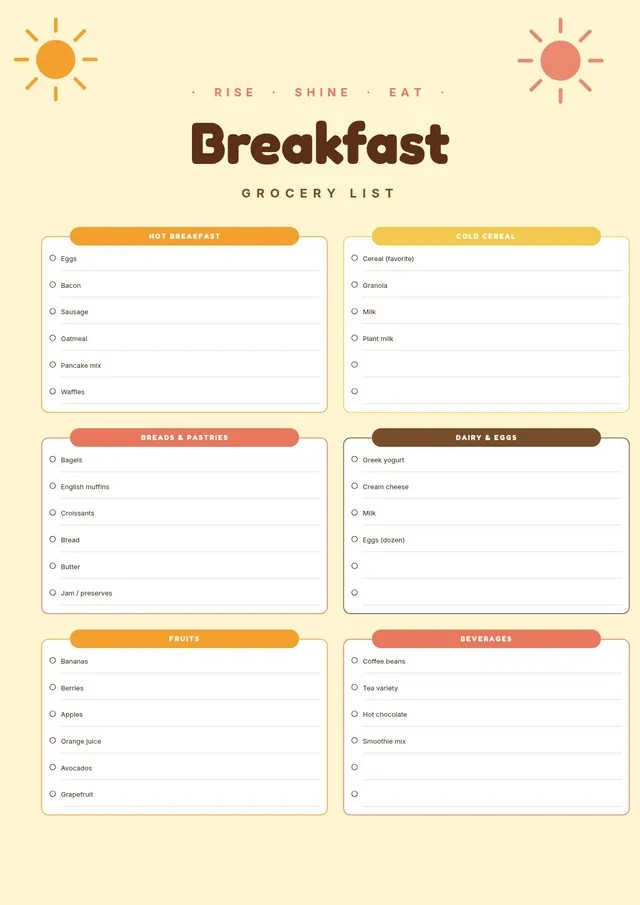
Breakfast Grocery List
Use template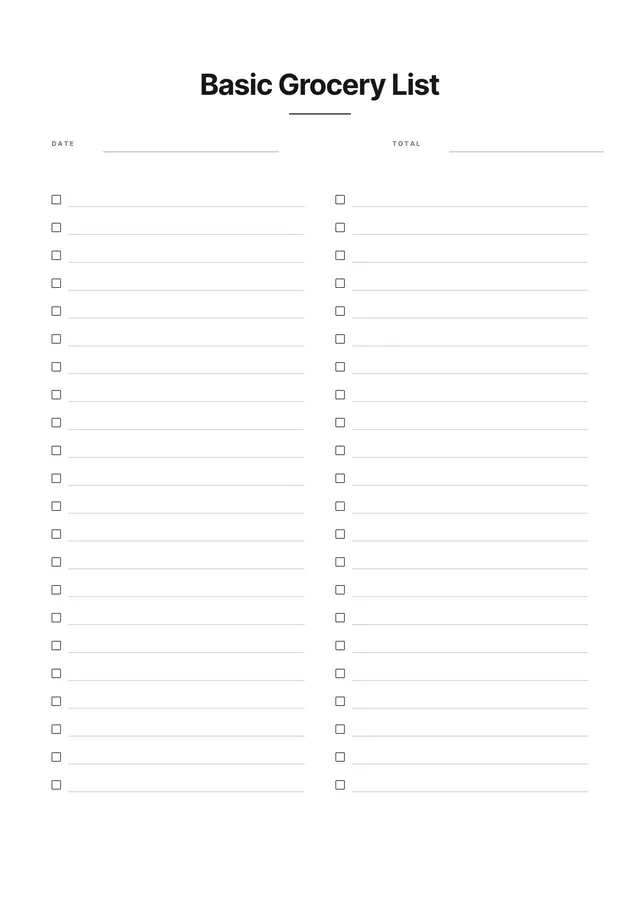
Basic Grocery List
Use template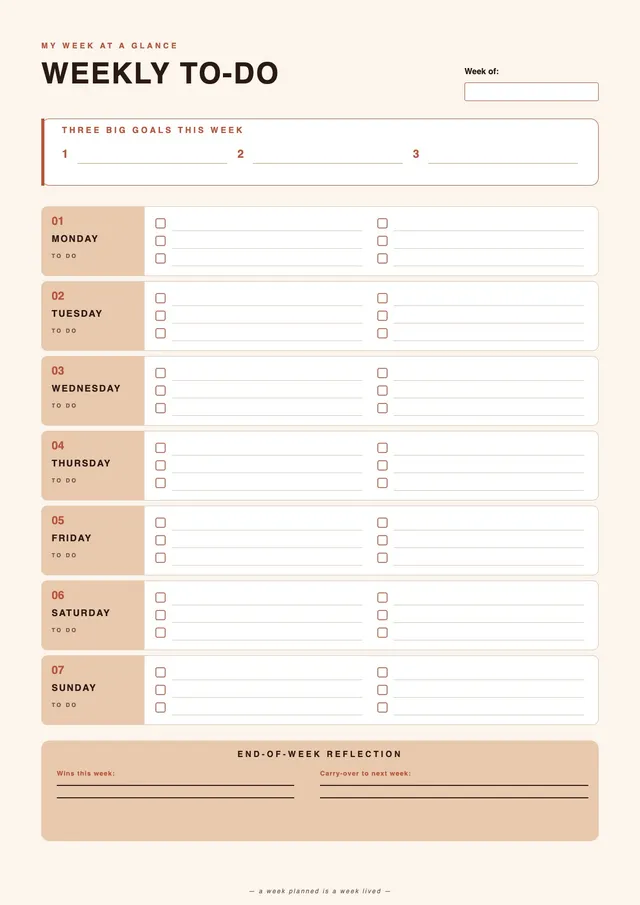
Terracotta Weekly To Do List
Use template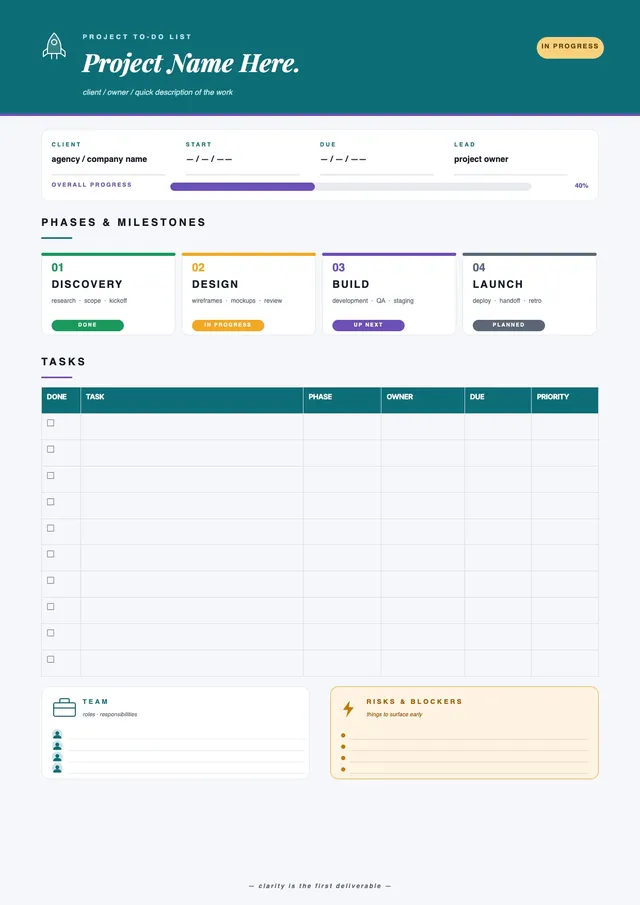
Project Milestone To Do List
Use template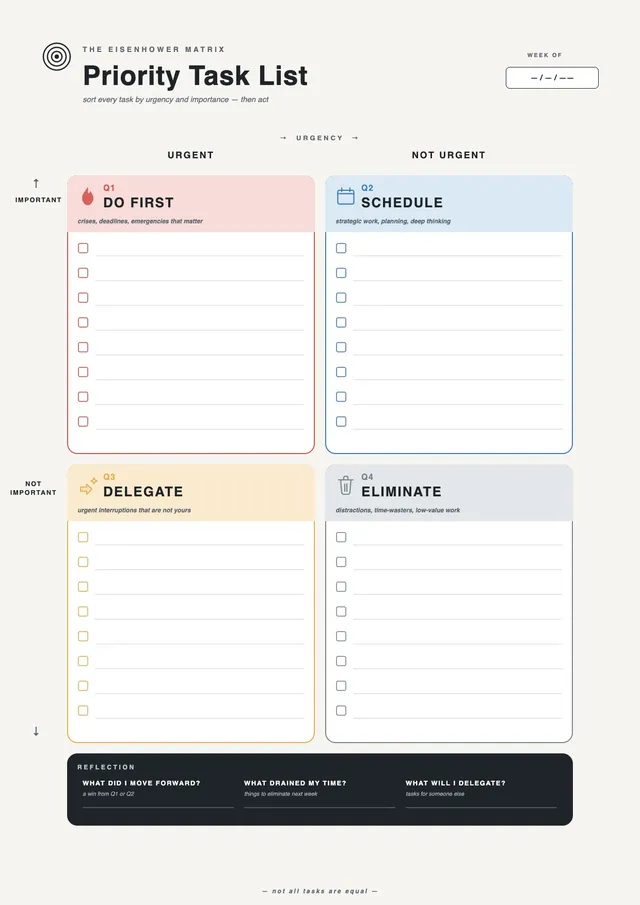
Priority Matrix To Do List
Use template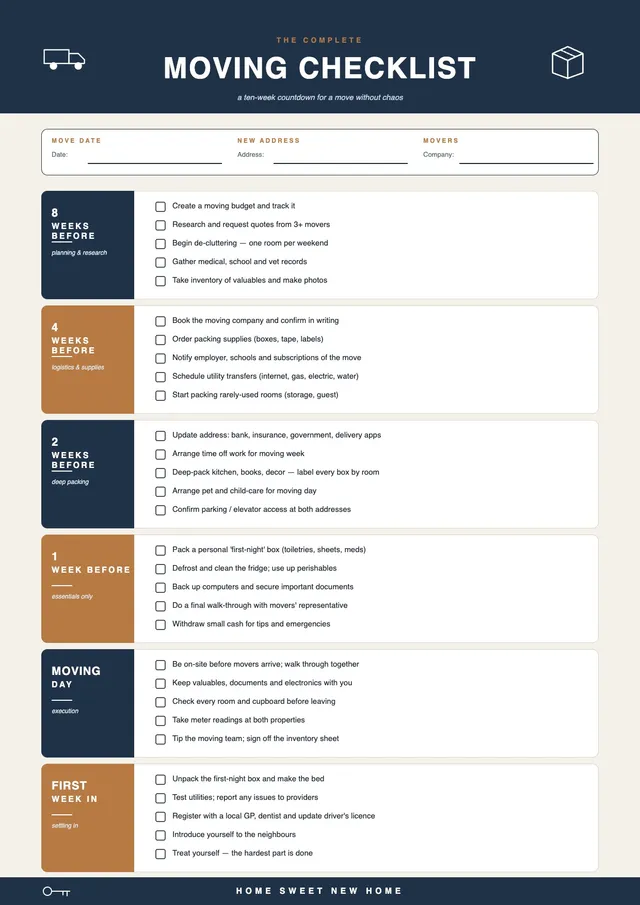
Moving Countdown To Do List
Use template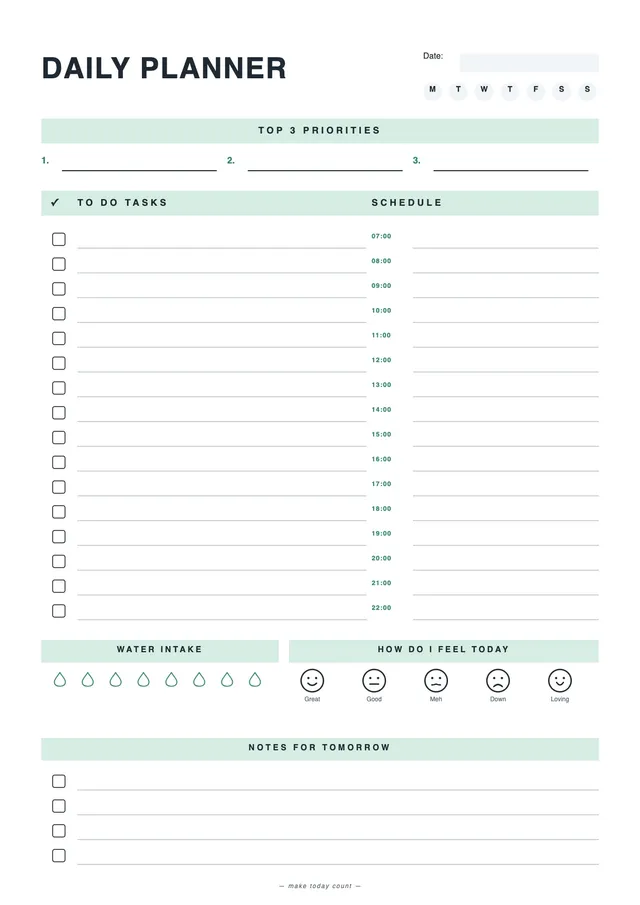
Mint Daily To Do List
Use template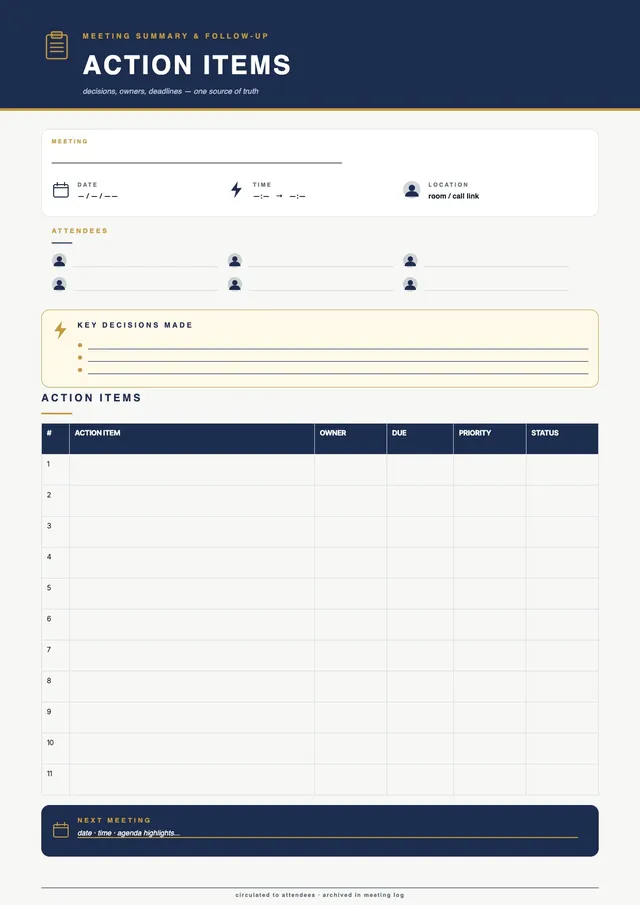
Meeting Follow Up To Do List
Use template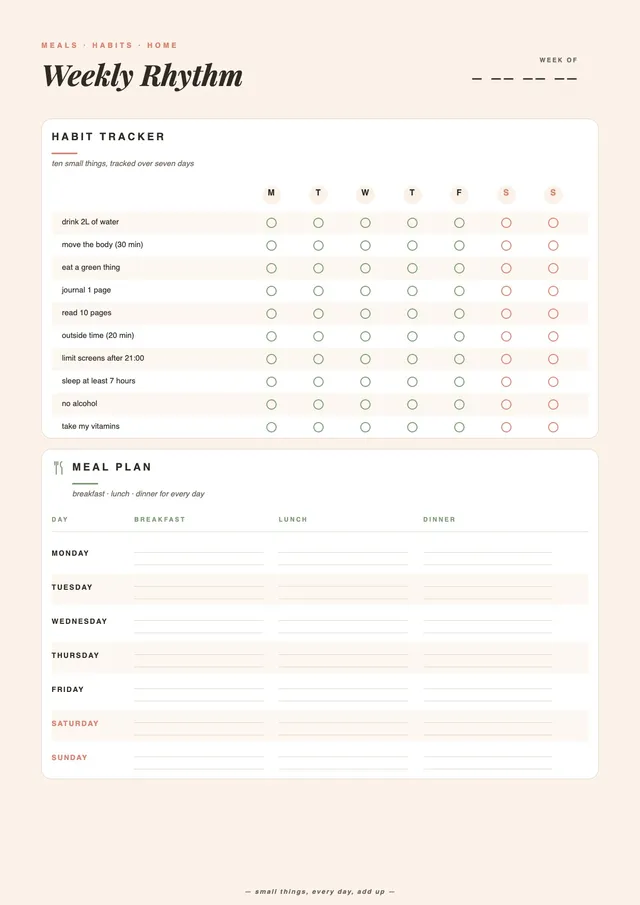
Weekly Habit Tracker To Do List
Use template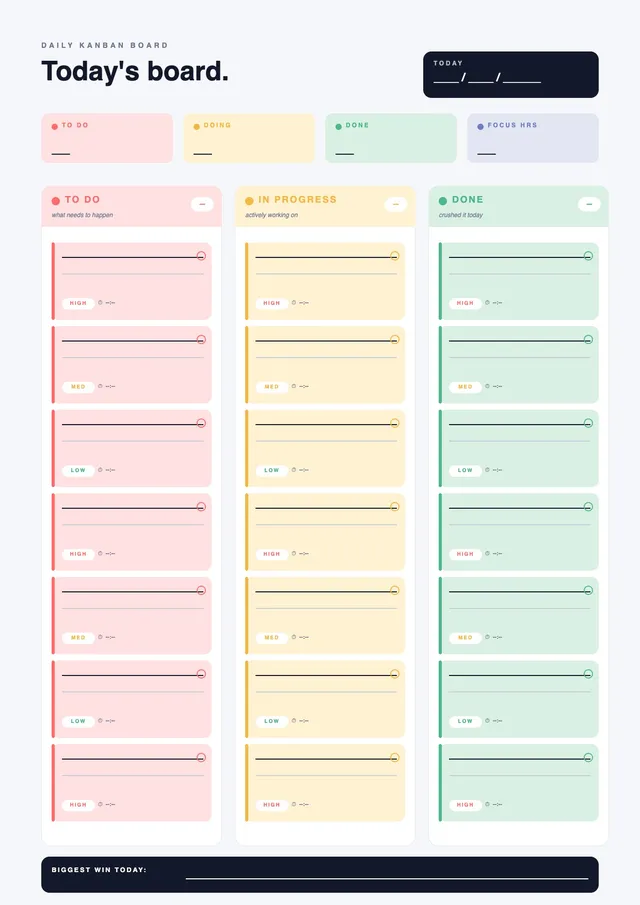
Kanban Daily To Do List
Use template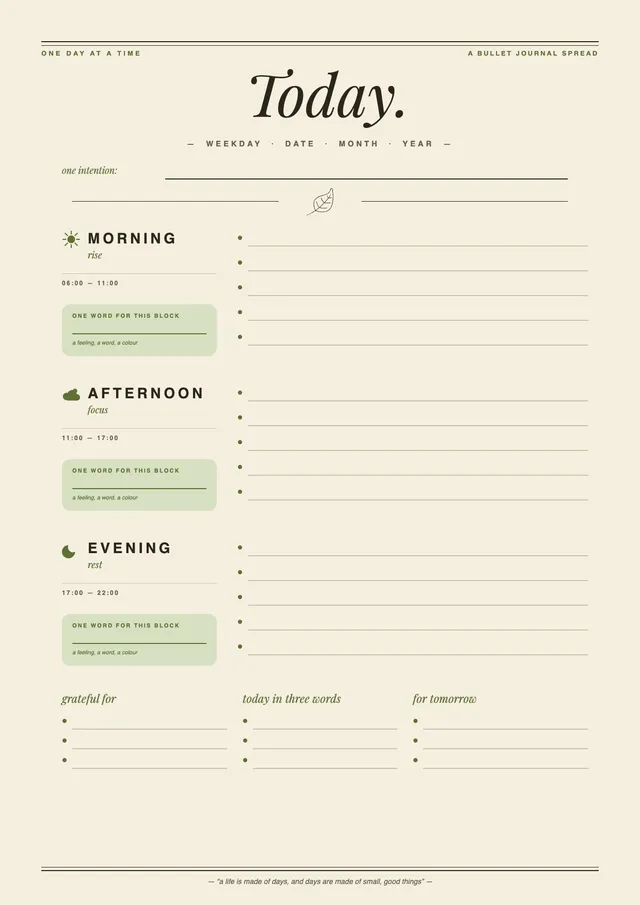
Sage Bullet Journal To Do List
Use template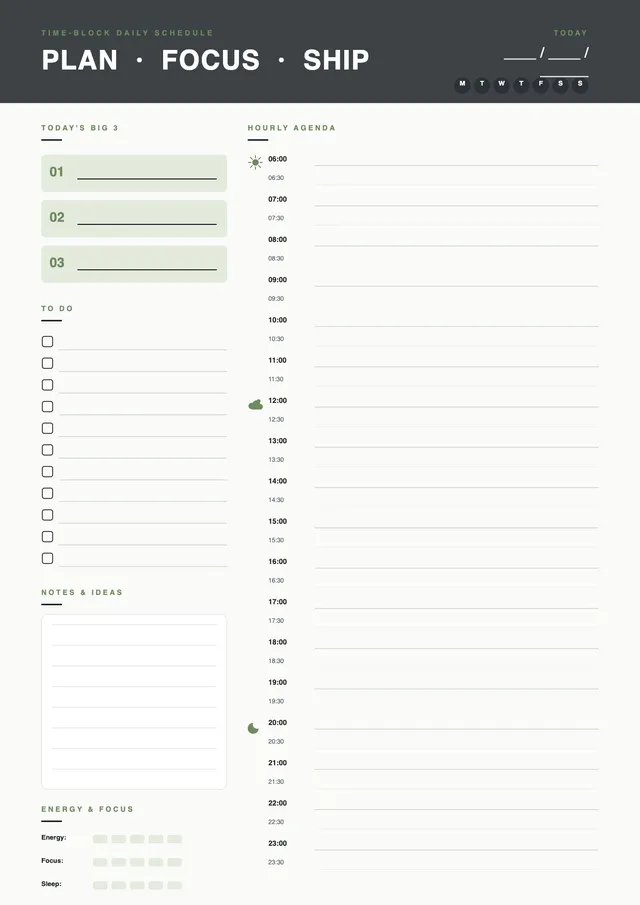
Time Block Daily To Do List
Use template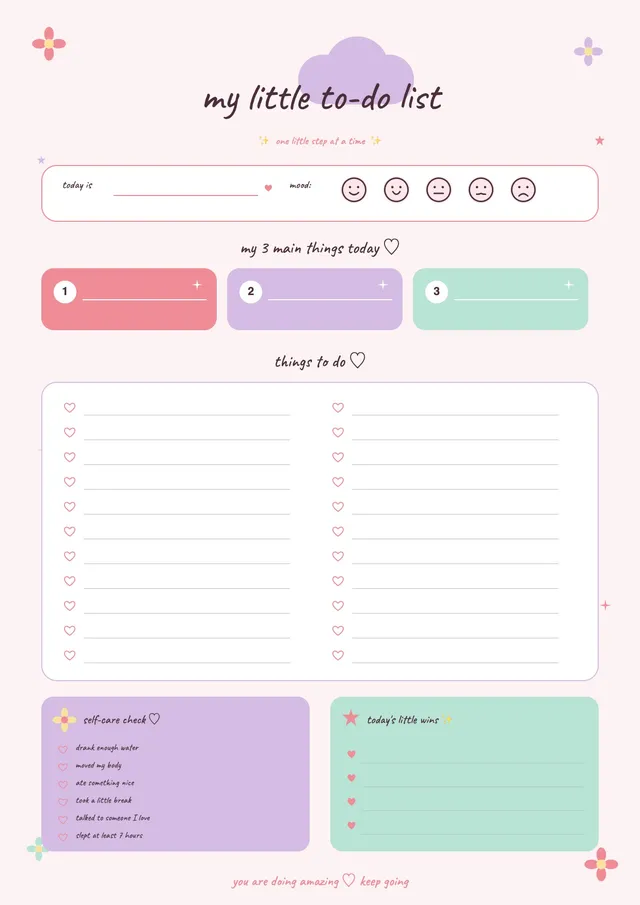
Cute Pastel To Do List
Use template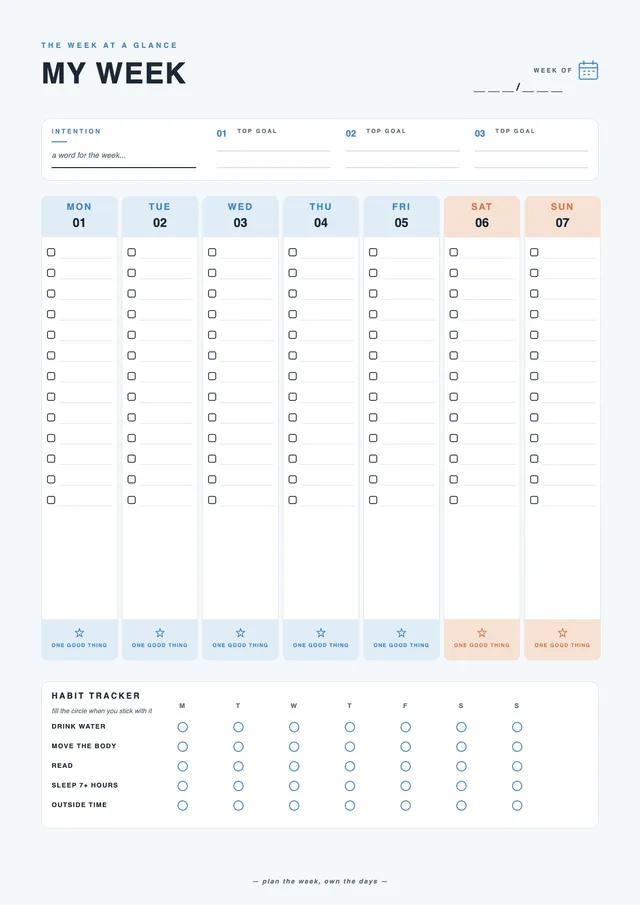
Navy Weekly To Do List
Use templateEditable to-do list templates for daily, weekly, and project planning
PDF Guru offers a library of to-do list templates for every planning style - daily checklists, weekly planners, work task lists, and project trackers. Select a template, fill in your tasks, priorities, and deadlines, then download as PDF, DOC, Excel, PNG, or JPG. Every template is printable and fully editable online.
Open any to-do list template in the PDF Guru editor, organize your tasks and schedule, and keep everything moving forward. Stay in control of your tasks and time with a template that adapts to your schedule. Customize the layout, style, and design to match your routine and stay productive day by day.
Frequently asked questions
What is a to-do list template?

A task list template is a pre-formatted document that provides a ready-made structure for capturing all the things to do, organizing, and tracking tasks. Instead of building a task list from scratch, a template gives you a clear layout to capture tasks, set priorities, note deadlines, and mark completed tasks. A good task list helps you plan your day, manage your time effectively, and stay focused on what needs to get done.
What should be on a to-do list?
A complete task list template typically includes:
- Task name and a brief note for each item
- Priority level to help you focus on the most important things to do first
- Due date or deadline for each task
- Status or checkbox to track completed tasks
- Optional: time estimate, category, or project tag
For a simple daily plan, a checklist with task names and checkboxes is usually sufficient. For weekly planning or work projects, a more structured template with due date and progress fields makes it easier to manage multiple tasks and meet every due date.
What types of to-do list templates are available?
The PDF Guru library includes list templates for every planning need:
- Daily to-do list - a simple, printable daily task list for organizing your day and morning routine
- Weekly to-do list - a structured weekly planner to schedule tasks across all days
- Professional task list - a structured template for projects, meetings, and office deadlines
- Project to-do list - a detailed template for large projects with step-by-step task tracking and track progress
- Personal task list - a flexible template for personal projects, errands, goals, and home tasks
- Priority task list - a template that organizes tasks by urgency to help you focus on what matters most
- Meeting action list - a task list template for tracking follow-ups and action items from meetings
Select any list template, fill it in, and download or print it immediately.
How do I create a to-do list?
To create a to-do list using a PDF Guru template:
- Select a to-do list template from the library and open it in the editor.
- Add your tasks, noting the most urgent things to do at the top.
- Set due dates and note the priority for each task to manage your time.
- Break large projects into smaller, actionable steps to make progress easier.
- Download the completed list as PDF, DOC, Excel, PNG, or JPG.
How do I organize my week with a to-do list template?
A weekly to-do list template is one of the most effective tools for planning and managing your time. Start by listing all your tasks and meetings for the week, then distribute them across the days based on deadlines and priority. Use the weekly template to schedule focused work blocks, note important appointments, and make sure no task or appointment gets missed. Review your plan each morning to stay on track, check off finished items, and adjust priorities as the week progresses. A consistent weekly planning habit helps you improve productivity and reduce the stress of last-minute deadlines.
How do I edit my list template online?
- Choose a to-do list template and click "Use Template" to open it in the PDF Guru editor.
- Add your tasks, notes, and deadlines to the editable fields.
- Adjust the layout, style, and design to match your workflow.
- Update priorities or check off completed items as your plan changes. The template updates in real time, so you can change and adapt as needed.
- Click "Done" and save in your preferred format.
How do I choose the right template for my needs?
Choose the right type based on your planning horizon and specific needs. A daily list template works best for short, focused task lists you create each morning. A weekly to-do list template is ideal when you need to plan across multiple days, track multiple projects, or manage recurring routines. For big projects, use a project template that lets you organize steps and monitor progress. If prioritization is a challenge, choose a template with a built-in priority field to keep your most important tasks front and center and get things done more effectively.
Can I download my to-do list in different formats?
Yes. Once your list template is complete, you can download it as PDF, DOC, PPTX, Excel, PNG, or JPG. PDF is ideal for printing a clean task list that is easy to make and use right away. Excel format lets you manage the list as a spreadsheet and easily update it. Use DOC to continue editing in a document editor, or PNG and JPG to save the list as an image for sharing.
How do I cancel PDF Guru?
You can cancel your active plan from your PDF Guru account settings, or contact support and ask them to cancel the subscription for you. Account access stays in place until the billing period you already paid for comes to an end.