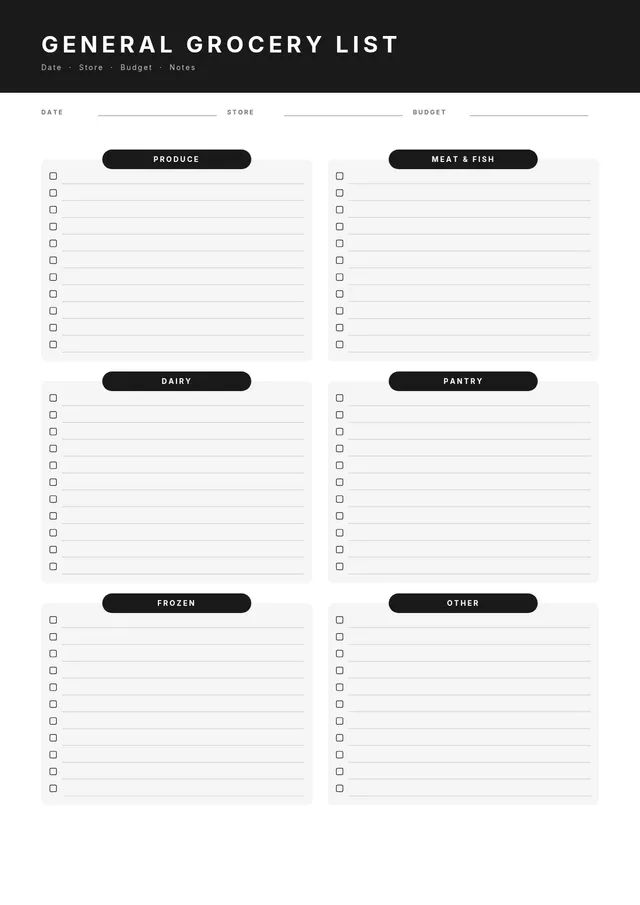
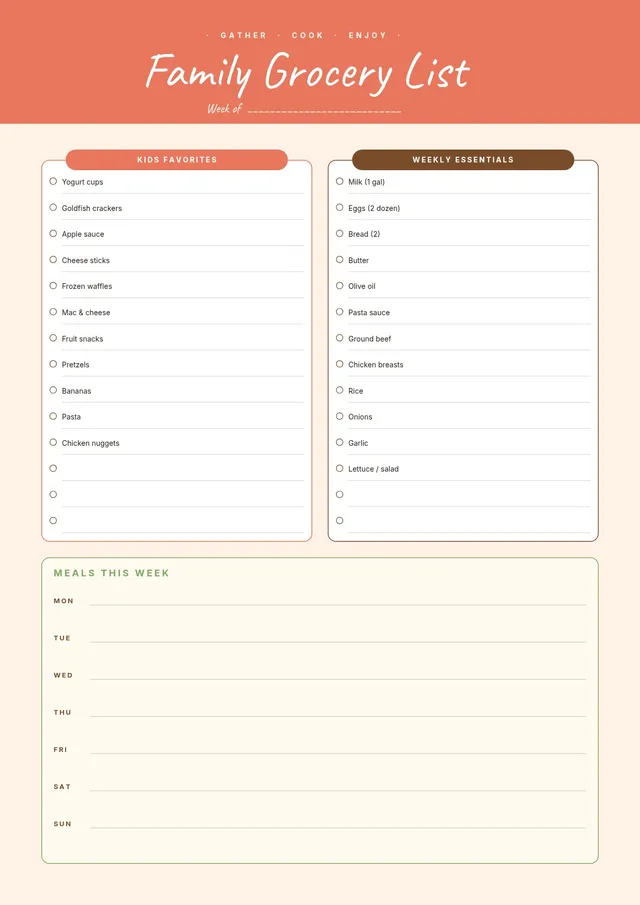
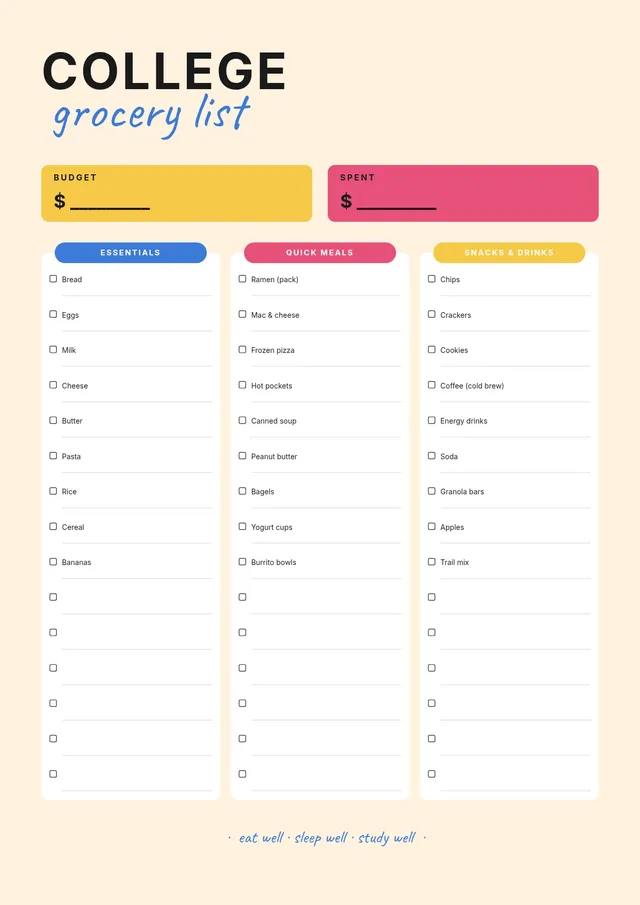
All-Purpose Grocery Shopping List
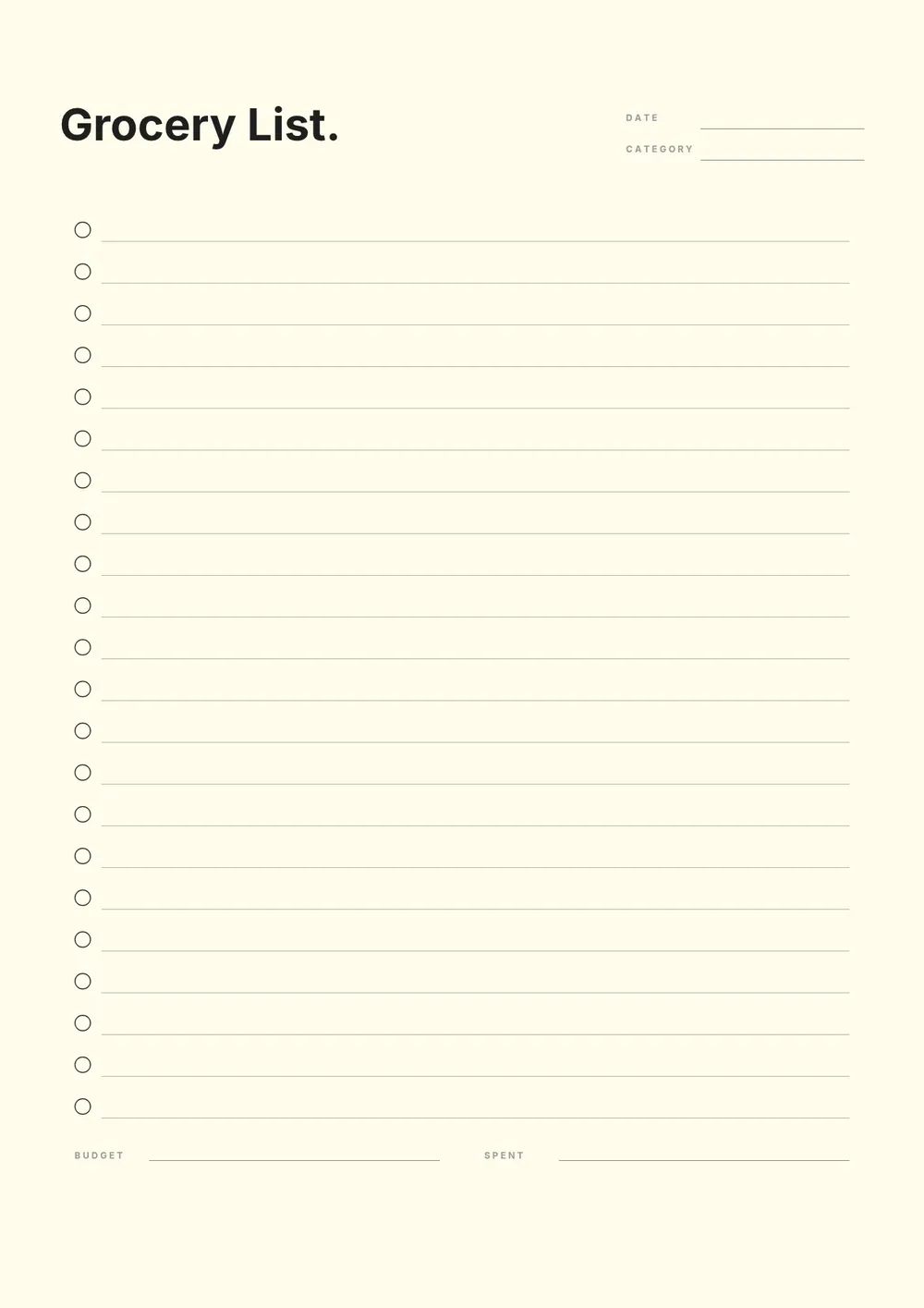
About the grocery shopping list template
A grocery shopping list is an organized checklist that helps shoppers plan their store visit, track what they need, and avoid forgetting items. Shopping with a written list saves time in the store, reduces impulse purchases, and makes it easier to stick to a budget. Whether you shop weekly, bi-weekly, or as needed, a well-structured list makes the process more efficient.
Our template organizes items into standard grocery sections and includes space for the item name, quantity, and a check-off box. All fields are editable in the PDF Guru editor so you can personalize it with your regular items, adjust the sections to match your store, and print or use it digitally.
Download your first file for free. To continue using PDF Guru, choose one of our subscription plans.
Frequently asked questions
How does a grocery shopping list save time at the store?

A well-organized list grouped by store section means you move through the aisles in order without doubling back for forgotten items. It also eliminates the mental effort of trying to remember everything you need, which is especially helpful when shopping in a busy or unfamiliar store.
Should I include quantities on my grocery shopping list?
Yes. Including quantities such as two pounds of chicken, one dozen eggs, or three cans of tomatoes prevents under-buying or over-buying. The template includes a quantity column where you can note the amount needed for each item.
How do I keep a running grocery list during the week?
Post a printed blank copy on your fridge or cabinet and add items as you run out or think of them throughout the week. On shopping day, you have a ready list. If you prefer digital, keep a saved copy you can update from your phone and print or reference before heading out.
What formats can I download for this grocery shopping list?
After editing in PDF Guru, you can export the list as PDF, DOC, XLSX, PPTX, JPG, or PNG. A printed PDF is the most common format for in-store use, while a digital version is convenient if you prefer to shop from your phone.
How do I prepare this grocery shopping list in PDF Guru?
Open the template in the PDF Guru editor, fill in the items and quantities you need for the week, organize them by category, and export it in the format you prefer. Print it before heading out or keep the digital file on your phone for quick reference.
How do I cancel PDF Guru?
You can cancel your active plan from your PDF Guru account settings, or contact support and ask them to cancel the subscription for you. Account access stays in place until the billing period you already paid for comes to an end.