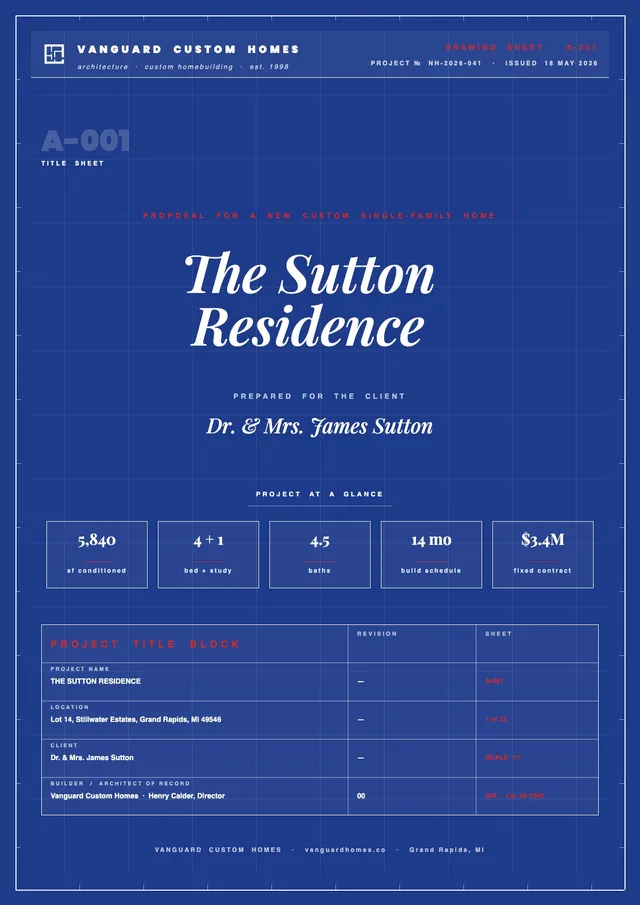
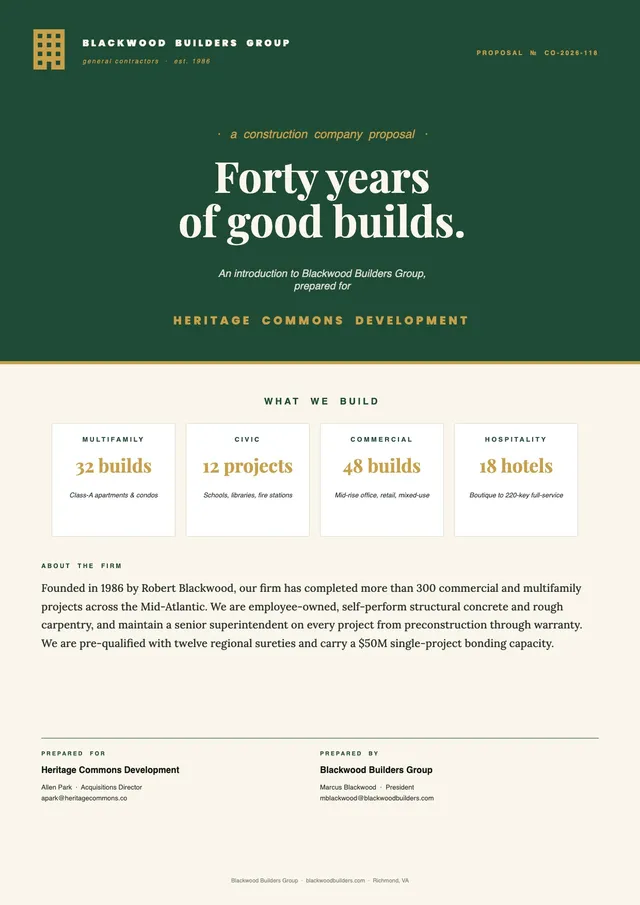
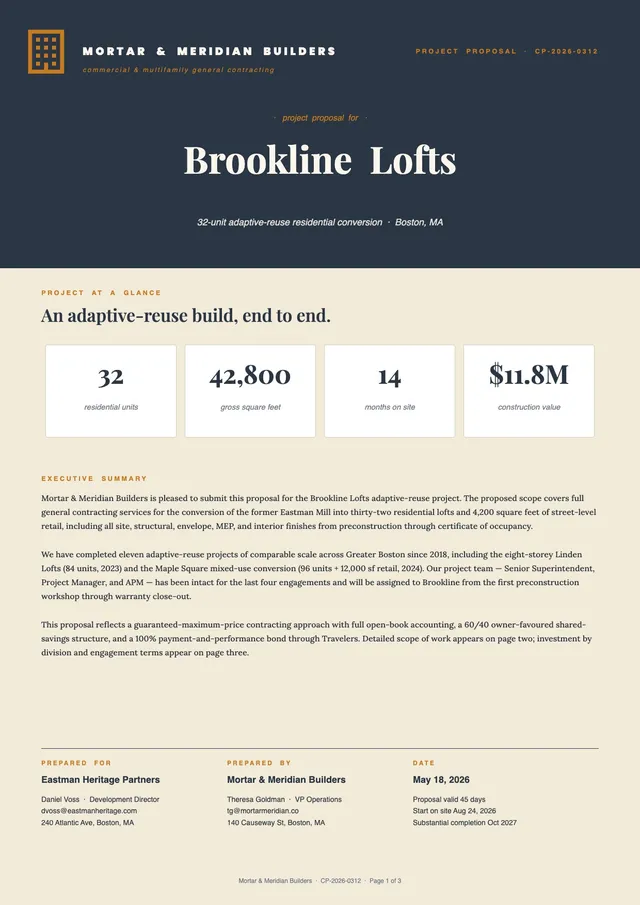
Residential Construction Proposal Template
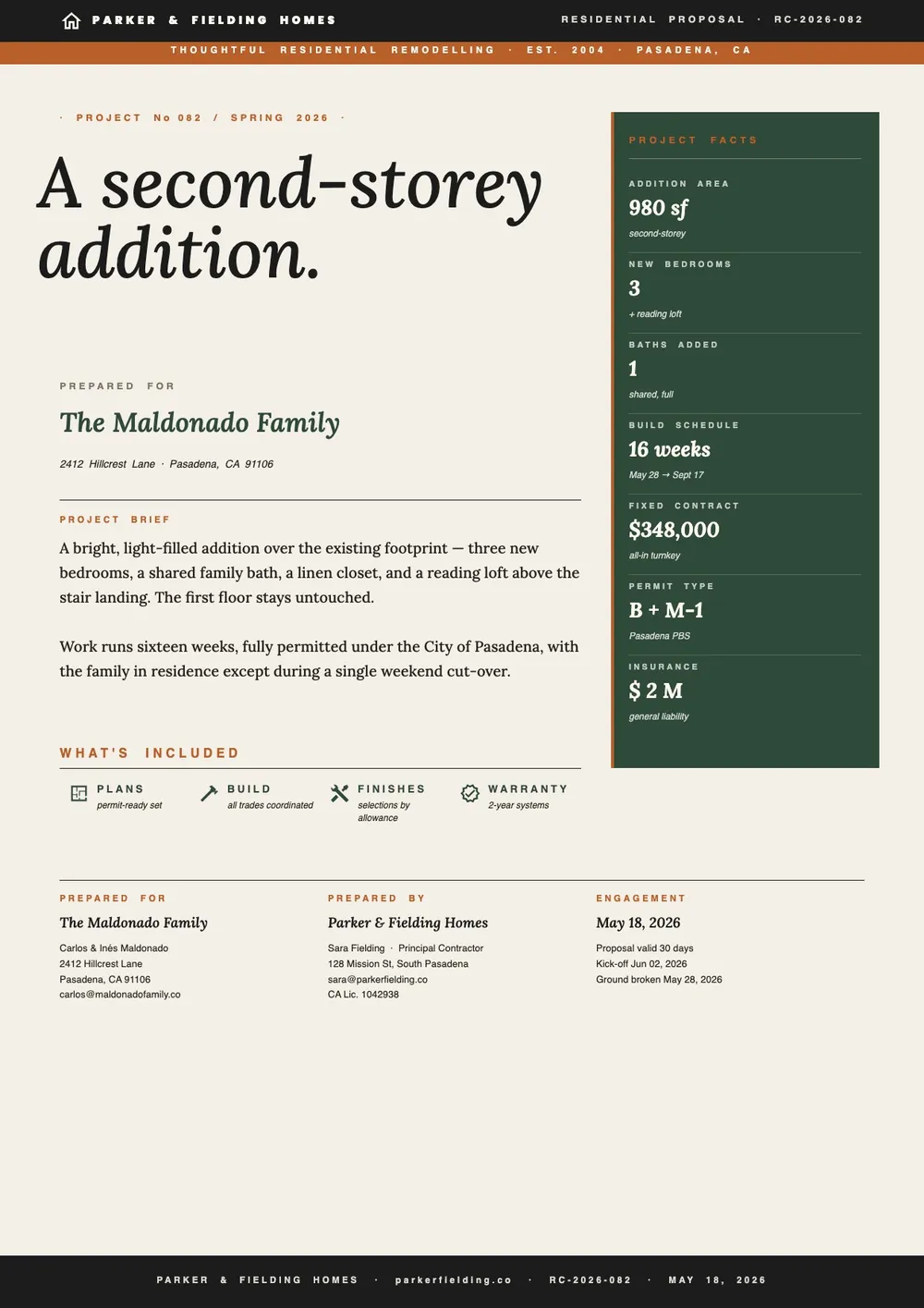
About the residential construction proposal template
A residential construction proposal is a formal document submitted by a contractor to a homeowner to outline the scope of work, cost estimate, and timeline for a residential building or renovation project. It can be used for new home construction, additions, major renovations, or specific trade work on an existing home. The proposal gives the homeowner a clear basis for comparing contractors and deciding whether to proceed.
Our template covers the project overview, detailed scope of work, labor and materials cost breakdown, project schedule, payment terms, contractor licensing and insurance information, and terms and conditions. All fields are editable in the PDF Guru editor so you can tailor the proposal to any residential project size or type.
Download your first file for free. To continue using PDF Guru, choose one of our subscription plans.
Frequently asked questions
What types of residential projects can use this proposal template?

The template works for new home builds, additions, kitchen or bathroom renovations, basement finishing, roofing or siding replacement, and other residential construction or remodeling projects. You can adjust the scope section to describe whatever specific work is being proposed.
What cost details should I include in a residential construction proposal?
Break down the costs by labor and materials, and where possible, organize them by work phase or trade. Itemized costs give the homeowner more transparency and make the proposal easier to compare against competing bids. The template includes a cost table that you can expand or simplify as needed.
Should I include a payment schedule in a residential proposal?
Yes. A payment schedule shows the homeowner when payments are due, typically tied to project milestones such as mobilization, framing completion, or final inspection. Including it in the proposal sets clear expectations and reduces payment disputes later.
What formats can I download for this residential construction proposal?
After editing in PDF Guru, you can export the proposal as PDF, DOC, XLSX, PPTX, JPG, or PNG. That gives you a professional document to share with the homeowner, a signed copy for your records, or a format to submit as part of a permit application.
How do I complete this residential construction proposal in PDF Guru?
Open the template in the PDF Guru editor, enter the project details and scope of work, fill in the cost breakdown and timeline, update the payment schedule and licensing sections, and review the document before saving. Export it in the format the client prefers and submit the proposal.
How do I cancel?
You can cancel anytime from your account settings or by contacting our support team. Your access stays active until the end of the current billing period.