Safety Meeting Sign In Sheet
About the safety meeting sign in sheet template
A safety meeting sign in sheet is used to document attendance at toolbox talks, safety briefings, OSHA compliance trainings, and other workplace safety sessions. Many industries including construction, manufacturing, healthcare, and transportation require documented proof that employees have attended mandatory safety training. A signed attendance sheet creates a written record that can be used during audits, inspections, or in the event of a workplace incident.
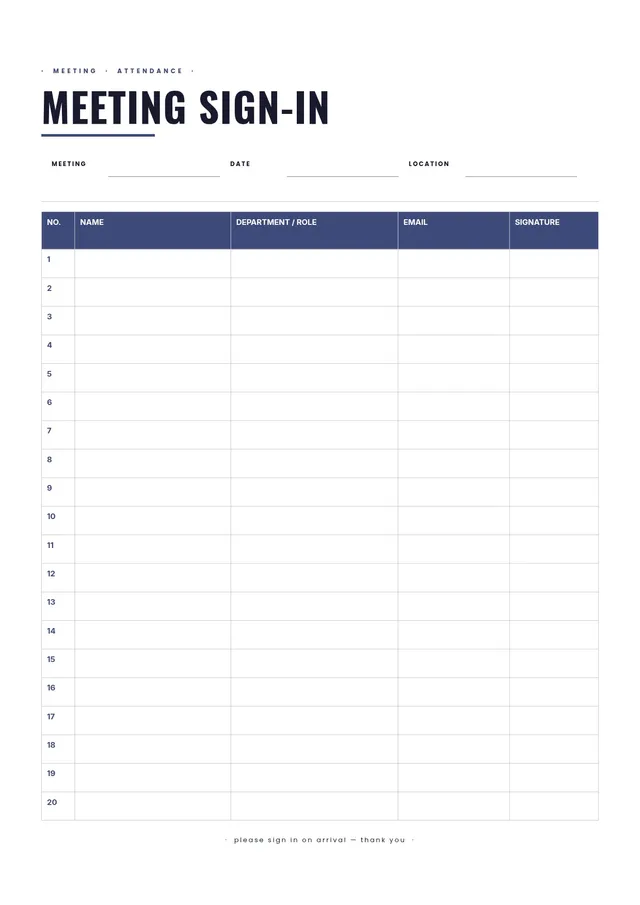
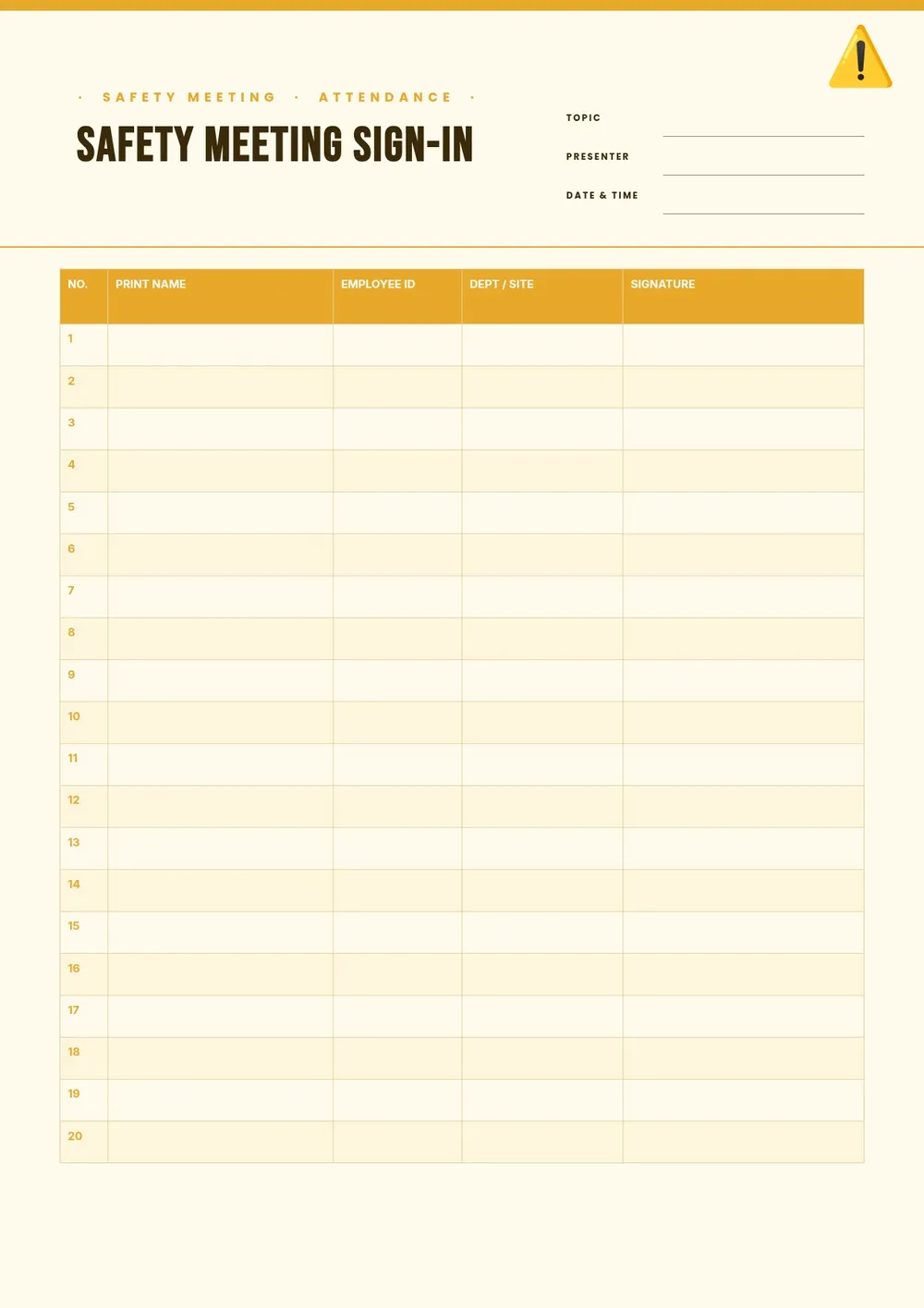
Our template includes fields for the meeting date, topic, location, facilitator name, and rows for each attendee's name, job title, and signature. All fields are editable in the PDF Guru editor so you can customize it for your specific industry and safety program, and keep a file of completed sheets for your records.
Download your first file for free. To continue using PDF Guru, choose one of our subscription plans.
Frequently asked questions
Why is a safety meeting sign in sheet important?

A safety meeting sign in sheet creates a documented record that employees attended a safety briefing or training. This record is important for OSHA compliance, insurance audits, and workplace incident investigations. It also reinforces accountability and shows employees that safety training is taken seriously.
What information should a safety meeting sign in sheet include?
It should include the meeting date, topic or training subject, location, facilitator's name, and a row for each attendee with their name, job title or department, and signature. Some versions also include the duration of the meeting and a line for the safety officer or supervisor to sign.
How long should I keep safety meeting sign in sheets?
Retention requirements vary by industry and jurisdiction. OSHA generally recommends keeping safety training records for at least three years, though some certifications or industries require longer. Check the regulations that apply to your workplace and store completed sheets in a secure, organized file.
What formats can I download for this safety meeting sign in sheet?
After editing in PDF Guru, you can export the sheet as PDF, DOC, XLSX, PPTX, JPG, or PNG. A printed PDF is standard for physical sign-in at the meeting. Keeping a digital copy in PDF or Excel format is useful for your records.
How do I prepare this safety meeting sign in sheet in PDF Guru?
Open the template in the PDF Guru editor, fill in the meeting topic, date, location, and facilitator name, adjust the number of rows to match your team size, and print before the meeting. After the session, file the signed sheet with your safety records.
How do I cancel PDF Guru?
You can cancel your active plan from your PDF Guru account settings, or contact support and ask them to cancel the subscription for you. Account access stays in place until the billing period you already paid for comes to an end.