About the karaoke sign up sheet template
A karaoke sign up sheet is used at karaoke nights, bars, parties, and events to manage the order of performers. It lets singers add their name and song request so the host or DJ can queue them up without confusion. Having an organized list keeps the night running smoothly, gives everyone a fair turn, and makes it easy to loop back through the list if time allows.
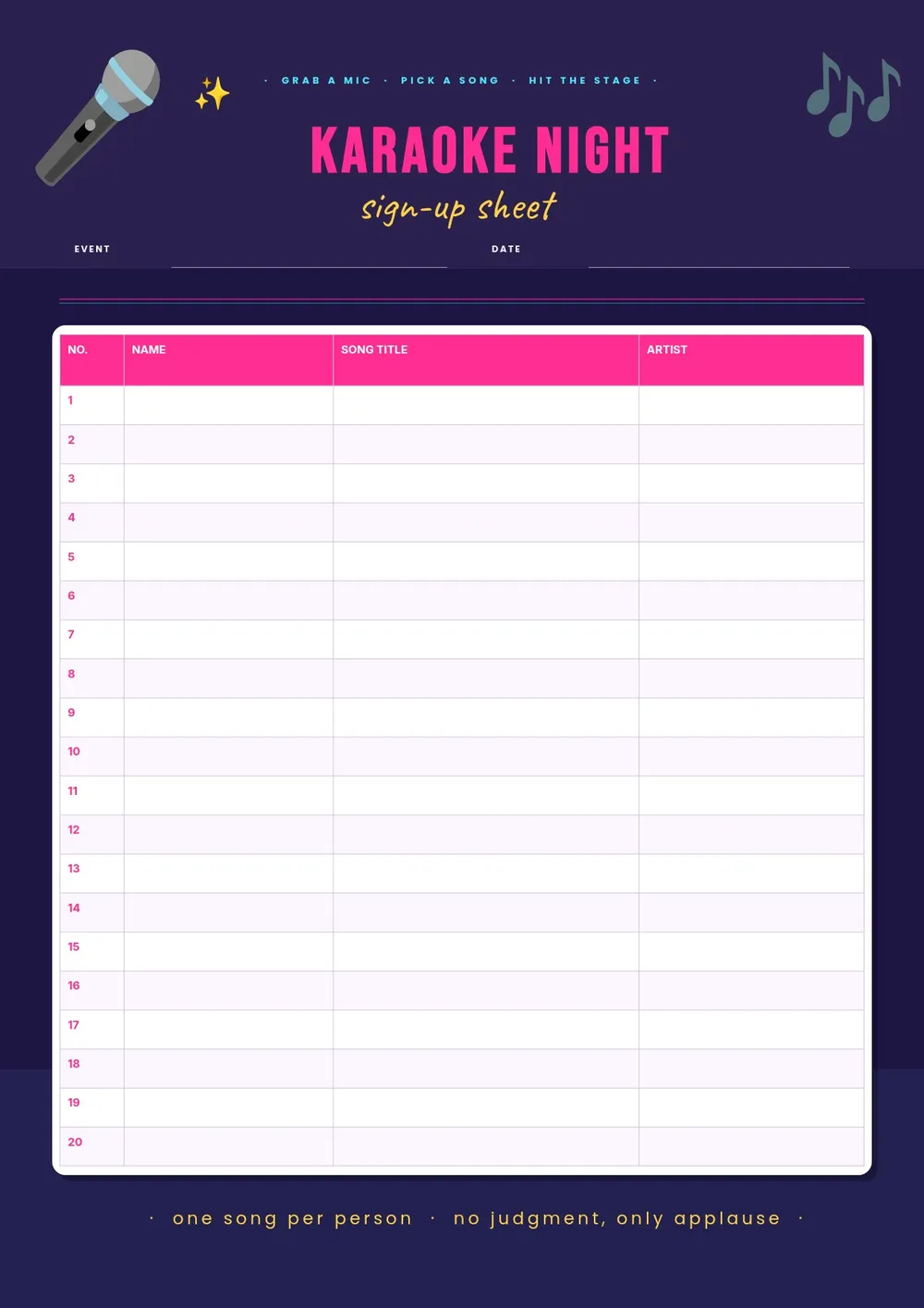
Our template includes columns for the singer's name, song title, artist name, and a performance order number. All fields are editable in the PDF Guru editor so you can add the event name or venue, adjust the column layout, and print a sheet that fits your specific setup.
Download your first file for free. To continue using PDF Guru, choose one of our subscription plans.
Frequently asked questions
How does a karaoke sign up sheet work?

Participants write their name, the song they want to sing, and optionally the artist in the rows provided. The host or KJ calls performers in the order they signed up. When the list is full, it can be looped back to the top or a new sheet can be started.
What information should a karaoke sign up sheet collect?
At minimum, a karaoke sign up sheet should have the singer's name and song title. Adding an artist name helps avoid confusion when multiple songs share a similar title. Some hosts also include a request number or a backup song column in case the first choice is unavailable.
Can I use this template for both private parties and public venues?
Yes. The template works for house parties, office karaoke nights, bar events, school talent shows, and community gatherings. You can print a single sheet for a small event or multiple sheets for a longer night with many performers.
What formats can I download for this karaoke sign up sheet?
After editing in PDF Guru, you can export the sheet as PDF, DOC, XLSX, PPTX, JPG, or PNG. A printed PDF works well for placing on a table or the DJ booth, while a digital version can be projected on a screen for guests to see the queue.
How do I set up this karaoke sign up sheet in PDF Guru?
Open the template in the PDF Guru editor, add the event name and date at the top, confirm the column labels, and adjust the number of rows based on how many performers you expect. Print a few copies and place them at accessible spots around the venue.
How do I cancel PDF Guru?
You can cancel your active plan from your PDF Guru account settings, or contact support and ask them to cancel the subscription for you. Account access stays in place until the billing period you already paid for comes to an end.