About the meeting sign in sheet template
A meeting sign in sheet is a document used to record the names and contact details of everyone who attends a meeting, workshop, training session, or committee gathering. Organizations use it to maintain attendance records, confirm quorum for formal meetings, document compliance with mandatory training, and keep a contact list for follow-up communication. It is also a useful tool for grant reporting, HR records, and board meeting documentation.
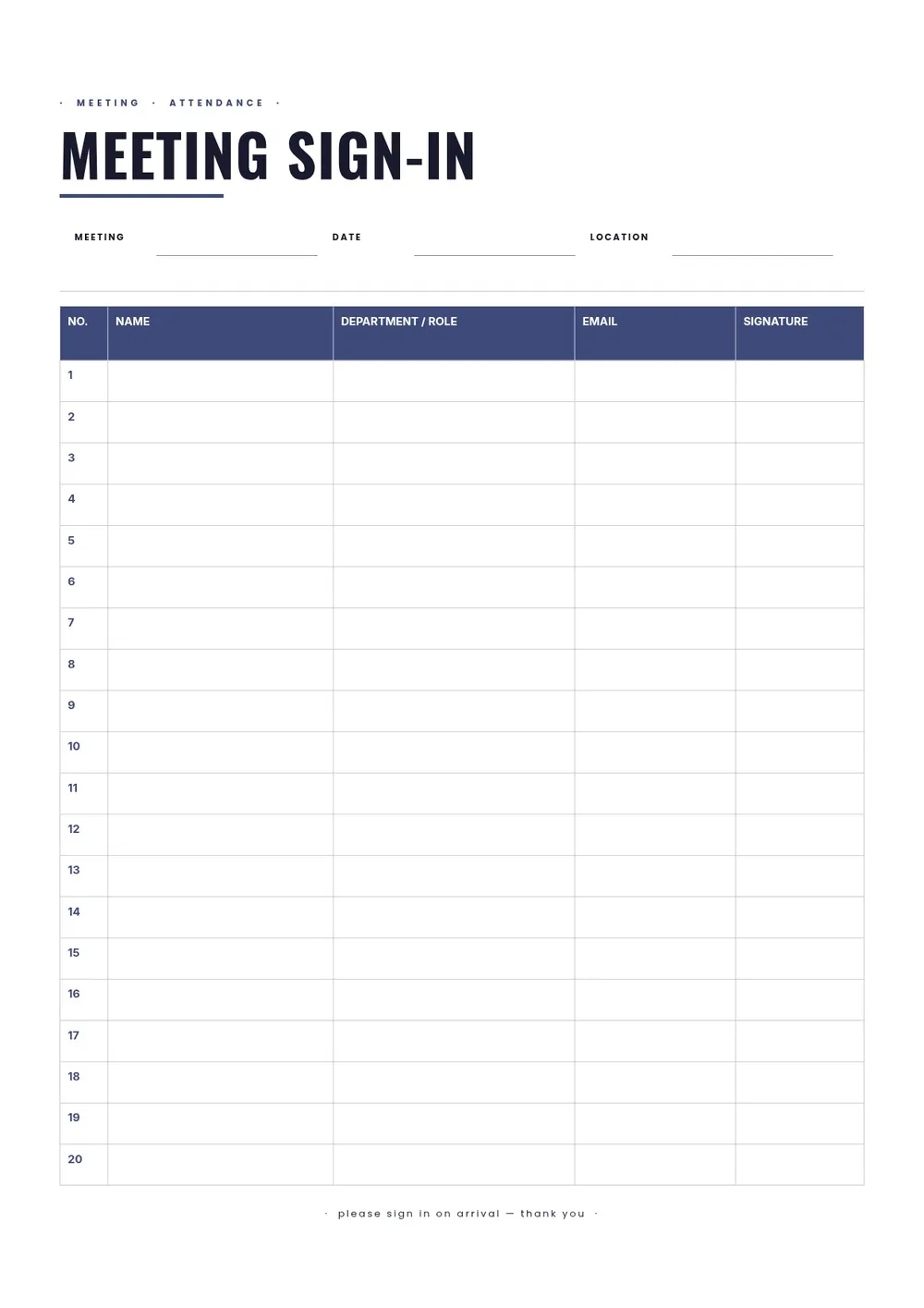
Our template includes columns for attendee name, title or organization, email or phone, and a signature. All fields are editable in the PDF Guru editor so you can add the meeting name, date, location, and facilitator name at the top, and adjust the columns to capture the specific information your organization needs.
Download your first file for free. To continue using PDF Guru, choose one of our subscription plans.
Frequently asked questions
What types of meetings use a sign in sheet?

Sign in sheets are used at board meetings, staff meetings, safety briefings, community forums, training sessions, committee hearings, workshops, and nonprofit gatherings. Any formal or semi-formal meeting where attendance needs to be documented benefits from a sign in sheet.
What should a meeting sign in sheet include?
It should include the meeting name and date, and rows for each attendee to record their name, organization or department, contact information, and signature. Some versions also include a time of arrival column or a check-in number. The template covers the standard fields.
Is a meeting sign in sheet legally required?
In some contexts, yes. Certain regulated industries and grant-funded programs require documented attendance at training sessions or meetings. Even when not legally required, a sign in sheet is useful for record-keeping, quorum verification, and follow-up communication.
What formats can I download for this meeting sign in sheet?
After editing in PDF Guru, you can export the sheet as PDF, DOC, XLSX, PPTX, JPG, or PNG. A printed PDF is the most common format for physical sign-in at the door, while a spreadsheet version is useful for maintaining a master attendance database.
How do I prepare this meeting sign in sheet in PDF Guru?
Open the template in the PDF Guru editor, add the meeting name, date, and location, update the column headers to match what you need to collect, and set the number of rows based on expected attendance. Export the sheet and print it before the meeting.
How do I cancel PDF Guru?
You can cancel your active plan from your PDF Guru account settings, or contact support and ask them to cancel the subscription for you. Account access stays in place until the billing period you already paid for comes to an end.