About standard invoice templates
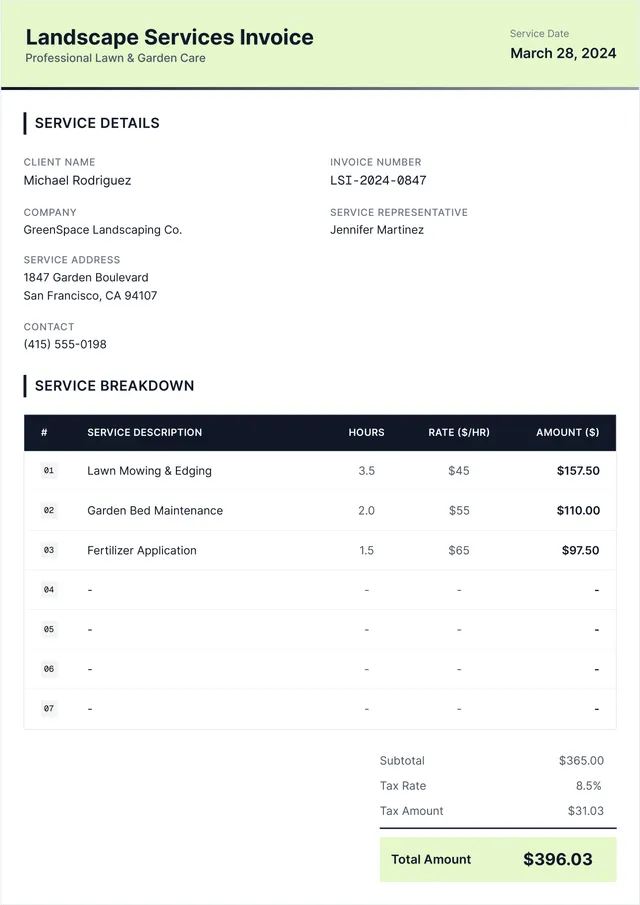
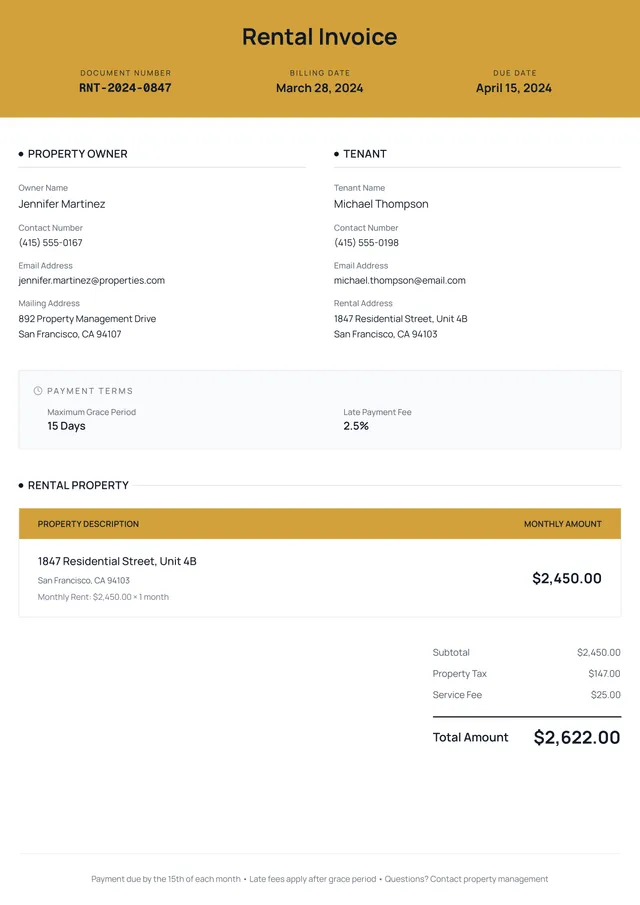
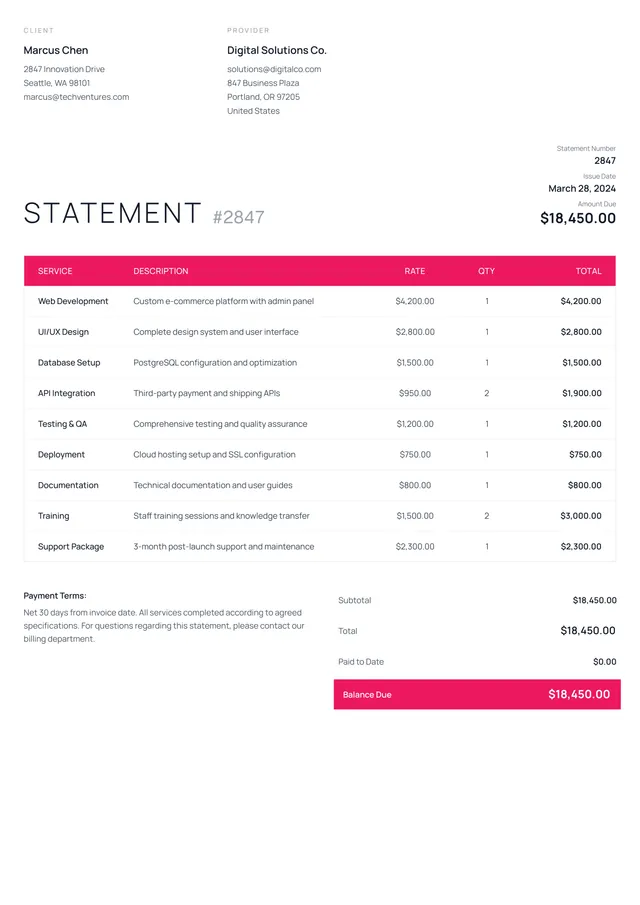
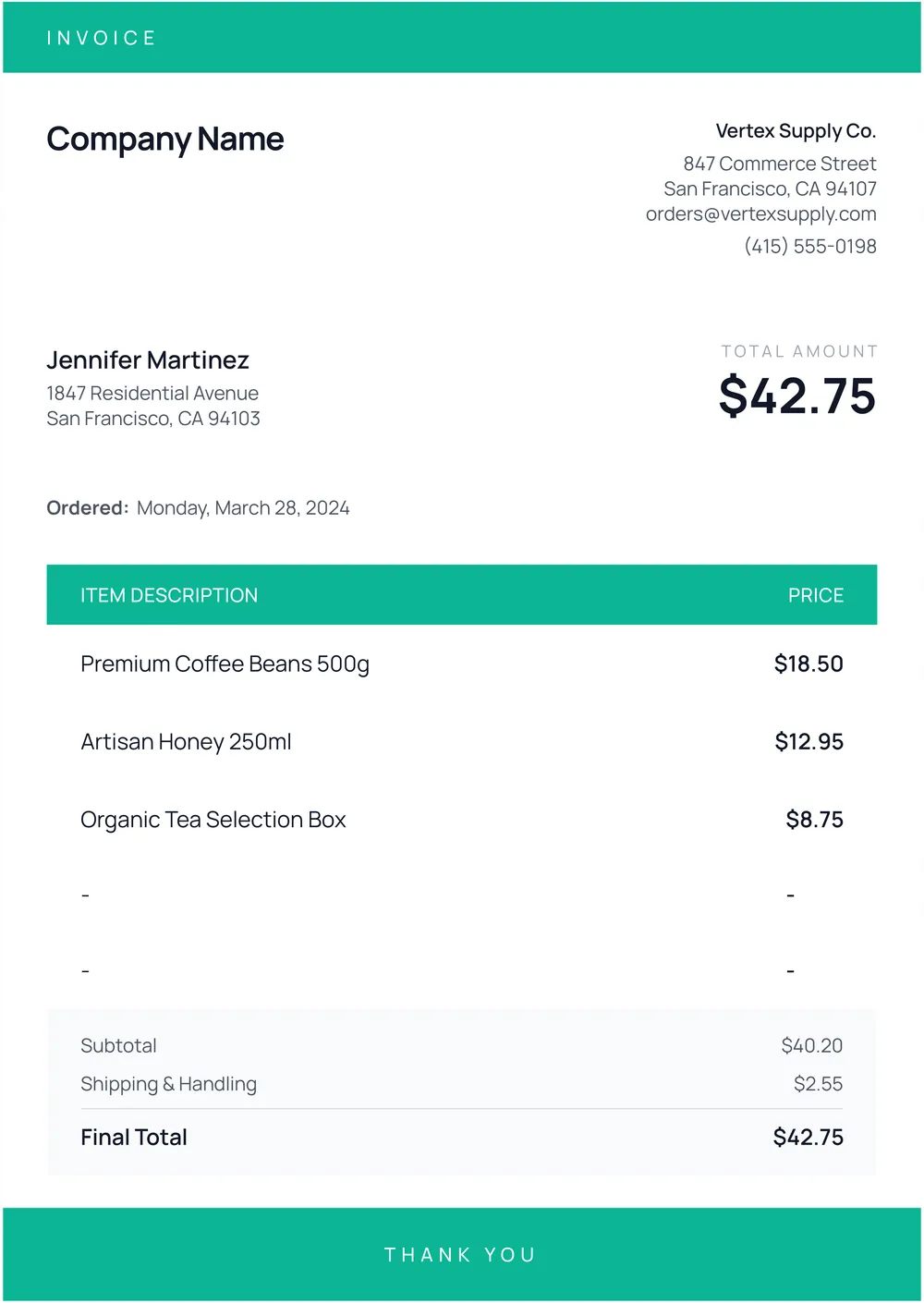
Standard invoice templates take the stress out of billing, helping you keep your business financials clear and organized. Creating invoices from scratch can be time-consuming; however, our template allows you to focus on your work instead of paperwork. With a user-friendly design, you can input your details within a consistent layout that projects professionalism at a glance.
One standout feature is the ability to save your filled invoice as a blank sample, ready for future use. This saves time and reduces errors, making it easier to handle repeat clients. Plus, we've analyzed the necessary fields to make our template effective for your needs. Get your template today, and see how simple invoicing can be.
Download your first file for free. To continue using PDF Guru, choose one of our subscription plans.
Frequently asked questions
What is a standard invoice?

A standard invoice is a document that outlines a transaction between a buyer and a seller. It typically includes key details like invoice number, date, items sold or services rendered, quantities, and pricing. This template serves as a formal request for payment, helping both parties keep track of orders and financial records. Using our template, you can easily fill out the necessary fields for your transaction needs.
When should I use a standard invoice template?
If you're considering when to use a standard invoice template, here are a few situations to keep in mind:
- When providing services to clients;
- After completing a project or delivering goods;
- Regular billing cycles for ongoing projects;
- When you need an editable format for different clients or service types.
What information is included in a standard invoice template?
A standard invoice template typically includes your business name, address, contact details, invoice number, date, client information, item description, quantities, prices, taxes, and total amount due. You can edit the template as needed to suit different clients or services.
How to create a standard invoice template?
- Click on 'Use Template' for the invoice template.
- A blank version of the template will load in the PDF editor.
- Fill out the necessary fields as required.
- Review your information for accuracy.
- Once completed, click 'Done' to download your invoice.
- Your edited invoice will also be saved in your account for future access.
Who can use a standard invoice template?
A standard invoice template is perfect for freelancers, small business owners, and contractors. Anyone needing to bill clients or customers can benefit from it. It's also helpful for firms wanting a consistent way to track sales and maintain records for accounting or tax purposes.
Can I download the standard invoice template as a PDF or in another format?
Yes, you can download the standard invoice template as a PDF. Additionally, you can access it in other formats like Word, Excel, PowerPoint, PNG, or JPG. After filling it out, you'll have a printable version ready to use for your needs.
How can I ensure my invoice looks professional?
To make your invoice look professional, pick a clean template with clear sections; include your logo, contact details, and payment instructions. Be consistent with font size and color, keep wording simple, and double-check for any mistakes. Use PDF Guru’s templates to design an invoice that stands out.
Can I modify the standard invoice template for different clients?
Yes, you can modify the standard invoice template for different clients. Simply click 'Use Template' and fill out the necessary fields with your client’s information. Once you're satisfied, click 'Done' to download the personalized invoice. It’s saved in your account for future use, making re-editing a breeze.
How do I cancel PDF Guru?
You can cancel your active plan from your PDF Guru account settings, or contact support and ask them to cancel the subscription for you. Account access stays in place until the billing period you already paid for comes to an end.