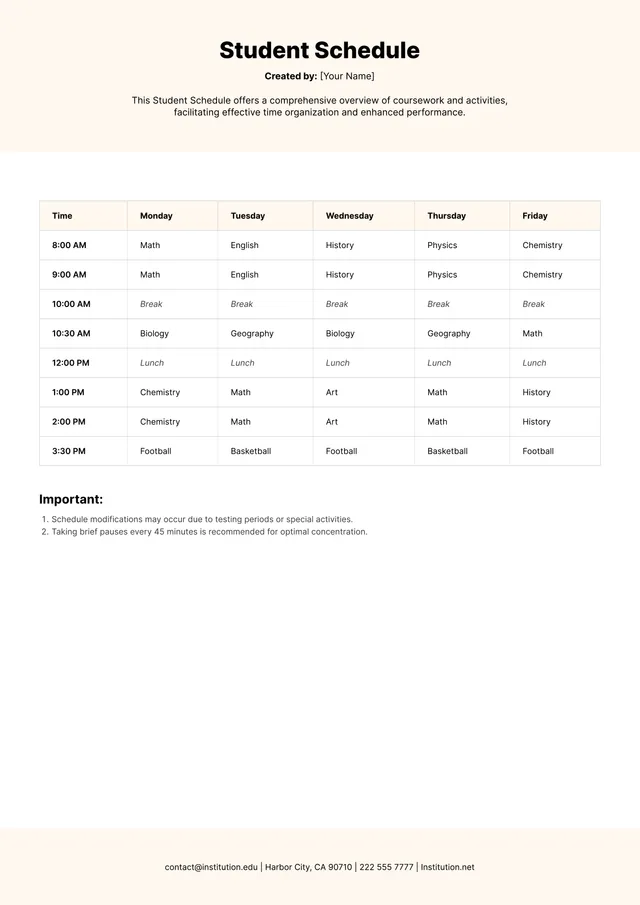
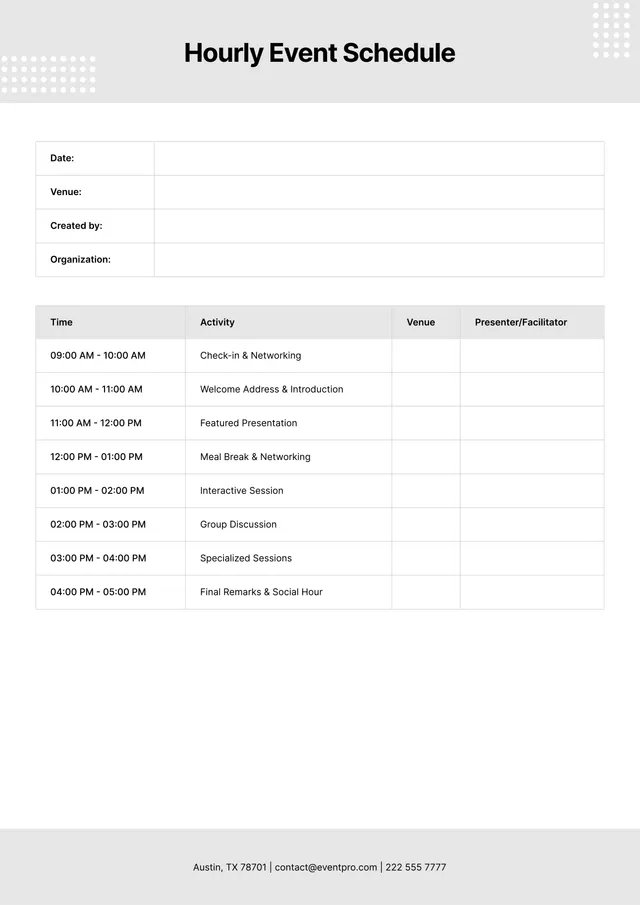
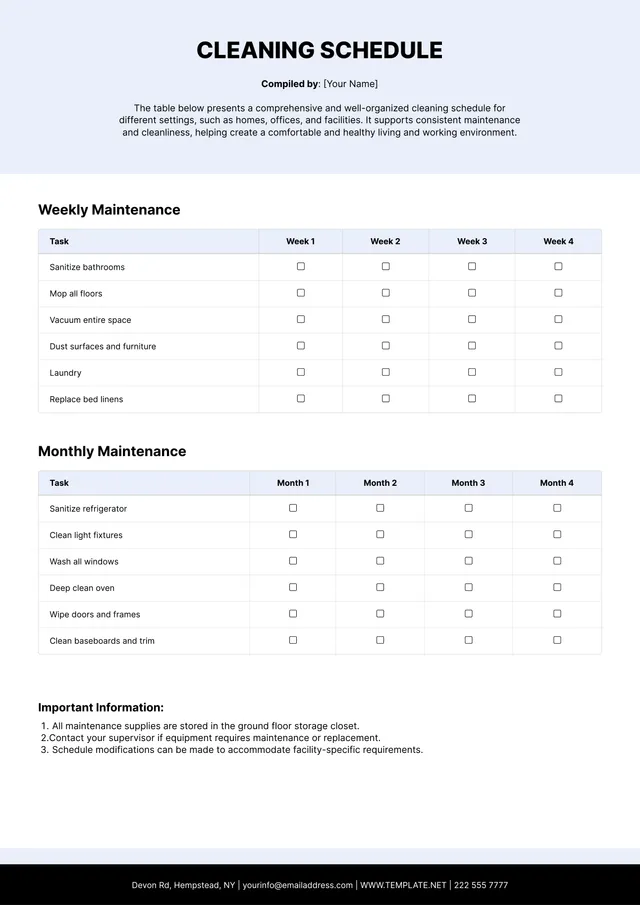
Training Schedule Template
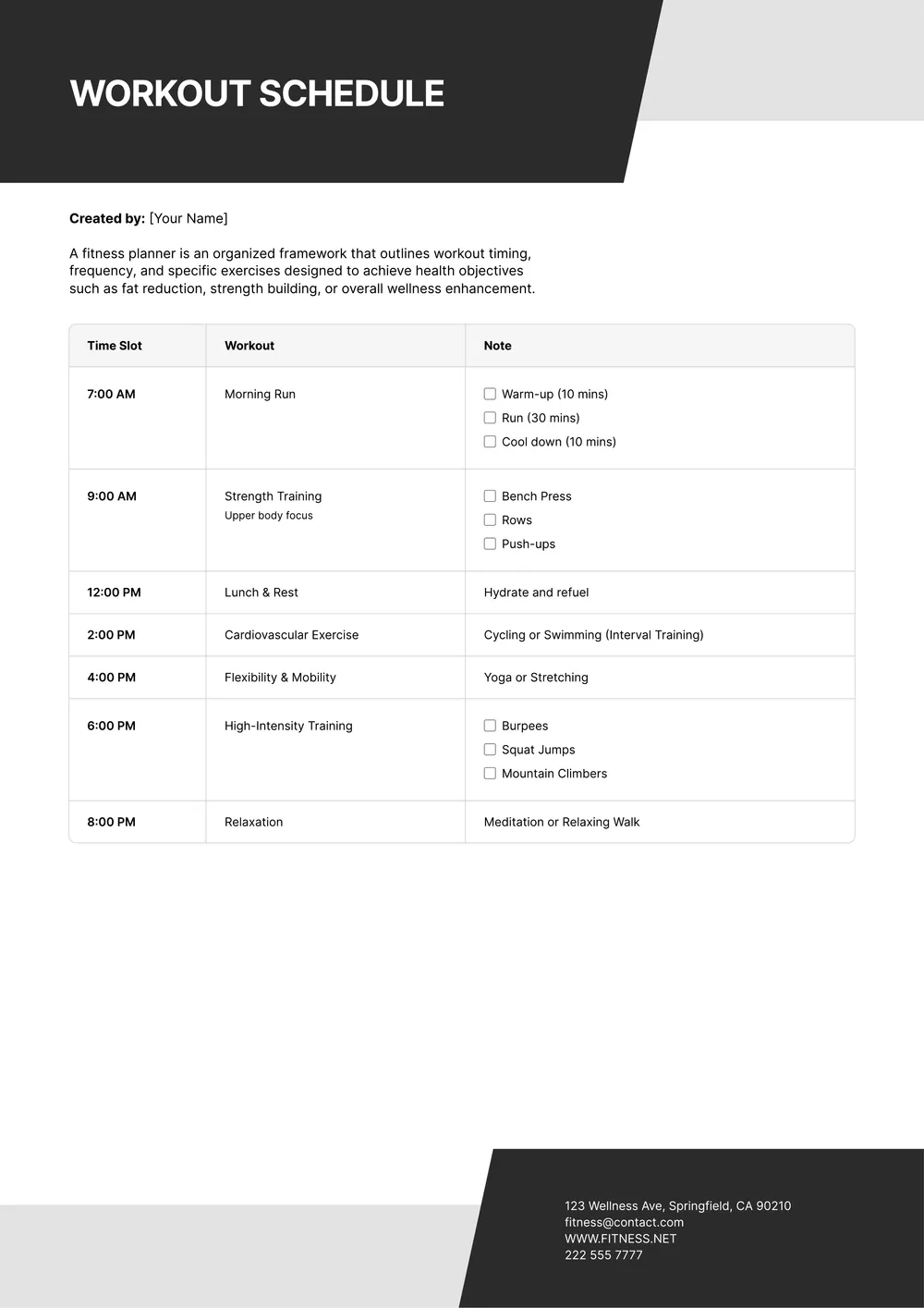
About training schedule template
Creating a training schedule can feel overwhelming, especially when trying to accommodate various activities, sessions, and deadlines. Our training schedule template simplifies this process by providing pre-defined structures that make planning a breeze. With clear formatting and space for notes, you can easily visualize your entire schedule at a glance. This helps reduce stress and keeps everything organized.
Our blank template can be customized to suit your needs, allowing you to adjust fields according to your training goals. Whether you're managing a team, coaching, or self-training, the template supports you in tracking progress. A sample filled-out version can guide you in understanding how to structure your unique schedule. We've analyzed the necessary fields and included them in ours, so you can confidently create an effective training plan.
Download your first file for free. To continue using PDF Guru, choose one of our subscription plans.
Frequently asked questions
What is a training schedule template?

A training schedule template is a document that helps you plan and organize your training activities. It serves as an outline, detailing sessions, topics, and timelines for each training module. Using this template can make it easier to track progress, set goals, and ensure all necessary materials are covered during the training period.
When should I use a training schedule template?
A training schedule template is useful in several situations:
- When you have a specific event or competition coming up.
- At the start of a new training cycle or program.
- When you want to track progress and goals over a set period.
- Before starting a major fitness milestone or personal challenge.
This editable template can help organize your routines effectively.
What information is included in a training schedule template?
A training schedule template usually includes dates, times, topics, session durations, locations, and any materials needed. You might also find trainer names and participant lists. You can edit this template to fit your specific training needs, making it easier to organize your sessions and track progress.
How to edit a training schedule template?
- Click ‘Use Template’ to open the training schedule.
- Fill in the placeholder fields with your details.
- Adjust the information as needed.
- Once you’ve made your edits, click ‘Done’ to save your work.
- Download your updated training schedule, and find it saved in your account for future access.
Who can use a training schedule template?
A training schedule template is helpful for anyone looking to improve their skills, including athletes, coaches, fitness enthusiasts, and teachers. Whether you're organizing personal workouts or group sessions, this template supports various goals and can adapt to different training programs and schedules.
Can I export the training schedule template to PDF or other formats?
Yes, you can download the training schedule template as a printable PDF or in other formats like Word, Excel, PowerPoint, PNG, or JPG. Just edit the template and choose your preferred format before saving it to your account or printing it out for use.
How can I share my training schedule with others?
You can share your training schedule by downloading the edited PDF template and emailing it to others, or by saving it in your account and providing access to your PDF Guru link. Easily keep your team informed and up to date with a few simple clicks.
How can I print my training schedule template?
To print your training schedule template, follow these steps: Click on 'Use Template' to open your draft. After editing the fields, click 'Done.' Then, download the PDF version. Finally, open the downloaded file and select the print option in your PDF viewer to complete the process.
How do I cancel PDF Guru?
You can cancel your active plan from your PDF Guru account settings, or contact support and ask them to cancel the subscription for you. Account access stays in place until the billing period you already paid for comes to an end.