About the training sign in sheet template
A training sign in sheet is used by organizations to record which employees attended a specific training session, workshop, or onboarding program. HR departments, safety managers, and training coordinators use these sheets to document compliance with mandatory training requirements, track professional development participation, and maintain records for audits or certification renewals. They are commonly used in healthcare, manufacturing, construction, retail, and corporate environments.
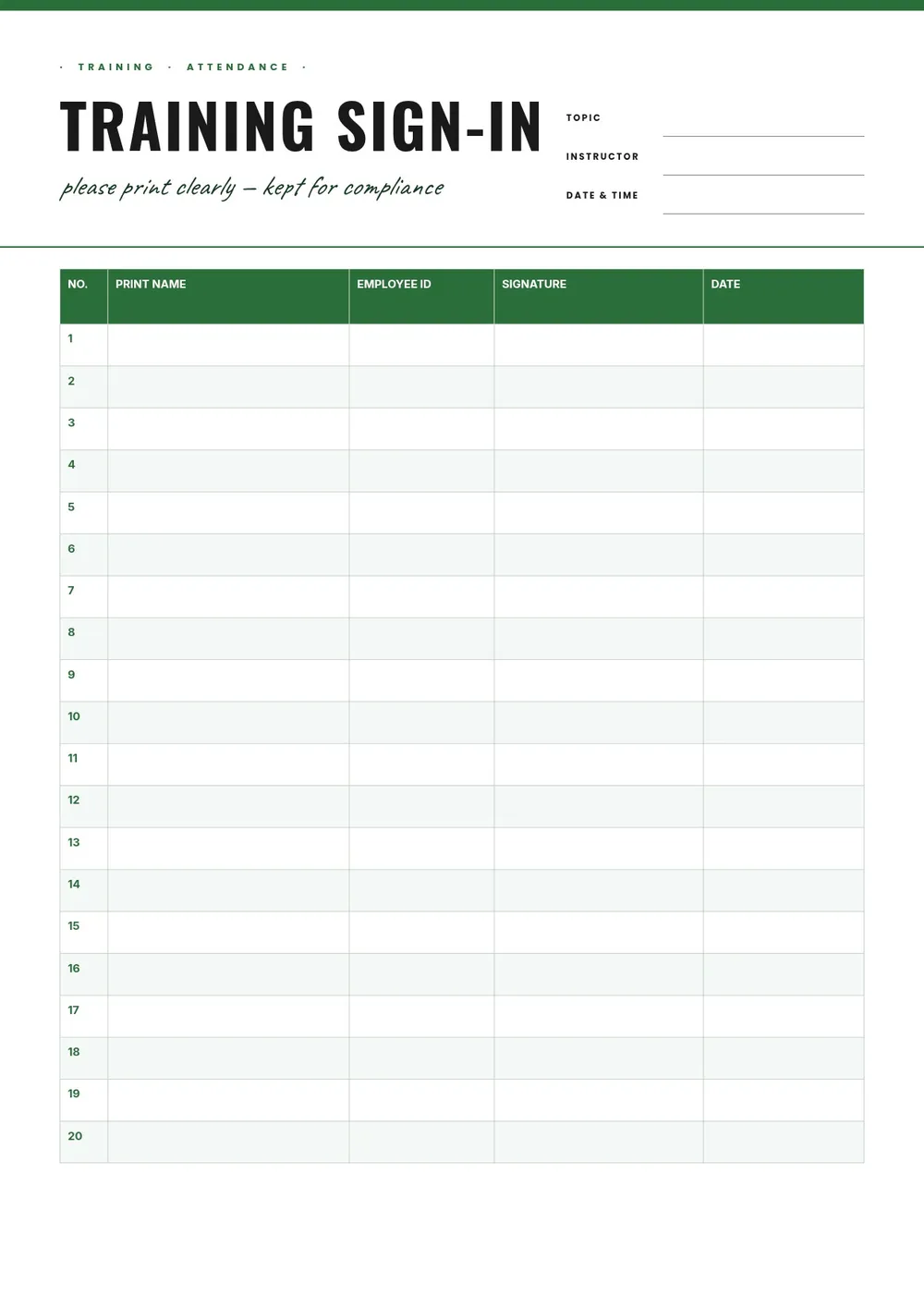
Our template includes fields for the training topic, date, location, trainer name, and rows for each participant's name, job title, department, and signature. All fields are editable in the PDF Guru editor so you can customize the sheet for any type of training and print it before each session.
Download your first file for free. To continue using PDF Guru, choose one of our subscription plans.
Frequently asked questions
Why should organizations use a training sign in sheet?

A training sign in sheet creates a documented record that employees completed required training. This is important for regulatory compliance, internal HR records, insurance purposes, and responding to audits. It also provides a paper trail if there is ever a question about whether a specific employee attended a training session.
What information should a training sign in sheet capture?
It should capture the training title, date, location, and trainer name in the header, and each participant's name, job title or department, and signature in the rows. Some versions include a start time and end time to document the duration of the training.
Can I use this sheet for both in-person and virtual training?
Yes. For in-person training, print the sheet and pass it around for signatures. For virtual sessions, you can share a fillable PDF version in the meeting chat for participants to fill in digitally, or collect attendance through a screenshot or export of the participant list alongside the sign-in sheet.
What formats can I download for this training sign in sheet?
After editing in PDF Guru, you can export the sheet as PDF, DOC, XLSX, PPTX, JPG, or PNG. A printed PDF is standard for physical sign-in at the session. An Excel version is useful for maintaining a master training attendance database.
How do I prepare this training sign in sheet in PDF Guru?
Open the template in the PDF Guru editor, fill in the training topic, date, location, and trainer name, set the number of rows based on expected attendance, and print before the session. File the signed sheet with your training records after the session is complete.
How do I cancel PDF Guru?
You can cancel your active plan from your PDF Guru account settings, or contact support and ask them to cancel the subscription for you. Account access stays in place until the billing period you already paid for comes to an end.