About the two page resume template
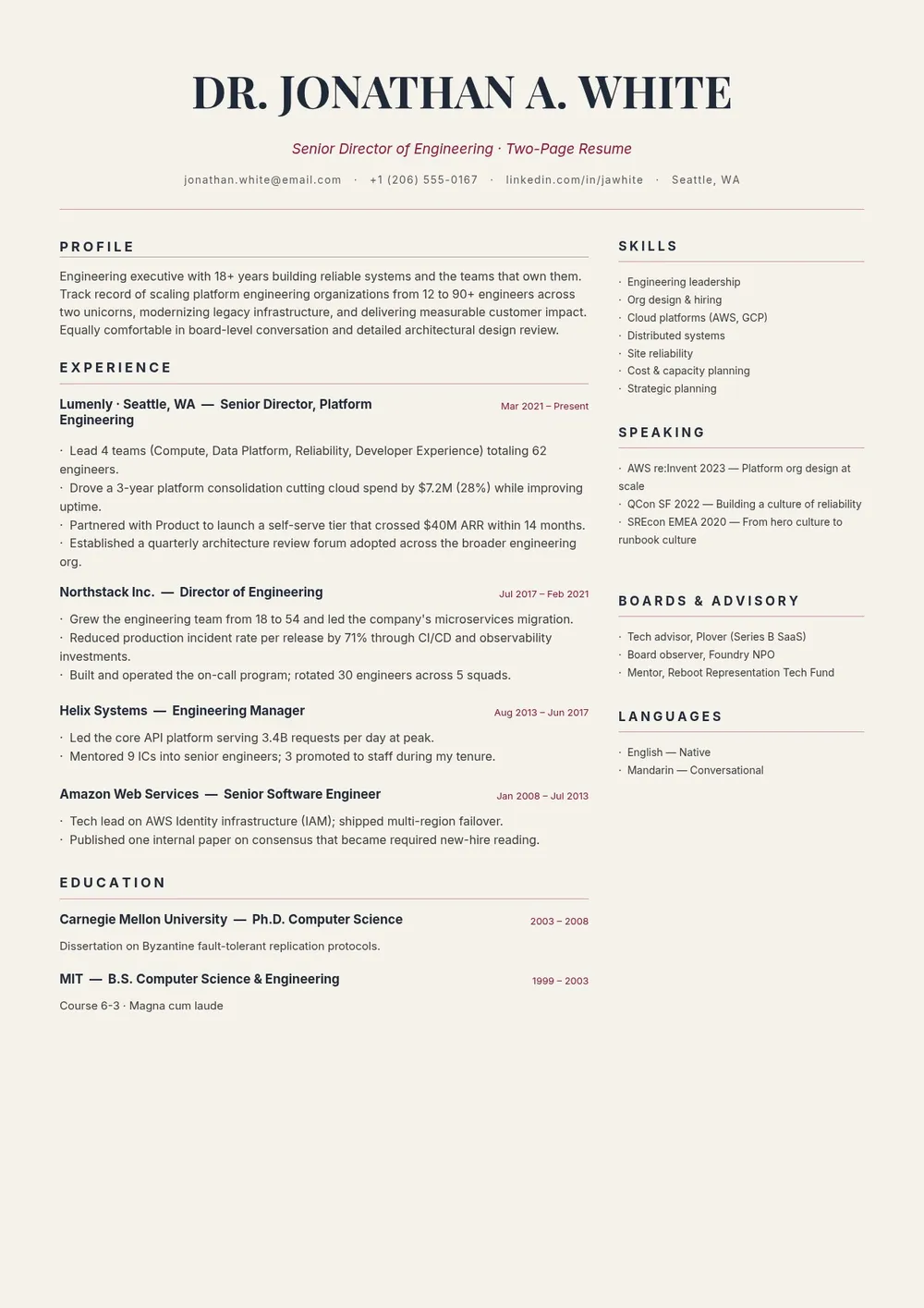
A two page resume is appropriate for professionals with a substantial work history, diverse skill sets, multiple certifications, or publications that cannot be meaningfully condensed to a single page. Mid-career and senior professionals in fields such as engineering, academia, law, medicine, project management, and executive leadership commonly use two page resumes to present a complete and accurate picture of their background.
Our template is structured to make effective use of two full pages without feeling padded. It includes a strong summary and core competencies on the first page, followed by detailed work experience, additional skills, education, certifications, and other relevant sections on the second. All fields are editable in the PDF Guru editor so you can adapt the layout to your specific career story.
Download your first file for free. To continue using PDF Guru, choose one of our subscription plans.
Frequently asked questions
When is a two page resume appropriate?

A two page resume is appropriate when you have ten or more years of relevant experience, multiple significant roles to describe, publications or research to list, or extensive certifications. It should not be used simply to include everything you have ever done. Every item on a two page resume should add value to the application.
What should appear on the first page of a two page resume?
The first page should contain your name and contact details, a strong professional summary, your most recent and relevant work experience, and your core skills. Hiring managers often only read the first page initially, so the most compelling information should be placed there.
How do I keep a two page resume from looking padded?
Only include experience and information that is directly relevant to the role you are applying for. Use concise bullet points rather than paragraphs, cut roles older than fifteen years unless they are highly relevant, and avoid inflating section headers or adding excessive white space.
What formats can I download for this two page resume?
After editing in PDF Guru, you can export the resume as PDF, DOC, XLSX, PPTX, JPG, or PNG. PDF is recommended to preserve the two page layout and formatting across all devices.
How do I complete this two page resume template in PDF Guru?
Open the template in the PDF Guru editor, place your most impactful experience on page one, continue with additional roles, certifications, and skills on page two, and review both pages for consistency and conciseness. Export as PDF and submit with your application.
How do I cancel PDF Guru?
You can cancel your active plan from your PDF Guru account settings, or contact support and ask them to cancel the subscription for you. Account access stays in place until the billing period you already paid for comes to an end.