Key takeaways
- PDF Guru leads the pack with AI-powered summaries, an interactive chat feature, and 90+ language support — all within a secure, browser-based platform that handles files up to 100 MB.
- Dedicated AI PDF summarizers outperform general-purpose chatbots like ChatGPT on structured documents because they preserve formatting, tables, and section context.
- The best tool for you depends on your use case: students, researchers, legal professionals, and casual readers all have different needs.
- Security matters more than most people realize — always check a tool's encryption, compliance certifications, and data deletion policies before uploading sensitive documents.
- Each tool on this list offers a different pricing model — we break down exactly what you get so there are no surprises.
Introduction
If you've ever stared down a 60-page research paper or a dense compliance report and thought, "I don't have time for this," you're not alone. PDFs are the backbone of academic research, legal work, and business operations — and the evolution of PDF technology means they're not getting any shorter.
The good news? AI PDF summarizer tools can condense those long documents into clear, scannable key points in seconds. The market is crowded, though, and not every tool delivers on its promises. Some tools cap uploads at 10 pages, others fail on scanned documents, and a few won't even tell you what they do with your uploaded file.
That's why we tested and compared seven of the best AI PDF summarizer tools available in 2026. We evaluated each one across accuracy, speed, file handling, follow-up interaction, language support, security, and pricing transparency — so you don't have to run the experiment yourself.
And if you're wondering, "Can't I just paste my PDF into ChatGPT?" — we cover that too. Short answer: dedicated tools handle structured documents significantly better than general-purpose chatbots. We'll explain exactly why later in this guide.
Whether you're a student prepping for exams, a researcher cross-referencing papers, or a professional trying to extract the key clauses from a contract, this breakdown will help you find the right pdf summarizer tool for your workflow. (Already know you need help summarizing? Here's our step-by-step guide on how to summarize PDF files.)
What makes a great AI PDF summarizer?
Before diving into the tools, it helps to know what separates a solid AI PDF summarizer from a mediocre one. Here's the evaluation framework we used:
- Accuracy and context retention — Does the summary capture the document's key points without hallucinating details or missing critical nuances? The best tools preserve the structure and logic of the original, not just extract random sentences.
- File size and format support — Can it handle large documents (50+ pages) and scanned PDFs? Many tools quietly cap uploads at 10-25 pages or fail entirely on non-text PDFs.
- Follow-up interaction — Can you ask questions about your document after getting the summary, or is it a one-and-done output? Interactive tools let you dig deeper without re-reading the original.
- Language support — Does it work for non-English documents? If you're dealing with multilingual research or international contracts, this matters more than most people realize.
- Security and privacy — What happens to your uploaded file? Look for encryption (SSL in transit, AES at rest), compliance certifications (GDPR compliance requirements, CCPA), and clear data deletion policies. This is the criterion most comparison guides skip — and it shouldn't be.
- Pricing transparency — Some tools offer free trials or limited free access, while others require a subscription from the start. We break down what each tool includes so you know exactly what you're getting.
With those criteria in mind, let's look at the tools.
The 7 best AI PDF summarizer tools in 2026
1. PDF Guru — Best overall AI PDF summarizer
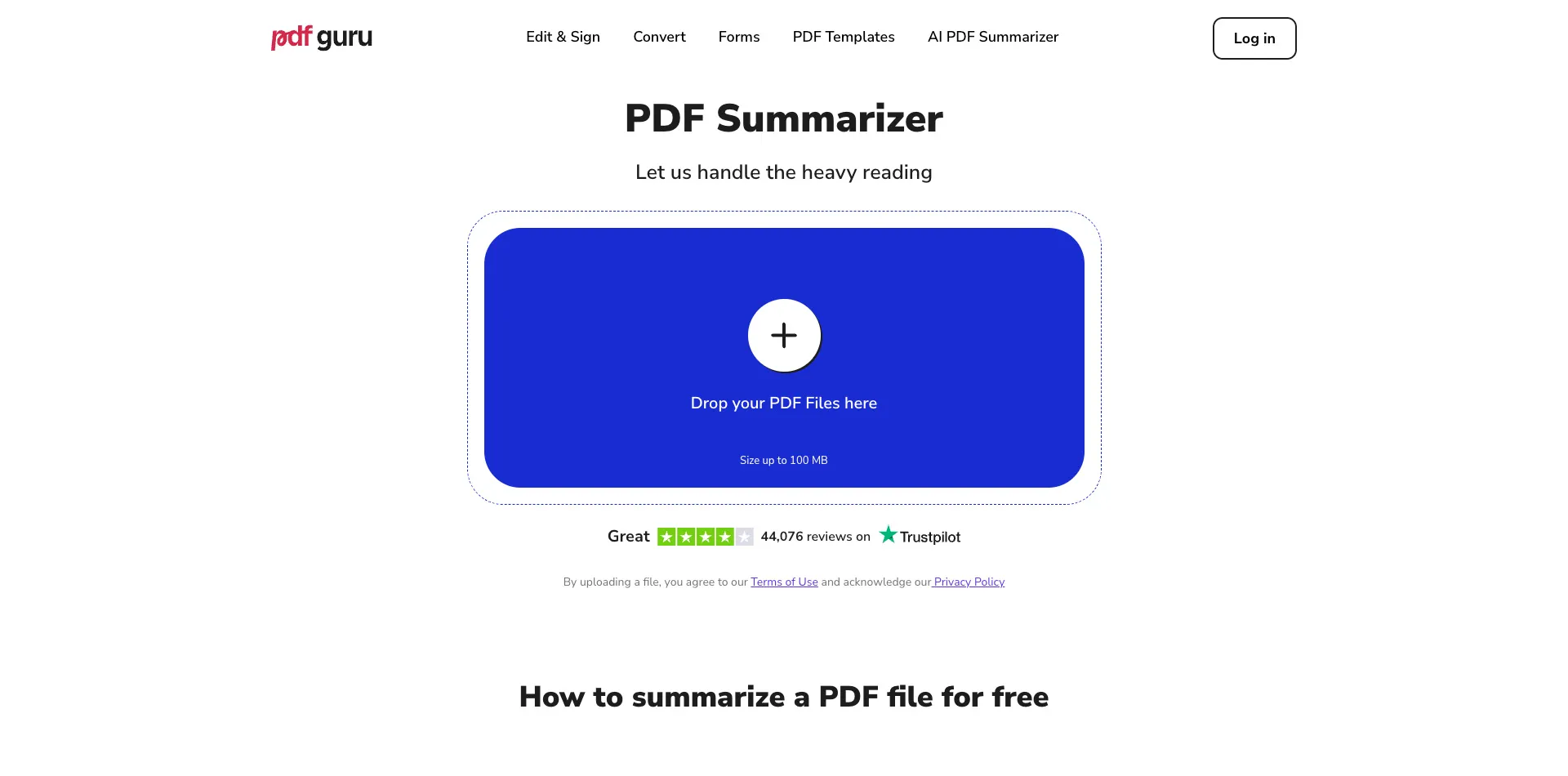
PDF Guru's AI Summarizer is a browser-based tool that reads and condenses long PDF documents into clear, concise summaries — no installation, no app downloads. You upload your file (up to 100 MB), the AI analyzes it, and you get your key points in seconds.
What sets PDF Guru apart from most tools on this list is what happens after the summary. Its integrated AI chat lets you ask follow-up questions about your document — clarify a confusing section, translate a passage, simplify technical language, rephrase a paragraph in your own words, or extract a specific data point. It's not just summarization; it's an interactive conversation with your PDF.
Key features:
- AI-powered summarization for PDFs up to 100 MB
- Integrated AI chat for follow-up questions (clarify, translate, simplify, rephrase, extract)
- Supports 90+ languages for summarization and chat
- Part of a full PDF platform — edit, convert (PDF conversion tools), compress, sign, and OCR your documents without switching apps
- Security stack: GDPR and CCPA compliant, SSL encryption in transit, AES encryption at rest, Google Safe Browsing verified
Pricing: You can create your first summary for free with two follow-up questions — no commitment required. Paid plans are required for continued and unlimited use.
Social proof: 15 million users across 180 countries, with a 4.0 Trustpilot rating from 65,000+ Trustpilot reviews.
Best for: Anyone who wants an accurate AI PDF summarizer with interactive follow-up and the flexibility of a full document platform. If you regularly work with PDFs beyond just summarizing them — editing, converting, signing — PDF Guru eliminates the need to juggle multiple tools.
2. NoteGPT — Best for students and note-taking
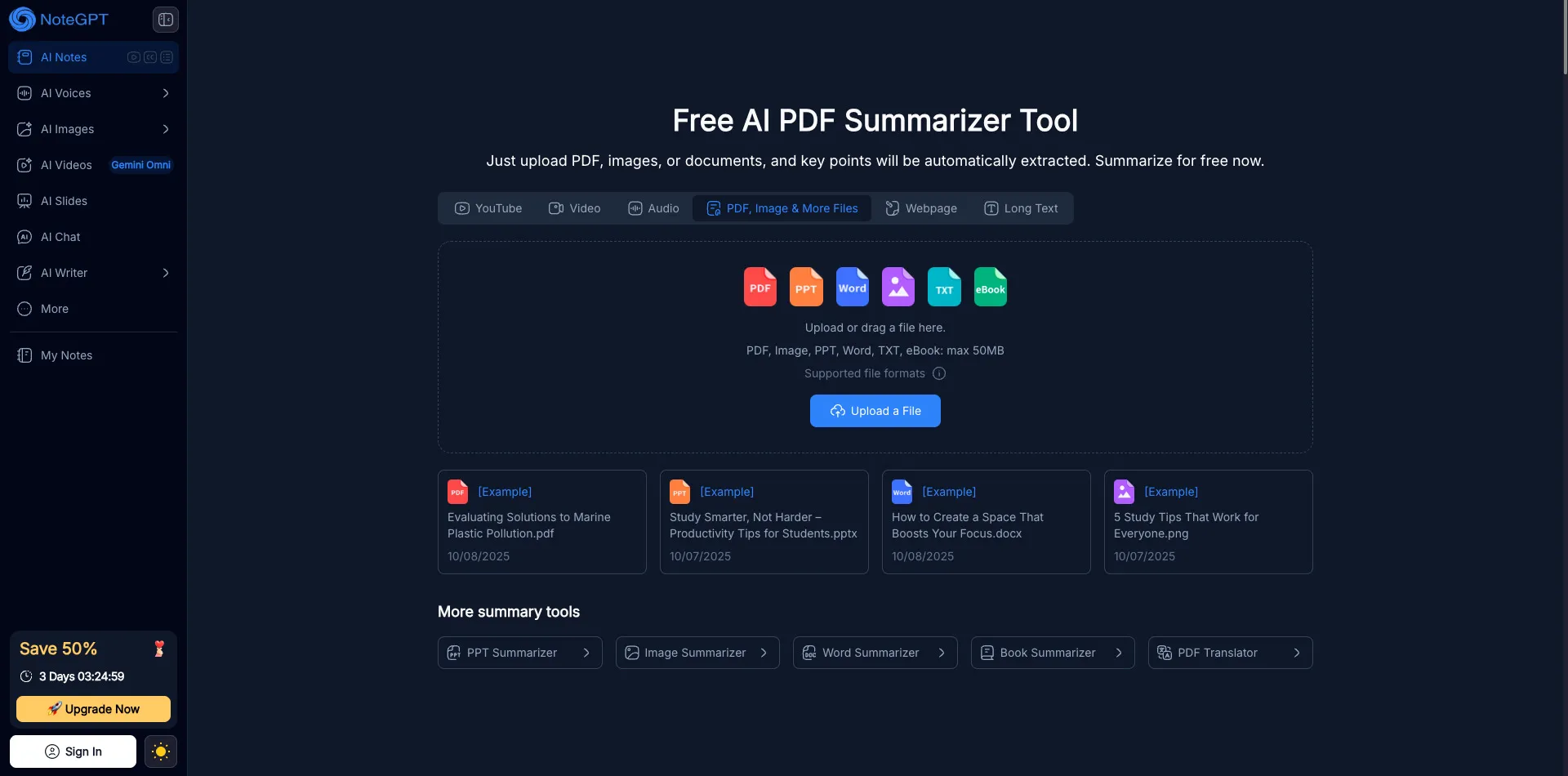
NoteGPT is a free AI PDF summarizer that's built with students in mind. Upload a document, and it automatically extracts key points and organizes them into structured notes. Its standout feature is visual mind maps — the tool generates diagram-style summaries that map relationships between concepts, which is particularly useful for study sessions and exam prep.
The platform has built a strong student following, with 129,000+ reviews and a 4.9 rating. It's especially popular for lecture notes and textbook chapters where visual organization helps with retention.
Key features:
- Free AI PDF summarizer with auto-extracted key points
- Visual mind map generation from document summaries
- Built for study workflows: note-taking, exam prep, quick content digestion
Limitations: NoteGPT is less suited for very long technical documents or professional use cases. Its follow-up interaction options are more limited compared to tools with integrated AI chat, and it doesn't offer the broader document management features (editing, converting, signing) that workflow-heavy users might need.
Best for: Students on a budget who want a visual, note-friendly approach to PDF summarization.
3. ChatPDF — Best for interactive Q&A with documents
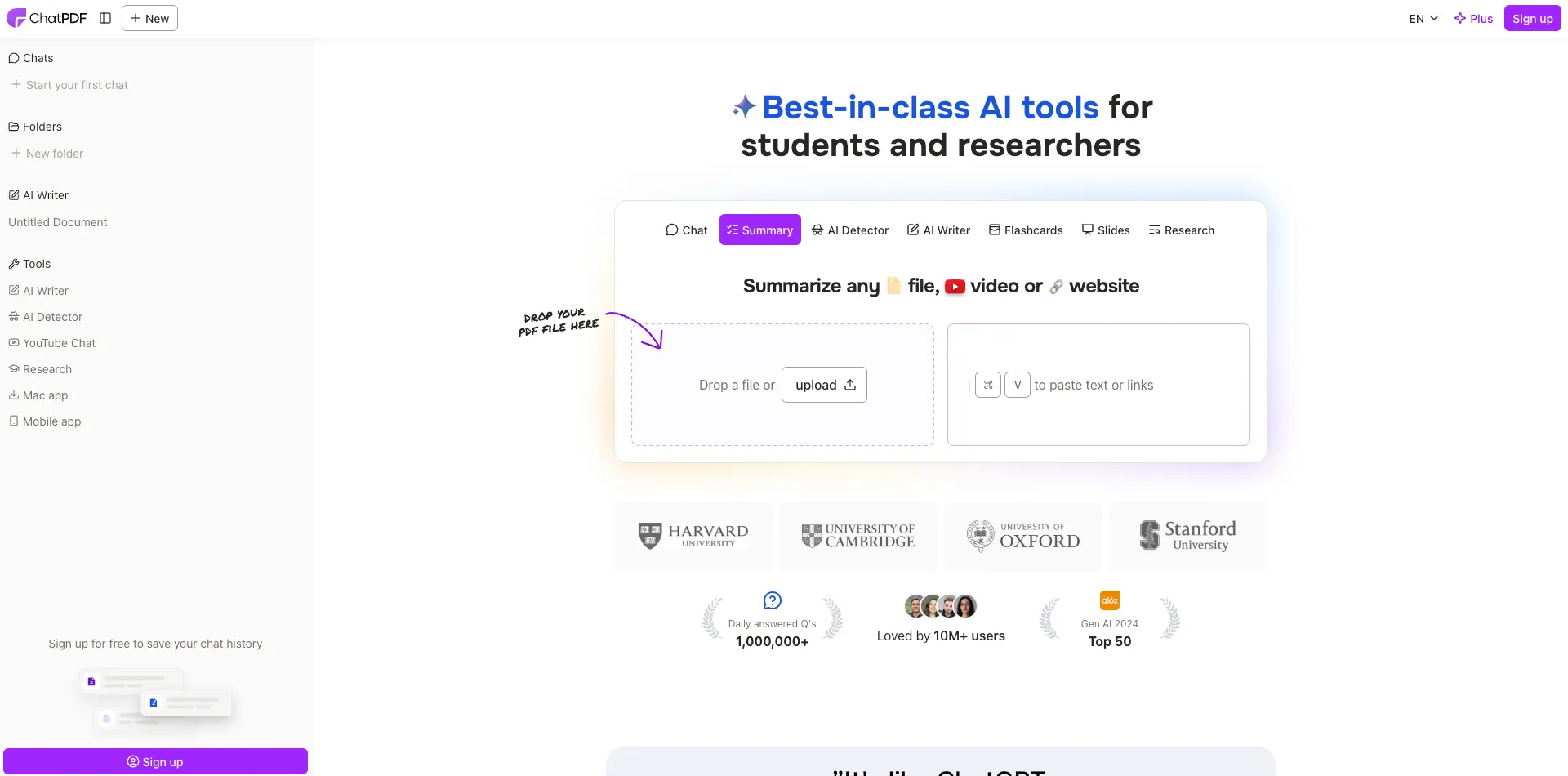
ChatPDF takes a chat-first approach to PDF summarization. Instead of generating a static summary, you upload a document and ask it questions directly — like having a conversation with your file. It's particularly effective when you need to find specific information buried deep in a long document without reading the whole thing.
Key features:
- Upload a PDF and chat with it — ask specific, targeted questions
- Conversational interface that works well for exploratory research
- Files deleted after 7 days on the free plan
Pricing: Free tier includes 2 PDFs per day with a 120-page maximum per document. The Pro plan runs $19.99/month for unlimited uploads and extended features.
Limitations: ChatPDF is strong on conversational interaction but weaker on structured summaries. If you want a concise, organized summary of an entire document (rather than answers to specific questions), other tools on this list deliver that more effectively.
Best for: Researchers and analysts who need to query specific sections of a document rather than digest the whole thing at once.
4. QuillBot AI summarizer — Best for flexible summary formats
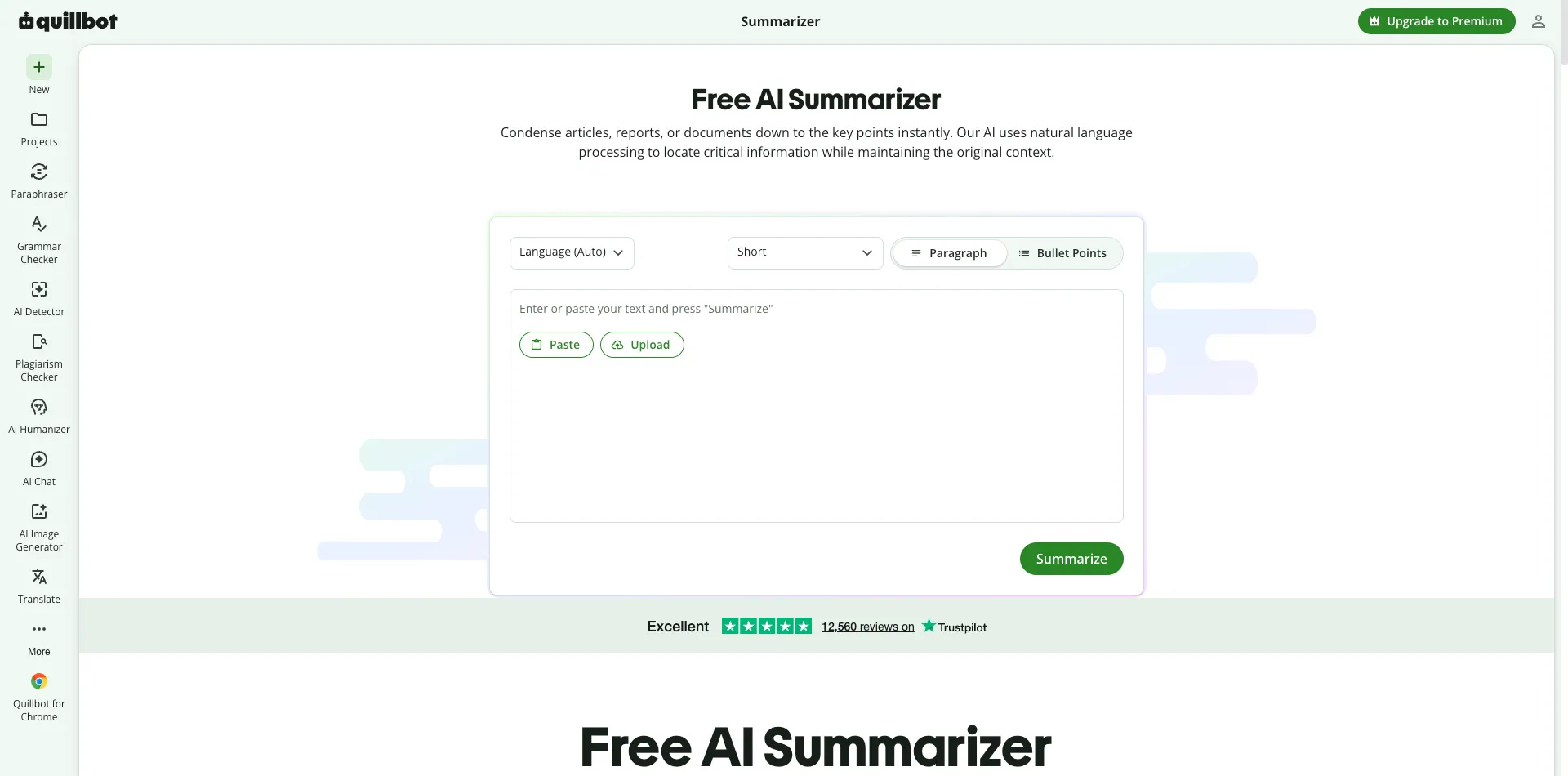
QuillBot is primarily known as a paraphrasing tool, but its AI summarizer has become a solid option for condensing articles, essays, and shorter documents. It offers two modes: paragraph summary (a cohesive condensed version) and key sentences extraction (pulls the most important lines from the original text).
Key features:
- Two summarization modes: paragraph summary and key sentences
- Integrates directly with Google Docs and Microsoft Word
- Clean, simple interface with adjustable summary length
Limitations: QuillBot is a text-first tool, not a PDF-specific one. It handles articles, essays, and shorter documents well, but it's not optimized for PDF-specific challenges like preserving table formatting, handling scanned pages, or managing large file uploads. If your primary workflow involves PDFs, you'll likely hit those limitations.
Pricing: Free with limits on document length. Premium plans unlock longer documents and additional features.
Best for: Writers and students who work primarily with articles, essays, and text-based content and want flexible summary output formats.
5. TLDR This — Best for quick web article summaries
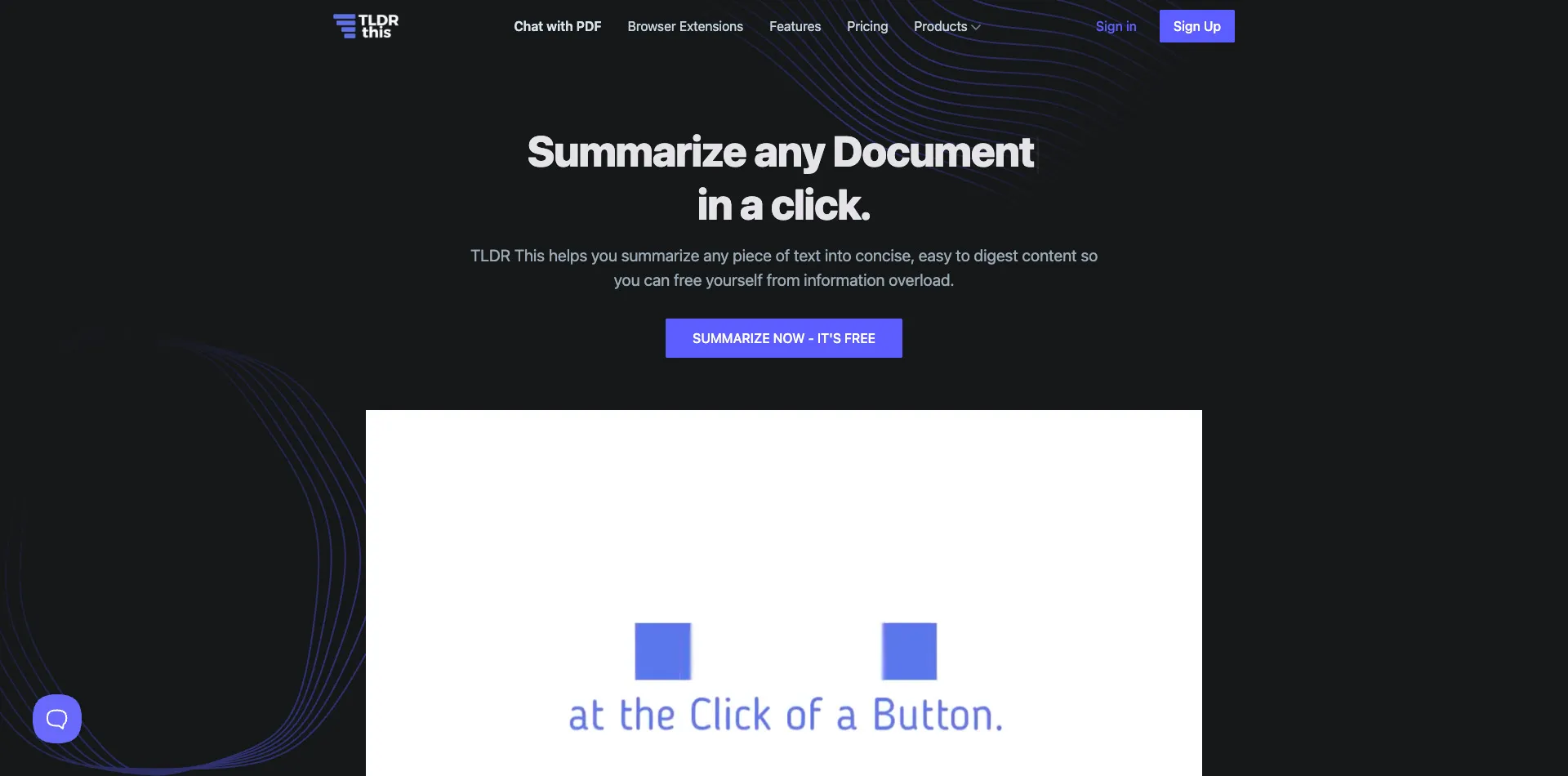
TLDR This lives up to its name — “too long; didn't read” — it's built for speed. Available as both a browser extension and a web tool, it summarizes articles and documents in seconds. Its URL-based summarization is a standout: paste a link to any web article, and TLDR This generates a summary without requiring a file upload.
Key features:
- Browser extension + web tool for instant summarization
- URL-based summarization — paste a link, get a summary
- Clean, distraction-free output
Pricing: Free tier includes 10 articles per day. The Pro plan at $4.99/month unlocks unlimited use with more detailed summary options.
Limitations: TLDR This is designed for web articles and shorter content. Its PDF handling capabilities are limited, and it doesn't offer chat or follow-up features. If you're working with long, complex PDF documents, this tool will leave you wanting more.
Best for: Casual readers and content professionals who want to quickly digest web articles and blog posts without reading full-length pieces.
6. SciSummary — Best for academic research papers
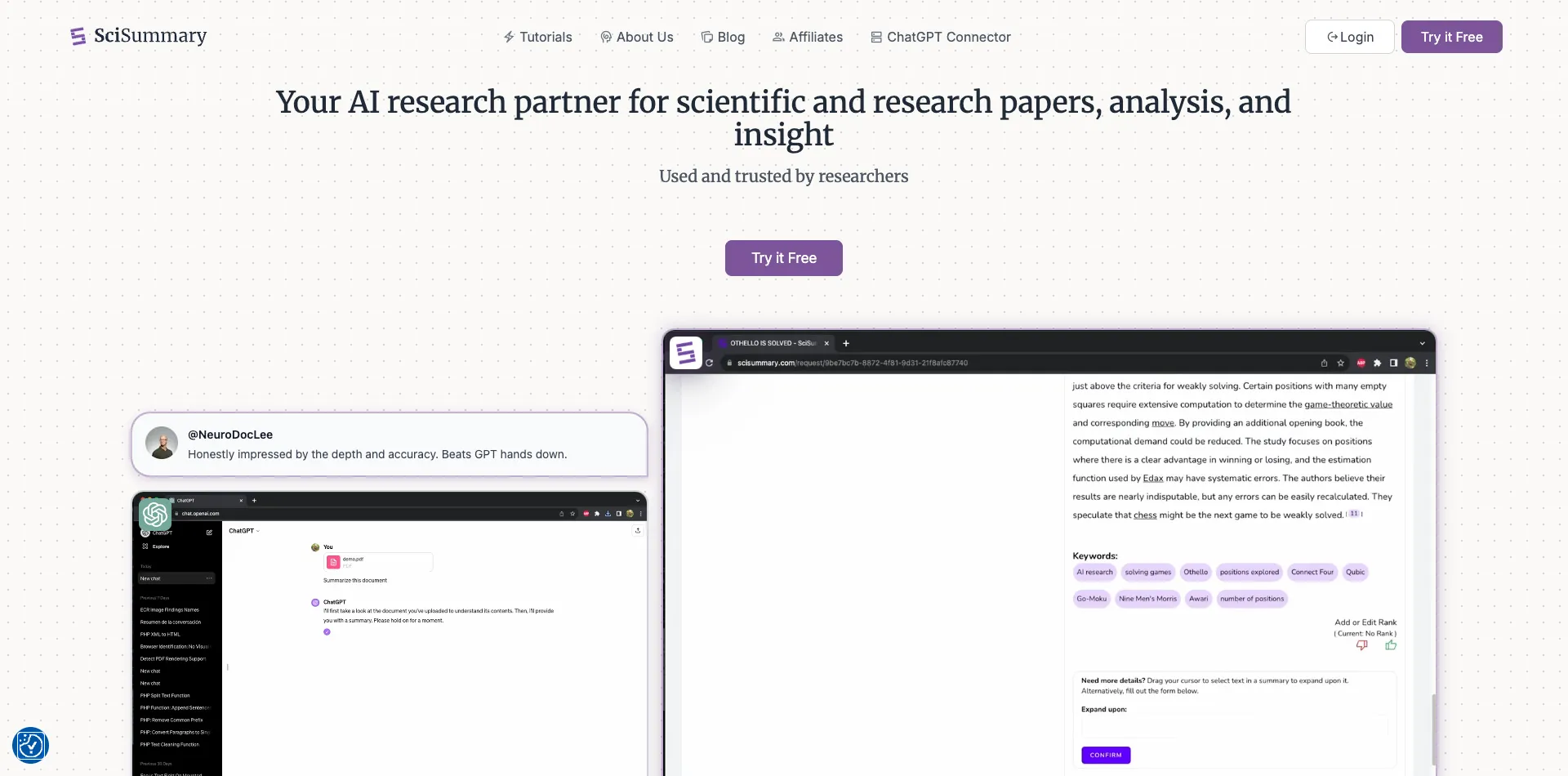
SciSummary is purpose-built for the academic world. It understands the structure of scientific papers — abstracts, methodology sections, results, citations — and generates summaries that preserve the logical flow researchers depend on. It handles technical terminology better than general-purpose tools because its AI is trained on scholarly content.
Key features:
- Designed specifically for scientific and academic papers
- Handles citations, methodology sections, and technical terminology
- Preserves the logical structure of research documents
Pricing: Free tier available for occasional use. Paid plans cater to heavy research users who need to process multiple papers regularly.
Limitations: SciSummary's narrow focus is both its strength and its weakness. It excels at academic content but isn't ideal for contracts, business reports, or general-purpose PDF summarization. If your needs extend beyond research papers, you'll need a second tool.
Best for: Academics, graduate students, and researchers who regularly process scientific papers and need summaries that respect the structure of scholarly work.
Looking for an all-in-one PDF solution? Upload File
7. Summarizer.org — Best for free multi-language summarization
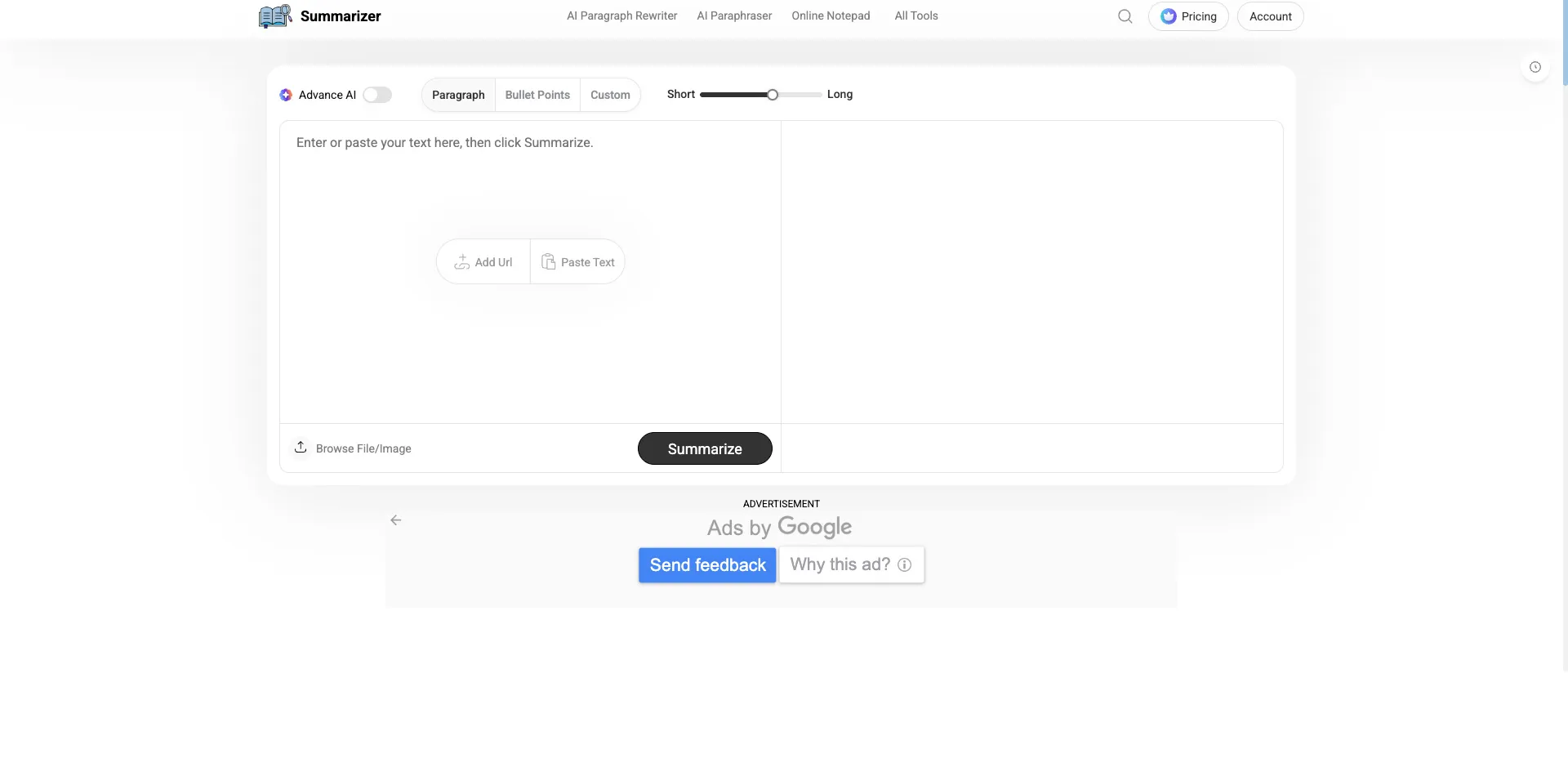
Summarizer.org is the no-frills option on this list. It's free, it requires no sign-up, and it supports multiple languages. If you need a quick summary of a straightforward document and don't want to create an account or navigate a complex interface, it does the job.
The tool offers both extractive summarization (pulling key sentences directly from the text) and abstractive summarization (generating new sentences that capture the main ideas).
Key features:
- Completely free with no account required
- Supports multiple languages
- Both extractive and abstractive summarization modes
Limitations: You get what you pay for. Summarizer.org struggles with complex, multi-section documents and doesn't offer any interactive features — no chat, no follow-up questions, no integration with other tools. Accuracy can vary significantly depending on the document type and length.
Best for: Users who need a quick, no-commitment summary of a straightforward document in any language and don't need advanced features.
How to choose the right AI PDF summarizer
With seven tools on the table, the right pick depends on what you actually need. Here's a quick decision framework:
- For everyday PDFs and all-in-one document needs: PDF Guru gives you summarization, AI chat, editing, conversion, signing, and OCR in one browser-based platform — no app switching required.
- For students on a budget: NoteGPT is free and built for study workflows, with visual mind maps that help with retention.
- For interactive document exploration: ChatPDF is strong if you need to query specific sections rather than summarize an entire document.
- For academic research: SciSummary understands the structure of scientific papers better than general-purpose tools.
- For quick web article digests: TLDR This is fast, lightweight, and works directly from URLs.
A few decision factors to weigh:
- 1Document length and complexity — If you regularly work with 50+ page PDFs, you need a tool that can handle large files without choking. Check upload limits before committing.
- 2Language requirements — Working with non-English documents? Make sure your tool explicitly supports multilingual summarization.
- 3Security — If you're uploading contracts, financial documents, or anything sensitive, verify the tool's encryption and compliance certifications. Don't assume your data is safe.
- 4Budget — "Free" often means "free with limits." Decide whether those limits fit your actual usage before settling on a tool.
ChatGPT vs. dedicated AI PDF summarizers: Which is better?
This is one of the most common questions we see: "Why not just upload my PDF to a general-purpose chatbot?"
It's a fair question. General-purpose AI chatbots can accept PDF uploads and generate summaries, and if you already have a subscription, it feels like the obvious choice. There's a meaningful difference, though, between how a general-purpose chatbot handles a PDF and how a dedicated PDF summarizer tool does.
General-purpose chatbots treat PDFs as raw text — they strip out formatting, tables, headers, and section structure. For a simple one-page memo, that's fine. For a 40-page research paper with tables, citations, and structured sections, you lose critical context.
Dedicated AI PDF summarizers, on the other hand, are built for PDF-specific challenges. They preserve the document's layout and structure, handle scanned PDFs (via OCR), support large file uploads, and offer follow-up interaction designed around document workflows — not open-ended conversation.
Here's how the two approaches compare in practice:
- Formatting preservation — Dedicated PDF tools retain tables, headings, and section breaks. General-purpose chatbots flatten everything into plain text.
- Follow-up interaction — Chatbots require manual prompting for each follow-up. Dedicated tools offer structured chat features (clarify, translate, simplify, rephrase, extract) designed around document workflows.
- File handling — Chatbots have upload limitations and don't handle scanned PDFs natively. Dedicated tools support larger files and often include OCR.
- Security — When you upload a PDF to a general chatbot, your data is subject to broad data policies. Dedicated PDF tools like PDF Guru offer specific compliance certifications (GDPR, CCPA) and encryption (SSL, AES).
For quick, one-off questions on simple documents, a general-purpose chatbot may be enough. For regular PDF work, complex documents, or anything where formatting, security, and accuracy matter, a dedicated AI PDF summarizer will serve you better.
FAQ
What Is the best free AI PDF summarizer?
PDF Guru lets you try your first summary free with two follow-up questions — no commitment required. It's the best way to test a full-featured AI PDF summarizer (with interactive chat, 90+ languages, and 100 MB uploads) before choosing a plan. If you're looking for a completely free option, NoteGPT is a strong pick for students with auto-extracted key points and visual mind maps. TLDR This offers 10 free summaries per day, and Summarizer.org is free with no sign-up, though accuracy varies on complex documents.
Can AI summarizers handle scanned PDFs?
Some can, but most basic summarizers require text-based PDFs. Scanned documents need OCR (optical character recognition technology) — technology that converts images of text into actual editable, searchable text — before they can be summarized. PDF Guru supports OCR through its broader platform, so you can process a scanned PDF and summarize it without switching tools.
Is it safe to upload my PDF to an online summarizer?
Not all tools treat your data the same way. Before uploading anything sensitive — contracts, financial documents, medical records — check for three things:
- 1Encryption — Does the tool use SSL encryption for data in transit and AES encryption for data at rest?
- 2
- 3Data deletion policies — How long does the tool retain your file, and can you delete it manually?
PDF Guru uses SSL encryption in transit, AES encryption at rest, is GDPR and CCPA compliant, and is verified by Google Safe Browsing. You can read more about the security measures PDF Guru implements.
How accurate are AI PDF summarizers?
Accuracy varies by tool and document type. Dedicated AI PDF summarizers generally handle structured documents (research papers, contracts, reports) better than general-purpose chatbots because they're built to preserve formatting and section context. That said, no AI tool is perfect — always review critical summaries before acting on them, especially for legal or financial content.
Can AI summarizers work with non-English PDFs?
Some tools support multiple languages, but coverage varies widely. Summarizer.org offers multilingual support for basic summarization. PDF Guru supports 90+ languages for both summarization and interactive AI chat, making it one of the most versatile options for non-English documents.
Conclusion
The right AI PDF summarizer depends on how you work with documents. If you need an all-in-one platform that handles summarization, interactive follow-up questions, editing, conversion, and signing in one place, PDF Guru is the strongest overall pick — with 90+ language support, 100 MB file uploads, and a verified security stack to back it up.
For students, NoteGPT's free tier and visual mind maps are hard to beat. For researchers working with scientific papers, SciSummary's academic focus is worth a look. And for quick web article digests, TLDR This keeps things fast and simple.
Whichever tool you choose, AI summarization saves you hours of reading and helps you focus on the information that actually matters.