About the cute sign up sheet template
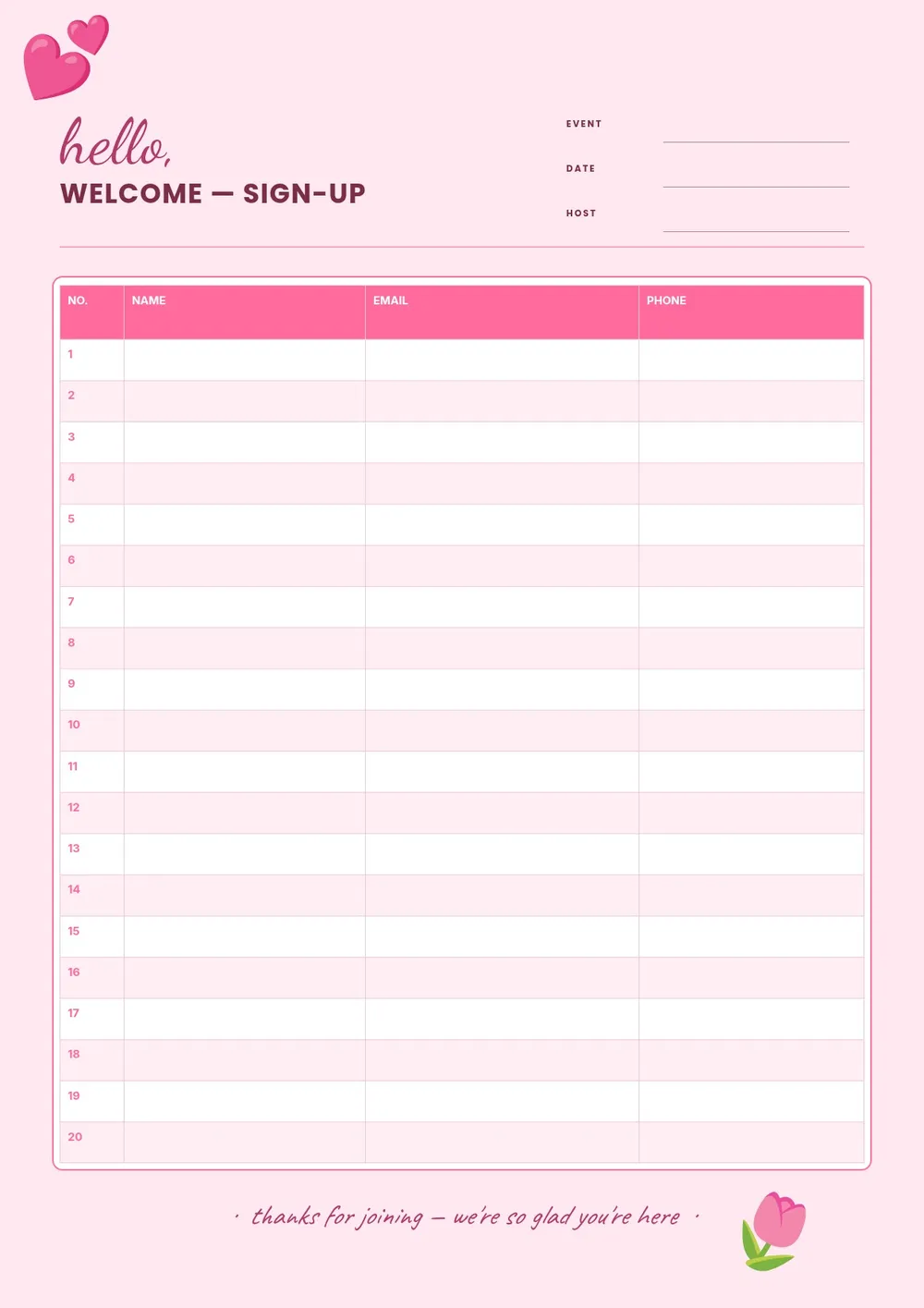
A cute sign up sheet is a visually appealing version of a standard registration or volunteer form. It is typically used for school events, classroom activities, bake sales, fundraisers, community gatherings, and social occasions where a plain spreadsheet feels too formal. A well-designed sheet encourages more people to stop and sign up because it looks inviting and approachable.
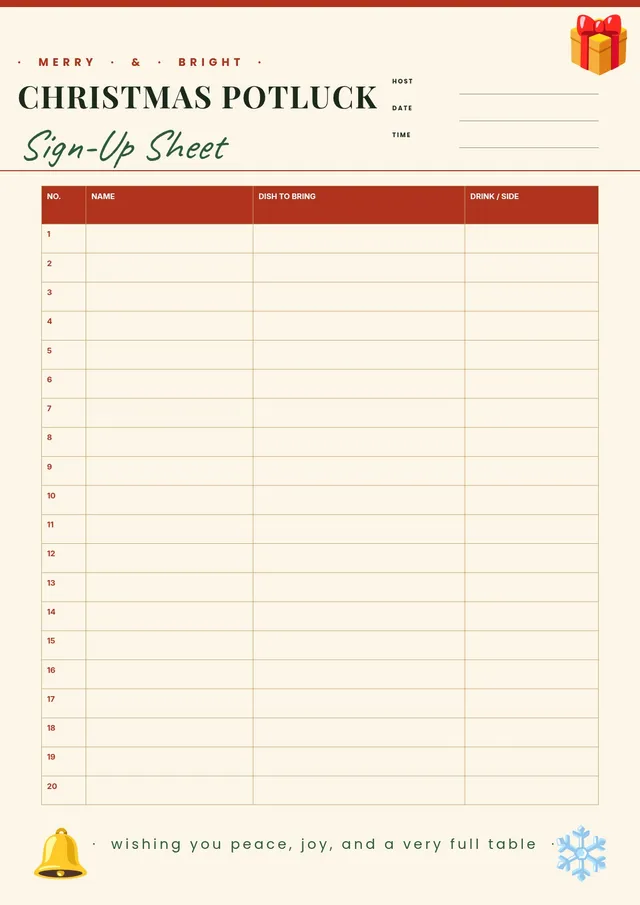
Our template features a friendly layout with clear columns for name, contact information, and the task or item the person is signing up for. All fields are editable in the PDF Guru editor so you can change the heading, adjust the columns, and customize the look to match your event theme before printing.
Download your first file for free. To continue using PDF Guru, choose one of our subscription plans.
Frequently asked questions
When would I use a cute sign up sheet?

A cute sign up sheet works well for school events, classroom activities, PTA volunteering, bake sales, neighborhood gatherings, birthday party planning, and any occasion where you want the sign-up experience to feel warm and welcoming rather than formal.
What information can I collect on this sign up sheet?
You can collect participant names, phone numbers or emails, the task or item they are signing up for, a time slot, and any notes. The template is flexible so you can add or remove columns depending on what information you need for your specific event.
Can I use this template for a school or classroom event?
Yes. The template is especially well-suited for classroom events, school fundraisers, parent volunteer coordination, and after-school activities. You can add the school name, class, or event details in the header to make it specific to your use case.
What formats can I download for this cute sign up sheet?
After editing in PDF Guru, you can export the sheet as PDF, DOC, XLSX, PPTX, JPG, or PNG. A PDF works great for printing and posting, while an image format is handy for sharing in a group chat or posting online.
How do I edit this cute sign up sheet in PDF Guru?
Open the template in the PDF Guru editor, add the event name and date, update the column headers, and adjust the number of rows to fit your expected turnout. Export it in the format you need and print or share it ahead of the event.
How do I cancel PDF Guru?
You can cancel your active plan from your PDF Guru account settings, or contact support and ask them to cancel the subscription for you. Account access stays in place until the billing period you already paid for comes to an end.