About the employee sign in sheet template
An employee sign in sheet is a document used by businesses, offices, and organizations to record when staff members arrive and leave each day. It serves as a basic attendance log and can be used for tracking hours, verifying presence during an inspection or audit, monitoring tardiness, or simply keeping a daily headcount. Small businesses without a digital time-tracking system often rely on a physical sign in sheet as an accessible alternative.
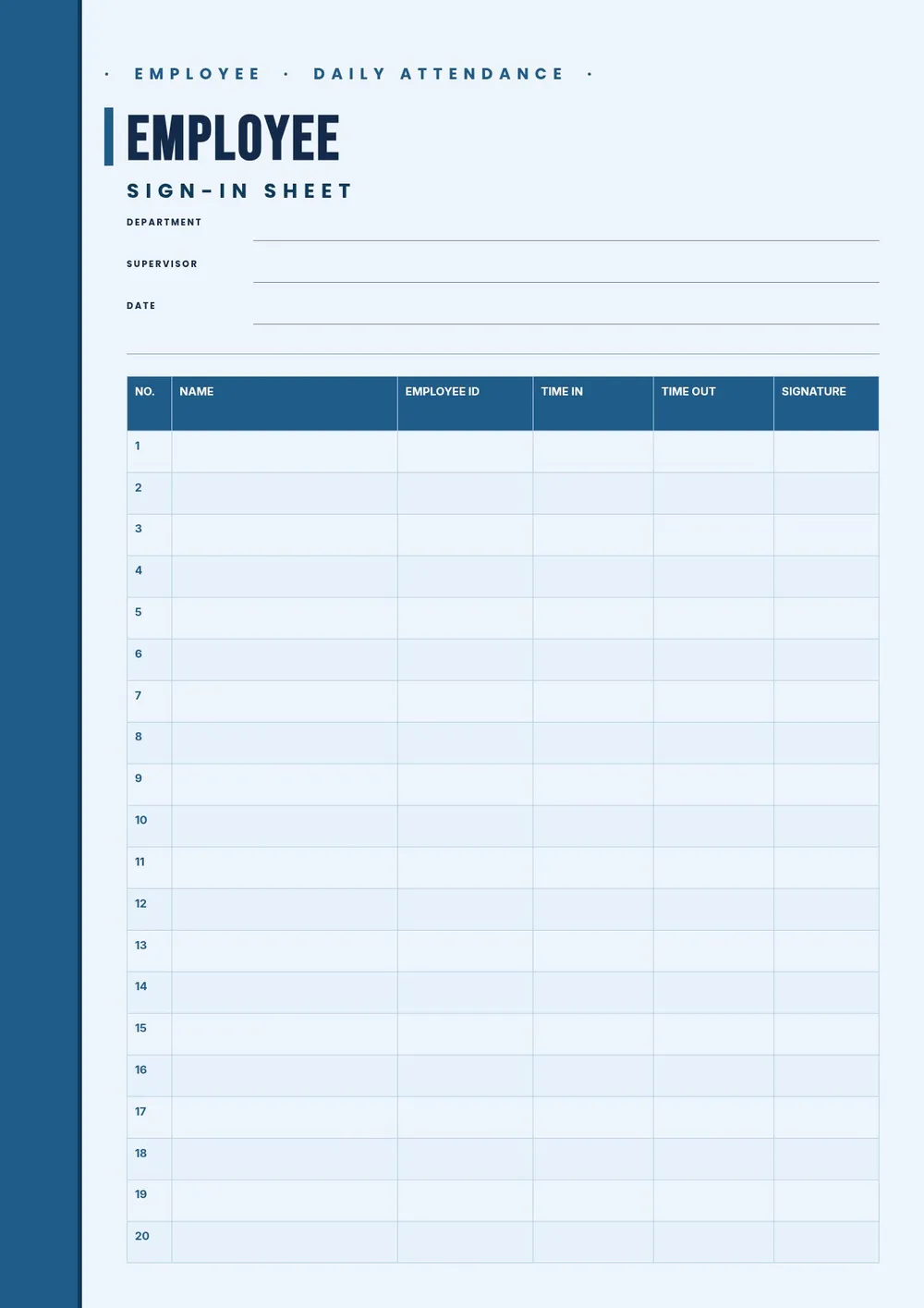
Our template includes columns for employee name, department, date, time in, time out, and a signature field. All fields are editable in the PDF Guru editor so you can add your company name, customize the columns, and print a fresh sheet for each day or week.
Download your first file for free. To continue using PDF Guru, choose one of our subscription plans.
Frequently asked questions
What is an employee sign in sheet used for?

An employee sign in sheet is used to record daily attendance for staff. It logs who arrived, when they arrived, and when they left. Managers use it to track punctuality, verify attendance during audits, and maintain a simple paper-based record of hours worked.
What should an employee sign in sheet include?
It should include the employee's name, the date, time in, time out, and a signature. Some versions also include a department or job title column, a total hours field, or a manager sign-off line. The template covers all standard fields and can be adjusted to fit your workplace's needs.
How is an employee sign in sheet different from a timesheet?
A sign in sheet records basic attendance by day, while a timesheet is used to calculate total hours worked over a period, often including breaks and overtime. A sign in sheet is simpler and better suited for daily logging, while a timesheet is used for payroll calculations.
What formats can I download for this employee sign in sheet?
After editing in PDF Guru, you can export the sheet as PDF, DOC, XLSX, PPTX, JPG, or PNG. A printed PDF works well for a physical sign-in desk, while an Excel version is useful if you want to track totals or filter by employee.
How do I set up this employee sign in sheet in PDF Guru?
Open the template in the PDF Guru editor, add your company name and the date range at the top, adjust the columns to match what your workplace needs to track, and set the number of rows based on your team size. Export and print a copy to keep at the front desk or check-in station.
How do I cancel PDF Guru?
You can cancel your active plan from your PDF Guru account settings, or contact support and ask them to cancel the subscription for you. Account access stays in place until the billing period you already paid for comes to an end.