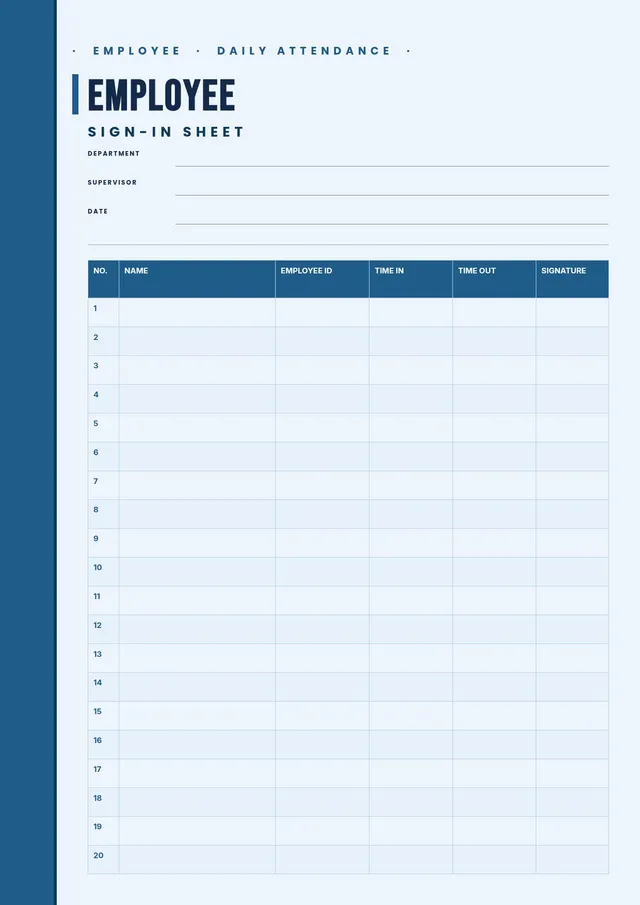
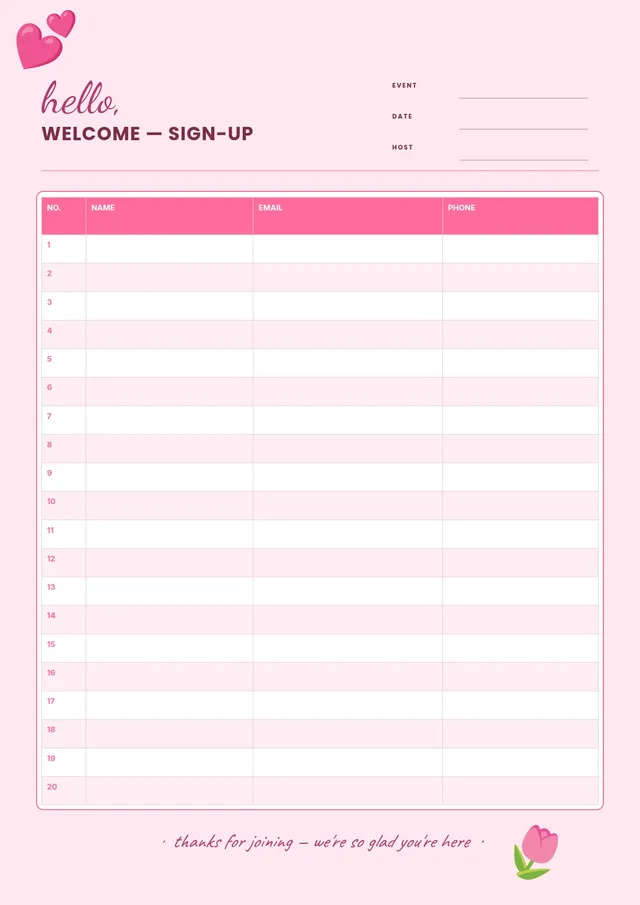
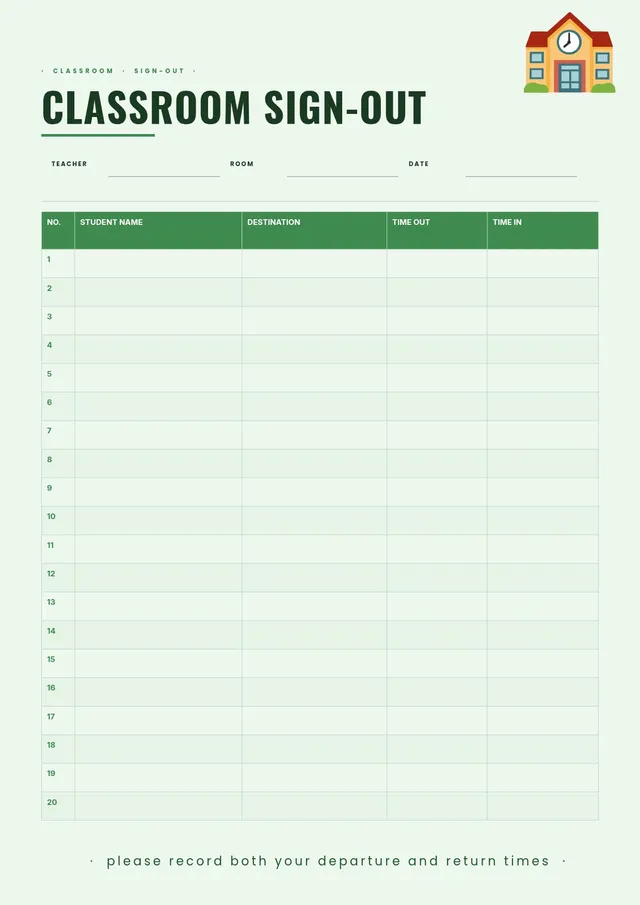
Equipment Sign Out Sheet
About the equipment sign out sheet template
An equipment sign out sheet is a log used to track the borrowing and return of tools, devices, gear, or other shared assets. Schools use it for cameras, calculators, and sports equipment. Businesses use it for laptops, keys, safety gear, and company vehicles. Construction sites and warehouses use it for power tools and machinery. Having a written record helps organizations know where equipment is, who is responsible for it, and when it is due back.
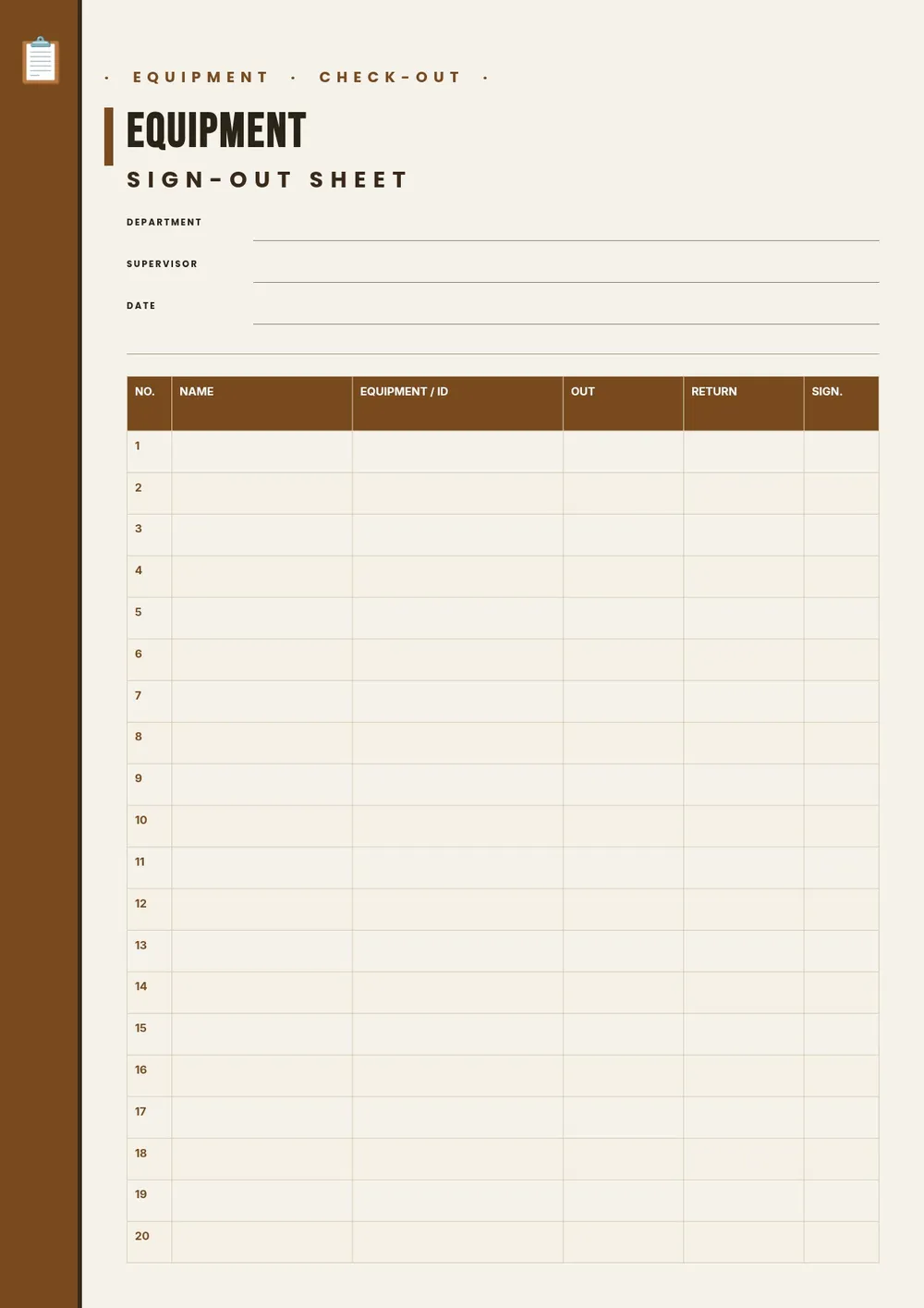
Our template includes columns for the borrower's name, the item name or ID, the date and time checked out, the expected return date, the date returned, and a condition note. All fields are editable in the PDF Guru editor so you can add your organization's name, list specific equipment categories, and print a sheet for each storage room or asset category.
Download your first file for free. To continue using PDF Guru, choose one of our subscription plans.
Frequently asked questions
What is an equipment sign out sheet used for?

An equipment sign out sheet is used to log who borrowed a piece of equipment, when they took it, and when they returned it. It helps organizations track shared tools and assets, prevent loss, and hold borrowers accountable for the condition of the items they use.
What details should an equipment sign out sheet include?
It should include the borrower's name, the equipment name or ID number, the checkout date and time, the expected return date, the actual return date, and the condition upon return. Some versions include a supervisor signature or a notes column. The template covers these standard fields.
Can this template be used for both tools and electronics?
Yes. The template is general enough to work for any type of shared equipment, including hand tools, power tools, cameras, laptops, radios, keys, uniforms, or sports gear. You can update the item description column to be as specific as the equipment requires.
What formats can I download for this equipment sign out sheet?
After editing in PDF Guru, you can export the sheet as PDF, DOC, XLSX, PPTX, JPG, or PNG. A printed PDF works well for a physical sign-out station next to the equipment storage. An Excel version is useful if you want to sort by item or borrower.
How do I set up this equipment sign out sheet in PDF Guru?
Open the template in the PDF Guru editor, add your organization name and the equipment category at the top, adjust the columns to match what you need to track, and set the number of rows. Print a copy and post it at the equipment storage location for easy access.
How do I cancel PDF Guru?
You can cancel your active plan from your PDF Guru account settings, or contact support and ask them to cancel the subscription for you. Account access stays in place until the billing period you already paid for comes to an end.