About the event sign up sheet template
An event sign up sheet is a registration form used to collect the names and contact details of people who plan to attend or volunteer at an event. Community organizations, schools, nonprofits, clubs, and businesses use sign up sheets to gauge turnout, coordinate volunteers, assign tasks, and keep a contact list for follow-up communication. They are used for everything from charity runs and bake sales to corporate training sessions and neighborhood meetings.
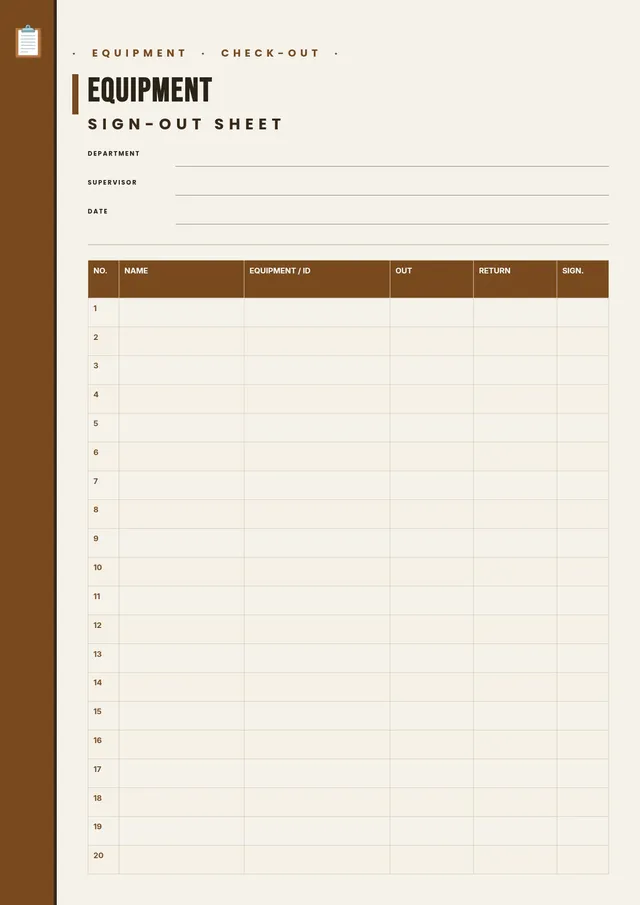
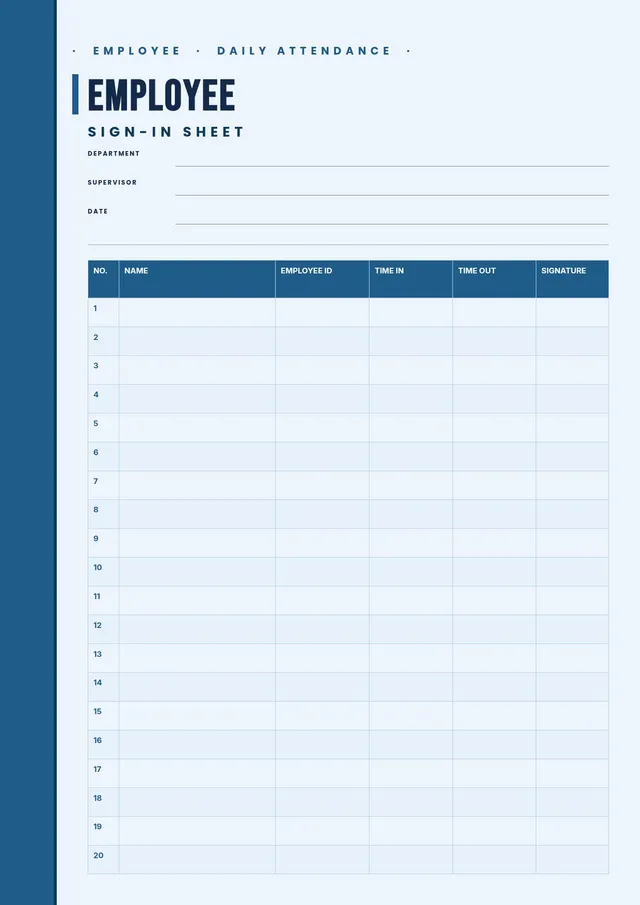
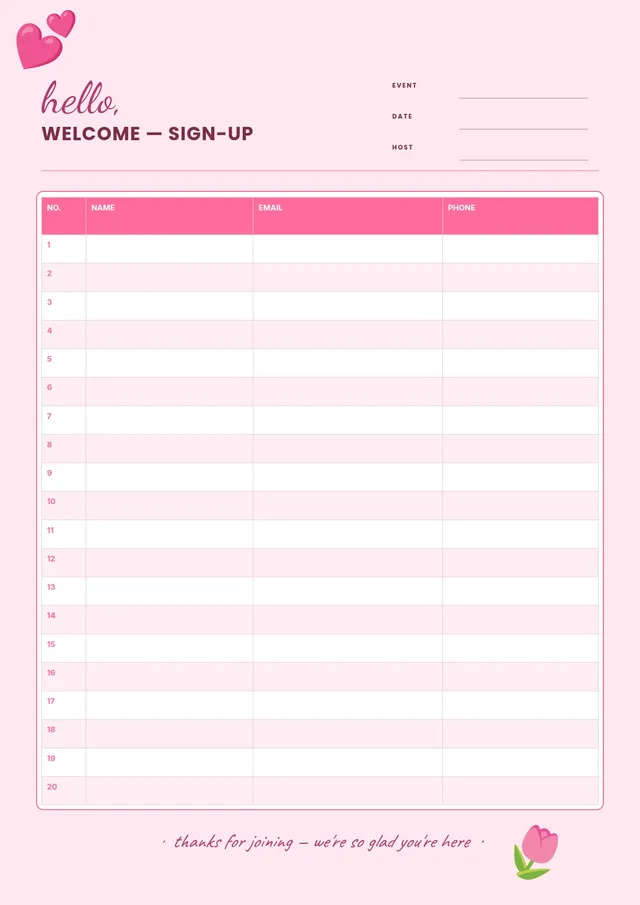
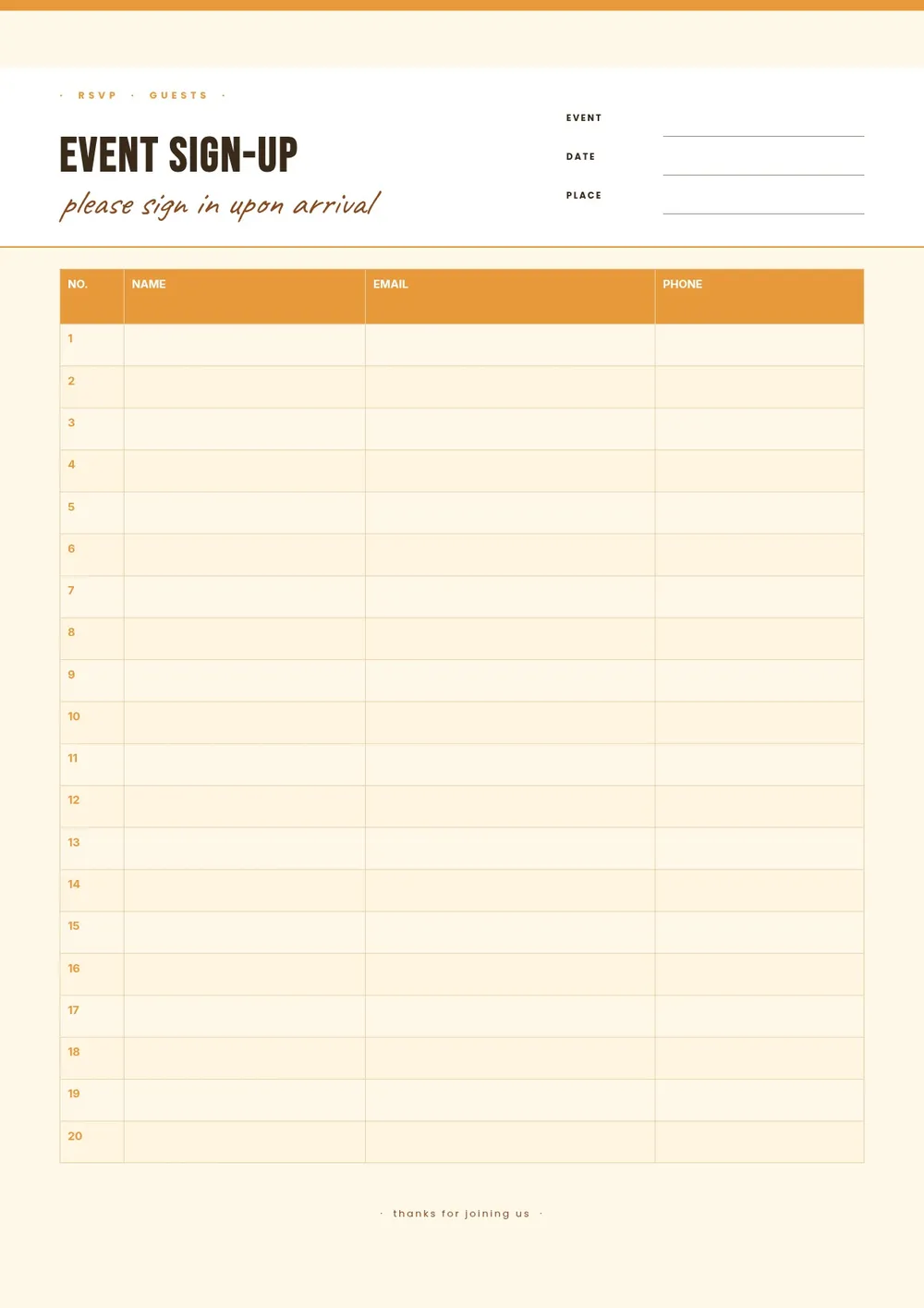
Our template includes fields for participant name, phone or email, the role or activity they are signing up for, a time slot or date, and any additional notes. All fields are editable in the PDF Guru editor so you can customize the sheet for any type of event and print or share it ahead of time.
Download your first file for free. To continue using PDF Guru, choose one of our subscription plans.
Frequently asked questions
What types of events use a sign up sheet?

Sign up sheets are used for community events, school activities, workplace functions, volunteer programs, fitness classes, workshops, club meetings, and social gatherings. Any situation where you need to collect names and assign roles or slots in advance can benefit from a sign up sheet.
What information should an event sign up sheet collect?
It should collect at minimum each participant's name and a way to contact them, such as a phone number or email. Depending on the event, you may also want to include a column for the role they are signing up for, a time slot, a meal preference, or any special accommodations.
Can I use this sign up sheet for both in-person and virtual events?
Yes. For in-person events, you can print the sheet and post it in a visible location. For virtual events, you can export it as a PDF or image and share it in a group chat, email, or social post. The editable format lets you adjust the fields to fit either scenario.
What formats can I download for this event sign up sheet?
After editing in PDF Guru, you can export the sheet as PDF, DOC, XLSX, PPTX, JPG, or PNG. That gives you a file for printing and posting, a shareable digital version, or a spreadsheet format for easy data management.
How do I customize this event sign up sheet in PDF Guru?
Open the template in the PDF Guru editor, add the event name, date, and location at the top, update the column headers to match the information you need, and adjust the number of rows based on your expected turnout. Export the sheet and share or post it before the event.
How do I cancel PDF Guru?
You can cancel your active plan from your PDF Guru account settings, or contact support and ask them to cancel the subscription for you. Account access stays in place until the billing period you already paid for comes to an end.