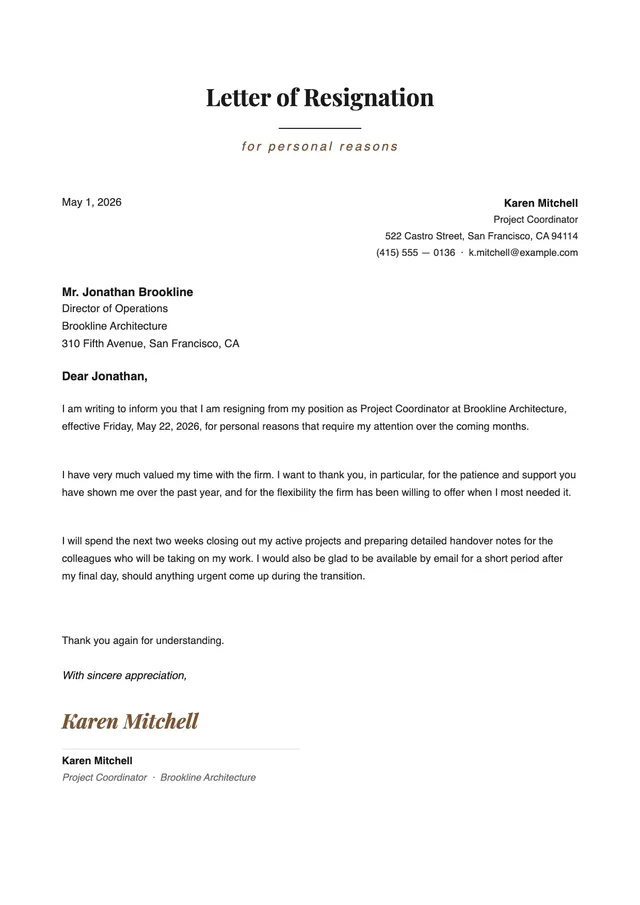
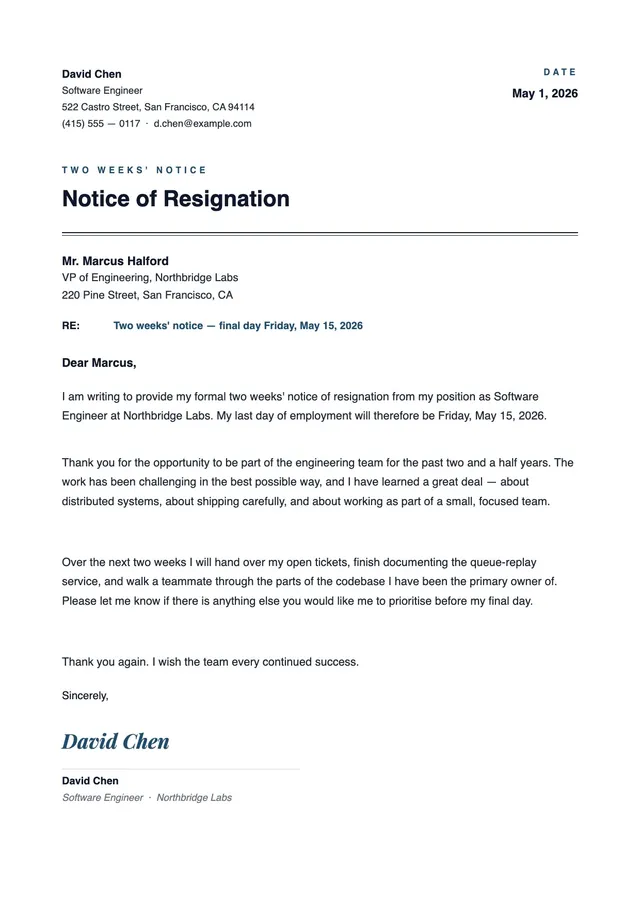
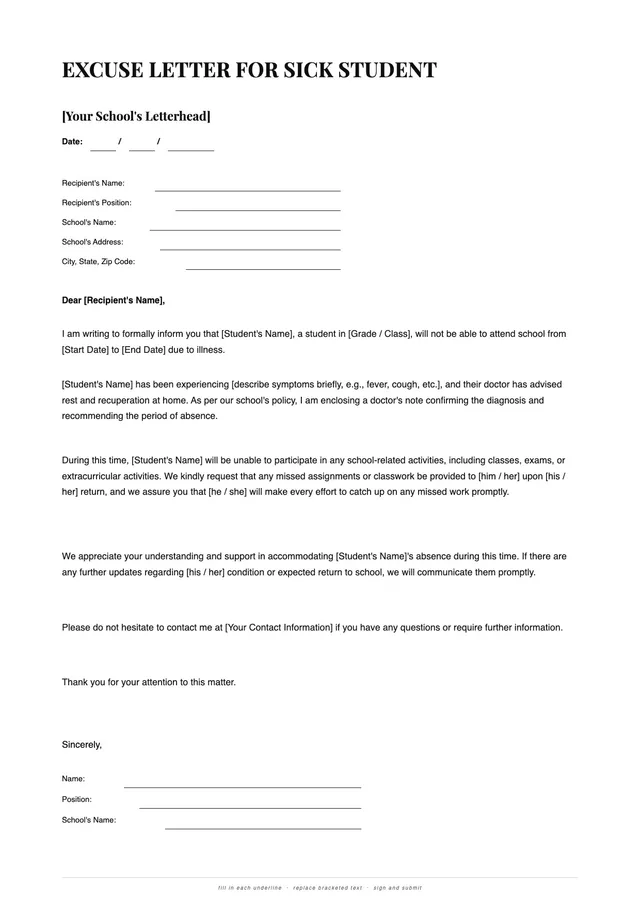
Retirement Resignation Letter
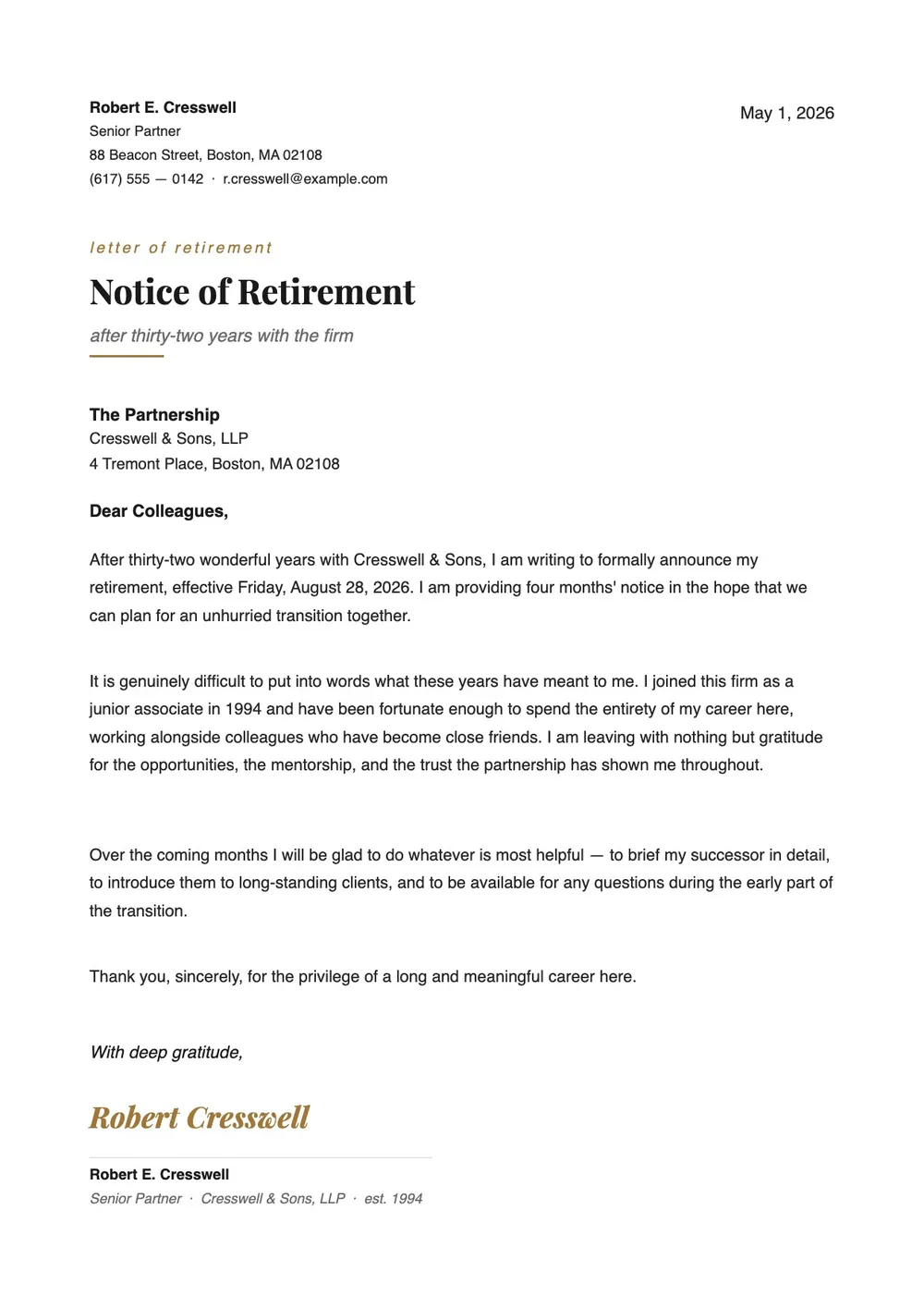
About the retirement resignation letter template
A retirement resignation letter is a formal notice sent to your employer when you are leaving a position to retire. Unlike a standard resignation, this letter usually includes a reference to your years of service and often expresses appreciation for the opportunity. HR teams use it to initiate pension and benefits processing, update payroll records, and plan for the transition.
Our template covers the key elements: notice of retirement, final date of work, optional summary of tenure, and a professional closing. All fields are editable in the PDF Guru editor, so you can adjust the tone, specify the last day, and add a personal note before printing or sending the letter.
Download your first file for free. To continue using PDF Guru, choose one of our subscription plans.
Frequently asked questions
When should I send a retirement resignation letter?

Send this letter as soon as you have a confirmed retirement date and want to give your employer formal written notice. Many organizations ask for more than two weeks of advance notice for retirements so they have time to begin the transition and start benefit and pension processing.
What details can I include in a retirement resignation letter?
You can include the date you plan to retire, a brief acknowledgment of your years of service, a thank-you to the organization or specific colleagues, and an offer to help with the transition. The template keeps the structure simple so you can add what feels right for your situation.
Is a retirement letter different from a standard resignation letter?
It serves the same function but typically has a different tone. Retirement letters often include a reference to the length of service, a note of gratitude, and sometimes an offer to help transition responsibilities. The template reflects that difference.
What file formats can I download for this retirement letter?
After editing in PDF Guru, you can export the retirement letter as PDF, DOC, XLSX, PPTX, JPG, or PNG. That gives you a formal version for HR, a printable copy for signing, and a file you can save for your own records.
How do I edit and send the retirement resignation letter in PDF Guru?
Open the template in the PDF Guru editor, fill in the retirement date, your name and role, and any acknowledgment you want to include. Review the wording and adjust the tone before saving. When the letter is ready, export it in the format you need and deliver it to your manager or HR department.
How do I cancel PDF Guru?
You can cancel your active plan from your PDF Guru account settings, or contact support and ask them to cancel the subscription for you. Account access stays in place until the billing period you already paid for comes to an end.