

Golden Ticket Templates
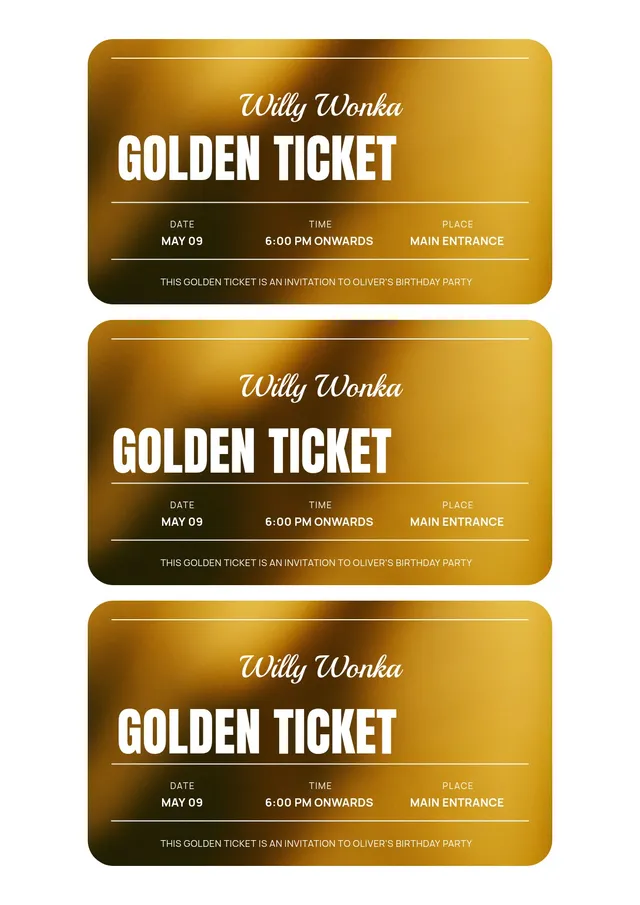
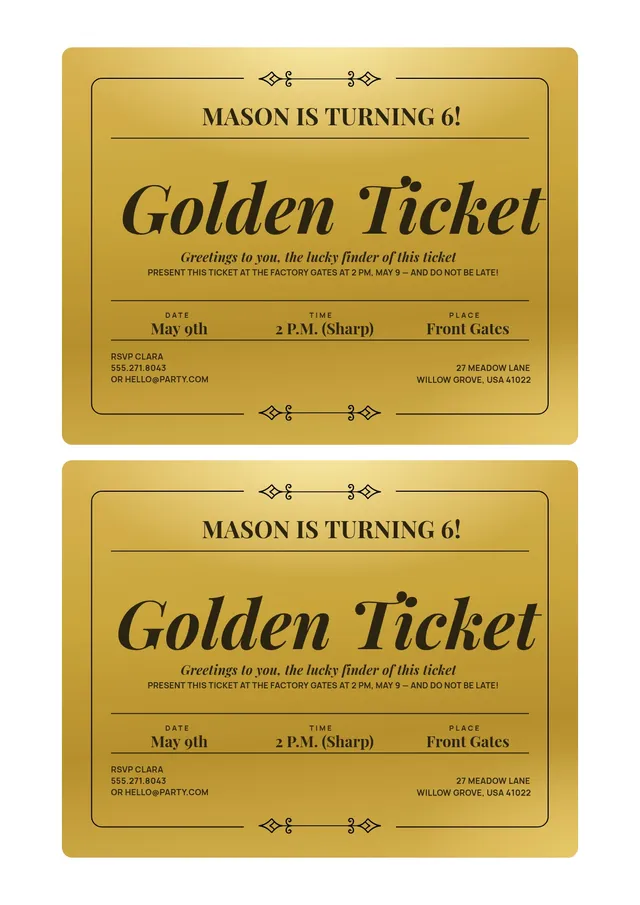
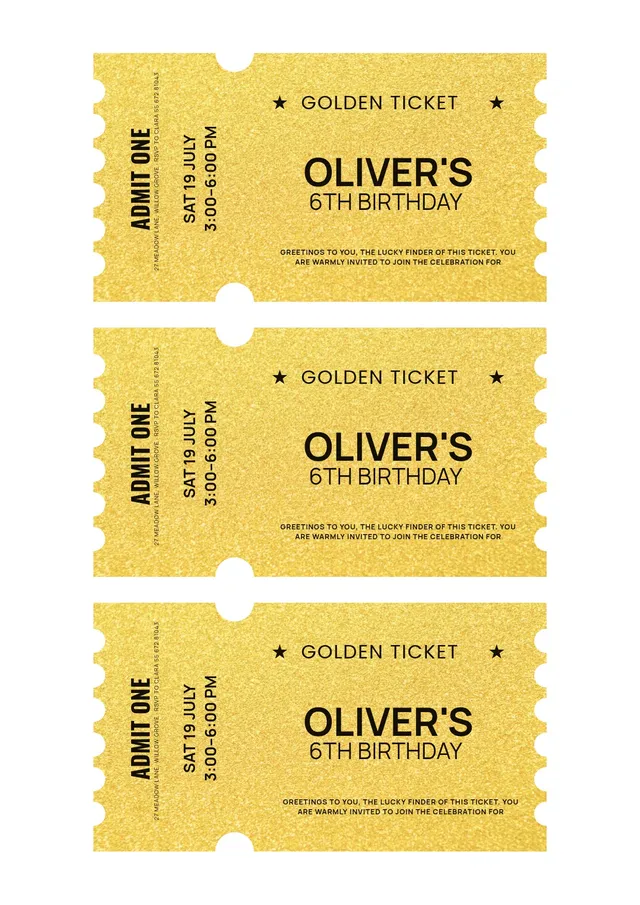
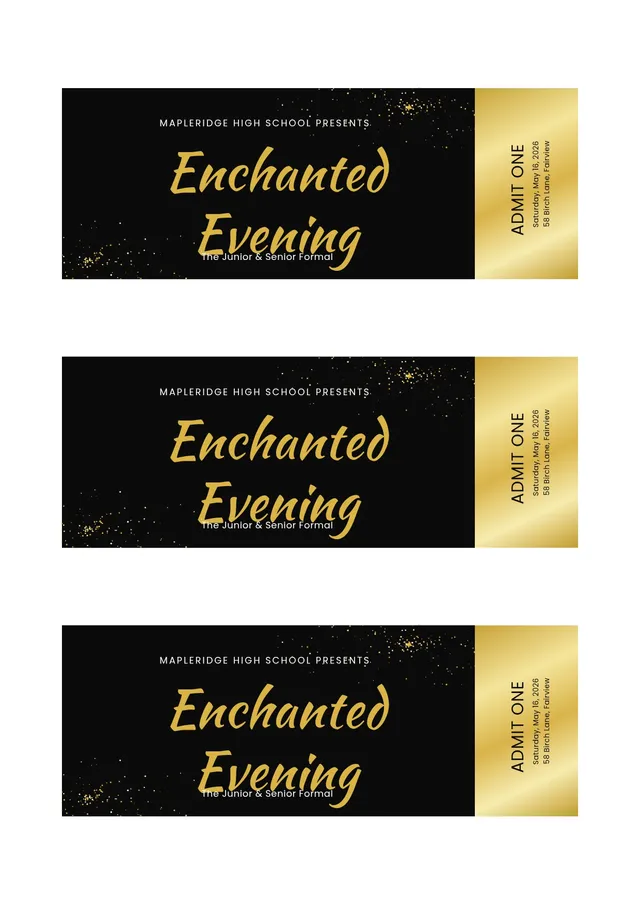
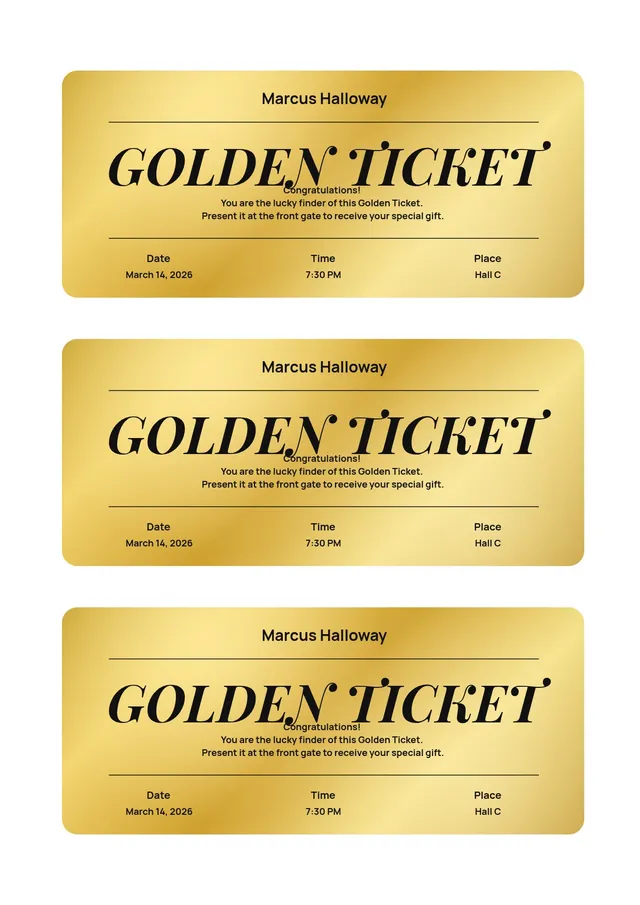
Editable golden ticket templates for invitations, prizes, and special events
A golden ticket instantly signals something special. Inspired by the classic Willy Wonka chocolate factory story, it has become a favorite for VIP invitations, prize giveaways, classroom rewards, and party surprises. We offer golden ticket templates you can edit in your browser - enter your text, adjust the design, and get a print-ready ticket in minutes.
Whether you are planning a birthday, running a promotion, or rewarding students, this design turns an ordinary announcement into a moment of excitement. The gold design does the heavy lifting; you just fill in the details and hand it to your lucky ticket holders.
What Is a Golden Ticket Used For?
It works anywhere you want to make someone feel chosen. Popular uses include:
- Party invitations - A golden ticket adds drama to birthdays, anniversaries, and themed events, especially Willy Wonka or chocolate factory celebrations
- Prizes and giveaways - Use one as a winning entry in a raffle, contest, or lucky draw
- Classroom rewards - Teachers hand them out for good behavior, achievements, or special privileges
- VIP access - Give each guest front-row seats, backstage entry, or exclusive perks with a premium pass
- Promotions - Businesses hide golden tickets in packaging or hand them to guests for discounts and surprise offers
How to Make a Golden Ticket Online
- Choose a template - Browse golden ticket designs, from a classic Willy Wonka style to modern, elegant, and playful looks.
- Add your details - Enter the event name, date, prize, or message directly in the online editor. Every field is easy to change.
- Customize the design - Adjust the gold tones, swap fonts, and upload a logo or photo to make the ticket your own.
- Preview your ticket - Check the wording and design on screen before you print.
- Download and share - Save as a printable file to print on paper or card, or as PNG and JPG to send it digitally.
Golden Ticket Design Ideas
- Classic chocolate factory - A vintage, ornate gold design that echoes the Willy Wonka original, perfect for themed parties
- Modern metallic - Sleek gold foil accents on a clean background for upscale events and VIP invitations
- Kids' party - Bright, playful gold designs for children's birthdays and school celebrations
- Prize voucher - A gold ticket with space for a prize description, code, and expiry date for giveaways and promotions
Frequently asked questions
How do I make a golden ticket invitation?

Choose a golden ticket template, open it in the editor, and replace the placeholder text with your event details - event name, date, time, and location. Adjust the gold design and fonts to fit your theme, then download the finished invitation as a printable file or a digital image for your guests. It is a quick way to create something that feels exciting to receive.
Can I print golden tickets at home?
Yes. Download your golden ticket as a PDF and print it on paper or thick stock at home - heavier paper gives a more premium, keepsake feel. You can fit several tickets on one page to reduce printing costs when you need a batch for an event, giveaway, or classroom.
What should a golden ticket say?
It depends on the occasion. An invitation includes the event name, date, time, and location; a prize ticket names the reward and any code or expiry date; a reward version might simply say "You've earned it!" with the privilege it grants. You get full control of the wording, so you can match the message to your event.
How do I cancel PDF Guru?
You can cancel your active plan from your PDF Guru account settings, or contact support and ask them to cancel the subscription for you. Account access stays in place until the billing period you already paid for comes to an end.