

Table of Contents Templates
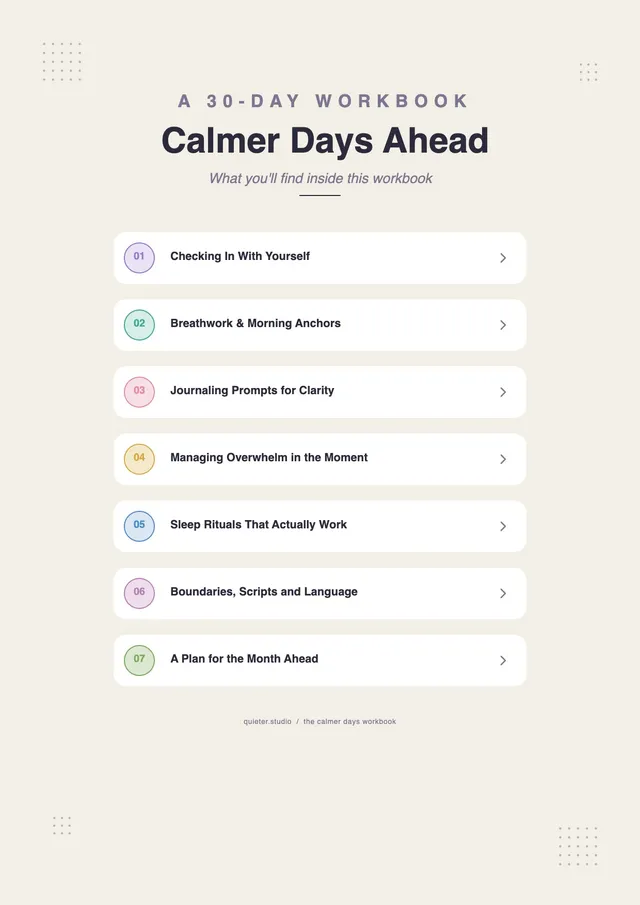
Wellness Workbook Table of Contents
Use template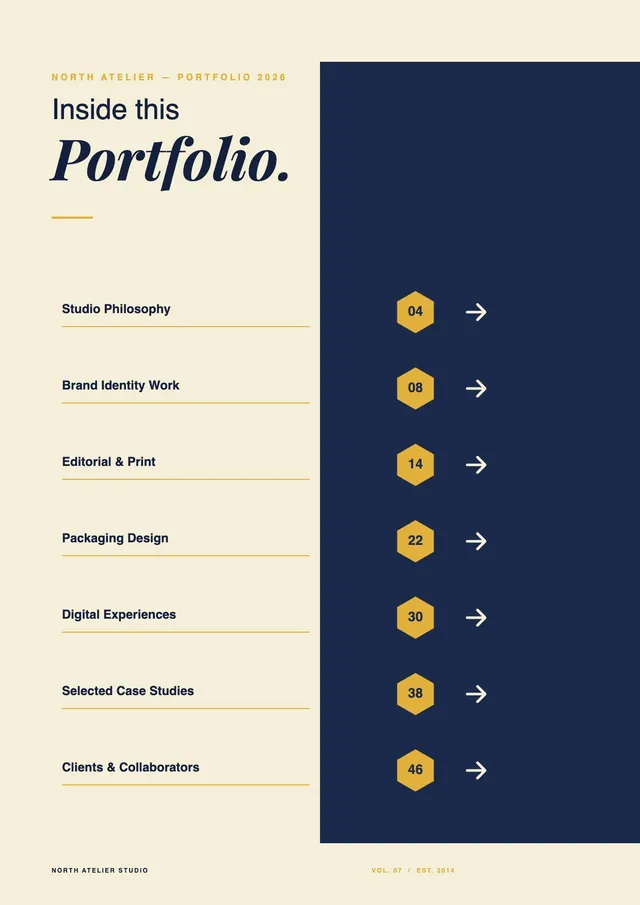
Portfolio Table of Contents
Use template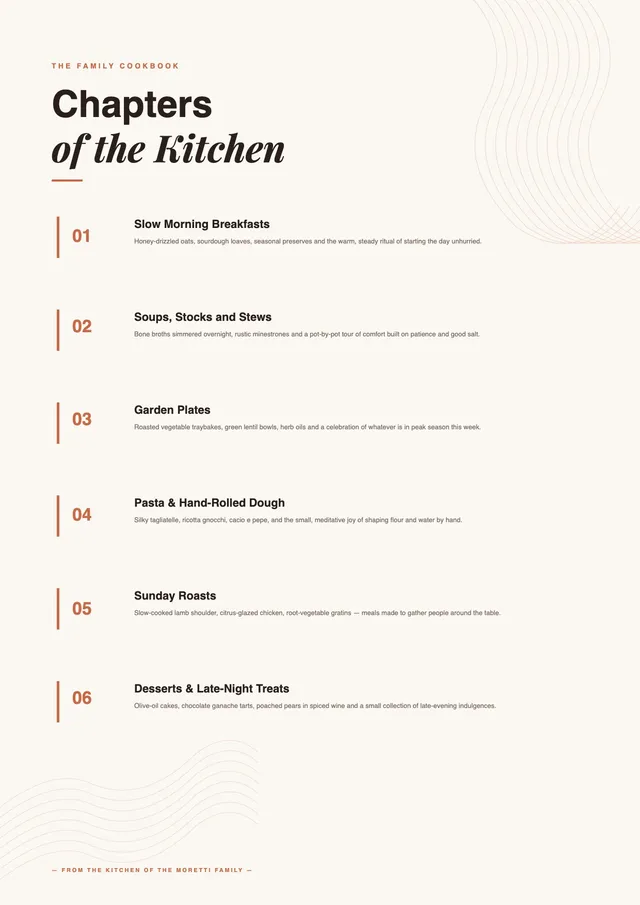
Cookbook Table of Contents
Use template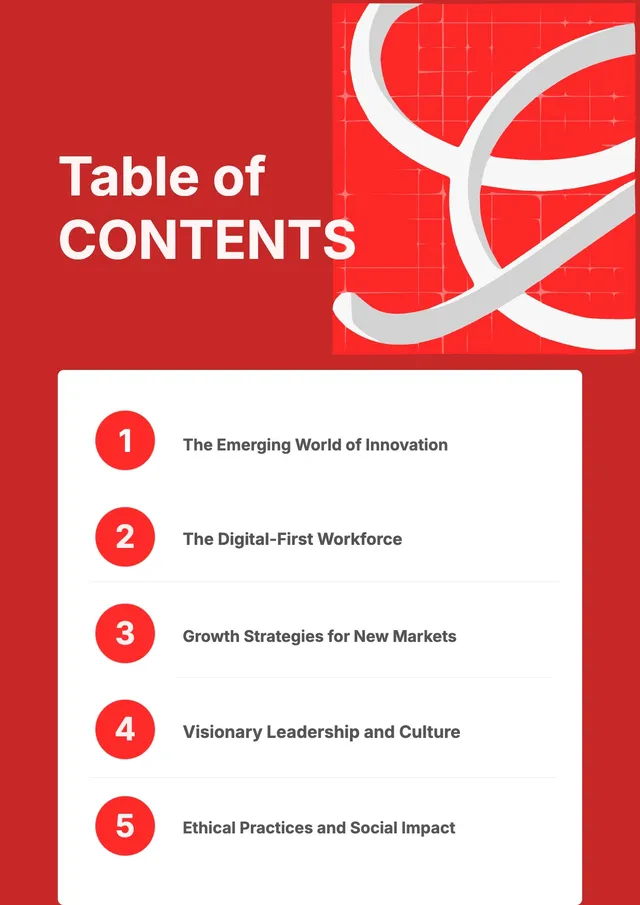
Business Book Table of Contents
Use template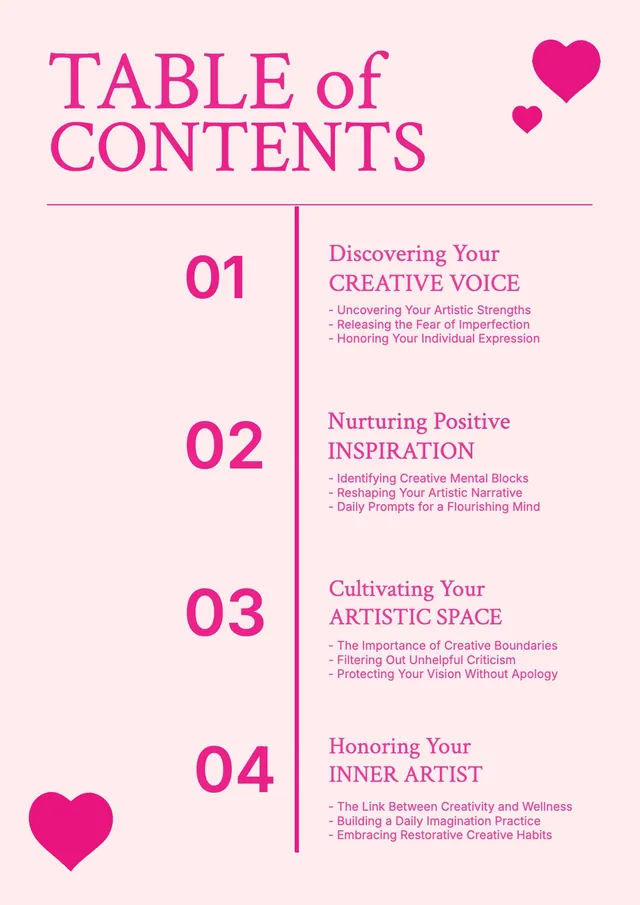
Creative Workbook Table of Contents
Use template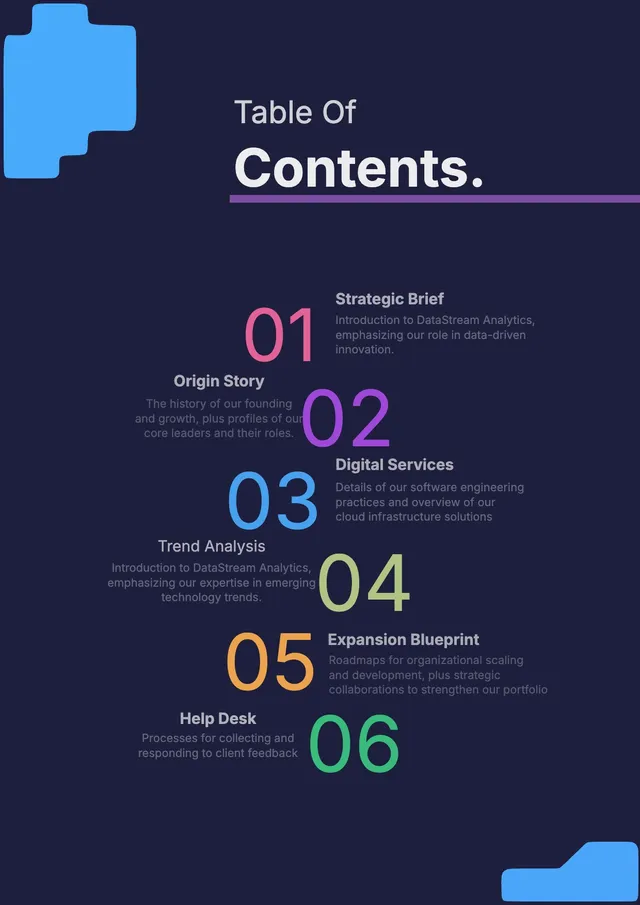
Tech Company Profile Table of Contents
Use template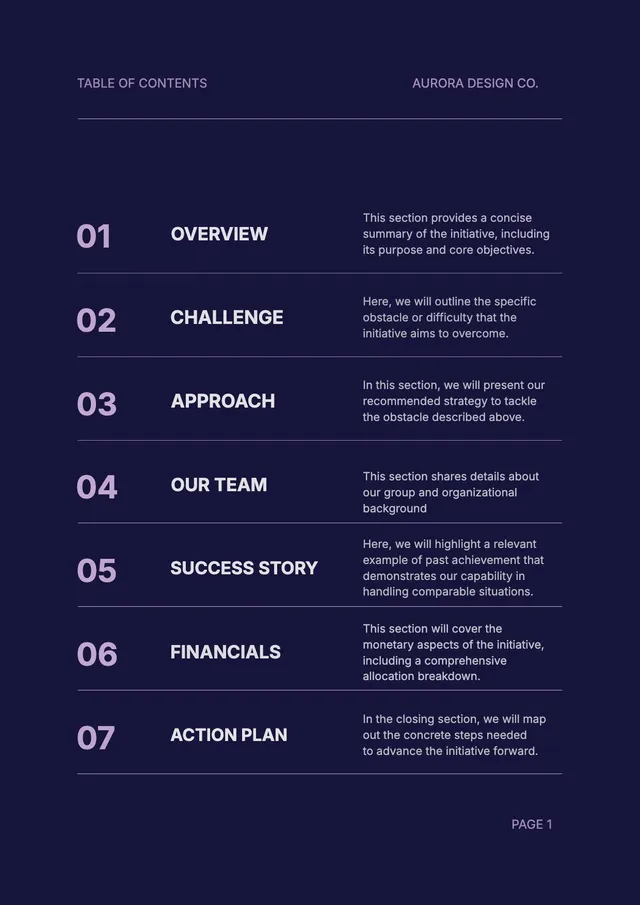
Design Proposal Table of Contents
Use template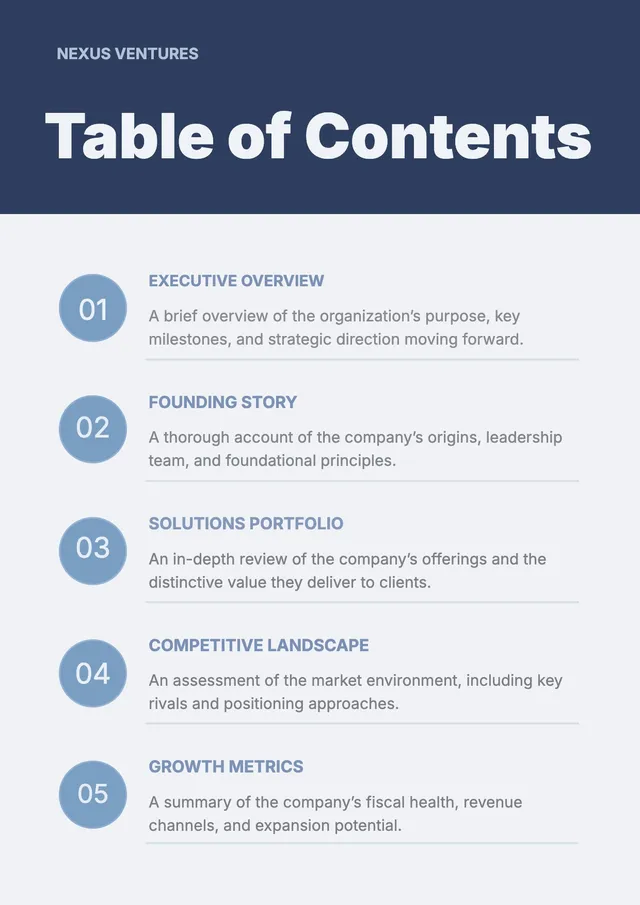
Corporate Pitch Table of Contents
Use template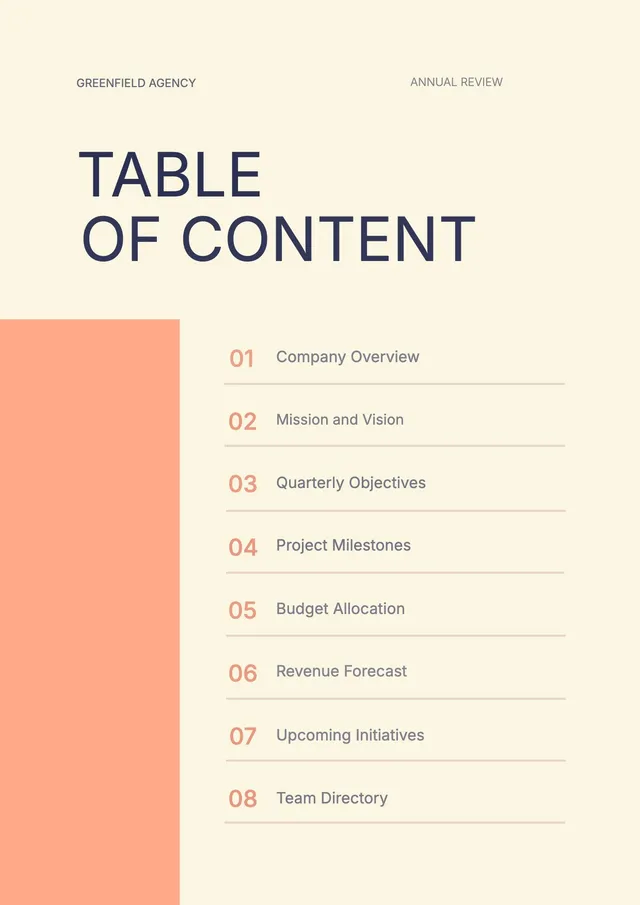
Annual Review Table of Contents
Use template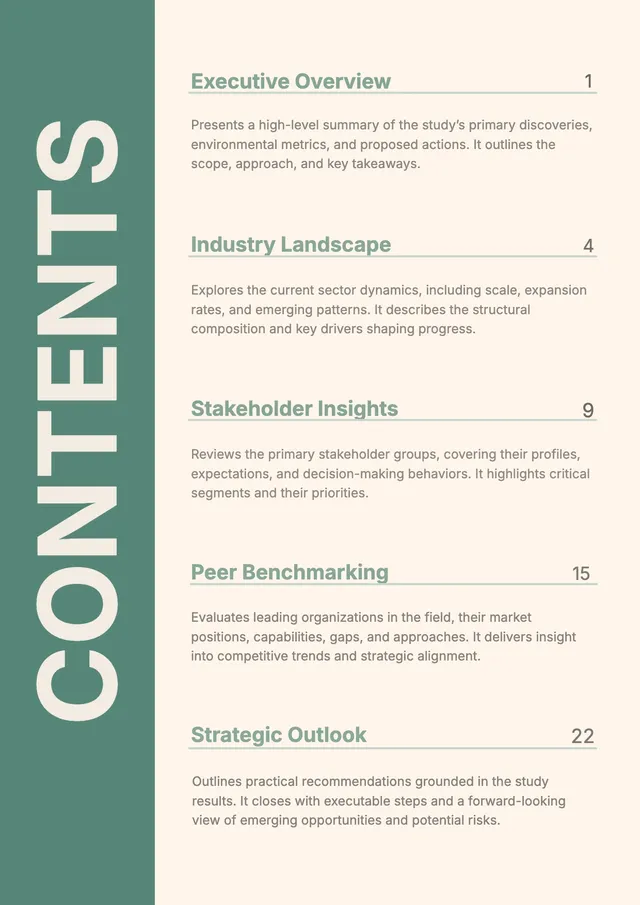
Research Report Table of Contents
Use template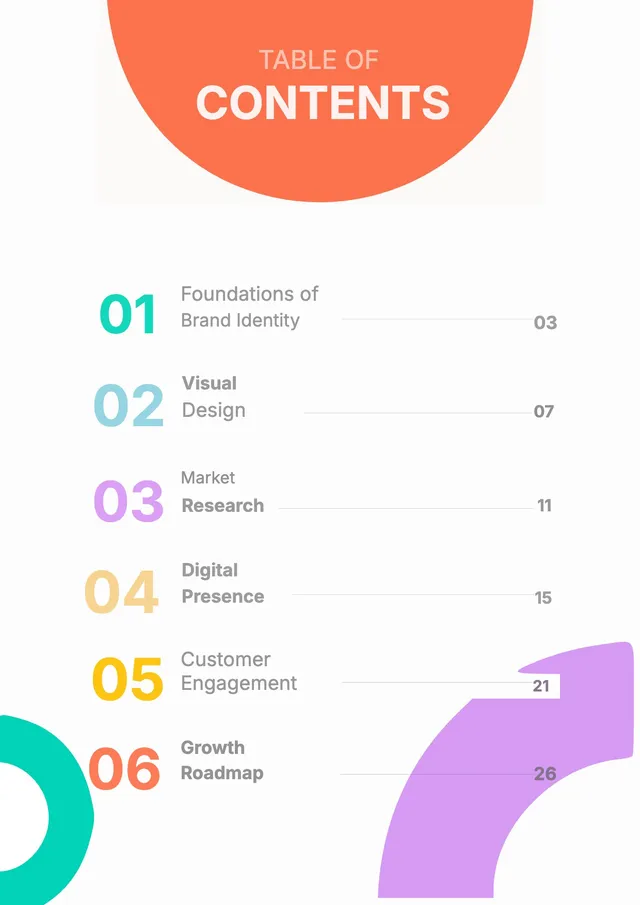
Brand Identity Guide Table of Contents
Use templateEditable table of content templates for documents, reports, and presentations
PDF Guru offers a library of table of content templates for every document type - business reports, theses, research papers, project guides, and presentations. Open any table of content template in the browser editor, customize the section titles, headings, and page numbers, then download in your preferred file type.
Every table of content template in the collection is fully editable online. Adjust the content to match your document, organize the sections clearly for your reader, and export as PDF, DOC, PPTX, Excel, PNG, or JPG. Whether you need a simple one-page table of content or a detailed multi-section table of content for a long report, there is a table of content template in the library to fit your needs.
Frequently asked questions
What is a table of content template?

A table of content template is a pre-formatted document layout that organizes section titles, chapter headings, and page numbers in a clear, easy-to-read order. Instead of building a table of content from scratch, a table of content template gives you a ready-made table of content outline with a clear title field and placeholder page numbers you can fill in for any document. Table of content templates are available for reports, academic documents, proposals, and presentations - each designed to help readers navigate the content quickly and professionally. A table of content template in the PDF Guru library is ready to open and edit online, so you can create a professional table of content in minutes.
What should a table of contents include?
A complete table of content includes:
- Section titles and corresponding page numbers
- Subsection headings for multi-part documents
- Consistent formatting and visual hierarchy throughout
- Optional: list of figures, tables, or appendices as separate reference entries
For academic documents, the table of content must list all section and subsection headings in detail. For business reports and presentations, a simpler table of content with main titles is usually sufficient. A well-structured table of content template guides the reader through the document efficiently.
What is the best format for a table of contents?
The best format depends on the document type and audience. For formal business reports, a clean table of content with clear section titles and page numbers works best. For an academic report, the table of content must follow a specific required structure. For creative presentations, a visual table of content design with color and icons can make the document more engaging. A good table of content template provides a solid base you can adapt to your specific document.
How do you create a table of contents?
- Select a table of content template from the library and open it in the PDF Guru editor.
- Add your titles and page numbers to the table of content.
- Enter page numbers for each part of your document.
- Customize the heading style, font, and color design to match your document.
- Download the completed table of content template.
Using a table of content template is faster and more consistent than creating a table of content manually. The table of content template handles the formatting, so you only need to fill in your titles and page numbers to produce a professional table of content for any document.
What are the benefits of a table of contents in a document?
A table of content makes any long document more accessible and easy to navigate:
- Easier navigation - readers can go directly to the part they need
- Professional appearance - a clean table of content design signals a thorough, well-structured document
- Clear overview - the table of content shows the reader what the report covers at a glance
- Better reader experience - in long reports, theses, and proposals, a clear table of content reduces time spent locating information
What types of table of content templates are available?
The PDF Guru library includes table of content templates for every common document type:
- Business report table of content - a professional table of content template for reports, proposals, and company letters
- Thesis table of content - a structured table of content template that meets standard academic requirements
- Research paper table of content - a detailed table of content template for papers and academic studies
- Presentation table of content - a visual table of content template for slide decks and business pitches
- Project documentation table of content - a clean table of content template for a project guide, planning documents, and step-by-step documents
- Book table of content - a classic table of content template for books, manuals, and longer publications
- Creative table of content - a styled table of content template for portfolios, branded reports, and magazines
- Student report table of content - a simple table of content template for school assignments and student reports
Select any table of content template from the collection, add your section titles and page numbers, and download the completed contents page.
How do I edit a table of content template online?
- Choose a table of content template and click "Use Template" to open it in the PDF Guru editor.
- Replace the placeholder section titles with your own content.
- Update the page numbers for each section.
- Adjust the color, font, to match your document design.
- Click "Done" and save the table of content in your preferred file type.
Can I download my table of contents in different formats?
Yes. Once you edit and complete your table of content template, you can download it as PDF, DOC, PPTX, Excel, PNG, or JPG. PDF is ideal for submitting formal documents and preserving the page formatting. DOC lets you continue editing the table of content in a word processor. PNG and JPG are useful for inserting the table of content as an image in another file or presentation. Choose the file type that best fits how you plan to use and share the completed file.
How do I cancel PDF Guru?
You can cancel your active plan from your PDF Guru account settings, or contact support and ask them to cancel the subscription for you. Account access stays in place until the billing period you already paid for comes to an end.