

Progress Report Templates
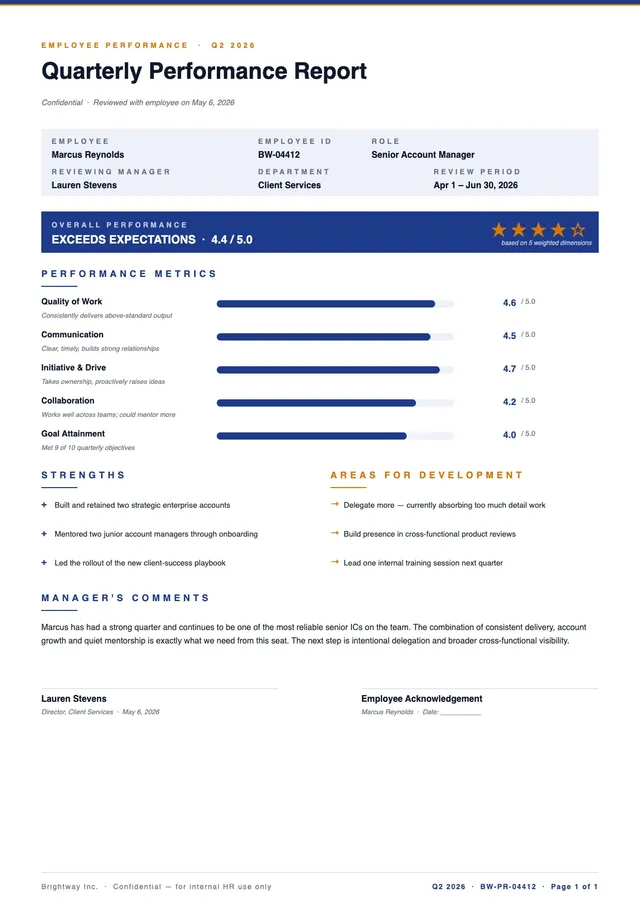
Quarterly Performance Report
Use template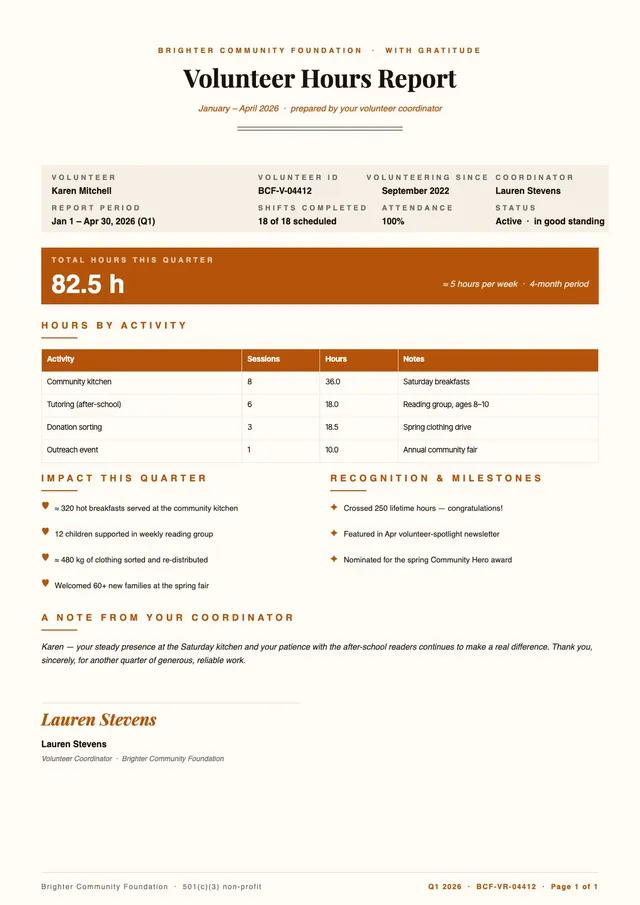
Volunteer Hours Report
Use template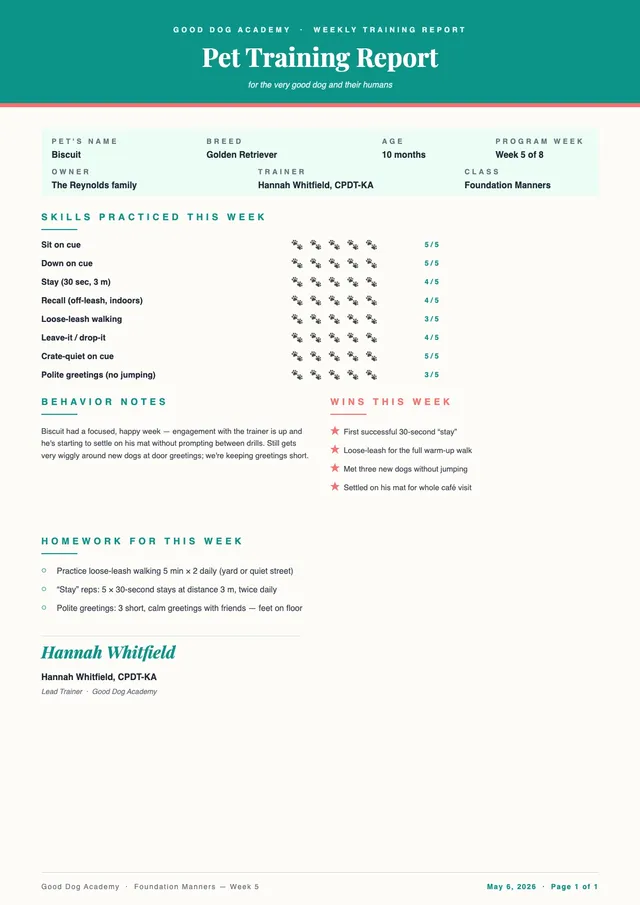
Pet Training Report Card
Use template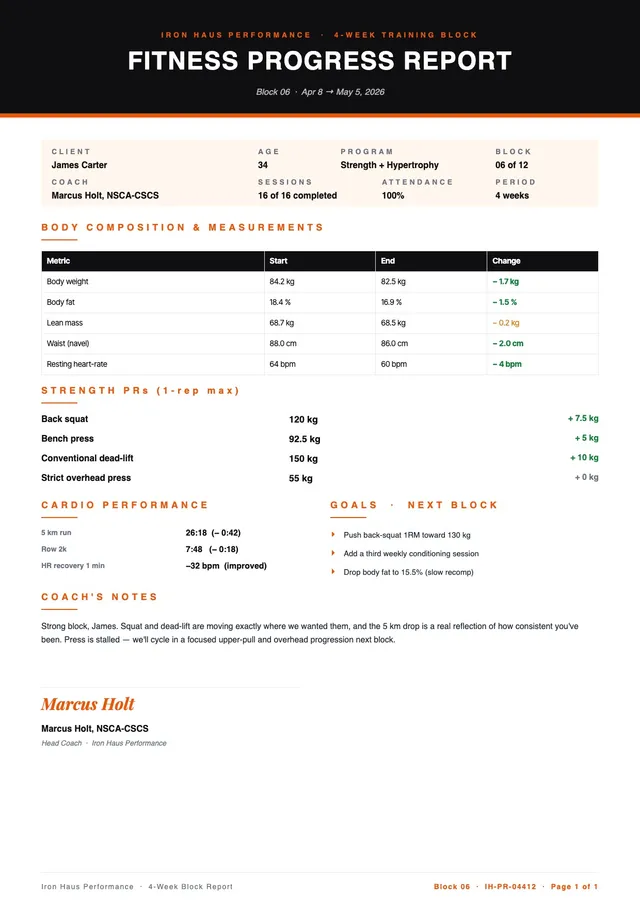
Fitness Progress Report
Use template
Daily Progress Report Template
Use template
Daily Report Template
Use template
Monthly Report Template
Use template
Weekly Report Template
Use template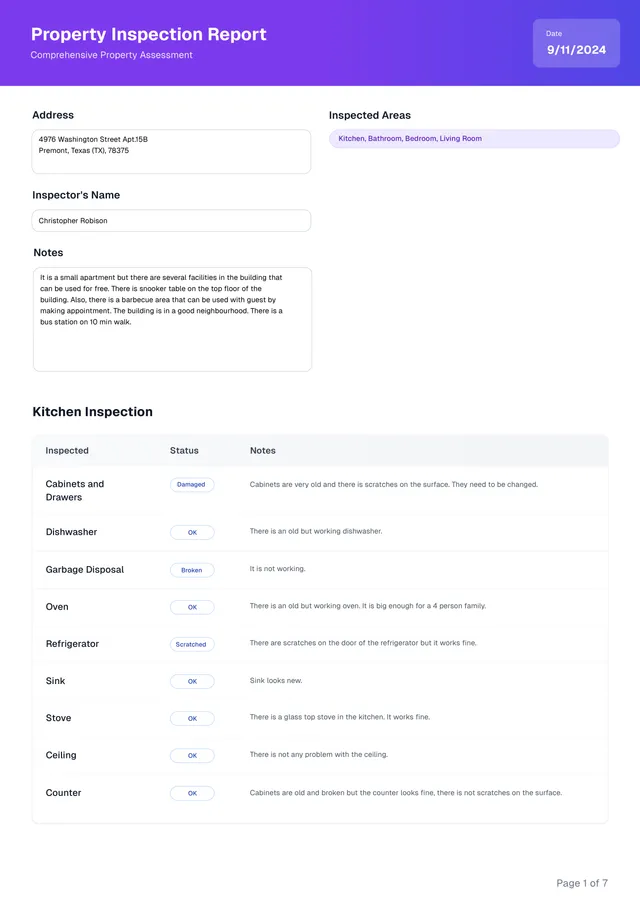
Property Inspection Report Template
Use templateAbout progress report templates
PDF Guru provides editable progress report templates for project managers, teams, students, and organizations that need to summarize project status and communicate achievements. Our templates include weekly progress reports, daily progress reports, daily report logs, monthly status reports, project milestone reports, weekly activity reports, construction progress reports, student progress reports, and annual report summaries. Each progress report template captures the key details stakeholders need — completed tasks, current project status, upcoming milestones, challenges, timelines, and next steps — all in a clear, professional layout.
Using a progress report template ensures your project reporting is consistent and that stakeholders receive a comprehensive summary every time. Whether you're tracking a project's progress over weeks or documenting daily activities, our templates give you a structured format. Open any template in the PDF Guru editor to customize it — edit all text and data, insert charts and images, add your company or school logo, adjust fonts, colors, and layout, and download a professional progress report as a PDF. Share updates in a polished, printable format.
Frequently asked questions
How do you write a progress report?

Start with a progress report template, then fill in: project name and reporting period, a summary of completed tasks, work currently in progress, upcoming milestones, challenges or blockers, and next steps. The goal is to summarize the project's progress clearly and concisely for stakeholders. Customize the layout in PDF Guru and download as a PDF.
Who typically uses progress report templates?
Progress report templates are used by project managers, team leads, construction supervisors, students, educators, and anyone responsible for project reporting. Whether you need a daily progress report for a construction site, a weekly activity report for a software team, or a student progress summary, our editable templates fit a variety of workflows.
What's the difference between a daily report and a weekly report?
A daily progress report captures day-by-day activities, tasks completed, and immediate blockers — ideal for fast-paced projects or construction sites. A weekly report provides a broader summary of the project's progress over the week, including milestones reached and plans for the next period. Both formats are available in our template collection.
Can progress report templates be used for education?
Yes. Our templates work for student progress reports, academic tracking, weekly activity reports, and training summaries. Customize the sections for grades, learning objectives, attendance, and teacher comments. The format is flexible enough for schools, tutoring programs, and corporate training environments.
How do progress reports help remote teams?
Regular progress reports help remote teams stay aligned by providing a clear summary of what's been accomplished, the current project status, and what's coming next. Project managers can use these editable templates to standardize project reporting across distributed teams and share updates as PDFs. Using a progress report template captures all essential details consistently, reducing miscommunication.
How do I cancel PDF Guru?
You can cancel your active plan from your PDF Guru account settings, or contact support and ask them to cancel the subscription for you. Account access stays in place until the billing period you already paid for comes to an end.