

Plane Ticket Templates
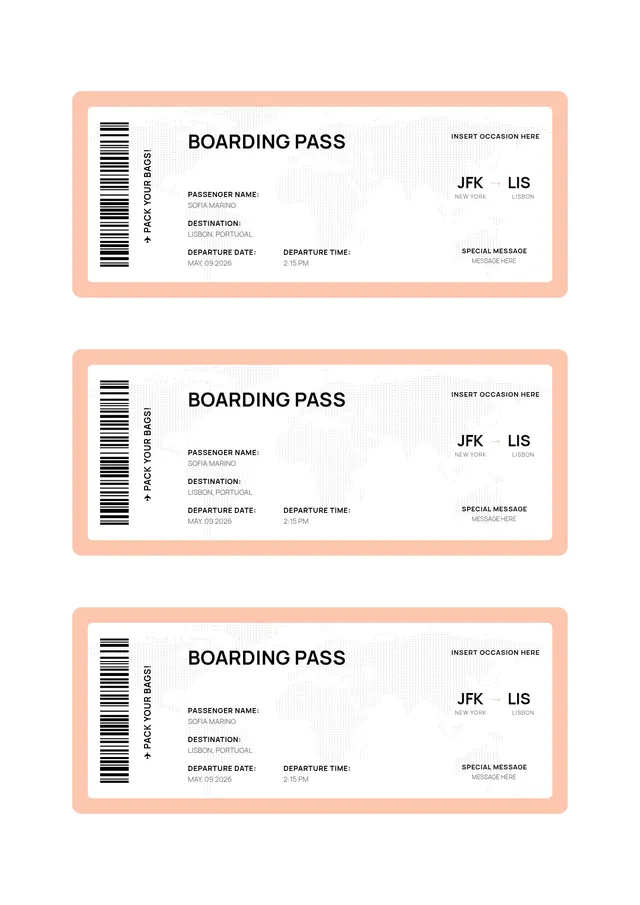
Boarding Pass Template
Use template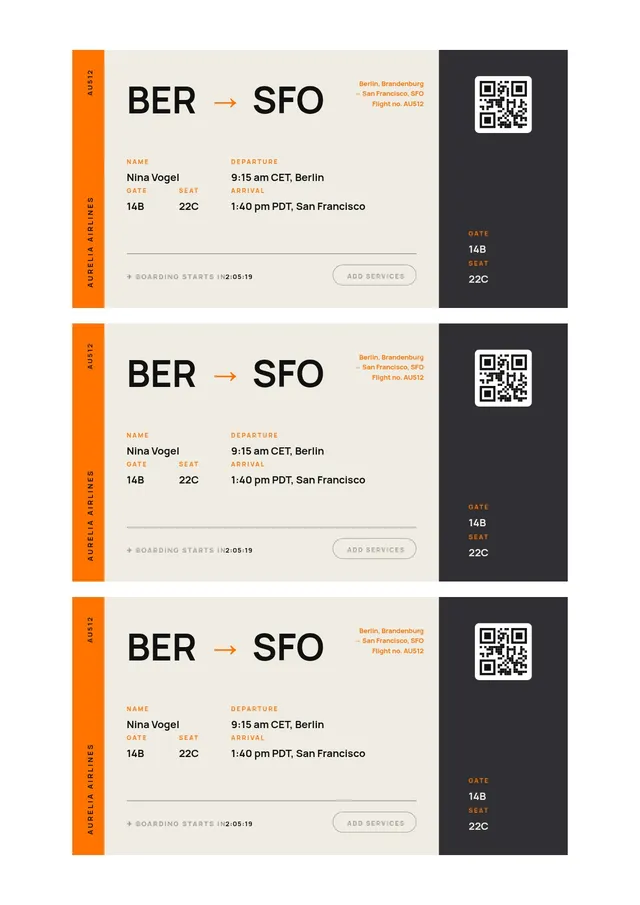
Modern Boarding Pass Template
Use template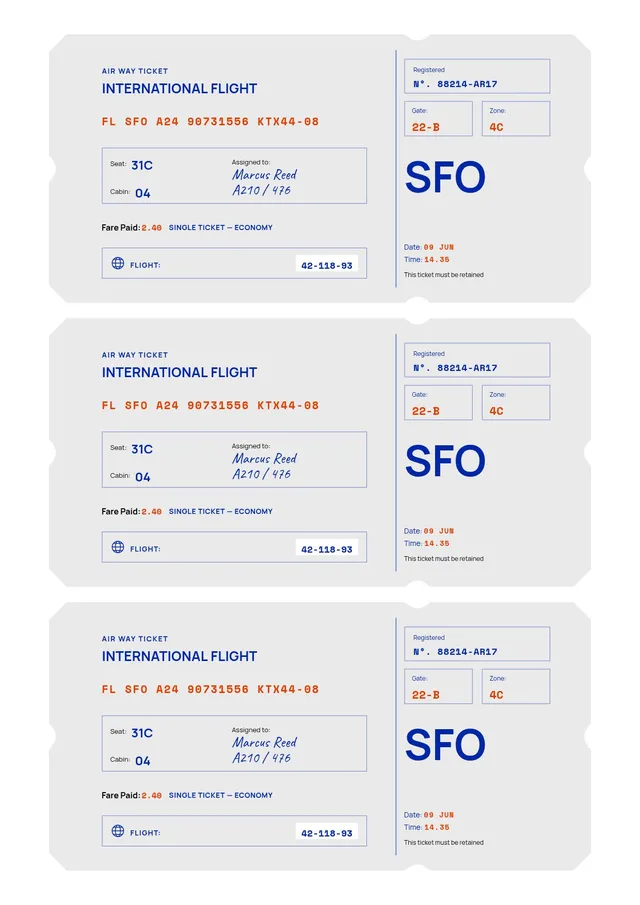
International Flight Ticket Template
Use template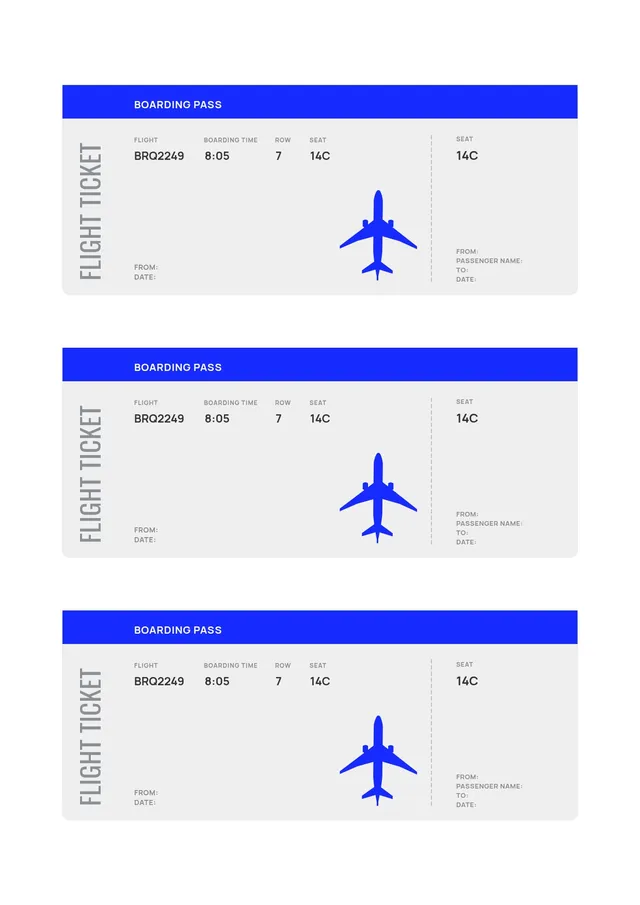
Simple Plane Ticket Template
Use template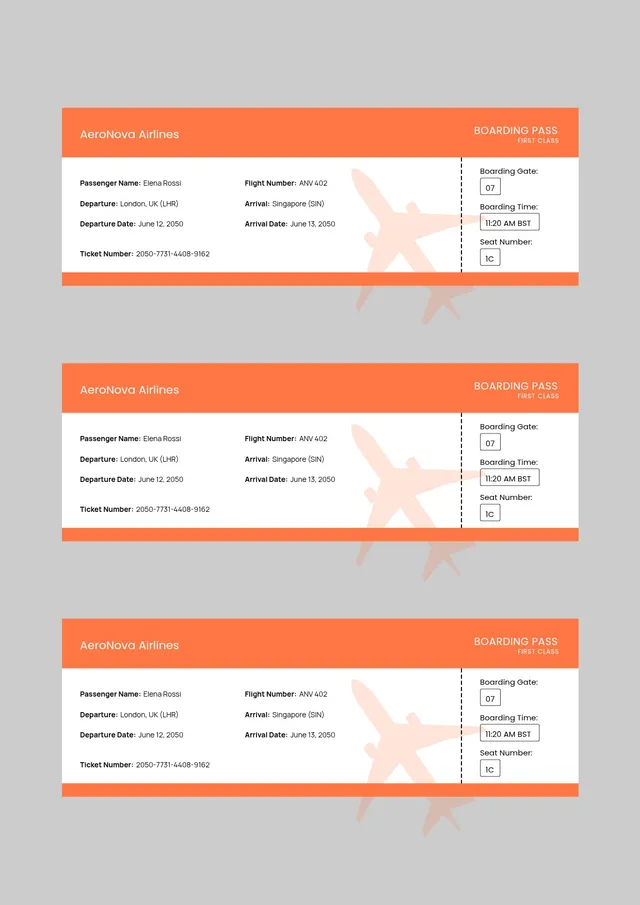
Orange Flight Ticket Template
Use template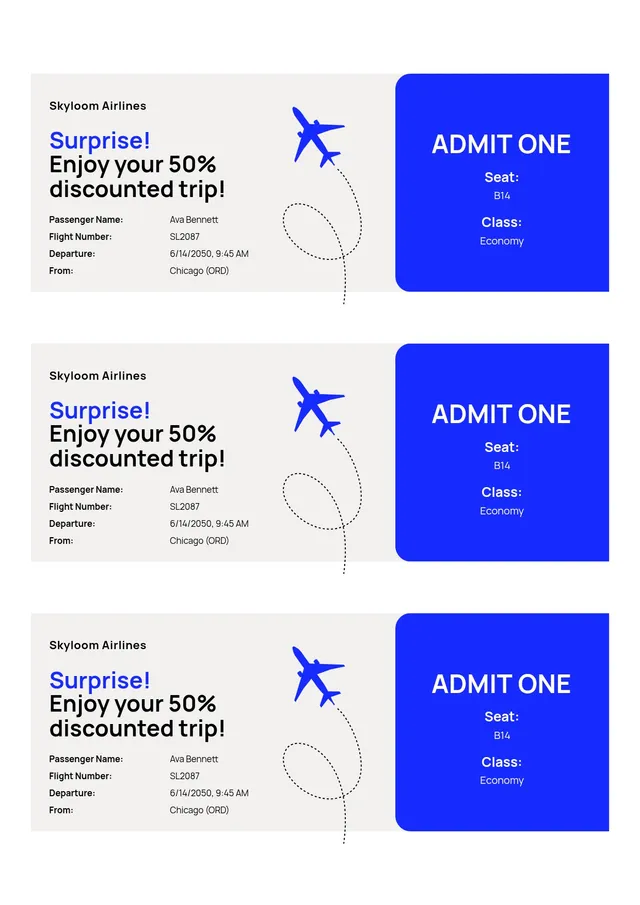
Promo Airline Ticket Template
Use template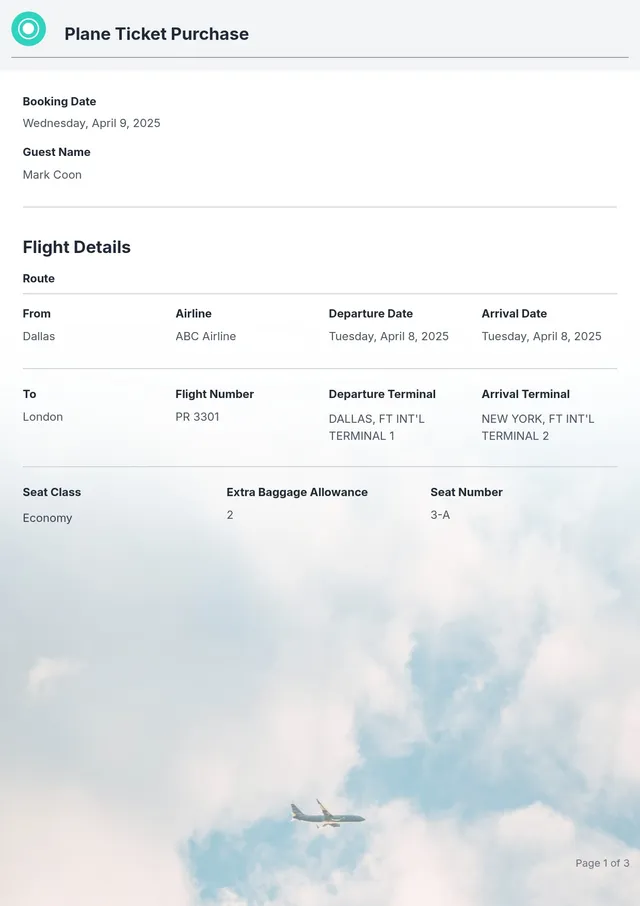
Printable Airline Ticket Template
Use templateEditable plane ticket and boarding pass templates for travel, invitations, and gifts
A plane ticket template recreates the look of a real airline boarding pass - perforated stub, flight info, and all - so you can design one for any purpose. Use it as a surprise reveal for a trip, a travel party invitation, a gift voucher, or a prop for a school project. PDF Guru offers editable plane tickets you can customize in your browser: fill in the details, adjust the design, and get a print-ready pass in minutes.
Because the design mirrors a genuine airline ticket, every element feels authentic - the passenger name, destination, gate, seat, and boarding time all sit exactly where a traveler expects them. You control the wording completely, so the same boarding pass template works for a real itinerary handout or a playful "you're going to Paris!" announcement.
What a Plane Ticket Design Includes
- Airline or event name - The carrier name, or your own custom title for a themed pass
- Passenger name - The traveler or guest the ticket is issued to
- Departure and destination - Origin and arrival cities, often with airport codes for an authentic look
- Flight details - Date, boarding time, gate, and flight number
- Seat and class - Seat number and cabin, from economy to first class
- Barcode or QR code - A scannable strip that completes the boarding pass look
How to Make a Plane Ticket Online
- Choose a template - Browse plane ticket and boarding pass designs, from realistic airline styles to fun, colorful designs for parties and gifts.
- Enter the trip info - Add the passenger name, departure and destination, date, seat, and gate directly in the browser.
- Style the design - Change colors, swap fonts, and upload a photo or logo to match your airline or occasion.
- Preview the pass - Check every detail on screen so the boarding pass reads clearly before you finish.
- Save the pass - Export as a printable PDF, or save as PNG or JPG to send the ticket digitally by email or message.
Popular Uses for a Plane Ticket Template
- Surprise trip reveal - Hand over a personalized boarding pass to announce a vacation or honeymoon destination
- Travel-themed invitation - Use the boarding pass style as an invitation for a going-away party, destination wedding, or travel birthday
- Gift voucher - Present a flight or experience as a boarding pass-style voucher the holder can keep
- Travel agencies - Create branded sample passes and itinerary handouts for clients
- School and drama props - Make realistic tickets for classroom activities, role-play, or stage productions
Frequently asked questions
How do I make a fake boarding pass for a surprise?

Choose a plane ticket template, open it to edit, and replace the placeholder text with the passenger name, destination, and travel date. Adjust the colors and add an image or logo if you like, then save the finished boarding pass as a printable file or a digital image. It is the perfect way to reveal a surprise trip - just hand over or send the personalized pass.
Can I use a plane ticket template for a party invitation?
Yes. The boarding pass format makes a memorable card for travel parties, destination weddings, and going-away celebrations. Simply replace the trip fields with your event information - date, time, and location become the "departure" details - and adjust the colors and text in the editor to match your theme.
What should I include on a plane ticket design?
A convincing plane ticket includes a passenger name, departure and destination cities, a date, boarding time, gate, seat, and a flight number, plus a barcode strip for the finishing touch. For an invitation or gift, you can swap any of these details for your own wording while keeping the familiar boarding pass structure that makes the design instantly recognizable.
Can I print the ticket at home?
Yes. Download your plane ticket as a high-quality file and print it on paper or card at home, or send it as a PNG or JPG file for a fully digital pass. The template keeps the layout crisp at any size, so the boarding pass looks sharp whether it is printed or viewed on a phone.
How do I cancel PDF Guru?
You can cancel your active plan from your PDF Guru account settings, or contact support and ask them to cancel the subscription for you. Account access stays in place until the billing period you already paid for comes to an end.