

Doctors Note Templates
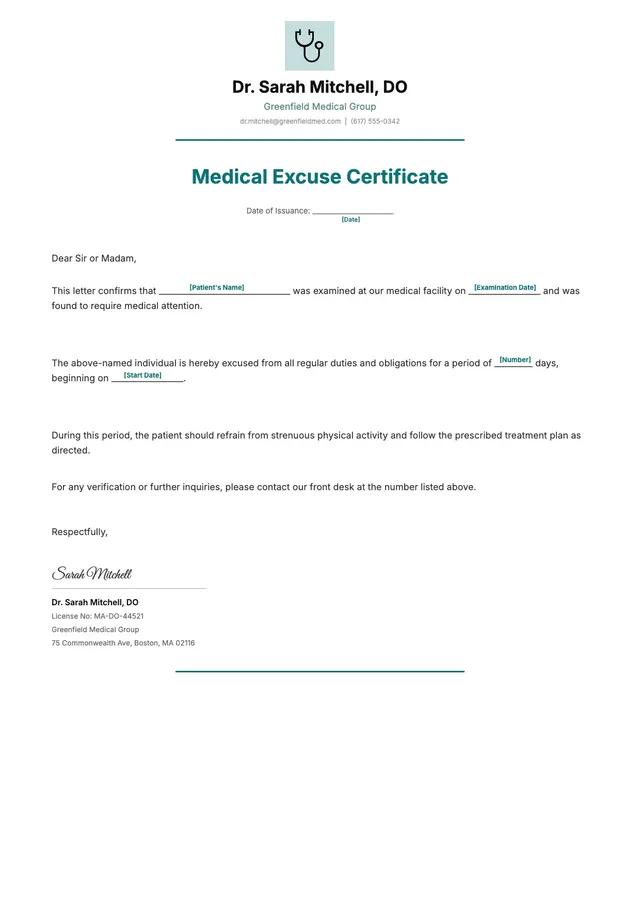
Medical Excuse Doctor Note
Use template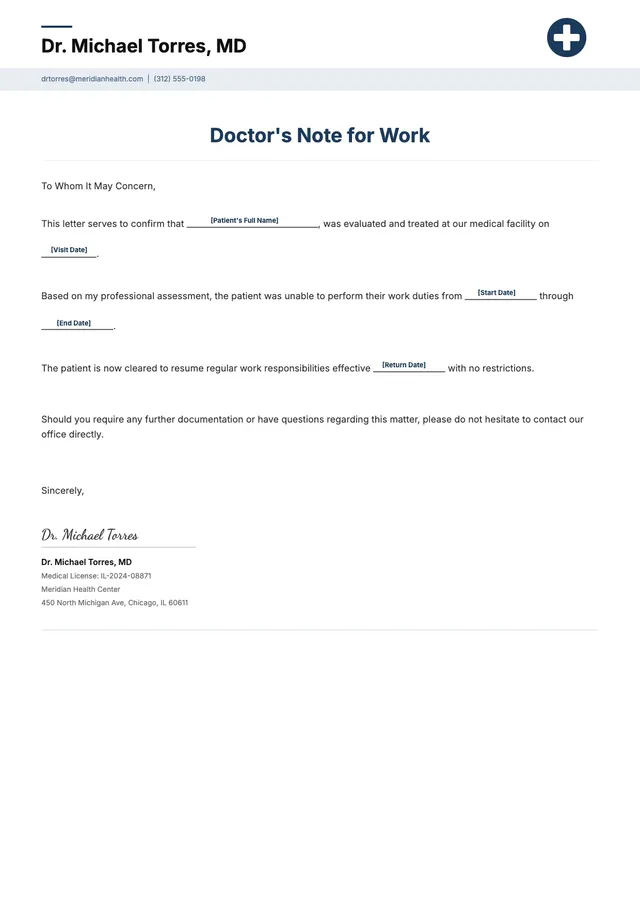
Sick Leave Doctor Note
Use template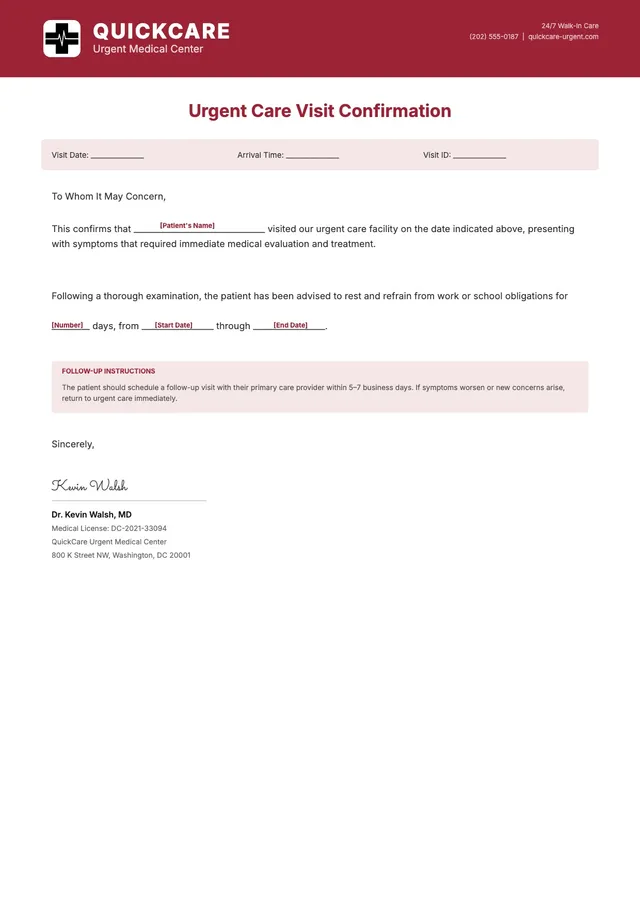
Urgent Care Doctor Note
Use template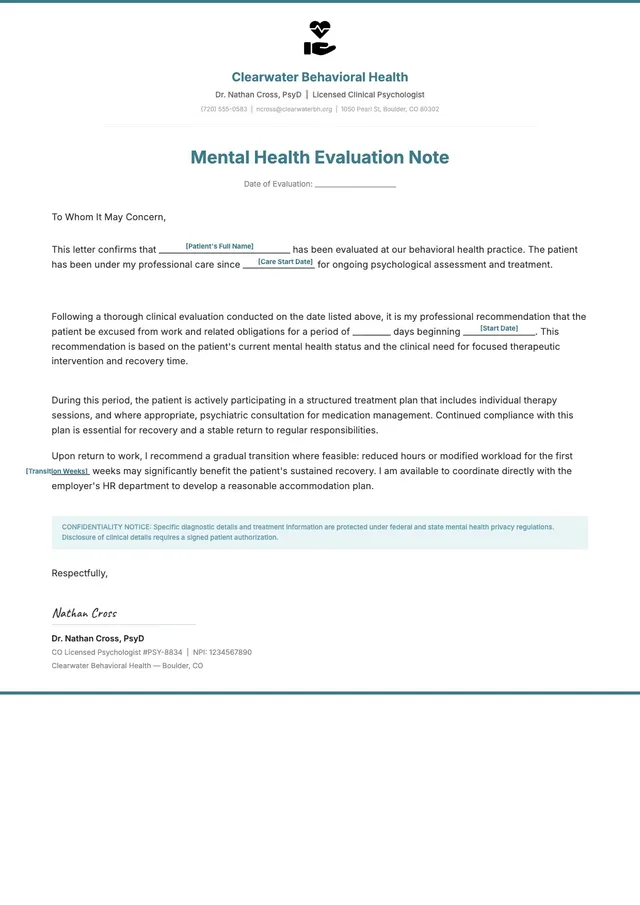
Mental Health Doctor Note
Use template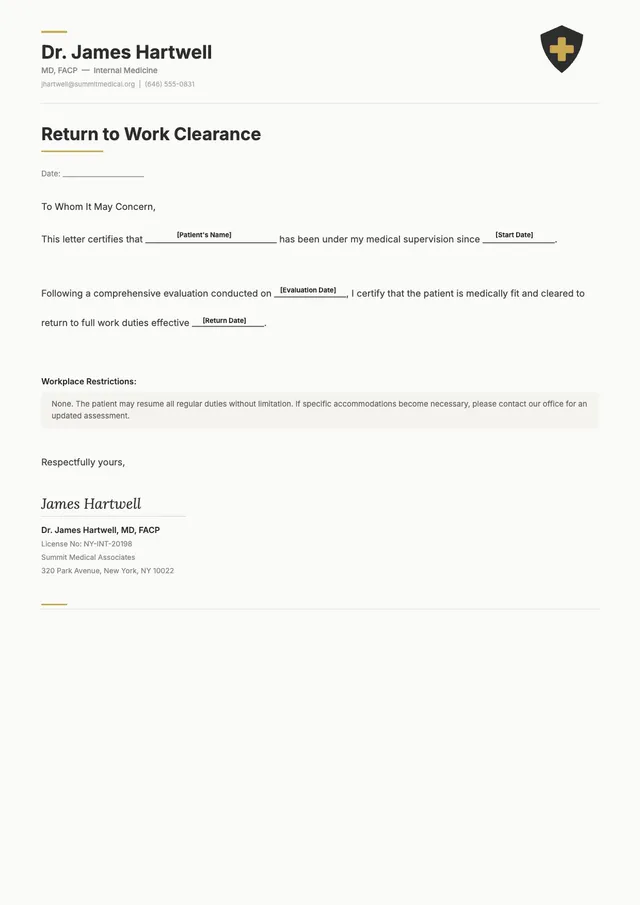
Return to Work Doctor Note
Use template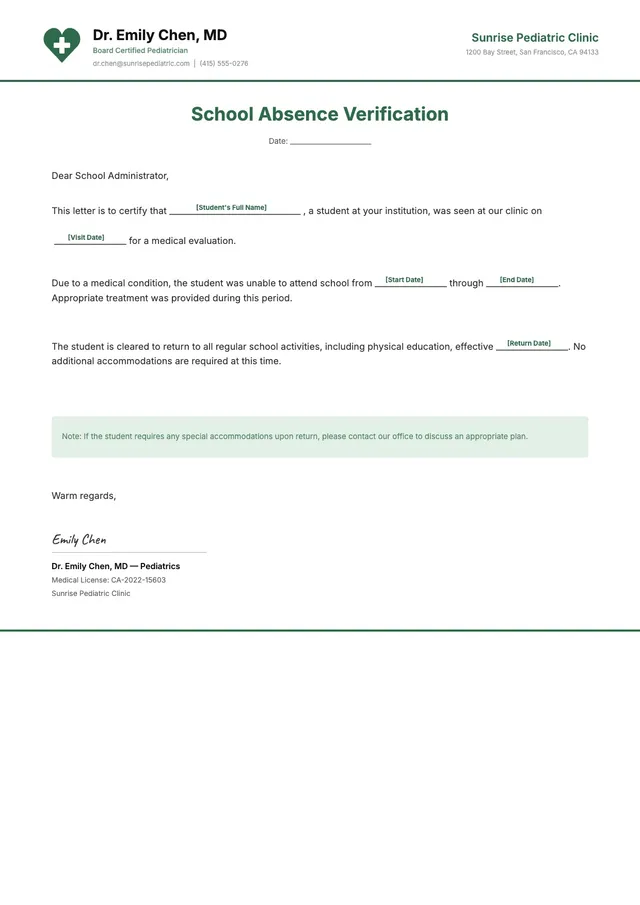
School Absence Doctor Note
Use template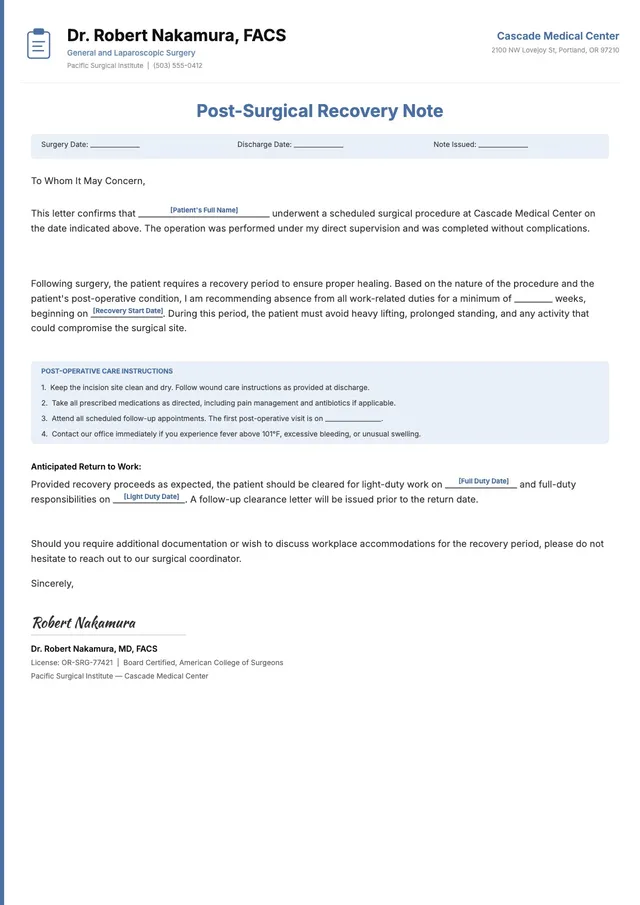
Surgery Recovery Doctor Note
Use template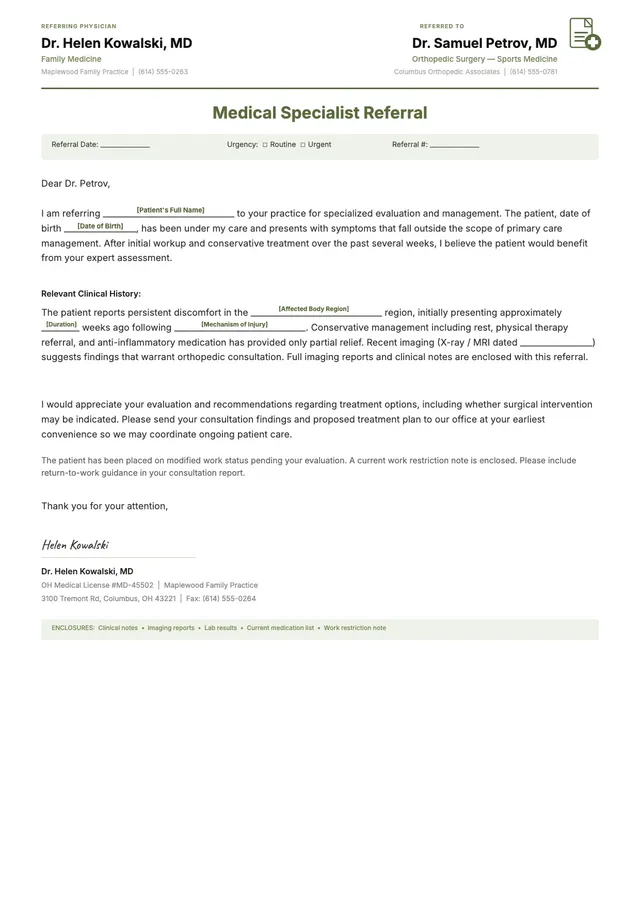
Specialist Referral Doctor Note
Use template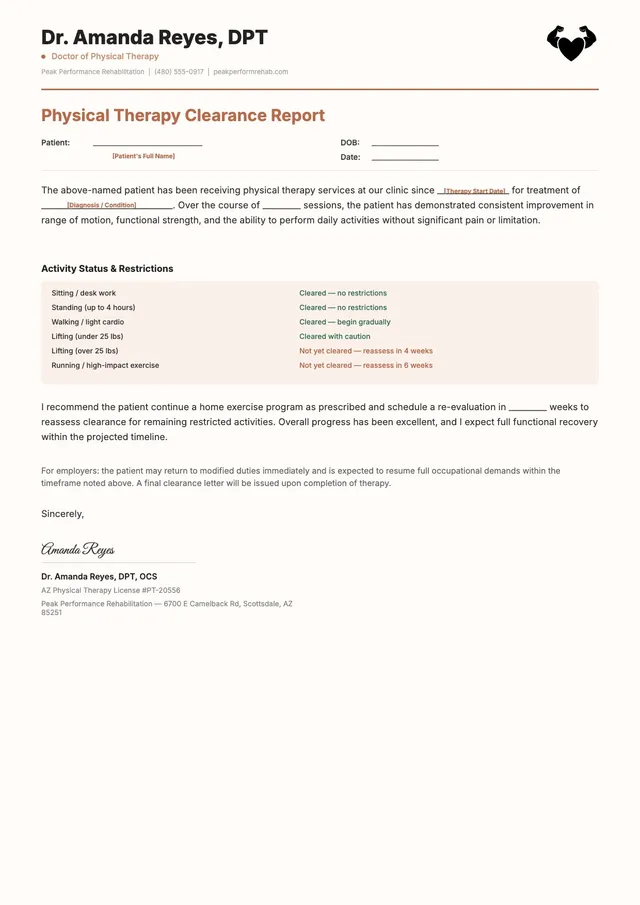
Physical Therapy Doctor Note
Use template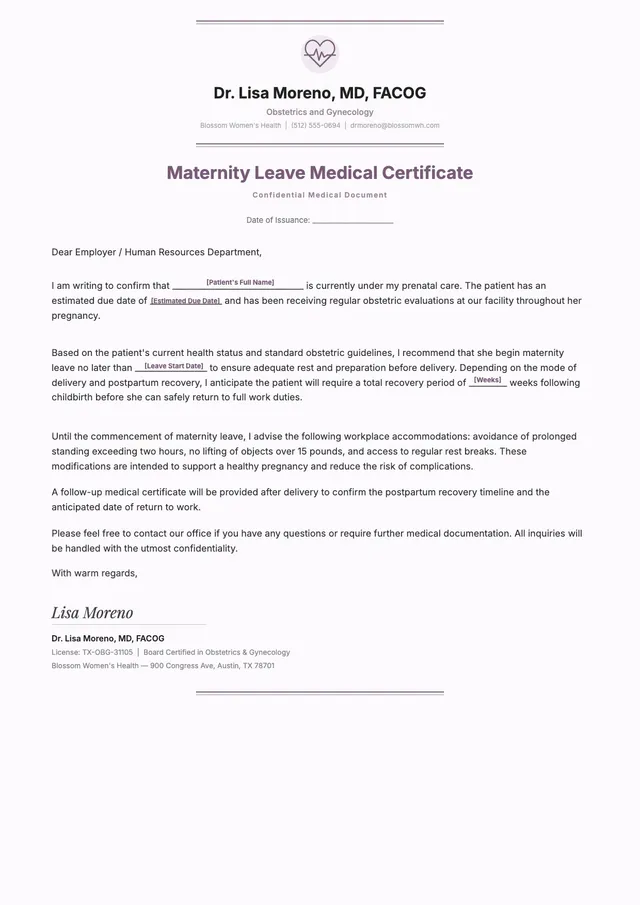
Maternity Leave Doctor Note
Use template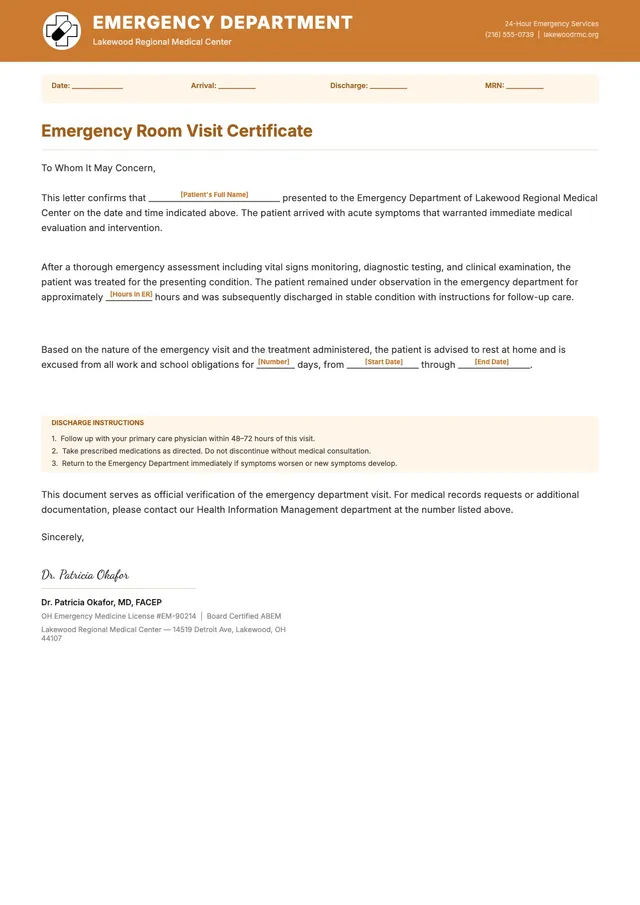
Emergency Room Doctor Note
Use template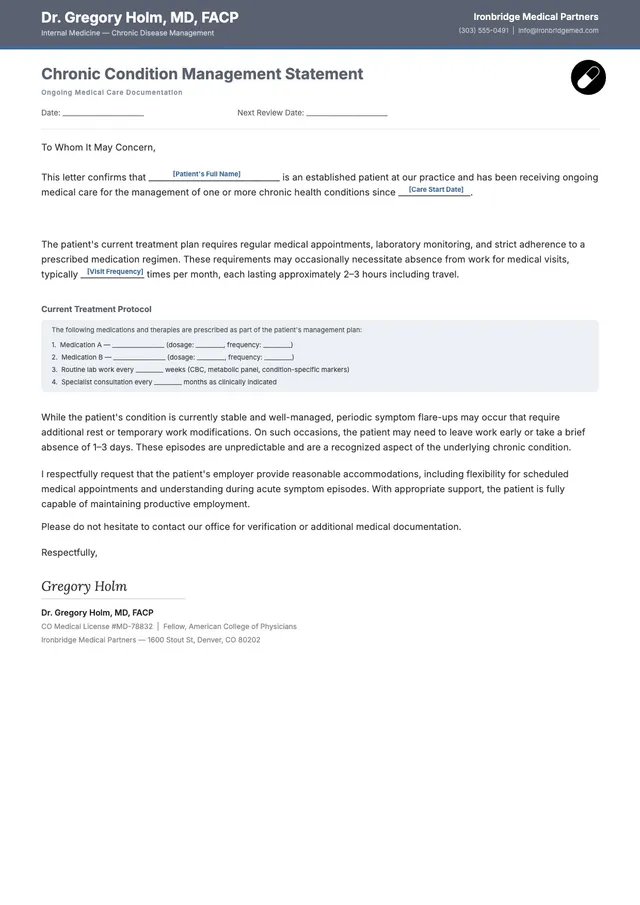
Chronic Condition Doctor Note
Use templateEditable doctor note templates for work, school, and urgent care
Doctor's note templates give you a professionally structured document with pre-built fields for patient information, visit date, diagnosis, work or school restrictions, and provider signature. Instead of drafting from scratch, you can open a template that matches your situation — whether it's a single sick day, an extended medical absence, or a return-to-work clearance — and fill in the details directly.
PDF Guru's template library includes doctor's notes for the most common documentation needs:
- Medical Excuse and Sick Leave notes for standard work absences and employer-required leave records
- Urgent Care and Emergency Room notes formatted for walk-in clinic and ER visit documentation
- Return to Work notes confirming a patient's clearance to resume duties after illness or injury
- School Absence notes for student absence verification required by schools and universities
- Mental Health and Physical Therapy notes for therapy-related absences and treatment documentation
- Surgery Recovery, Maternity Leave, and Chronic Condition notes for extended absence periods with specific activity restrictions
How to Customize and Download a Doctor's Note
Every template opens directly in PDF Guru's browser editor — no software to install. You can fill in patient details, examination date, diagnosis, and provider credentials, then adjust the layout, fonts, and formatting to match your clinic's documentation style. Add a provider signature and clinic contact information, then download the completed note as PDF, DOC, PNG, or JPG.
Who Uses Doctor's Note Templates
Healthcare providers and patients both rely on doctor's note templates to produce consistent, professional medical documentation. Physicians, nurse practitioners, and clinic administrators use them to standardize the notes their practice issues — ensuring every document includes the right fields and follows the same structure. Patients who need to submit absence documentation to an employer or school can start from a template and customize it for their specific visit. Urgent care facilities and walk-in clinics also use standardized templates to streamline documentation across providers and shifts.
Frequently asked questions
What should a doctor's note include?

Your completed note should include your full name, the date of examination, the name of the medical facility, the provider's name and credentials, a brief medical reason for the absence, any work or school restrictions, an expected return date, and the provider's signature. For extended absences, it's also a good idea to specify activity limitations and whether follow-up appointments are required.
Are doctor's note templates legally valid?
A doctor's note template gives you the correct structure, required fields, and consistent formatting for medical documentation. The template itself isn't a legal document — its validity depends on the accuracy of the information you enter and the authentic signature of a licensed healthcare provider. A well-structured template helps ensure the completed note meets the standards expected by employers, schools, and HR departments.
How long is a doctor's note valid for?
There's no universal expiration for a doctor's note, but most employers and schools expect the note to correspond to a specific absence period. A note covering a three-day illness is typically accepted within the week following the absence. For extended medical leave or workplace accommodations, employers may request updated documentation at regular intervals — often every 30 days — to confirm the ongoing need for leave.
Do urgent care clinics provide doctor's notes?
Urgent care clinics and walk-in facilities routinely issue doctor's notes for patients seen during their visit. These notes verify the date of the appointment, any diagnosis relevant to the absence, and a recommended return date. You can use the Urgent Care Doctor Note template in PDF Guru's library — it's formatted specifically for this type of visit.
Who can issue a doctor's note?
Licensed physicians (MD and DO), nurse practitioners, and physician assistants can all issue valid doctor's notes. Some states also extend this authority to licensed clinical psychologists and dentists for conditions within their scope of practice. The provider must have directly examined you — telehealth visits qualify, but a note can't be issued based solely on a phone call without a clinical evaluation.
Can I save a completed doctor's note in different formats?
Once you've finished editing your doctor's note template in the PDF Guru editor, you can download it as PDF, DOC, PNG, or JPG. PDF is the standard format for medical documentation because it preserves the layout and is accepted by most employers and schools for both digital submission and printing.
How do I cancel PDF Guru?
You can cancel your active plan from your PDF Guru account settings, or contact support and ask them to cancel the subscription for you. Account access stays in place until the billing period you already paid for comes to an end.