

Exit Ticket Templates
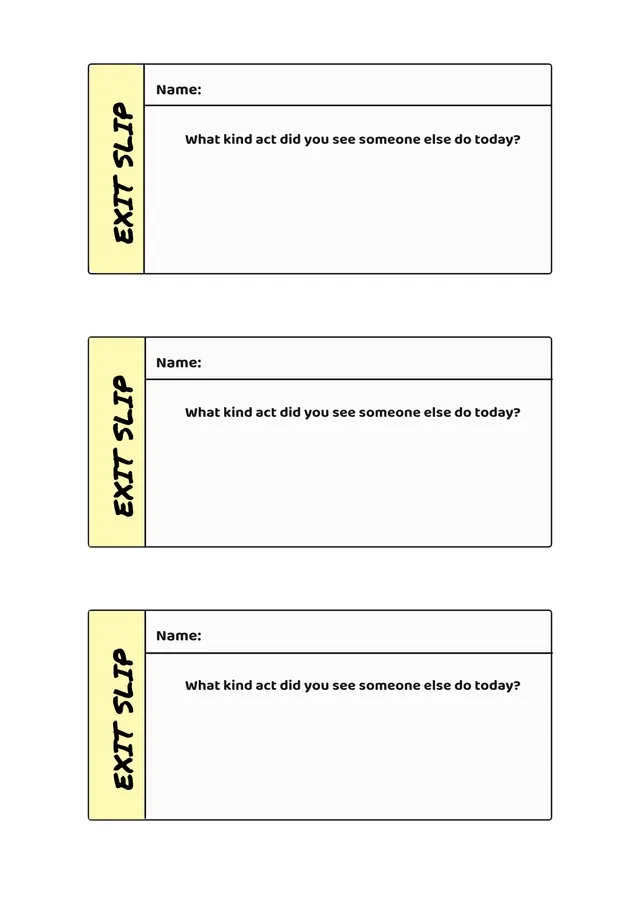
Classroom Exit Ticket Template
Use template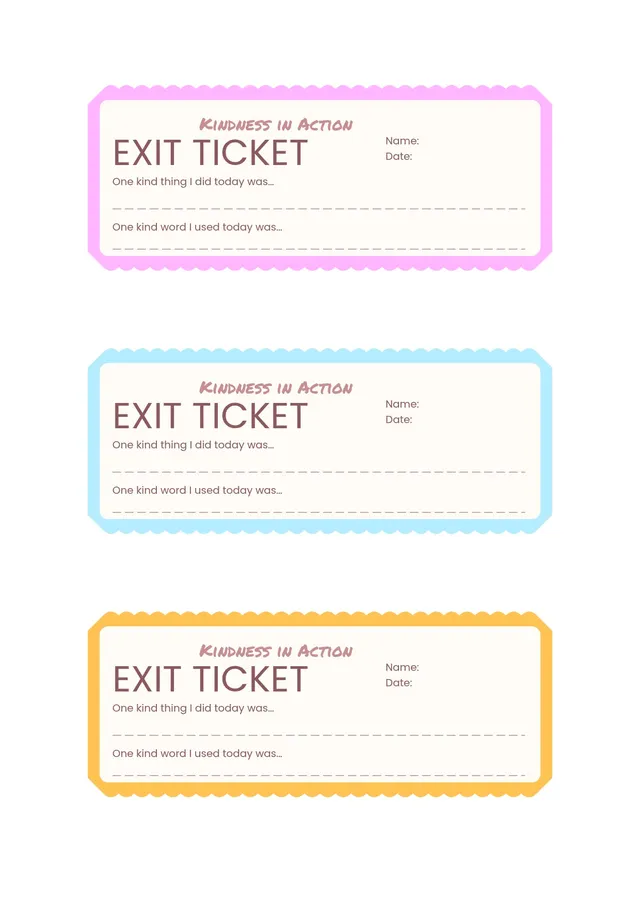
Elementary Exit Ticket Template
Use template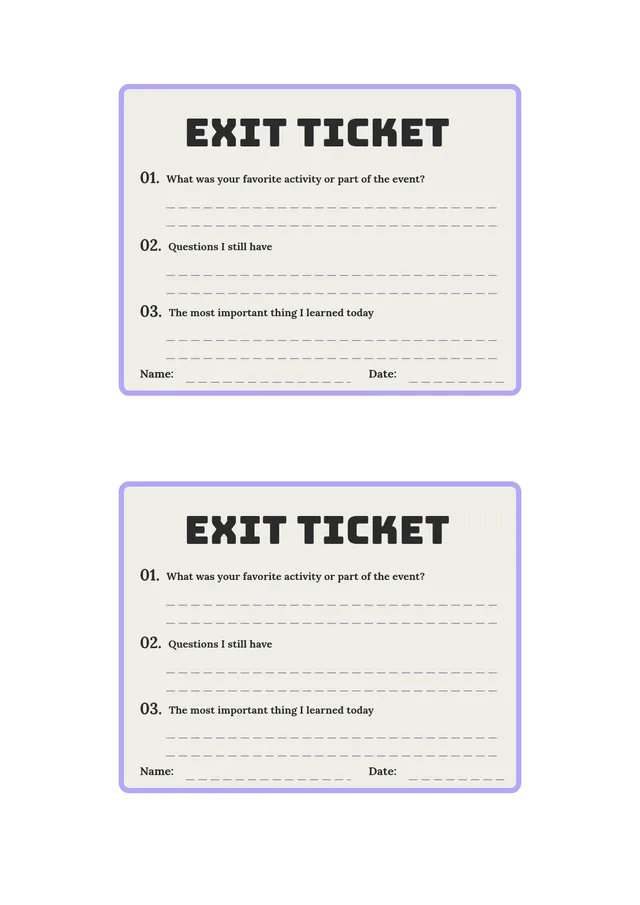
Digital Exit Ticket Template
Use template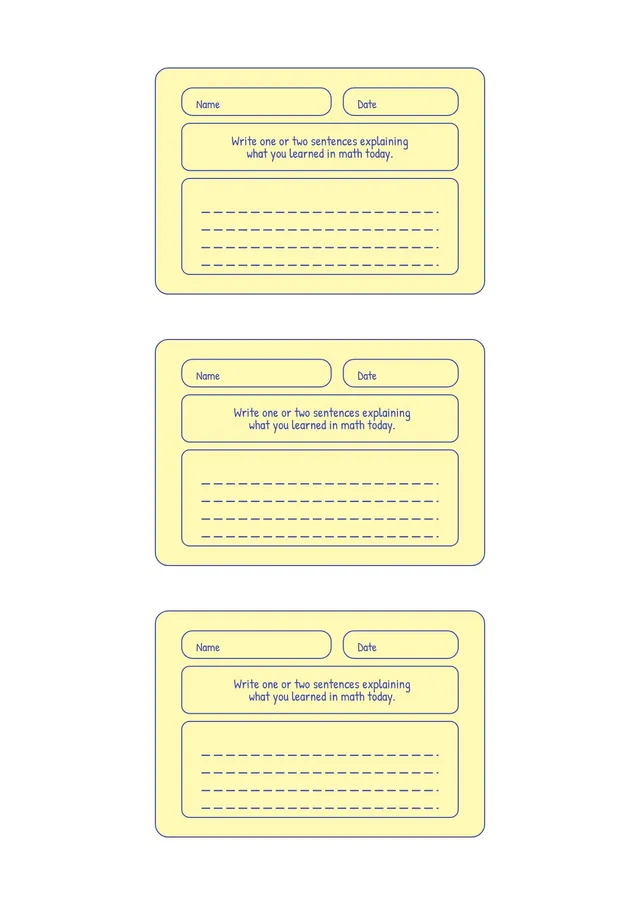
Math Exit Ticket Template
Use template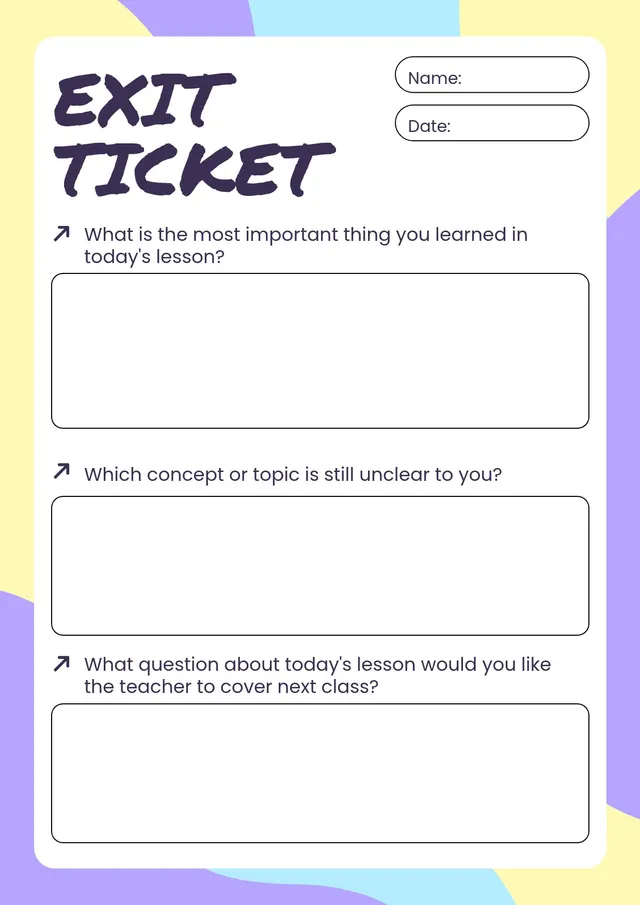
Student Exit Ticket Template
Use template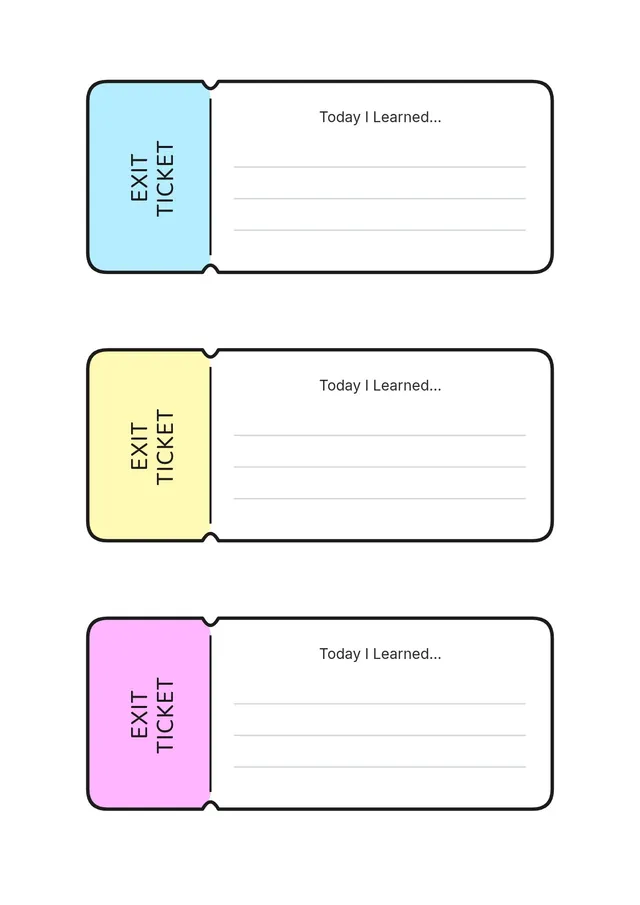
Colorful Exit Ticket Template
Use template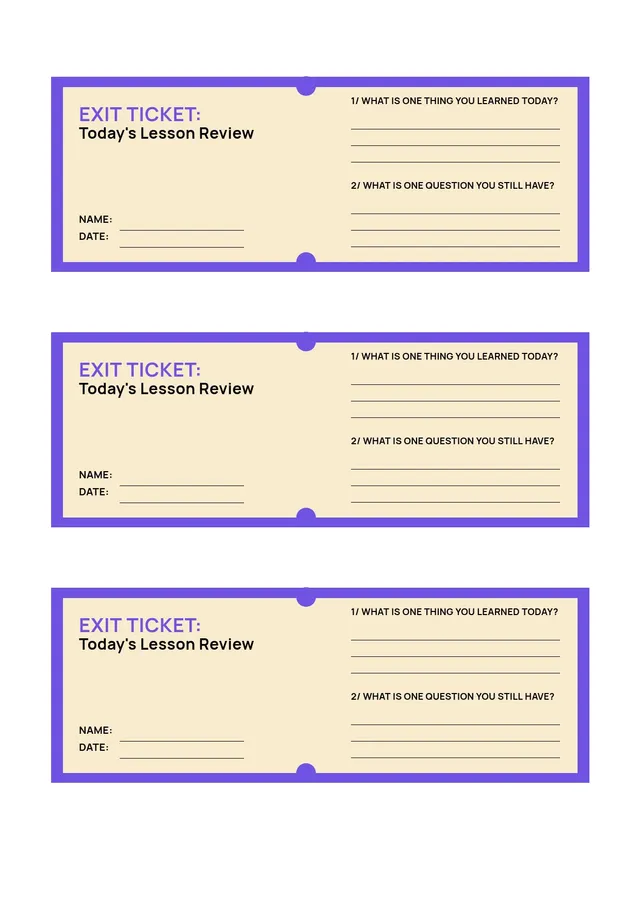
Lesson Exit Ticket Template
Use templatePrintable exit ticket templates for quick classroom checks
An exit ticket is a short prompt students answer at the end of a lesson, right before they leave the classroom. It gives teachers a fast, low-pressure way to gauge comprehension and see who grasped the day's lesson and who needs more support. An exit ticket template gives you a ready-made format so you can focus on the questions, not the layout. PDF Guru offers editable exit ticket templates you can edit for any subject area and grade level, then print or share in seconds.
Used consistently, exit tickets turn the last few minutes of class into valuable data. Instead of guessing whether a concept landed, you collect quick student responses that show exactly where the class stands - so you can plan the following day with confidence.
What Is an Exit Ticket?
An exit ticket, sometimes called an exit slip, is a brief comprehension check given in the last few minutes at the end of a lesson. Students answer one or more specific questions - on paper, a sticky note, or a printed slip - and hand it in as they leave. The goal is not to grade, but to assess student understanding quickly: did students understand the lesson, what did they learn, and what is still unclear? This simple check-in helps teachers spot misunderstanding early and adjust your teaching accordingly.
Why Use Exit Tickets?
Exit tickets are one of the simplest formative assessment tools a teacher can use, and the benefits add up quickly:
- Check for understanding - See at a glance whether students understood the lesson before you move on
- Provide valuable feedback - Student answers reveal misunderstandings you can address right away
- Encourage student reflection - A well-designed exit ticket prompts students to reflect on and summarize what they learned
- Monitor student progress - Regular check-ins help you track learning at the end of each lesson
- Save time - Quick to hand out, quick to review, and easy to fit into any lesson plan
What to Include on an Exit Ticket
- A clear prompt - One or two specific questions tied to the day's learning objective
- Space to respond - Room for students to write an answer, work through a calculation, or note the key point
- Name and date - So you can match responses to students and track progress over time
- A reflection line - An optional prompt for reflection, such as "one thing I still have a question about"
Exit Ticket Ideas and Prompts
The best prompts are quick to answer but reveal real understanding. A few prompts to try:
- 3-2-1 - Three things they learned, two questions they have, and one thing they found interesting
- Summarize the main idea - Ask students to summarize the lesson in one or two sentences
- New vocabulary - Have students use a key term correctly in a sentence
- Solve and explain - A quick math problem with a short explanation of the steps
- Self-reflection - "How confident do you feel about today's topic, and why?"
How to Create Exit Tickets with PDF Guru
- Choose a template - Browse printable exit ticket templates in several layouts, from a single full-page slip to several tickets per page.
- Add your prompts - Type your questions directly into the editor and tailor them to the lesson and grade level.
- Customize the design - Adjust fonts, colors, and spacing, or add your name and class details for a polished, classroom-ready look.
- Download and print - Save as a printable PDF and print several to a page, or print on sticky notes for a fast, paperless-feeling handout.
- Reuse anytime - Keep a blank exit ticket on file and reuse it for every lesson, updating only the prompt each day.
Frequently asked questions
How do I use exit tickets in my classroom?

Hand out an exit ticket in the last few minutes of class and ask students to answer the prompt before they head out. Collect the slips as students leave, then review the responses to see who understood the lesson and who needs review. Use what you learn to plan for the next lesson - reteaching a tricky point, grouping students, or moving ahead when the class is ready. Exit tickets work across grade levels and every subject area.
Can I make digital exit tickets?
Yes. While many teachers print exit tickets on paper or sticky notes, you can also share the template digitally through Google Classroom or a similar platform, letting students respond on a device. Printable slips are great for a quick, screen-free check-in, while digital versions make it easy to collect and store answers. With PDF Guru you can download in different formats to suit either approach.
Are exit tickets a form of assessment?
Yes - exit tickets are a formative assessment tool, meaning they measure learning as it happens rather than assigning a final grade. They give you a quick way to assess if students understood the lesson and to track student progress over time. Because they are fast and low-stakes, exit tickets give you useful insight without adding to your grading load.
How do I cancel PDF Guru?
You can cancel your active plan from your PDF Guru account settings, or contact support and ask them to cancel the subscription for you. Account access stays in place until the billing period you already paid for comes to an end.