

M4A to MP3 Converter
Size up to 100 MB
By uploading a file, you agree to our Terms of Use and acknowledge our Privacy Policy
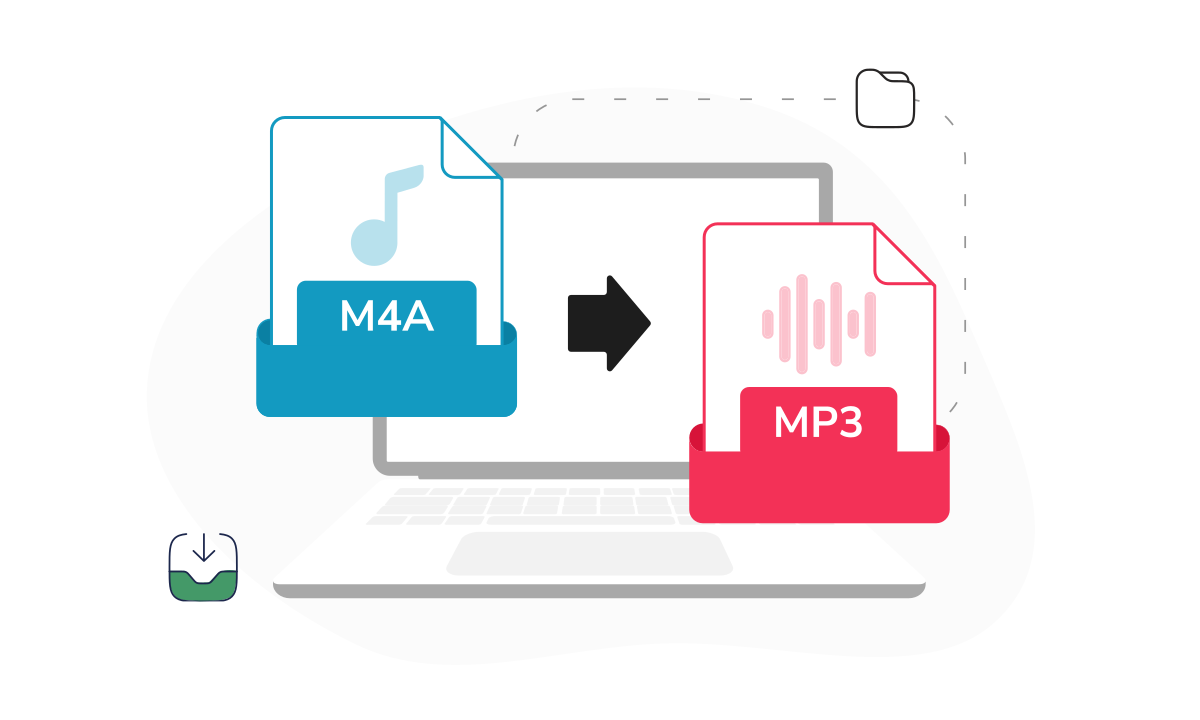
How to convert M4A to MP3
 Download your first file for free. To continue using PDF Guru, choose one of our subscription plans.
 Upload your M4A file into the window
 Wait a few seconds while we process the audio
 Download the converted MP3 file to your device.
Trusted and certified by industry leaders




Why use our M4A to MP3 converter

High-quality output
Your MP3 audio will sound just as good as the original M4A — we preserve the audio quality throughout conversion.
Fast processing
Long recordings don't mean long waits. Our converter processes even large M4A files in a matter of seconds.
Unlimited conversions
Got a dozen files to convert? No problem. We don't restrict how many M4A files you can turn into MP3s.Cloud storage
All your files are saved to your dashboard, so you can grab them again if you lose the download or switch devices.Simple interface
Fewer steps mean faster work. Our simple layout takes you from upload to download without any detours.Privacy protection
Your files stay private. We use industry-standard security to keep your audio converter uploads confidential.
A reliable way to change M4A to MP3
Our M4A to MP3 converter is built for quick, straightforward audio conversion without extra steps. Upload your file and get an MP3 that’s ready to play on almost any device or platform. The tool keeps processing simple while maintaining reliable sound quality, even for longer recordings. Everything runs online, so there’s nothing to install. We continue refining performance and adding improvements to make everyday audio conversion faster, smoother, and more dependable.
What users are saying about our online tool

Frequently asked questions
What is an M4A file?

M4A is an Apple audio format built on the MPEG-4 standard. It often uses Advanced Audio Coding (AAC) or Apple Lossless Audio Codec (ALAC) to store digital audio efficiently. You’ll commonly see M4A files in iTunes Store purchases, iPhone recordings, or QuickTime exports.
While sound quality is strong, some devices and apps don’t fully support this format, which is why converting to MP3 improves compatibility.
Is MP3 better than M4A?
There's no clear winner — each file format has its strengths. M4A is more efficient, giving you better sound quality without larger file sizes. But MP3 is universally compatible and plays on virtually anything.
If you're running into playback issues with M4A files, switching to MP3 is a simple fix. From a sound perspective, most listeners won't notice much difference between the two.
How do I change M4A to MP3 online?
Turning M4A into MP3 with PDF Guru is simple. Follow these steps:
- Scroll up to the converter and upload your M4A file into the window.
- Wait a few seconds while we convert your file to MP3.
- Download the result to your device.
This is more than an audio converter. M4A to MP3 results go straight to your dashboard, so you can access them anytime.
Will my file lose quality when I convert M4A to MP3?
Some quality loss is normal because both M4A (when using AAC) and MP3 rely on lossy compression. That means the codec reduces file size by removing parts of the audio data that are less noticeable to the human ear. At higher bitrates, the difference is minimal for most listeners. If you're listening on hi-fi equipment, you may notice subtle changes, so always save your originals.
Does converting M4A to MP3 affect the audio layer?
Converting your M4A file to MP3 doesn’t remove the audio layer — it re-encodes the digital audio using a different codec. If the original file uses AAC within the MPEG-4 container, the converter extracts that stream and encodes it into MP3 format. Since both formats use lossy compression, a small amount of detail may be reduced during re-encoding.
Will metadata like artist name or title stay after conversion?
Basic metadata may be preserved, but it can vary depending on the source file. It’s always a good idea to double-check tags after conversion.
How do I cancel PDF Guru?
You can cancel your active plan from your PDF Guru account settings, or contact support and ask them to cancel the subscription for you. Account access stays in place until the billing period you already paid for comes to an end.
Choose a tool to work with PDF documents
- Edit PDF
- PDF Converter
- Compress PDF
- Merge PDF
- Split PDF
- Annotate PDF
- Fill PDF
- Rotate PDF
- Create PDF
- Organize PDF
- Sign PDF
- OCR PDF
- Extract PDF Pages
- Delete PDF Pages
- Password Protect PDF
- Remove Watermark
- Book Summarizer
- PDF Summarizer
- Translate PDF
- Crop PDF
- Unlock PDF
- Compress Images
- Merge images
- Enhance Image
- German to English Translator
- English to Spanish Translator
- Arabic to English Translator
- Japanese to English Translator
- QR Code Generator
- Transcribe Audio to Text
- Transcribe Video to Text
- Compress Video
- Ai Music Generator
- Noise Remover
- Vocal Remover
- Transcribe YouTube Video
- Video Editor
Edit & Sign
- Edit PDF
- PDF Converter
- Compress PDF
- Merge PDF
- Split PDF
- Annotate PDF
- Fill PDF
- Rotate PDF
- Create PDF
- Organize PDF
- Sign PDF
- OCR PDF
- Extract PDF Pages
- Delete PDF Pages
- Password Protect PDF
- Remove Watermark
- Book Summarizer
- PDF Summarizer
- Translate PDF
- Crop PDF
- Unlock PDF
- Compress Images
- Merge images
- Enhance Image
- German to English Translator
- English to Spanish Translator
- Arabic to English Translator
- Japanese to English Translator
- QR Code Generator
- Transcribe Audio to Text
- Transcribe Video to Text
- Compress Video
- Ai Music Generator
- Noise Remover
- Vocal Remover
- Transcribe YouTube Video
- Video Editor
- Avif to JPG
- GIF to JPG
- Heic to JPG
- JPG to PNG
- PNG to JPG
- SVG to JPG
- Heic to PNG
- PNG to WEBP
- WEBP to PNG
- Word to JPG
- CSV to Excel
- Audio Converter
- Video Converter
- Ebook Converter
- Image Converter
- MP4 to MP3
- M4A to MP3
- MP3 to WAV
- WAV to MP3
- MOV to MP4
- MKV to MP4
- WebM to MP4
- MP4 to WAV
- AVI to MP4
- MOV to MP3
- MOV to WAV
- MKV to MOV
- MP4 to AVI
- FLAC to MP3
- M4A to WAV
- OGG to MP3
- MP4 to WebM
- MKV to MP3
- Image to Text
- Text to Speech
Other Formats
- Avif to JPG
- GIF to JPG
- Heic to JPG
- JPG to PNG
- PNG to JPG
- SVG to JPG
- Heic to PNG
- PNG to WEBP
- WEBP to PNG
- Word to JPG
- CSV to Excel
- Audio Converter
- Video Converter
- Ebook Converter
- Image Converter
- MP4 to MP3
- M4A to MP3
- MP3 to WAV
- WAV to MP3
- MOV to MP4
- MKV to MP4
- WebM to MP4
- MP4 to WAV
- AVI to MP4
- MOV to MP3
- MOV to WAV
- MKV to MOV
- MP4 to AVI
- FLAC to MP3
- M4A to WAV
- OGG to MP3
- MP4 to WebM
- MKV to MP3
- Image to Text
- Text to Speech