

Combine Images Online
Size up to 100 MB
By uploading a file, you agree to our Terms of Use and acknowledge our Privacy Policy
How to combine photos
 Download your first file for free. To continue using PDF Guru, choose one of our subscription plans.
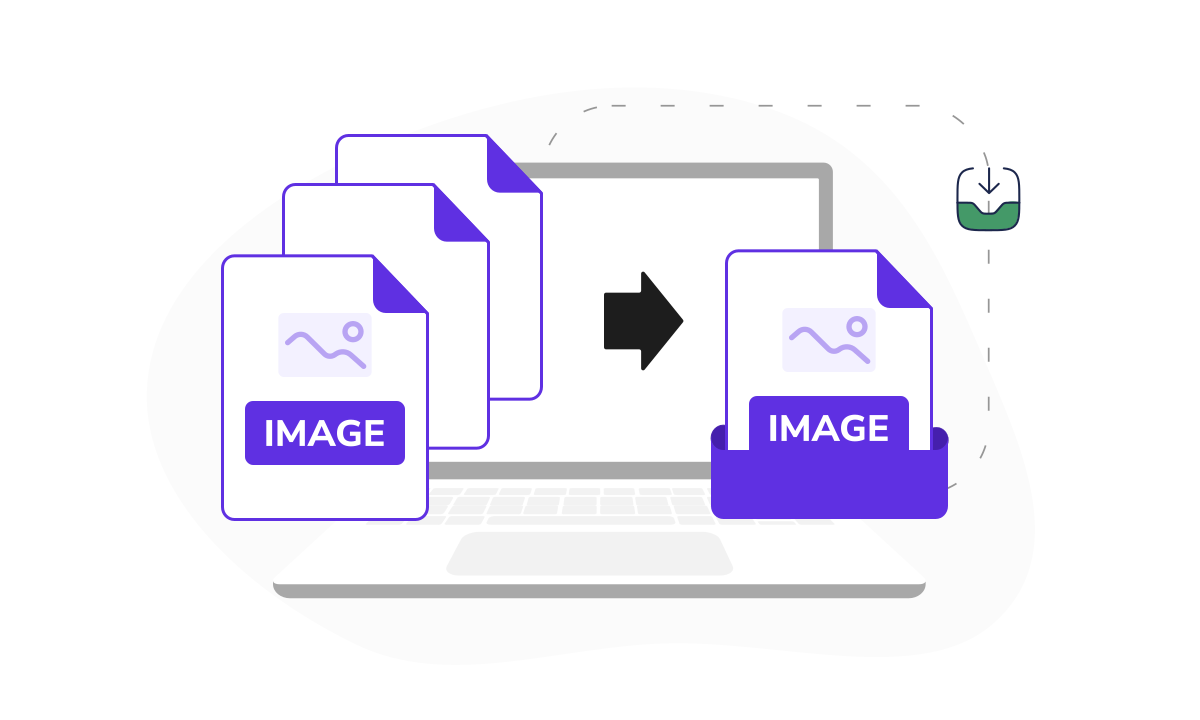
- Upload or drag & drop your images into the window.
 Arrange them in the desired order and click Merge files.
 Download your combined file in the preferred format.
Trusted and certified by industry leaders




Why merge images with us

Support for all formats
Merge multiple image formats — JPG, PNG, BMP, and more — into a single file with just a few clicks, no conversions needed.
Cloud storage
Your joined images are saved in your dashboard, so you can access and manage them whenever you need.
Flexible image order
Customize the order of your files exactly how you want, either before merging or later with quick changes in the editor.Quick merging
Combine multiple images into one in mere seconds — perfect for both small batches and larger image sets.Quality preserved
Your final file keeps the sharpness of each image with no compression or loss of clarity, just like the originals.Editing option
You’ll see your merged photos in the editor first, so you can make any final touches before saving.
Quick & reliable image combiner
We know how frustrating it can be to manage dozens of image files when you need to share or store them. That’s why we created a tool that lets you combine up to 30 images of any format in one simple step. Whether you're creating a presentation or sharing visuals with a client, our photo joiner delivers a clean file with quality intact.
What users are saying about our online tool

Frequently asked questions
Can I merge two images into one?

Technically, you can merge images online by placing them side by side (horizontally or vertically), overlaying them, blending them for creative effects, or compressing them into a ZIP archive.
Our tool lets you blend two pictures together side by side and export them as a PDF or PowerPoint file. It also allows you to zip them up into an archive if you choose JPG or PNG as the output format.
How do I put two pictures together?
Combine two photos using our tool. Follow these steps:
- Upload your selected files at the top of the page.
- Click Merge files in the top right.
- Once in the editor, select your output format: PDF, Word, or PowerPoint for merging photos into one document, or JPG or PNG to bundle them into a ZIP archive.
- Download your combined file or find it in your dashboard.
Will the size or quality change after combining images?
Our photo merger doesn’t compress or resize anything, so the final file keeps the original quality. However, depending on the format you choose, if your images are very detailed or layered, there might be small visual changes, such as reduced sharpness or slight shifts in alignment.
When I combine pictures, how many can I include at once?
You can combine images into one file, up to 30 at a time. Whether it's just a few pictures or a bigger set, our image merger handles it easily.
Is it safe to combine personal photos?
Yes, your files are safe with us. Our tool uses strong encryption and secure servers to protect your data. Google Safe Browsing also verifies us, so you can put photos together without worrying about privacy or security.
Which formats does your photo combiner support?
Our tool supports formats like JPEG, PNG, WEBP, BMP, and GIF. You can also mix photos of different formats within a single upload, even adding PDF files. Please note that we’re constantly improving our online tool and will add more file extensions in the future.
How do I cancel PDF Guru?
You can cancel your active plan from your PDF Guru account settings, or contact support and ask them to cancel the subscription for you. Account access stays in place until the billing period you already paid for comes to an end.
Related Articles
Choose a tool to work with PDF documents
- Edit PDF
- PDF Converter
- Compress PDF
- Merge PDF
- Split PDF
- Annotate PDF
- Fill PDF
- Rotate PDF
- Create PDF
- Organize PDF
- Sign PDF
- OCR PDF
- Extract PDF Pages
- Delete PDF Pages
- Password Protect PDF
- Remove Watermark
- Book Summarizer
- PDF Summarizer
- Translate PDF
- Crop PDF
- Unlock PDF
- Compress Images
- Merge images
- Enhance Image
- German to English Translator
- English to Spanish Translator
- Arabic to English Translator
- Japanese to English Translator
- QR Code Generator
- Transcribe Audio to Text
- Transcribe Video to Text
- Compress Video
- Ai Music Generator
- Noise Remover
- Vocal Remover
- Transcribe YouTube Video
- Video Editor
Edit & Sign
- Edit PDF
- PDF Converter
- Compress PDF
- Merge PDF
- Split PDF
- Annotate PDF
- Fill PDF
- Rotate PDF
- Create PDF
- Organize PDF
- Sign PDF
- OCR PDF
- Extract PDF Pages
- Delete PDF Pages
- Password Protect PDF
- Remove Watermark
- Book Summarizer
- PDF Summarizer
- Translate PDF
- Crop PDF
- Unlock PDF
- Compress Images
- Merge images
- Enhance Image
- German to English Translator
- English to Spanish Translator
- Arabic to English Translator
- Japanese to English Translator
- QR Code Generator
- Transcribe Audio to Text
- Transcribe Video to Text
- Compress Video
- Ai Music Generator
- Noise Remover
- Vocal Remover
- Transcribe YouTube Video
- Video Editor
- Avif to JPG
- GIF to JPG
- Heic to JPG
- JPG to PNG
- PNG to JPG
- SVG to JPG
- Heic to PNG
- PNG to WEBP
- WEBP to PNG
- Word to JPG
- CSV to Excel
- Audio Converter
- Video Converter
- Ebook Converter
- Image Converter
- MP4 to MP3
- M4A to MP3
- MP3 to WAV
- WAV to MP3
- MOV to MP4
- MKV to MP4
- WebM to MP4
- MP4 to WAV
- AVI to MP4
- MOV to MP3
- MOV to WAV
- MKV to MOV
- MP4 to AVI
- FLAC to MP3
- M4A to WAV
- OGG to MP3
- MP4 to WebM
- MKV to MP3
- Image to Text
- Text to Speech
Other Formats
- Avif to JPG
- GIF to JPG
- Heic to JPG
- JPG to PNG
- PNG to JPG
- SVG to JPG
- Heic to PNG
- PNG to WEBP
- WEBP to PNG
- Word to JPG
- CSV to Excel
- Audio Converter
- Video Converter
- Ebook Converter
- Image Converter
- MP4 to MP3
- M4A to MP3
- MP3 to WAV
- WAV to MP3
- MOV to MP4
- MKV to MP4
- WebM to MP4
- MP4 to WAV
- AVI to MP4
- MOV to MP3
- MOV to WAV
- MKV to MOV
- MP4 to AVI
- FLAC to MP3
- M4A to WAV
- OGG to MP3
- MP4 to WebM
- MKV to MP3
- Image to Text
- Text to Speech