

RTF to PDF Converter
Size up to 100 MB
By uploading a file, you agree to our Terms of Use and acknowledge our Privacy Policy
How to convert RTF to PDF online
 Download your first file for free. To continue using PDF Guru, choose one of our subscription plans.
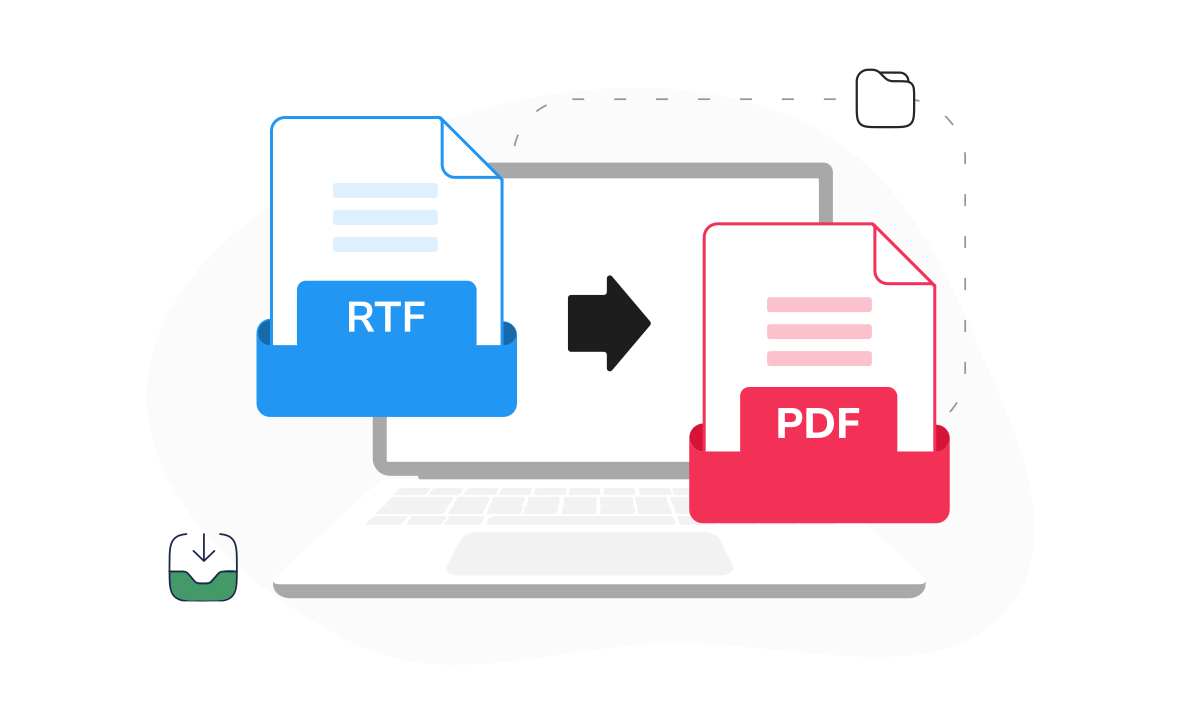
 Drag & drop your RTF file or click the + button to upload it
 Wait a moment for PDF Guru to convert the file to PDF
 Download your new PDF — it will also be saved to your account
Trusted and certified by industry leaders




Why choose our RTF to PDF converter

Consistent formatting
RTF files can render differently across various text processors, but PDFs keep fonts, spacing, and layout locked across all platforms.
Universal compatibility
PDFs open on almost any device, browser, or operating system, while RTF files may require specific software to display correctly.
Professional look
PDFs have become the global standard for professional use, trusted by institutions whenever accuracy and reliability are essential.Quick conversion
No waiting around. Convert a rich text document to PDF in seconds, ready to share, print, or store.Easy navigation
Our tool keeps things simple, with a logical interface that makes rich text to PDF conversion clear for anyone.Continuous updates
We keep improving our converter with new features and upgrades, so you’ll always have a tool you can count on.
Convert RTF to PDF for stress-free sharing
What users are saying about our online tool

Frequently asked questions
What is an RTF file?

An RTF (Rich Text Format) file is a document that stores text together with simple formatting, such as bold or italic fonts, different colors, and features like bullet points.
How to open an RTF file?
RTF files work with most text processors, such as Microsoft Word, LibreOffice, or Google Docs. Windows users can open them with WordPad, while Mac users have TextEdit built in for quick access.
Alternatively, you can skip extra software and open your files easily by converting them with our RTF to PDF tool.
How to change RTF to PDF with PDF Guru?
To convert rich text to PDF using our online tool, follow these steps:
- Upload your RTF file.
- Wait a few moments while we process it.
- Download your new PDF file, with all formatting, fonts, and images preserved.
That’s it! Your RTF document is now ready to use and share as a PDF.
How to save RTF as PDF?
To save an RTF file as a PDF, open it in a word processor like Microsoft Word, LibreOffice, or Google Docs. Choose File > Save As or Export, then select PDF as the output format. Your document will be saved as a PDF, preserving text and formatting.
What else can I do with PDF Guru?
With PDF Guru, it’s not just about converting files — you can do much more:
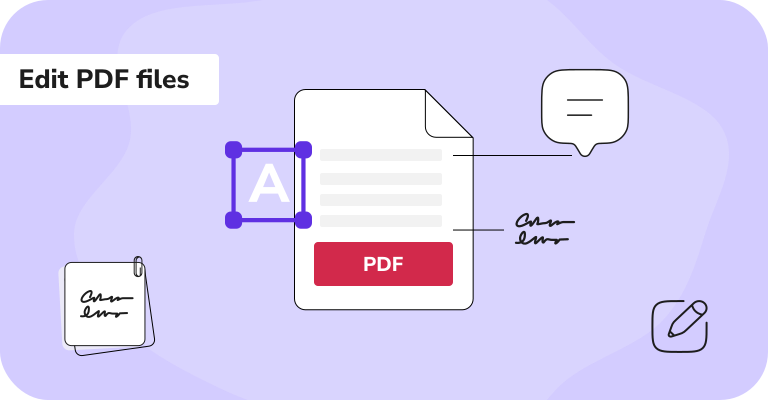
- Edit text and images right inside your PDFs
- Switch between file formats
- Add eSignatures
- Use handy templates
- Summarize long PDFs with AI
- Apply OCR to scanned files or photos to make the text editable
How does your conversion tool work?
You can use our RTF to PDF converter online. Just upload your file (up to 100 MB), and it will convert it to PDF within seconds. Everything is built for speed and a hassle-free experience.
How do I cancel PDF Guru?
You can cancel your active plan from your PDF Guru account settings, or contact support and ask them to cancel the subscription for you. Account access stays in place until the billing period you already paid for comes to an end.
Related Articles
Choose a tool to work with PDF documents
- Edit PDF
- PDF Converter
- Compress PDF
- Merge PDF
- Split PDF
- Annotate PDF
- Fill PDF
- Rotate PDF
- Create PDF
- Organize PDF
- Sign PDF
- OCR PDF
- Extract PDF Pages
- Delete PDF Pages
- Password Protect PDF
- Remove Watermark
- Book Summarizer
- PDF Summarizer
- Translate PDF
- Crop PDF
- Unlock PDF
- Compress Images
- Merge images
- Enhance Image
- German to English Translator
- English to Spanish Translator
- Arabic to English Translator
- Japanese to English Translator
- QR Code Generator
- Transcribe Audio to Text
- Transcribe Video to Text
- Compress Video
Edit & Sign
- Edit PDF
- PDF Converter
- Compress PDF
- Merge PDF
- Split PDF
- Annotate PDF
- Fill PDF
- Rotate PDF
- Create PDF
- Organize PDF
- Sign PDF
- OCR PDF
- Extract PDF Pages
- Delete PDF Pages
- Password Protect PDF
- Remove Watermark
- Book Summarizer
- PDF Summarizer
- Translate PDF
- Crop PDF
- Unlock PDF
- Compress Images
- Merge images
- Enhance Image
- German to English Translator
- English to Spanish Translator
- Arabic to English Translator
- Japanese to English Translator
- QR Code Generator
- Transcribe Audio to Text
- Transcribe Video to Text
- Compress Video
- Avif to JPG
- GIF to JPG
- Heic to JPG
- JPG to PNG
- PNG to JPG
- SVG to JPG
- Heic to PNG
- PNG to WEBP
- WEBP to PNG
- Word to JPG
- CSV to Excel
- Audio Converter
- Video Converter
- Ebook Converter
- Image Converter
- MP4 to MP3
- M4A to MP3
- MP3 to WAV
- WAV to MP3
- MOV to MP4
- MKV to MP4
- WebM to MP4
- MP4 to WAV
- AVI to MP4
- MOV to MP3
- MOV to WAV
- MKV to MOV
- MP4 to AVI
- FLAC to MP3
- M4A to WAV
- OGG to MP3
- MP4 to WebM
- MKV to MP3
- Image to Text
Other Formats
- Avif to JPG
- GIF to JPG
- Heic to JPG
- JPG to PNG
- PNG to JPG
- SVG to JPG
- Heic to PNG
- PNG to WEBP
- WEBP to PNG
- Word to JPG
- CSV to Excel
- Audio Converter
- Video Converter
- Ebook Converter
- Image Converter
- MP4 to MP3
- M4A to MP3
- MP3 to WAV
- WAV to MP3
- MOV to MP4
- MKV to MP4
- WebM to MP4
- MP4 to WAV
- AVI to MP4
- MOV to MP3
- MOV to WAV
- MKV to MOV
- MP4 to AVI
- FLAC to MP3
- M4A to WAV
- OGG to MP3
- MP4 to WebM
- MKV to MP3
- Image to Text